







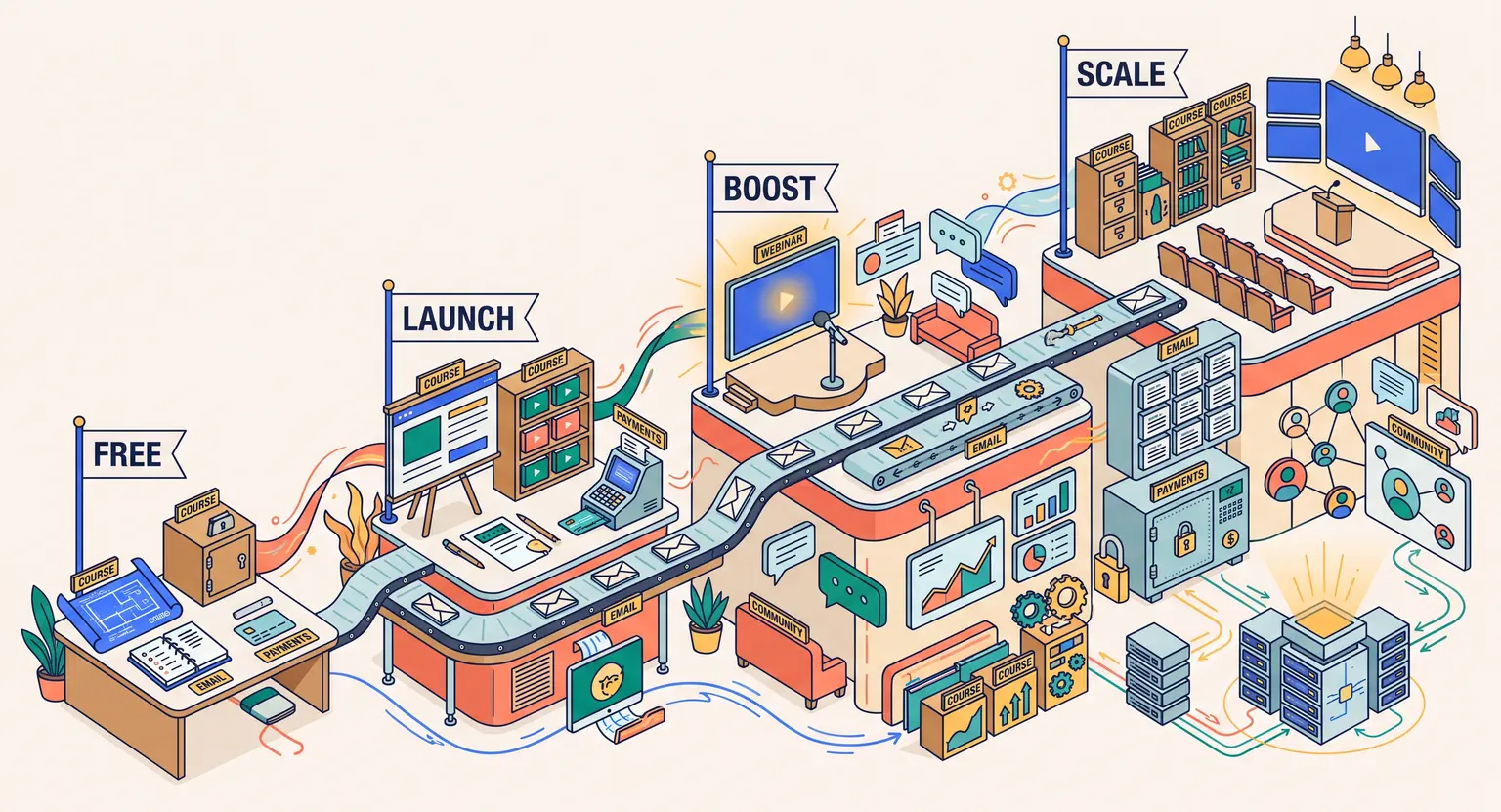
LearnyBox Pricing (2026 Guide): Which Tier is Right for You?
LearnyBox Pricing : 2026 Review
Key Takeaways
-
Free plan : LearnyBox offers a highly competitive LearnyBox free plan allowing you to build, customize, and deliver your training content without recurring monthly operations fees.
-
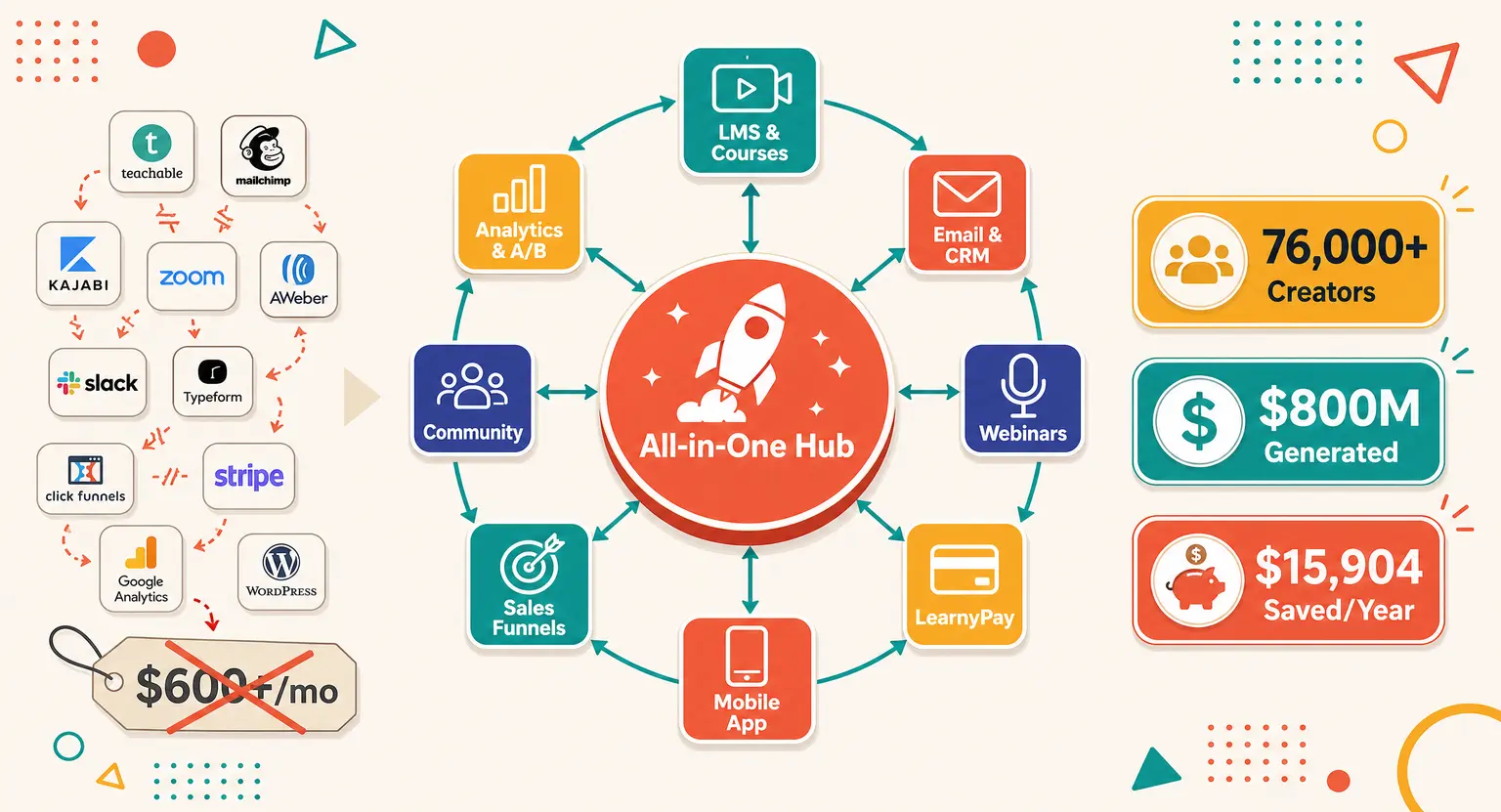
Software consolidation : by consolidating your web hosting, CRM, web design, and checkout gateways, you replace up to nine disconnected systems and immediately recover several hours of work every single week.
-
Seamless scalability : migrating from Launch to Scale happens in one click, meaning you never struggle with database exports or manual integration overhauls as your subscriber list expands.
-
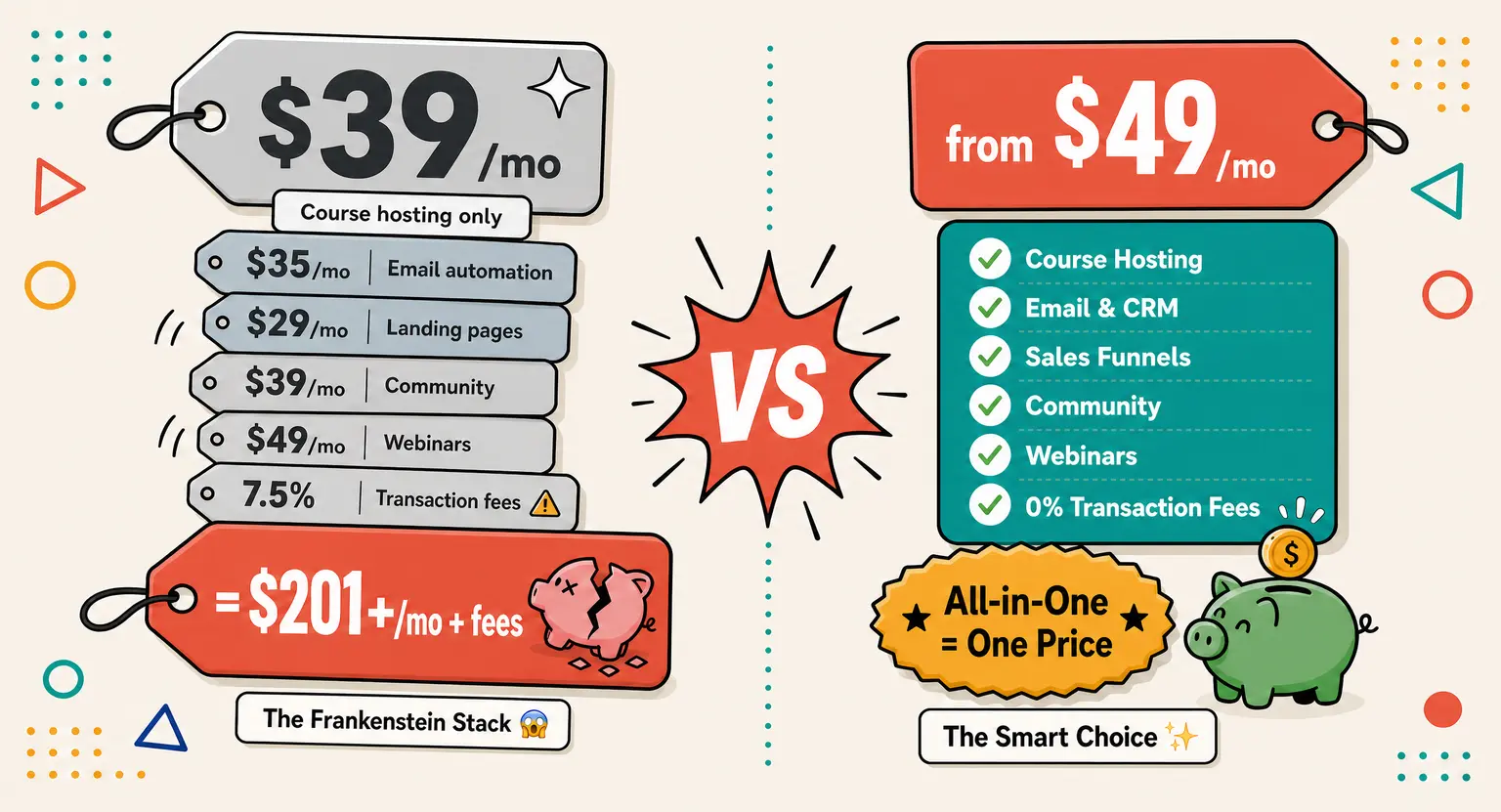
No hidden transaction costs : unlike certain major SaaS competitors, there are absolutely zero native commissions taken on your sales, giving you full control of your operating revenue.
Let's be real for a minute. Running an online training academy gets incredibly messy if you are constantly taping tools together like a system repairman.
You pay for email systems, then cart extensions, then training builders, and maybe dynamic webinar pipelines...
And half the time, these APIs stop communicating because of random platform updates, leaving your customers locked out of access pages.
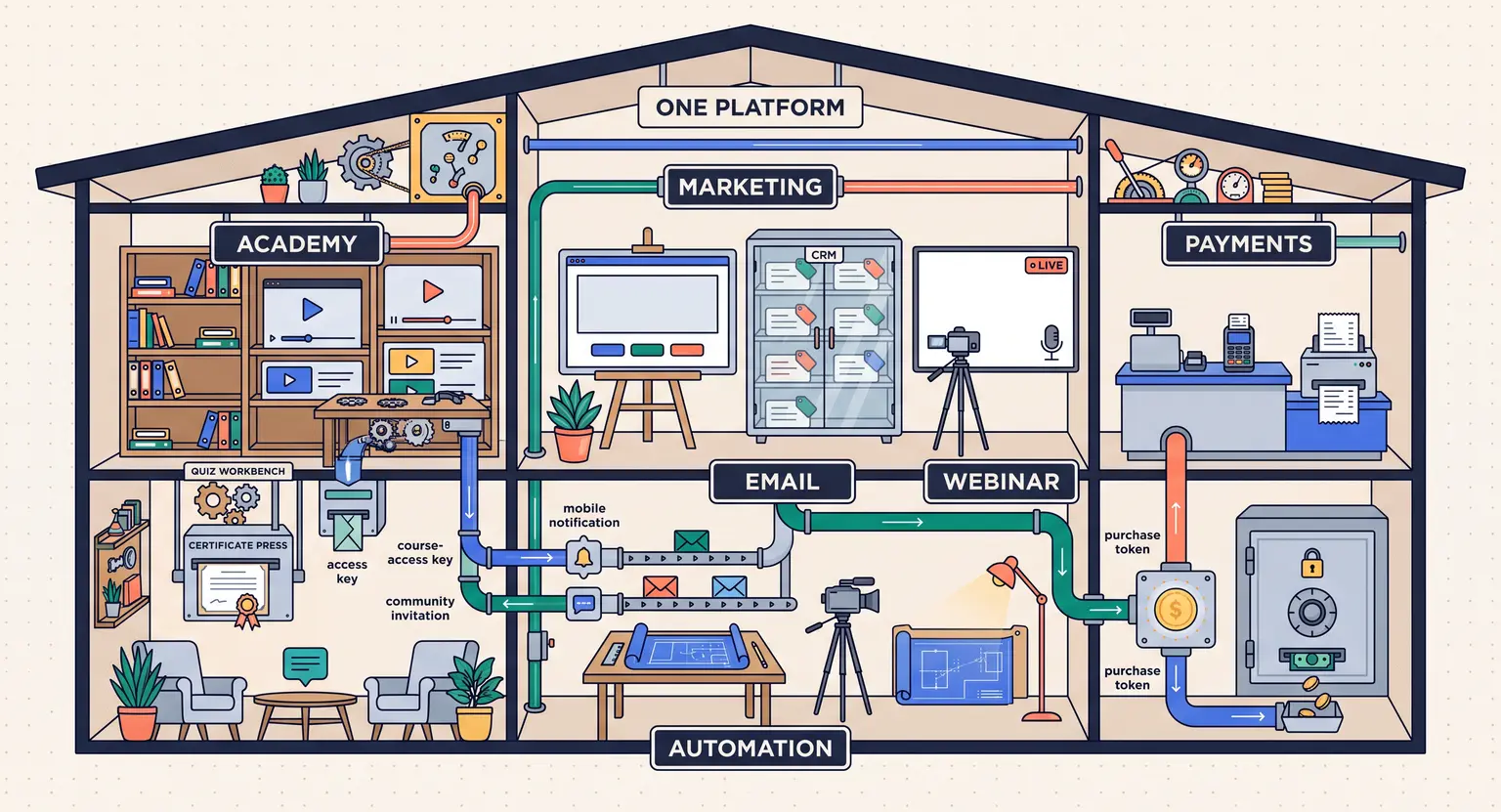
So that is precisely why LearnyBox exists. It acts as an integrated, robust engine built to coordinate your customer relationship managers, live masterclasses, and digital product portals in one workspace.
But is the active price structure designed to match your specific needs, or is it better to investigate competing platforms?
Let us parse through what you pay, what features each plan unlocks, and how to protect your profits.
Decoding the 2026 Plans : Simple Scaling With No Surprises
If you look at the onboarding details, LearnyBox avoids hiding behind confusing quote builders.
It presents four straightforward setups starting with a free account that does not require inputting credit cards. You can experiment on the dashboard and explore what is LearnyBox in your own time.
For businesses looking to launch their first professional campaign, paid plans scale up gracefully.
Billed monthly or annually, you have maximum flexibility. Committing to an annual run instantly secures two months free, which keeps valuable capital in your pocket as you establish your brand.
LearnyBox Pricing and Feature Comparison Table
To help you evaluate how the tiers match your operations, here is a breakdown of the monthly costs and limits across every package in 2026.
| Feature | Free plan | Launch tier | Boost tier | Scale tier |
|---|---|---|---|---|
|
Monthly price excl. VAT |
$0 |
$49 |
$99 |
$179 |
|
Annual equivalent |
Free forever. |
$490 per year. |
$990 per year. |
$1,790 per year. |
|
Course and student limits |
1 course, 20 students. |
10 courses, 100 students. |
Unlimited courses and students. |
Unlimited courses and students. |
|
Email marketing limits |
2,000 CRM contacts, 4,000 emails/month. |
7,500 CRM contacts, 75,000 emails/month. |
15,000 CRM contacts, 180,000 emails/month. |
40,000 CRM contacts, 600,000 emails/month. |
|
Webinars and automations |
1 live (10 min limit), 1 auto. |
1 live (2h limit), 1 auto. |
3 live (2h limit), 3 auto. |
5 live (3h limit), 10 auto. |
|
Payment gateways |
LearnyPay, Stripe. |
LearnyPay, Stripe, PayPal. |
LearnyPay, Stripe, PayPal, GoCardless & more. |
LearnyPay, Stripe, PayPal, GoCardless & more. |
|
Additional details |
LearnyBox features include basic white label and custom domains even on Free. |
Best for getting started and validating your early products. |
Most popular. Great for scaling infopreneurs. |
Check the detailed LearnyBox review for maximum limits. |
The Free Tier : High Utility Without the Paywall
Most platform providers introduce a free tier so crippled with limitations that it forces you to spend money within hours.
They block your custom domain names, enforce ugly platform branding watermarks across your checkout forms, or turn off email capabilities completely...
Thankfully, LearnyBox supports a functional free tier designed to let you build realistic models from the ground up.
And yes, you get to build one primary course and teach up to 20 students.
You can connect your custom domain (no DKIM configurations included on the free plan though) and write content on the visual page builders.
This means your new project has professional, clean links from day one.
You can also organize your contacts using the integrated CRM with up to 2,000 unique records and send 4,000 marketing messages every month.
But pay attention to the exact boundaries built to encourage upgrades when your audience expands :
-
Sales limits : you can process sales up to a lifetime total of $1,000 before you are required to transition to a premium package.
-
Webinar durations : live video rooms are limited to 10 minutes total with a maximum of 2 participants, so you can test the tool.
-
Support delivery : technical tickets on the free tier operate on a forty-eight hour response turnaround (but it's usually faster).
If you are still mapping out your curriculum, taking your time here makes sense. To ensure you set things up correctly, review our detailed guide on how to use LearnyBox which simplifies building your workspace.
Comparing the Premium Tiers : Launch, Boost, or Scale?
When you are ready to expand your customer database, our paid operational packages deliver truly advanced business solutions. Let's identify who each specific package fits best so you can make a highly informed business choice for your future.
1. The Launch Plan - $49 per Month
Once you successfully validate your digital product and need to process unlimited monthly sales, the Launch tier removes your limits.
At $49 monthly or $490 annually, you can configure PayPal along with native LearnyPay and Stripe systems. Your course limits expand to 10 distinct programs hosting up to 100 active members.
This serves as the standard starting point for serious creators. Your webinar capabilities expand to a two-hour limit with 100 live seats. You can configure up to 10 automated sales funnels, helping you design structured marketing funnels for different avatars.
2. The Boost Plan - $99 per Month
If your digital courses are showing consistent sales and you want aggressive business growth, Boost is designed for you.
Costing $99 monthly, it provides unlimited course hosting and unlimited student enrollments. You can construct up to 5 custom communities housing 3,000 members, helping you spark peer-to-peer engagement.
Your email database expands to support 15,000 CRM contacts, allowing you to schedule up to 180,000 emails per month and build 25 automated sequence pipelines.
This is massive for complex list-building setups. To design your templates properly, check out our comprehensive LearnyBox tutorial for optimal campaign setups.
3. The Scale Plan - $179 per Month
Large organizations, fast-growing agencies, and professional institutes need complete freedom.
Priced at $179 monthly or $1,790 annually, the Scale plan processes up to 40,000 CRM contacts and 600,000 emails per month with 50 automated sequencing templates.
This tier removes caps on communities and student registries. Plus, you secure 100 Go of hosting storage. This is the optimal package if you run multi-company portals or have custom API dependencies.
Consolidating Your Marketing Assets : The Real Math
When shopping, do not evaluate LearnyBox as a solo bill. Calculate the combined monthly total of paying for individual third-party tools.
Most educators spend heavily on separate apps :
-
Dedicated web design platforms : $47 to $97 per month.
-
Course content management servers : $49 to $129 per month.
-
Professional CRM systems : $59 to $179 per month.
-
Live video and webinar streaming rooms : $89 to $199 per month.
-
Secure merchant checkout platforms : $29 to $89 per month.
Adding that up reveals the average educator spends roughly $200+ monthly across five or six separate bills. Testing and integrating these services steals hours of precious focus every single week. Shifting to an all-in-one setup keeps your financial commitments predictable.
Related Materials for Savvy Instructors
-
See how our platform stacks up directly against the rest of the market in our deep-dive comparison of LearnyBox vs competitors.
-
Understand exactly how to set up your student academy by reviewing the best practices highlighted in our latest online course pricing strategy.
Making the Final Move : Choosing Your Ideal Tier
So what is the best strategy to select your initial plan? If you are starting from absolute scratch, starting on the free account allows you to structure files without financial stress.
But if you already have active training students, the Boost tier represents the best overall blend of unlimited growth without running into annoying monthly database bottlenecks.
It is easily the most popular selection for scaling infopreneurs who want to work on specialized pedagogical design rather than waste hours on technical system debugging.
Frequently Asked Questions
Is it simple to change my premium subscription tier later on?
Yes, you can upgrade or downgrade your active subscription whenever you choose from your account dashboard.
If you upgrade, your feature access shifts immediately and your billing updates proportionally.
Downgrading preserves your existing data records, though some premium workflows might pause if they exceed your new subscription limits.
Does LearnyBox add hidden transaction commission fees to sales?
No. LearnyBox prides itself on charging zero percent transaction commission fees on your sales revenue.
While standard gatekeeper transaction fees still apply from systems like Stripe or PayPal, LearnyBox does not tax your hard-earned digital products.
Do I need external video hosting systems to protect my files?
No, secure video hosting is native to the platform across all membership levels.
You simply drag and drop your course videos directly into the visual page builder, which handles compression and streams content cleanly across tablet, mobile, and web devices.
Are the platform email capabilities reliable for massive launches?
Yes, built-in emailing reliably delivers massive campaigns directly to your primary marketing lists.




 How to Create a Course Refund Policy (Templates & Best Practices for 2026)
 How to Run a Beta Version of an Online Course (2026 Guide)
 How to Create a Cohort-Based Online Course (2026 Guide)
 How to Sell an Online Course With a Quiz Funnel (2026 Guide)
 How to Sell an Online Course Through a Sales Call (2026 Guide)