







Video Lessons Best Practices: Expert Guide for 2026 Success
Video Lessons Best Practices : Expert Guide for 2026 Success
Key Takeaways for 2026 Video Success
-
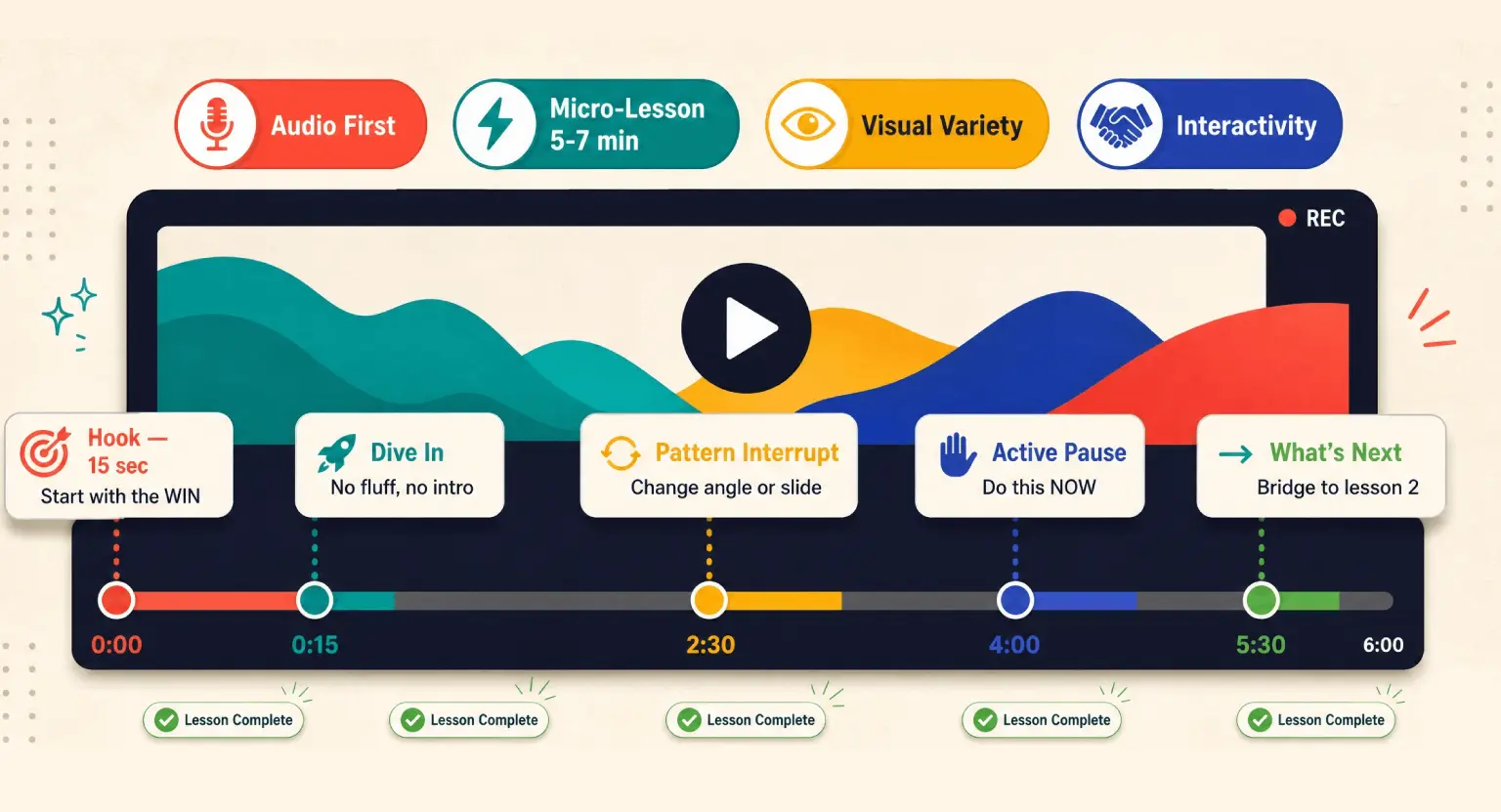
✅ Micro-Lessons Rule : keep your content between 5-7 minutes to respect attention spans and improve retention.
-
✅ Audio is Everything : students will forgive a grainy video, but they will quit if the sound is echoing or distracting.
-
✅ Interactive Pedagogy : use engaging course materials like built-in quizzes and pauses to keep learners active.
-
✅ Visual Variety : change camera angles or use on-screen graphics every 30-45 seconds to prevent visual fatigue.
-
✅ The Hook : front-load your value in the first 15 seconds to ensure students know exactly what they are learning.
The way we consume video in 2026 has fundamentally changed, and if you are still teaching like it is 2020, you're essentially talking to a ghost town.
People are tired of sterile, over-produced lectures that feel like they belong in a dusty basement archives.
They want connection.
They want a real human being who understands their struggles and can guide them through a solution with clarity and a bit of personality.
But just being 'real' isn't enough to make a great lesson; you need a framework that respects both the technology and the psychology of learning.
So, we are going to break down exactly how you should be building your video lessons today. I've seen thousands of creators struggle with this, but the ones who make it look easy are usually following a very specific set of best practices.
It isn't about having a Hollywood budget. It is about being intentional with your structure, your delivery, and how you leverage your comprehensive platform to sell your expertise.
Let's get into the weeds of how to make your videos actually stick.
The Psychology of the Micro-Lesson
People often ask me if they should record one long, comprehensive hour-long lecture or break it up into pieces.
The answer in 2026 is always - and I mean always - to break it up into micro-lessons.
We are living in a world of quick-scrolling information, and our brains are literally wired to seek out small wins.
When a student sees a 45-minute video, they feel a sense of dread because they don't know if they can commit that much focus right now.
But a 6-minute video? That feels manageable. That feels like something they can finish while having their morning coffee.
But it isn't just about length; it's about the cognitive load you're putting on your students. Each video should serve one single objective.
If you're teaching photography, don't make a video called 'Everything about Cameras.'
Make one about 'Choosing a Lens,'
another about 'Setting ISO,'
and another about 'Understanding Shutter Speed.'
This allows students to skip what they already know and dive deep into exactly what they need. And honestly, it makes your life easier as a creator because if one concept changes, you only have to re-record one 5-minute clip instead of an entire hour-long epic.
And let's talk about the 'completion high.' Every time a student clicks that little checkmark after a video, their brain releases a tiny bit of dopamine.
By having twenty 5-minute videos instead of two 50-minute videos, you are giving them ten times the psychological rewards throughout your course.
This momentum is what keeps them coming back day after day.
If you want to see how this looks in practice, check out some creator success stories to see how breaking down content changed their completion rates overnight.
Audio Integrity : The Invisible Bridge
I cannot stress this enough : your audio is more important than your video. Seriously.
If your video is slightly out of focus or the color is a little off, people might find it a bit unprofessional, but they will still watch.
If your audio has a background hiss, an echo, or is too quiet, their brain has to work 50% harder just to understand your words.
This leads to 'listening fatigue,' and within ten minutes, they will find an excuse to turn it off.
You want your voice to sound like you are sitting right next to them, not like you are calling them from inside a tin can.
So, how do you fix this without spending a fortune? First, treat your room.
You don't need a professional studio; you just need to kill the echoes. Throw some rugs on the floor, hang some heavy curtains, or even put some pillows around your desk.
But the real game-changer is the microphone placement.
Get that mic as close to your mouth as possible - usually about 4 to 6 inches.
This creates a rich, full sound that feels intimate. In 2026, students expect this level of intimacy because it builds that 'parasocial' relationship that makes online learning feel personal.
But sound isn't just about the microphone hardware. It is also about your pacing and your energy.
You need to speak about 10% faster than you do in real life.
On video, people perceive normal speech as being a bit slow and sluggish. You don't want to sound like a caffeinated chipmunk, but you do want to bring a level of enthusiasm that keeps the energy high.
If you sound bored by your own topic, your students will be bored too. Try standing up while you record; it naturally opens up your lungs and gives your voice more authority and presence.
The Scripting Paradox : Balancing Structure and Soul
There is a massive debate about whether you should use a teleprompter or just speak from the heart.
Here is the expert take : if you read from a script word-for-word and you aren't a trained actor, you will sound like a robot.
You will lose all the natural inflections and 'micro-gestures' that make you human. But if you have no plan at all, you will ramble, forget points, and probably repeat yourself four times.
The sweet spot is the 'Hybrid Outline.' This means you write down your hook (the intro), your main points, and your call to action (the outro), but you leave the 'middle' as bullet points.
And when you record, talk to the lens as if it's a single person. Don't say 'Hey everyone' or 'Hi class.' Say 'Today, I'm going to show you how you can...' This makes each individual student feel like you are speaking directly to them. It creates a sense of accountability.
But remember, the first 15 seconds are the most valuable real estate in your entire course.
Don't waste them on title cards or long introductions about your credentials. Just jump straight into the benefit.
Tell them why they should stay, what they will learn, and then get into the meat of the lesson immediately.
But don't be afraid to leave in a few mistakes. I'm serious. In 2026, 'too perfect' feels fake.
If you stumble over a word and laugh it off, or if your dog barks once in the distance and you acknowledge it, it actually makes the student trust you more.
It proves you aren't a generative AI avatar - you are a real person who has actually mastered the skill you're teaching.
This authenticity is the highest currency in the modern e-learning world. For more tips on this, keep an eye on our e-learning insights where we dive into the psychology of 'the human factor' in digital products.
Visual Standards and Pattern Interrupts
Visual fatigue is a very real thing. If a student is staring at your face for seven minutes straight without anything changing, their brain starts to tune out.
You need to include what we call 'pattern interrupts.' This could be a slide that pops up, a screen-share showing a process, or even just a change in the camera's zoom level.
Every 45 to 60 seconds, something on the screen should change. This resets the viewer's attention span and forces them to re-engage with the content.
Let's look at a comparison of what works versus what doesn't in 2026 production :
| Element | 2026 Best Practice (The Goal) | The "Old School" Fail (Avoid) |
|---|---|---|
| Resolution | 4K or High-Bitrate 1080p for crisp textures and readability on all screens. | Low-res webcam footage with visible pixels and motion blur. |
| Lighting | Three-point lighting or soft natural light that separates you from the background. | A harsh ceiling light or a bright window behind you causing a silhouette effect. |
| Graphics | Minimalist on-screen text overlays that highlight key terms or steps as you say them. | Cluttered slides with too much text that distracts the student from your voice. |
| Background | A clean, depth-filled real environment that reflects your brand and personality. | Distracting messy rooms or generic, poorly-keyed green screen backgrounds. |
| Subtitles | Dynamic, accurate captions (80% of learners watch with sound off at times). | No captions or auto-generated ones that are full of embarrassing errors. |
But don't think you need to be a professional editor to do this. Most modern tools allow you to add these elements with just a few clicks. The goal isn't to be fancy; it's to be helpful.
If you're talking about a specific concept, show the word on screen.
If you're showing a software demo, zoom in on the specific button you're clicking.
These tiny visual cues act as a GPS for the learner's eyes, ensuring they are looking exactly where they need to be at exactly the right time.
This is especially important for accessibility, making sure everyone can follow along regardless of how they are consuming your course.
Interactivity : Stop Being a TV Show
And here is where most people fail : they treat their video lessons like a Netflix series. They expect the student to just sit back, eat popcorn, and learn by osmosis.
That isn't how the brain works. To really learn, the student needs to 'do.'
This is why I advocate for the 'Active Pause.'
In the middle of your lesson, literally stop and say, 'Okay, I want you to pause this video right now and write down three ways you can apply this to your business.'
Then, actually give them a few seconds of silence on screen or a visual prompt to do it.
When you use a free LMS hosting solution like LearnyBox, you can even build in interactions around the video.
You can place a quiz right below the player, or a downloadable worksheet that they need to fill out while watching.
This turns a passive viewing experience into an active workshop. It forces the brain to move the information from short-term 'listening' memory to long-term 'doing' memory.
And as the expert, you are the facilitator of that movement. You aren't just a talking head; you are a coach guiding them through a process.
But don't overcomplicate it. Sometimes the best interaction is just a question.
'Does this make sense? Send me a quick message in the community forum if you're stuck on this part.'
This creates a feedback loop. It shows the student that you care about their progress and that the video is part of a larger ecosystem of learning.
In 2026, the 'all-in-one' nature of your platform should support this seamlessly, connecting your video content directly to your community and your assessments without any friction.
Final Preparations and Delivery
So, you've got your micro-lessons planned, your audio is crisp, you've got your outline, and your visual cues are ready. But before you hit record, do a 'vibe check'.
Are you dressed for the part? You don't need a suit, but you should look like someone your students would want to learn from.
Is your background interesting but not distracting? And most importantly, check your frame.
Make sure there isn't too much 'dead space' above your head. You want your eyes to be roughly in the top third of the frame to create a balanced, professional look.
And when you finish, don't just stop. Give your students a 'What's Next.' Tell them exactly which video to watch next or what task to complete.
This creates a bridge to the next lesson and maintains the momentum you've worked so hard to build.
Creating video lessons is an art form, but it's an art form that anyone can master with a little bit of practice and a lot of focus on the student experience.
You have the knowledge; now go out there and share it in a way that truly resonates.
Frequently Asked Questions
How long should a standard video lesson be in 2026?
The sweet spot has narrowed significantly due to the rise of micro-learning and shorter attention spans.
Aim for 4 to 7 minutes per video, ensuring each one solves exactly one specific problem or explains one single concept. If you have a massive topic, it is far better to split it into a five-part series than to force a single 30-minute lecture on your students.
This approach makes your content searchable and allows learners to consume it in 'pockets' of time throughout their busy days.
Do I need an expensive 8K camera to look professional?
Honestly, the camera sensor matters much less than your lighting and your audio quality.
Most modern smartphones have incredible lenses, but without a dedicated microphone and soft, diffused light, the video will still feel amateur. Invest first in a high-quality USB or XLR microphone and a basic two-point lighting setup before you spend thousands on a cinema camera.
In 2026, students value clear sound and a friendly face over 8K resolution that most of them won't even see on their mobile devices.
How can I keep students engaged when they are watching alone?
Engagement comes from creating an active rather than passive experience for the learner. Use frequent pattern interrupts like on-screen text overlays, b-roll footage, and direct 'eye-contact' with the camera lens.
More importantly, implement interactive prompts where you literally tell the student to pause the video and perform a specific task or reflect on a question.
This creates a psychological loop where the student feels like a participant in a workshop rather than a spectator watching a broadcast.
Is it better to script every word or just wing it on camera?
A hybrid approach usually yields the most 'human' and professional result for most educators.
While full scripts can make you sound like a robotic news anchor, winging it often leads to 'umms', 'ahhs', and rambling that wastes the student's precious time.
I recommend a detailed 'bullet-point script' that keeps you on track while allowing your natural personality and expertise to shine through.
This ensures you hit all the critical learning objectives without losing that conversational warmth that builds trust with your audience.
What is the most important part of the video introduction?
The first 15 seconds are your make-or-break moment where you must validate the student's time.
Instead of starting with 'Hi, my name is...', start with the transformation : 'By the end of this video, you will be able to...' This is called the 'Hook' and it immediately signals value to the brain.
Once you have established what they will gain, you can briefly introduce yourself, but keep the focus entirely on the student's needs and the problem you are solving in that specific lesson.



 How to Run a Beta Version of an Online Course (2026 Guide)
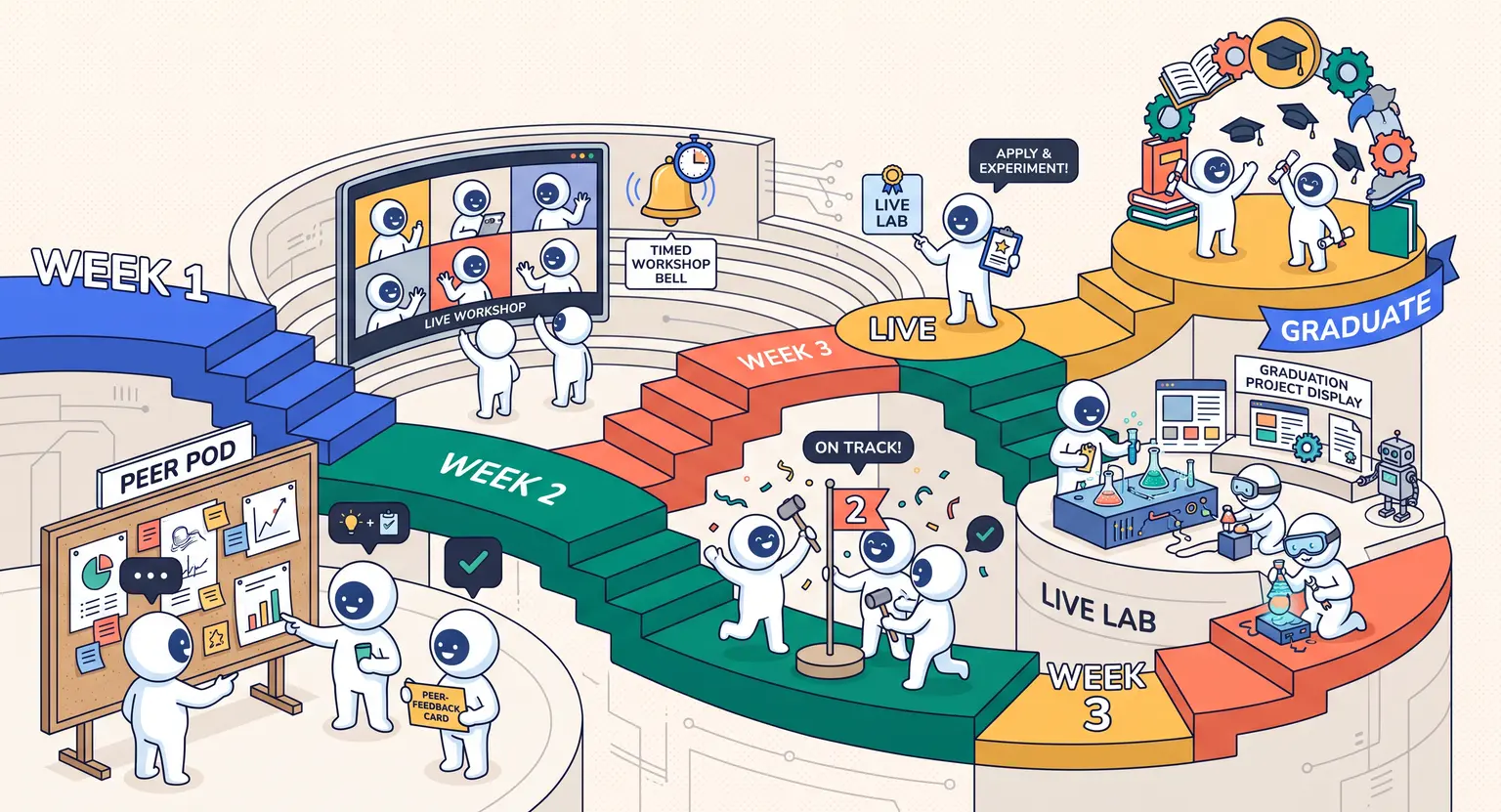 How to Create a Cohort-Based Online Course (2026 Guide)
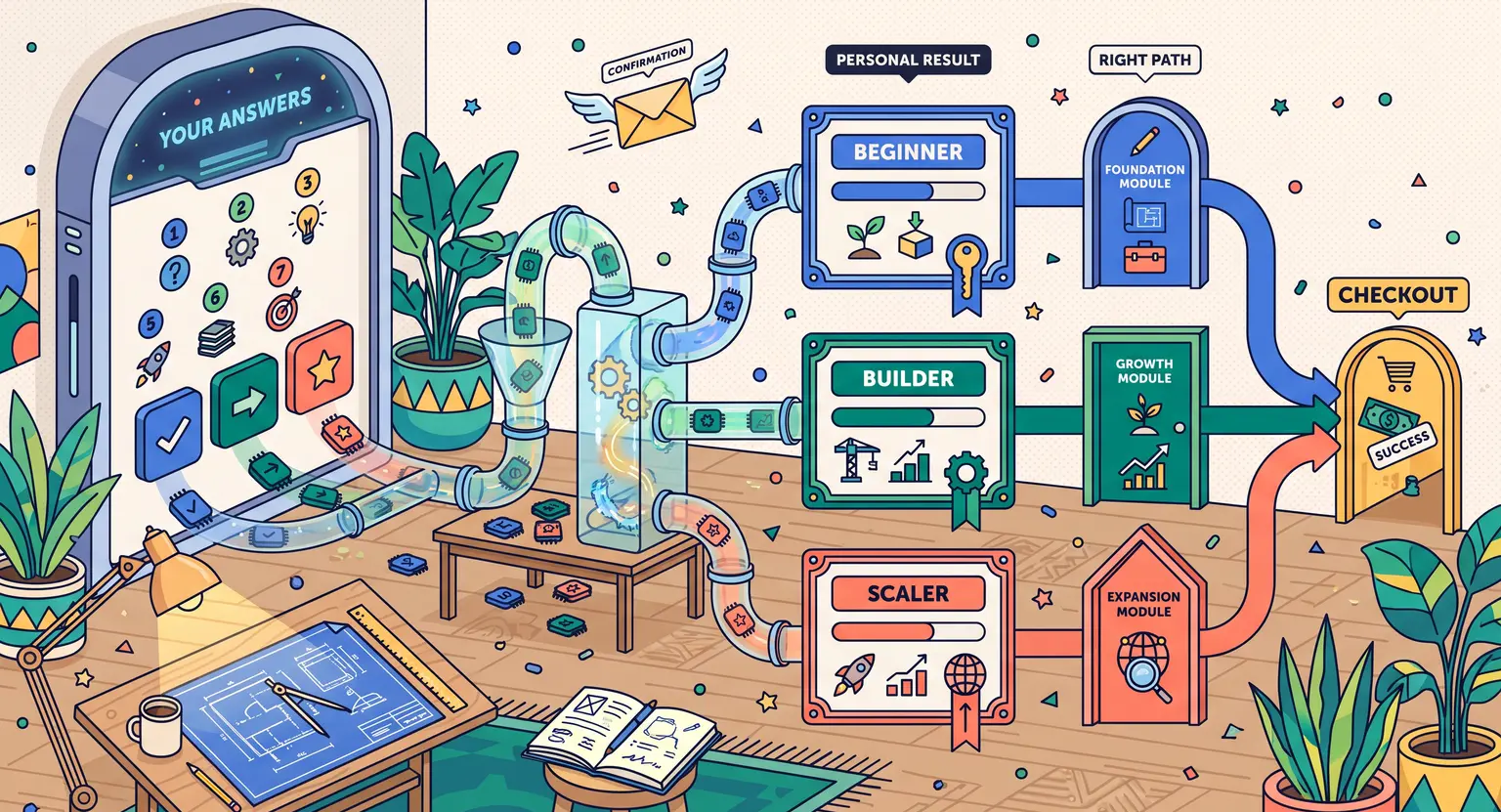 How to Sell an Online Course With a Quiz Funnel (2026 Guide)
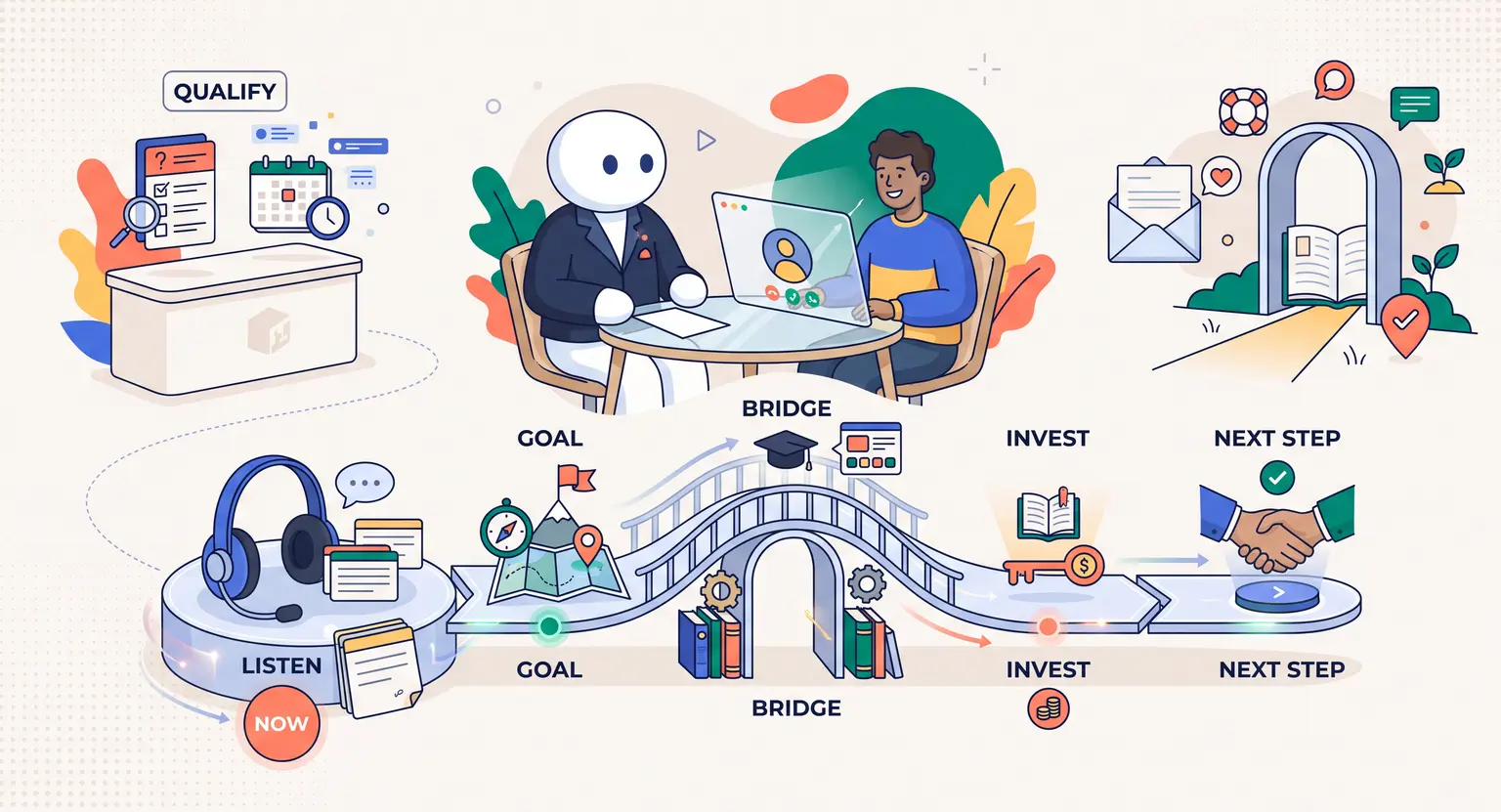 How to Sell an Online Course Through a Sales Call (2026 Guide)