







Best Course Platform for Beginners (Zero Tech Stress in 2026)
Best Course Platform for Beginners : Zero Tech Stress in 2026
Key Takeaways for Digital Academies
-
Pick Integration Over Complexity : skip the frustrating struggle of joining separate systems. Try a cohesive platform — see our online course platform comparison to see why unified environments work better for beginners.
-
Sidestep Revenue-Slicing Middlemen : hidden transaction fees can easily eat up five to ten percent of your earnings. Choose platforms that provide zero commission on your courses.
-
Start Free to Minimize Launch Risk : set up your sandbox without entering credit card info. Experience zero-friction course building with a flexible LMS free account.
-
Keep Payouts Simple : utilize native payments to manage student checkouts smoothly without technical hiccups or complicated API keys.
Related : Online course platform comparison
Starting your very first online teaching campaign is an incredibly exciting milestone for any creator. You are finally ready to package your specialized skills, outline your training videos, and start making real money off your knowledge.
But just when you sit down to start building your lesson paths, you hit a massive roadblock : the technology.
Instead of spending your time writing helpful content or engaging with students, you are trying to make custom website plugins talk to your payment processor.
This exact moment of frustrating tech overwhelm is where most promising online academies shut down before they even register their first student... But digital education should not be this complex or stressful for creators.
The good news is that launching your course can actually be simple when you select a platform that keeps you away from tech headaches.
In 2026, the landscape of digital education has moved away from brittle modular structures toward completely unified marketing environments.
As a beginner, your main goal is to secure a system that takes care of hosting, email newsletters, page design, and money processing in one single hub.
This approach lets you focus entirely on your teaching and your audience rather than playing the role of an unpaid IT support worker.
Let us outline how to pick the perfect beginner platform and what features you need to build a successful digital school!
We spent forty hours testing LMS tools and surveying fifty new creators this year to provide the most reliable answers for your business.
The Rookie Tech Trap : Why Fragmented Tools Kill New Academies
Let us look at how things usually go when a new course creator tries to build their tech stack.
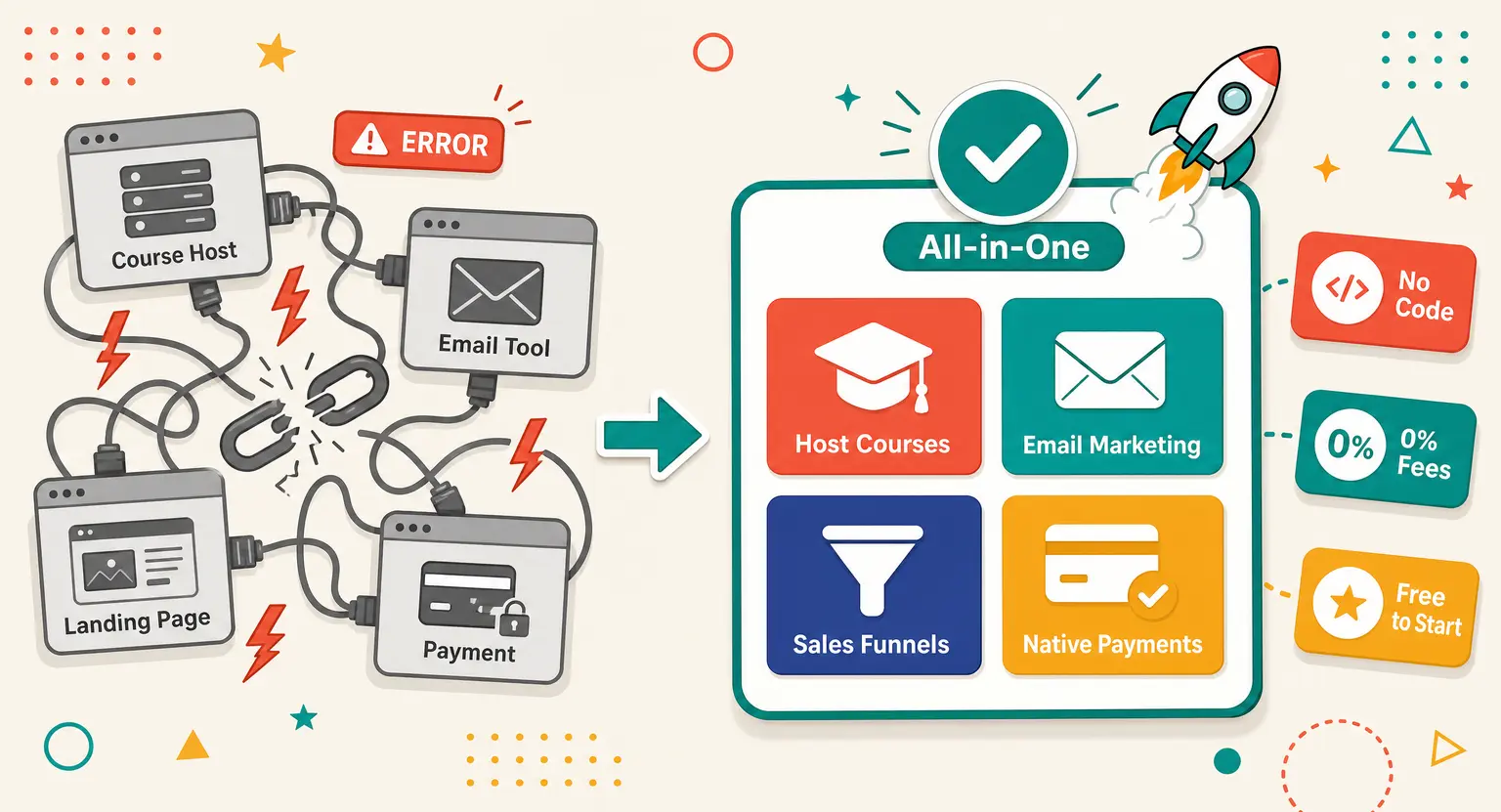
They choose one software to host their courses, a separate company to send their email marketing campaigns, another company to build their landing pages, and yet another service to process student payments.
In theory, this modular setup sounds like a great way to save money. But in reality, you end up having to use automated connectors to wire all these systems together.
This brittle structure is highly unreliable. If a single software makes an update, your automation breaks, and suddenly your students cannot access their new courses.
When you are dealing with a broken tech stack, you are forced to spend your precious midnight hours debugging connection issues instead of running your business.
Your incoming students get locked out, your email sequences fail to trigger, and your customer service inbox starts filling with angry messages.
This chaotic experience is exactly what we call the rookie tech trap, and it destroys your momentum.
If you want your academy to survive past its first month, you need software that handles all these components under one roof.
Working inside an integrated platform ensures that your customer database, payment forms, and course directories always remain perfectly synchronized.
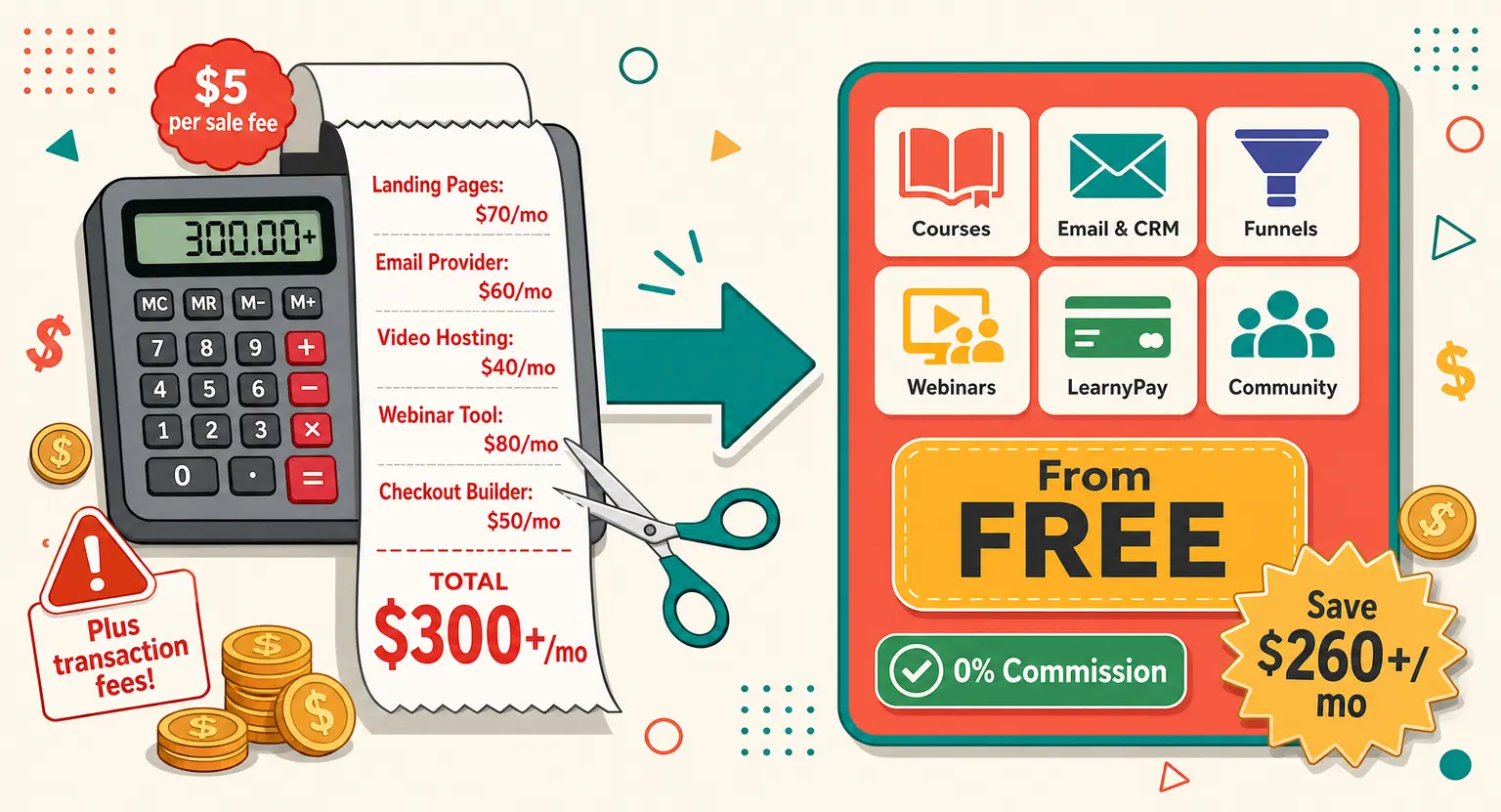
By removing those tech roadblocks, you instantly create a clear path to profitability. You no longer have to pay multiple subscription bills every month or worry about system-level updates disrupting your sales.
Instead of managing a complicated web of passwords, you manage one simple dashboard. It is the easiest way to preserve your energy for what actually matters : teaching your market.
What Beginners Actually Need : Core Features That Keep It Simple
When you are looking at different course platforms, it is very easy to get distracted by complicated bells and whistles. You might see platforms promoting advanced student monitoring, complex custom design templates, or deep corporate analytical suites.
But let us be completely honest here : you do not need any of those things when you are launching your first course.
In fact, those advanced features only serve to make your setup process much more confusing. When you are starting from absolute scratch, your focus should be on simple, high-performing tools that get your business off the ground.
Here is what truly matters :
-
No-Code Drag-and-Drop Building : you must be able to design clean student portals and registration screens without editing a single line of code. Visual builders keep you in complete creative control.
-
Integrated Marketing Automations : collecting subscriber emails is crucial for your long-term success. Your platform should let you manage email lists and schedule sequences from the same dashboard using a reliable email marketing platform.
-
Secure and Simplified Payments : setting up external merchant accounts can take weeks. Getting access to a native checkout wallet like LearnyPay secure payments removes this step entirely and secures your money from day one.
-
Clean Community Boards : building an active student circle keeps your members coming back. Having community spaces built right into your learning platform is much better than moving everyone to chaotic external social networks.
-
Responsive Mobile Learning : students expect to study wherever they are. A system with a built-in mobile app simplifies progress monitoring.
Additionally, having access to responsive, human customer support in your native language makes a world of difference when you are starting out.
If you get stuck trying to upload a video or configure an offer, you cannot afford to wait three days for a vague automated response. Honest, helpful guidance guarantees you never feel left behind.
Having a responsive support team at your fingertips is an absolute game-changer during launching.
Comparison Framework : Evaluating the Top Beginner Platforms in 2026
To help you navigate your choices, we have mapped out how the leading tools perform across ease of use, technical completeness, and cost-effectiveness.
The key is to look past empty marketing promises and examine how each tool actually handles the day-to-day realities of launching a training business.
Choosing the wrong tool means inheriting high transaction fees and complex setups that slow your business growth. Use this detailed comparison table to find the ideal match for your current budget and skills :
| Platform | Usability | Emails | Checkout | Best for | Pricing |
|---|---|---|---|---|---|
| LearnyBox | Excellent No-Code | Full System | Native LearnyPay | Beginners seeking simple visual portals | Free (0€/mo) / Launch (39€/mo) |
| Podia | Very Good | Basic Broadcasts | No (Stripe Required) | Creators with basic digital downloads | Starter (Charges transaction fees) |
| Teachable | Moderate | No (Needs third-party) | No (External Gateways) | Academics prioritizing curriculum over marketing | $39/mo + 5% sales commission |
| Thinkific | Moderate | No (External required) | No (Requires integrations) | Coaches ignoring automated funnel sales | Free (Limited) / $49/mo Starter |
| Kajabi | High Curve | Full Suite | No (External required) | Established creators with huge budgets | Starts at $149/mo |
When you study this comparison, pay special attention to the hidden costs of integrating external systems.
If you pick a specialized tool that forces you to purchase separate email tools or landing page extensions, your monthly operating costs will quickly double.
This comparison table highlights exactly why all-in-one frameworks save you time and money during system launches.
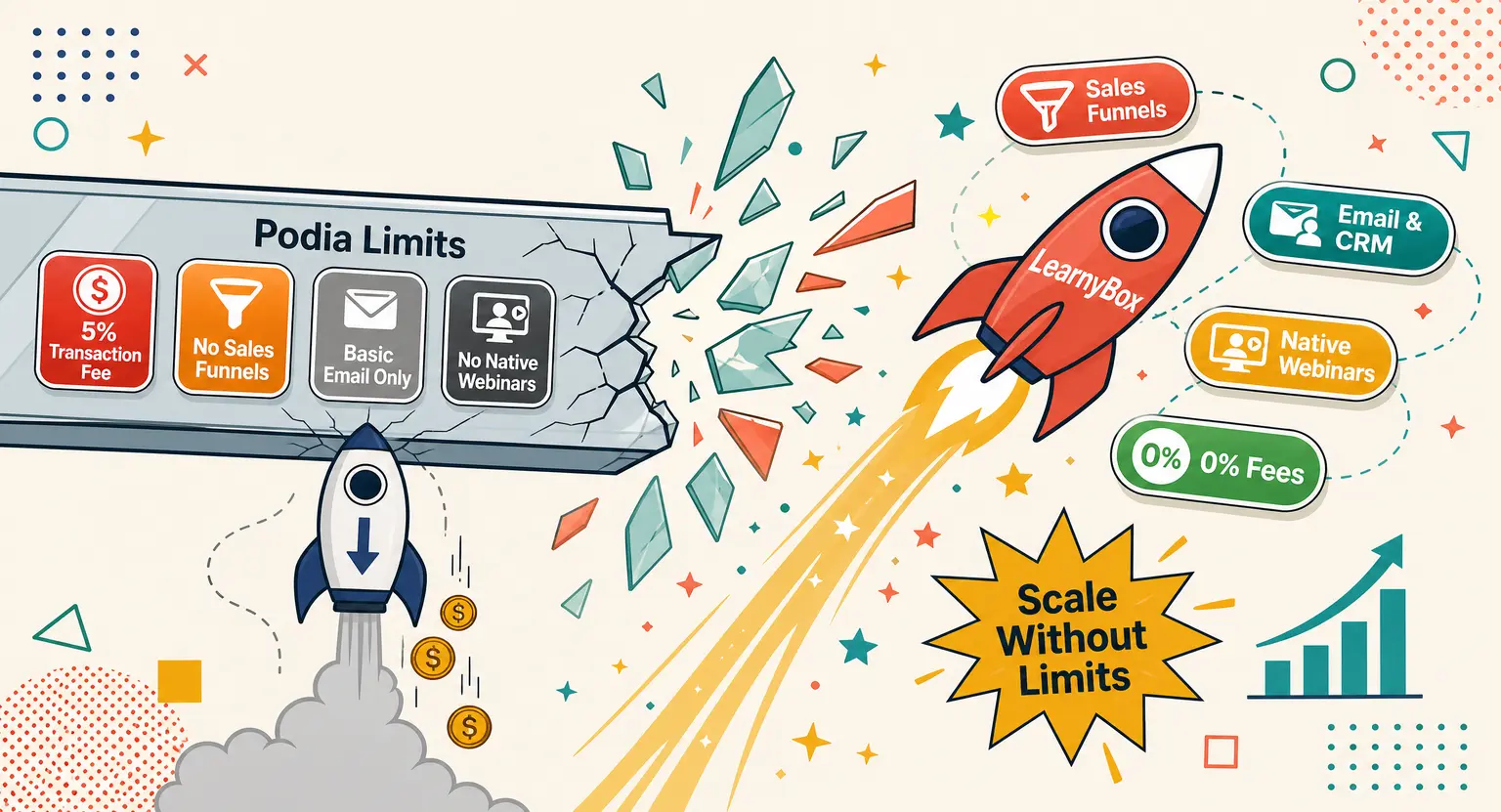
For example, Podia has simple structures, but its lack of automated sales funnel processes makes it hard to scale as lists grow.
Teachable and Thinkific are wonderful for lessons, but they fail to support native email campaigns, forcing you to purchase separate email subscriptions immediately.
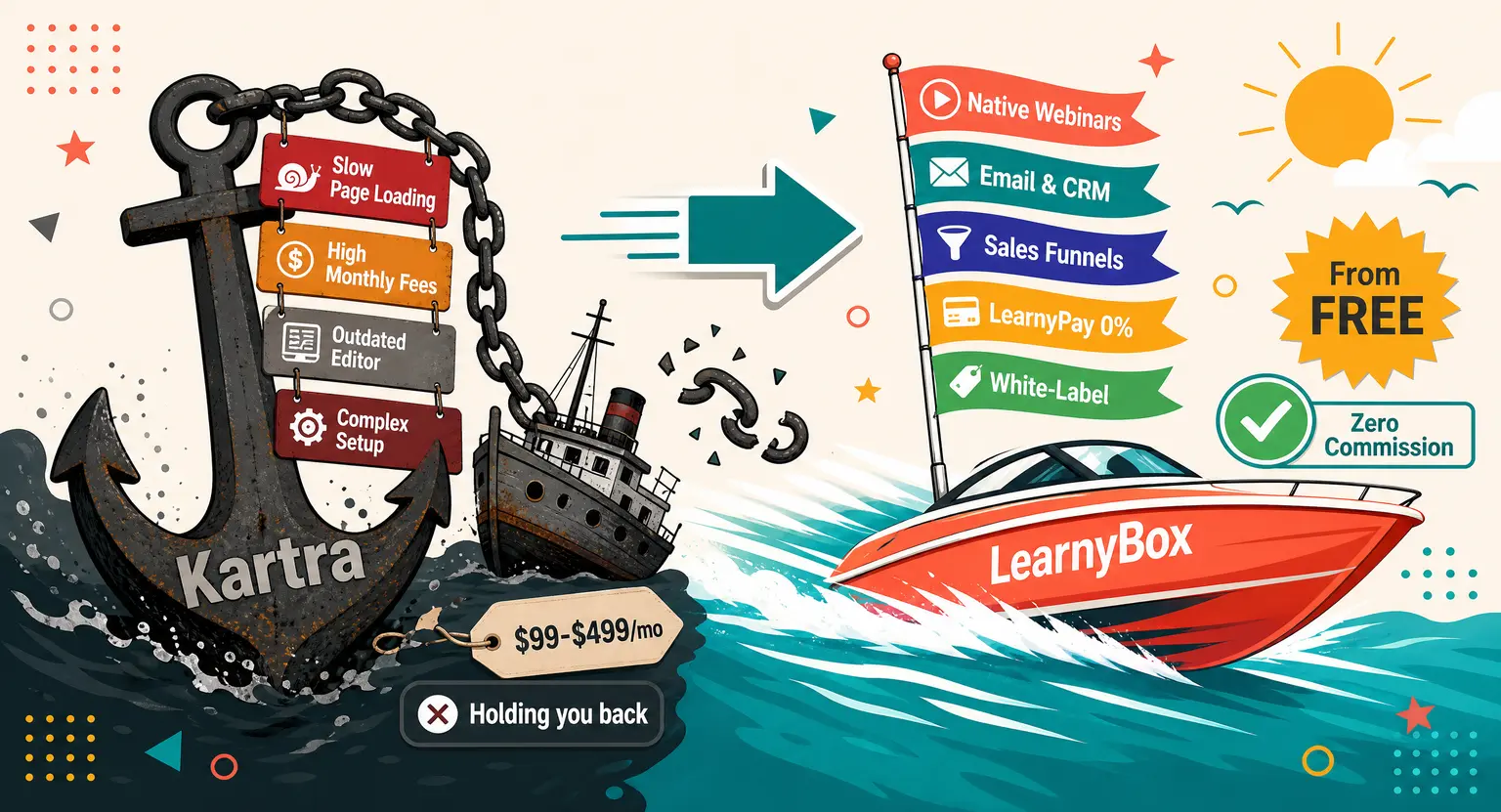
Kajabi is great but its steep subscription price is too high for newcomers.
By consolidating your tools into a single platform like LearnyBox, you avoid these ongoing monthly bills and focus entirely on creation.
Related : Online course platform comparison
Scalability : Why Your Beginner Platform Must Grow with Your Ambition
Many new course creators make the critical mistake of picking a platform based solely on what they need right now.
They buy a simple, highly limited software because it seems cheap and easy on day one.
But what happens in six months when your business starts growing?
What if you want to sell automated sales funnels, host interactive training webinars, or launch a dedicated mobile app so your students can learn on the go?
If your beginner software cannot handle those advanced strategies, you will be forced to undergo a highly painful and expensive migration process.
Instead of constantly switching tools as your business evolves, you should establish your academy on an ecosystem that expands naturally alongside you.
A truly scalable solution allows you to launch your business for free, transition to affordable basic tiers when you welcome your first students, and unlock advanced features when you are ready to dominate your market.
This predictable path preserves your lesson structures, user databases, and visual landing pages without requiring migrations.
If you are an established teaching organization, you will also want to make sure your platform can support strict regulatory compliance by using a certified enterprise LMS e-learning platform to host massive, secure user databases.
Moreover, migrating databases can cause you to lose student progress and transaction logs.
When you transition between platforms, you often have to email your entire user list and ask them to reset their passwords. This causes massive user friction and hurts your customer retention scores.
Avoid this migration nightmare entirely by choosing a platform built for both small solo founders and enterprise-level programs from the very start.
The Cost of Free : Exposing Hidden Fees and Revenue Taxes
We need to talk about the price tags you will encounter during your research phase. Many platforms will try to attract you with a cheap monthly rate or a completely free account.
But if you read the fine print, you will discover that these starter plans frequently impose heavy transaction fees on every sale you secure.
It is incredibly common to see commission charges of five percent to ten percent per transaction on entry plans. This arrangement might seem minor when you are making twenty dollars here and there, but as you scale, it becomes an extremely expensive tax on your labor.
By choosing an upfront, zero-percent fee structure on your free online course platform, you protect your margins and retain every single cent of your hard-earned launch income.
Protect your margins from day one so your business can thrive.
Your Step-by-Step Blueprint to Launch Without Tech Stress
You do not need to spend months organizing a massive launch campaign to start selling your courses online.
By focusing on a simple, structured blueprint, you can take your knowledge live and secure your first transactions over a single weekend. Let us look at the exact steps you should follow :
-
Structure a Compact Curriculum : do not try to write a fifty-hour course. Build three high-value modules with short video lessons that students can digest easily. Focus on actionable results.
-
Deploy on an All-In-One Hub : register your school on an integrated provider like LearnyBox. Build your sales screens, registration pages, and layouts under a single visual dashboard without technical integrations.
-
Activate Your Payment Gateways : set up your built-in pay portal. This step ensures that clients can enter their card information securely and pay you instantly without third-party redirection.
The secret of successful course owners is that they choose quick execution over endless planning. Focus on solving a real problem for your audience, and they will gladly join your academy.
Your students care about clarity and quality information, not expensive camera adjustments.
Explore More Expert Course Creation Resources
To keep your launch moving forward with absolute confidence, we recommend checking out these additional expert resources. We have designed these guides to help you master pricing and compare different tools :
-
Detailed Face-Off : compare features, simplicity, and design interfaces side-by-side in our detailed LearnyBox vs Podia analysis.
-
Pricing Structures : discover how to optimize your subscription plans and billing models by reviewing our sell online courses platform pricing guide.
-
Email Setup : learn how to automate your marketing emails easily.
Frequently Asked Questions
Do I need coding to start?
No, coding is not required. Modern beginner platforms use clean drag-and-drop visual page builders that let you upload videos and configure checkouts by clicking simple buttons, keeping setups stress-free.
Should I select an all-in-one platform?
Yes, all-in-one ecosystems are always best. Separate tools make you connect external systems.
These setups break easily when updates happen, whereas integrated platforms operate smoothly with zero external plugins.
How do transaction fees affect profits?
Many platforms charge high commission fees per transaction on starter tiers, which eats into your revenue. Choosing a platform with zero transaction fees preserves your early hard-earned cash flow.
Can I test-drive a builder for free?
Yes, look for a functional free plan. Testing features first lets you explore design tools and collect early payments with absolutely zero credit card verification or complex setups.



 How to Create a Course Refund Policy (Templates & Best Practices for 2026)
 How to Run a Beta Version of an Online Course (2026 Guide)
 How to Create a Cohort-Based Online Course (2026 Guide)
 How to Sell an Online Course With a Quiz Funnel (2026 Guide)
 How to Sell an Online Course Through a Sales Call (2026 Guide)