







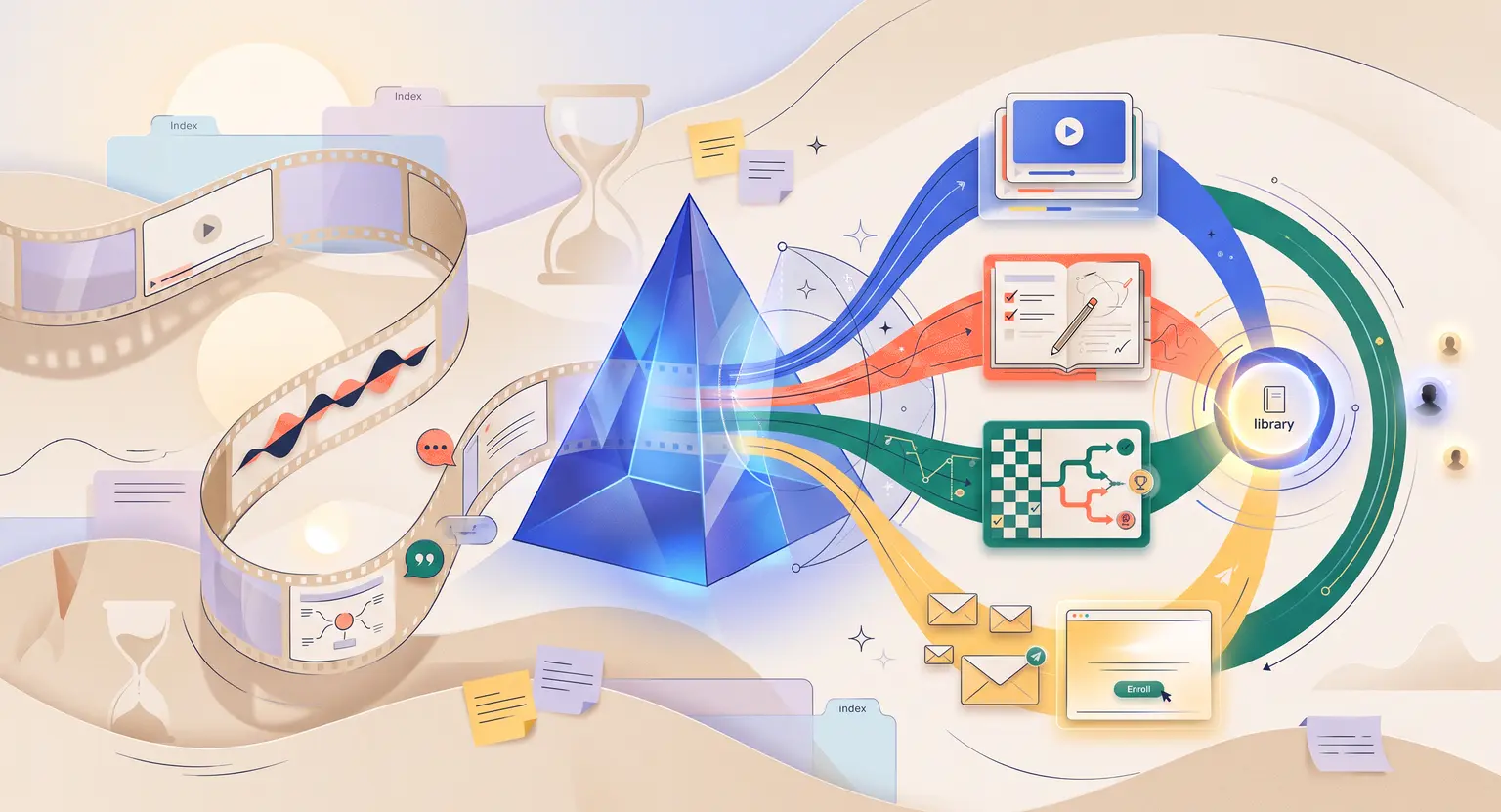
Transform Your Webinar Into an Online Course with AI (2026 Guide)
How to Use AI to Turn a Webinar Into an Online Course
Key Takeaways
-
Repurpose effortlessly : let advanced modern AI turn webinar recordings into multi-module programs inside your LearnyBox all-in-one platform.
-
Segment your material : avoid long, boring videos. Group your webinar topics into neat, highly digestible modules to boost student engagement.
-
Ditch manual tasks : feed AI your raw videos to automatically output transcripts, slides, workbooks, and quizzes.
-
Plug gaps : analyze webinar transcripts with specialized AI to spot missing topics.
The Invisible Trap of One-Off Live Events
Webinars are absolutely fantastic online tools for global experts. You connect with people live, answer hard questions on the fly, and easily show off your depth of knowledge…
But once that live broadcast ends, that valuable video format often gets buried inside a random cloud folder, gathering digital dust, forgotten by everyone.
What if you could turn that single, energetic hour of live presentation into an automated educational academy that works for you, driving revenue and teaching students repeatedly?
In 2026, technology makes this process incredibly smooth. You no longer need to spend weeks manually chopping up video timelines, transcribing audio, or designing PDFs - modern AI tools dissect live performances to output structured learning courses in minutes, maintaining your authentic human voice throughout.
Live coaching events carry massive energetic potential. There is a specific magic when speaking to an audience in real time, but that virtual format is highly temporary… If an interested lead misses your live slot, or fails to buy during the pitch, they often slip away forever.
So, how do you fix this leak? You package that knowledge.
Standard course creation historically felt like a massive, uphill mountain to climb. You had to plan separate lessons, record yourself talking to a silent lens, and design extensive visual assets. Now AI steps in to rewrite that entire strategy.
By utilizing your existing masterclass as the ultimate raw material, you bypass blank page syndrome - you do not need to brainstorm fresh direction; you already possess the blueprint.
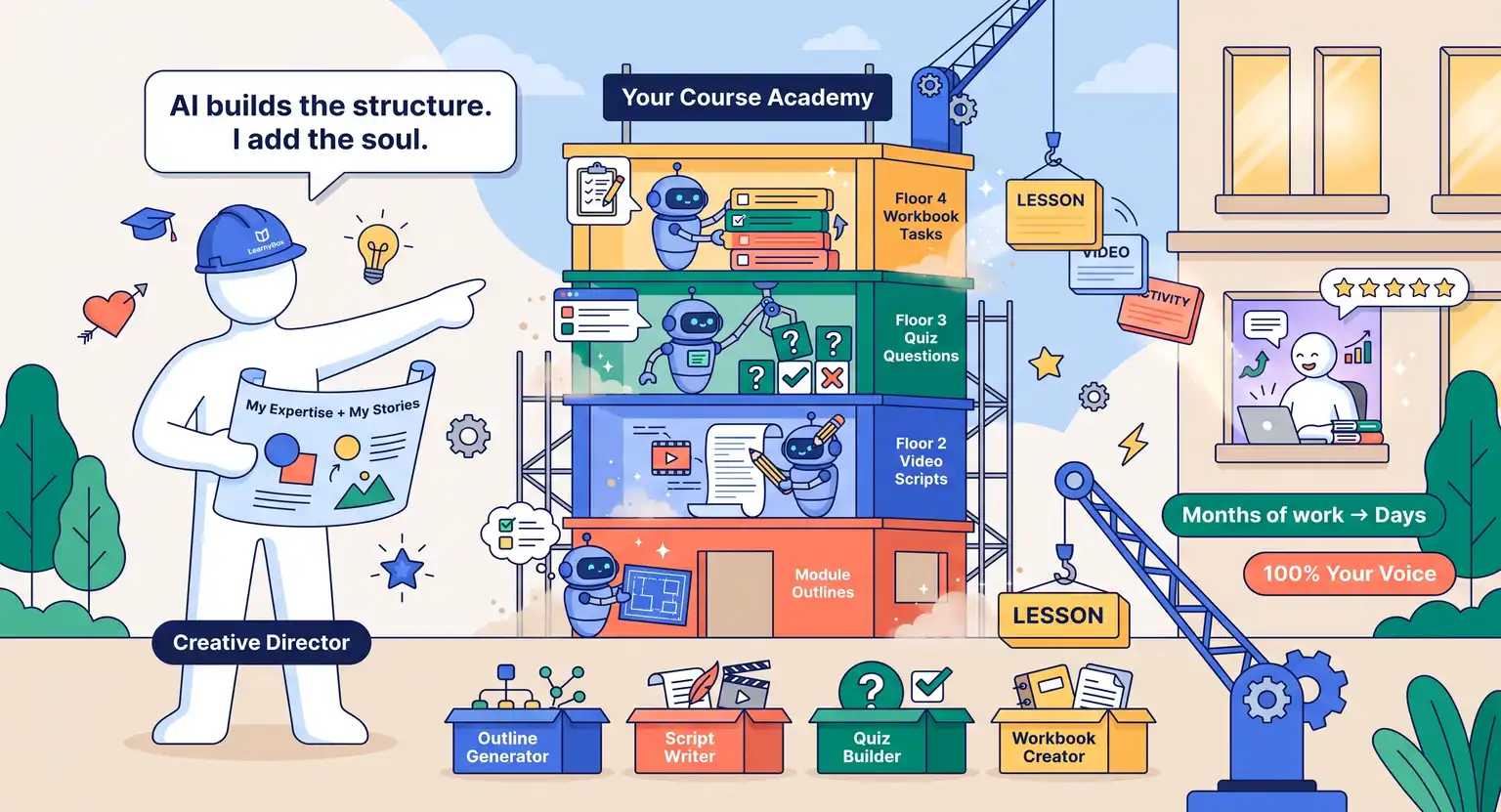
AI simply acts as your ultimate production assistant, executing layout, formatting, and asset formulation in record time.
Smart Segmentation and Structural Blueprints
No premium student wants to log into an online membership portal only to find a single, grueling 90-minute video waiting for them… That is the quickest way to guarantee high refund rates and disengaged learners.
To build a highly successful learning path, you must slice that long masterclass session into neat, bite-sized learning segments.
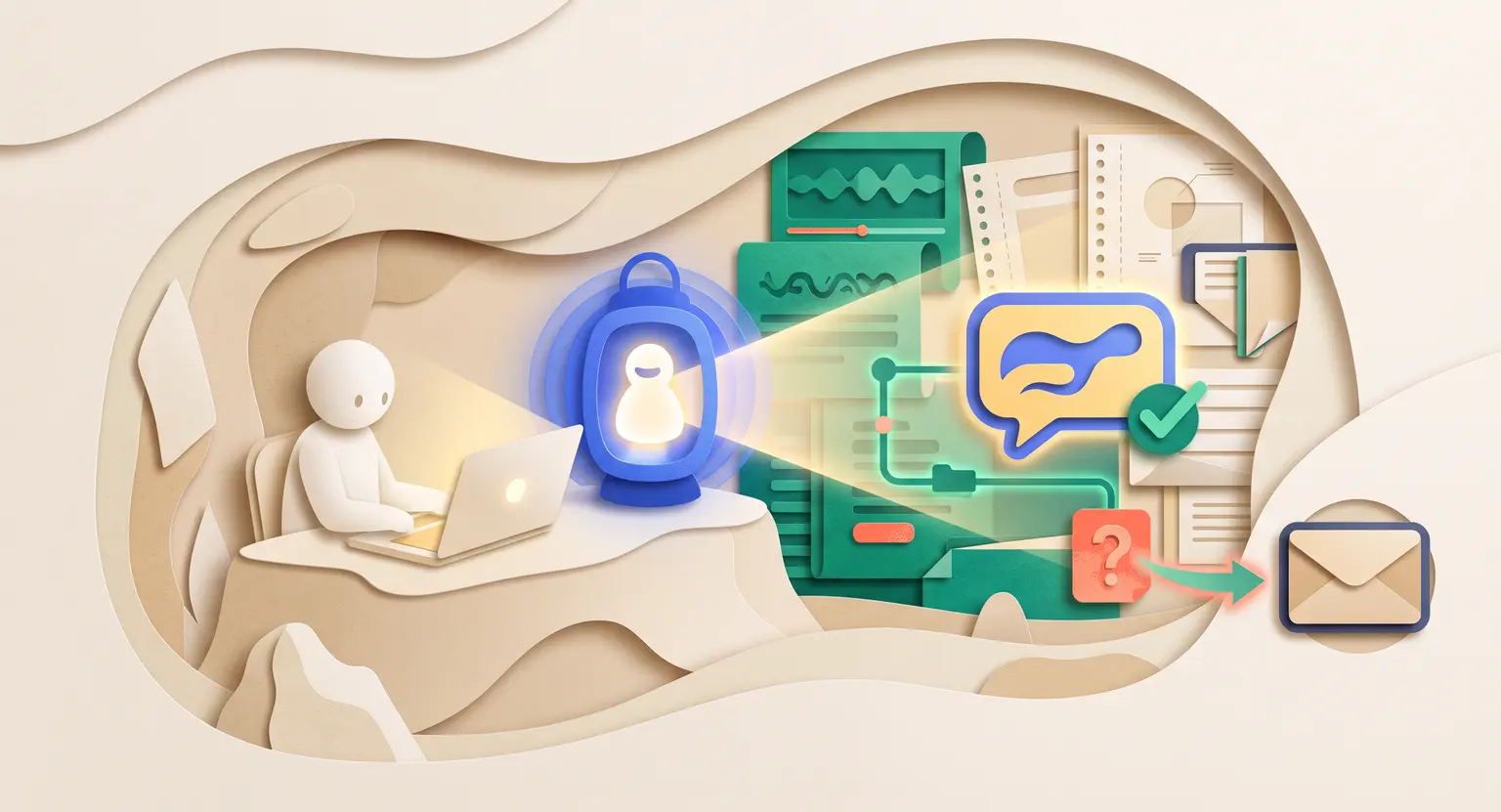
This is where transcript analysis shines. You run your recorded presentation through an AI audio processor - instead of getting a giant block of text, you instruct the tool to identify major topical shifts and natural breathing points.
By matching timestamp logs with presentation slides, the system suggests where to place lesson splits. It makes it super easy to understand how to structure an online course without scratching your head for hours on end.
With this setup, you can easily divide a standard marketing masterclass into several focused modules :
-
Module 1 - Foundations : focuses on identifying root obstacles and terminology.
-
Module 2 - Core Strategy : shows direct methodology and practical systems.
-
Module 3 - Practical Implementation : gives clear, real-time execution tasks.
-
Module 4 - Case Studies : addresses student questions and edge cases.
This structure separates educational value from promotional pitching, ensuring your premium enrolled students get absolute gold right from day one of registration.
Designing the Complete Curriculum and Spotting Gaps
Now that your skeleton structure is ready, you must transform your raw webinar outline into a cohesive virtual training program. A simple, basic talking-head video is rarely enough to justify a premium price tag in today's highly competitive online education market.
So, feed your complete audio transcript into an AI assistant and challenge it to build a robust course curriculum, ensuring every lesson flows logically into the next.
Ask the AI to analyze your live training critically. Where did you gloss over hard technical definitions? Where did a spectator ask a confusing question in the chatbox that you could not explore deeply due to time constraints?
By using these analytical tools, you can actively identify gaps in your online course content before your clients do.
Maybe you forgot to explain a basic step, or the audience struggled to comprehend your strategy. Instead of re-recording everything, the system highlights where to inject a short two-minute explanation video or clear diagram.
Additionally, run diagnostics to determine how to use AI to improve an existing online course as technology tools progress, making sure your material remains modern and accurate.
Generating Outstanding Companion Assets and Workbooks
Great teaching is always about taking action, not just watching educational videos. If you want high completion rates, your online course must keep students active and focused. But designing interactive learning materials normally takes forever… Requiring extensive graphic design and copywriting skills.
AI turns this chore into a simple button-click workflow, yielding highly professional student assets without paying expensive graphic designer rates.
First, you can direct the system to scan your video chapters and instantly create quizzes for online courses, writing relevant questions that provide immediate, automated feedback.
Second, send transcripts through specialized AI builders to learn exactly how to create a course workbook that feels cohesive, branded, and keeps your students accountable.
The AI can easily pull these specific elements from your recording :
-
The big ideas : bulleted summaries of complex strategic frameworks.
-
Actionable checklists : step-by-step physical tasks to perform next.
-
Reflection prompts : blank boxes designed to help students adapt methods.
Scaling Your Launch with Smart Copywriting
Once your educational portal is fully ready with your processed video slices, interactive workbooks, and tests, you need to tell the world about it. If nobody lands on your site, that great masterclass content simply goes to waste.
Your master presentation is already packed with marketing copy. You have live reactions, student questions, emotional sticking points, and genuine breakthrough moments captured in real time.
Instead of starting with a completely blank, highly intimidating computer screen, wire this raw transcript data directly into specialized AI systems for course sales pages.
The tool processes this data to generate :
-
Irresistible hooks based on actual student remarks.
-
Clear features-to-benefits lists that mirror your speaking style.
-
FAQ sections built from real questions asked live.
But don't stop there. Extract that persuasive speech and feed it into systems for using AI for course email sequences to rapidly generate automated sales emails that sound exactly like you.
Comparing Manual Course Creation vs Automated Workflows
When we break down the operational phases of migrating live presentations into structured course networks, the contrast between conventional labor-intensive tasks and intelligent algorithmic processing is staggering.
| Course creation step | Traditional manual method | AI-powered workflow (2026) | Estimated time saved |
|---|---|---|---|
|
Video slicing |
Scrubbing timelines manually in video editors. |
Segmented in minutes by transcript text matching. |
3 to 5 hours. |
|
Curriculum mapping |
Brainstorming, outline building, organizing notes. |
Instant pedagogical maps based on speaking flow. |
6 to 8 hours. |
|
Workbook creation |
Designing templates on Canva, drafting study notes. |
Automated summaries and styled PDF action guides. |
10 to 15 hours. |
|
Quiz development |
Writing multiple-choice questions by hand. |
Conceptual interactive quizzes mapped to key themes. |
2 to 4 hours. |
|
Sales copywriting |
Hiring costly writers or starting from zero. |
Extracting raw voice data for persuasive copy. |
8 to 12 hours. |
Packaging into Evergreen Assets
So, you now have your individual lesson videos beautifully sliced, your PDF resources fully built, and your complete sales engine locked in - now comes the exciting final part : setting up automated platform systems that generate sales on absolute autopilot.
You do not need to host a stressful live event every single weekend. Instead, run premium, highly interactive automated webinars. This reliable strategy uses your best, high-energy recordings to establish trust and drive students straight into your modular academy.
With smart digital platforms, you can run highly engaging evergreen webinars that play at flexible times to suit students all over the globe, without losing that dynamic live environment vibe.
Remember, the success of this entire journey depends heavily on laying out your foundational presentation correctly.
To make sure your master webinar has a logical structure, slides, and a converting pitch, study up on how to organize a successful webinar. High-quality input guarantees highly profitable courses.
A Smarter Way to Scale
Building digital training programs does not have to be a painful, multi-month drag. By letting modern smart software handle the heavy structural weight of course production, you can easily launch elegant, highly interactive courses in a single weekend.
Your recorded masterclasses represent a massive, valuable library of unrecognized digital wealth. It is finally time to configure these systems to work on your personal behalf, so you can scale your expert teaching and secure recurring revenue effortlessly.
Frequently Asked Questions
How long does it take to convert a webinar into a course using AI?
With automated modern AI workflow tools, you can analyze, segment, and structure a 60-minute webinar into a functional multi-module draft in less than two hours.
Traditional manual editing, transcription, and curriculum designing usually took up to two weeks of painstaking work.
Do I need to re-record my webinar video for the course modules?
Not necessarily. Modern AI tools can slice, clean, denoise, and visually optimize your existing video.
However, if there are specific sections where live audience interaction disrupts the flow, you can use AI script generators to quickly re-record those specific short segments.
How do I maintain student engagement with converted webinar content?
Use AI to dissect the webinar into short, bite-sized lessons of 5 to 10 minutes.
Supplement these video lessons with AI-generated quizzes, action-focused PDF workbooks, and automated progress emails to keep your students actively participating throughout the course.
Can AI help me write the marketing sales page for this new course?
Yes, absolutely. By feeding your webinar transcript and audience Q&A history into specialized AI copywriting models, you can instantly generate highly accurate, compelling sales pages and automated course launching email sequences that match your exact speaking voice.



 How to Create a Course Refund Policy (Templates & Best Practices for 2026)
 How to Run a Beta Version of an Online Course (2026 Guide)
 How to Create a Cohort-Based Online Course (2026 Guide)
 How to Sell an Online Course With a Quiz Funnel (2026 Guide)
 How to Sell an Online Course Through a Sales Call (2026 Guide)