








 French
How to Create an Online Course Platform - Complete 2026 Guide
How to Create an Online Course Platform in 6 Steps
Key Takeaways
-
Validate before you build : talk to real prospects and test a beta, workshop or founding cohort before producing the full programme. Paid action is a stronger signal than a waitlist.
-
Design around a measurable result : organise modules around actions and milestones, and give learners a real early win within the first 15 to 30 minutes.
-
Match the offer to the transformation : self-paced, cohort, membership or hybrid - and price the outcome and support level, not the number of videos.
-
Choose one coherent operating system : course space, sales funnels, emails, payments and progress tracking should work together, not as a maze of disconnected subscriptions.
-
Launch small and improve : track early signals such as time to first lesson, first-module completion and support themes, then fix one thing per launch.
Creating an online course is one thing. Creating an online course platform is another.
A course is the content itself : the method, lessons, exercises, and transformation you teach. A platform is the system around it - the place where people discover your offer, buy it, begin confidently, make progress, ask for help, and eventually tell someone else that it worked.
Many people begin by learning how to create an online course. The next challenge is building the environment that lets that course become a coherent experience and a sustainable business.
That distinction matters. In 2026, people do not need another library of long videos waiting to be watched "when life calms down." They need learning that fits real schedules, creates momentum, and helps them do something meaningful with what they learn.
So, how do you create an online course platform that is useful for learners and sustainable for you? You do not start by filming twenty modules. You start by proving that a specific group of people wants a specific result - then build the teaching, the experience, and the business around that result.
In other words, learning how to create an online course platform means designing the full path around the course, not simply deciding where the videos will live.
This six-step guide gives you a practical route from idea to launch, with enough structure to avoid expensive detours and enough flexibility to improve as your first students teach you what they really need.
1. Validate a Problem Worth Solving Before You Build
The fastest way to waste three months is to build a course around a topic people politely say is "interesting." Interest is not enough. You are looking for a problem people already feel, describe in their own words, and would genuinely like solved.
Start narrower than feels comfortable. "Marketing" is a continent. "Instagram for independent restaurant owners who need more weekday bookings" is a starting point. "LinkedIn for career changers who want three qualified conversations a month" is even clearer.
Talk to the people you hope to teach
Before opening a slide deck, have ten real conversations. Ask what your future learners have already tried, what makes them hesitate, what they would count as a win, and what would make a course feel like a waste of money. Their answers will sharpen your positioning faster than a hundred hours of brainstorming.
Look for repeated language. If five people independently say, "I know what to post but I never turn it into bookings," you have a much stronger starting point than "people want help with social media."
Test a small beta before creating the full programme
A beta is not an unfinished course disguised as a finished one. It is a deliberate research phase with real learners. You can run a live workshop, invite a small founding cohort, pre-sell a guided version, or build a short pilot around one high-value outcome.
This lets you test the promise, the delivery format, the objections, the price, and the questions that will shape your final curriculum. Better still, early students can become the source of your first testimonials, case studies, and referrals (if you genuinely help them get a result).
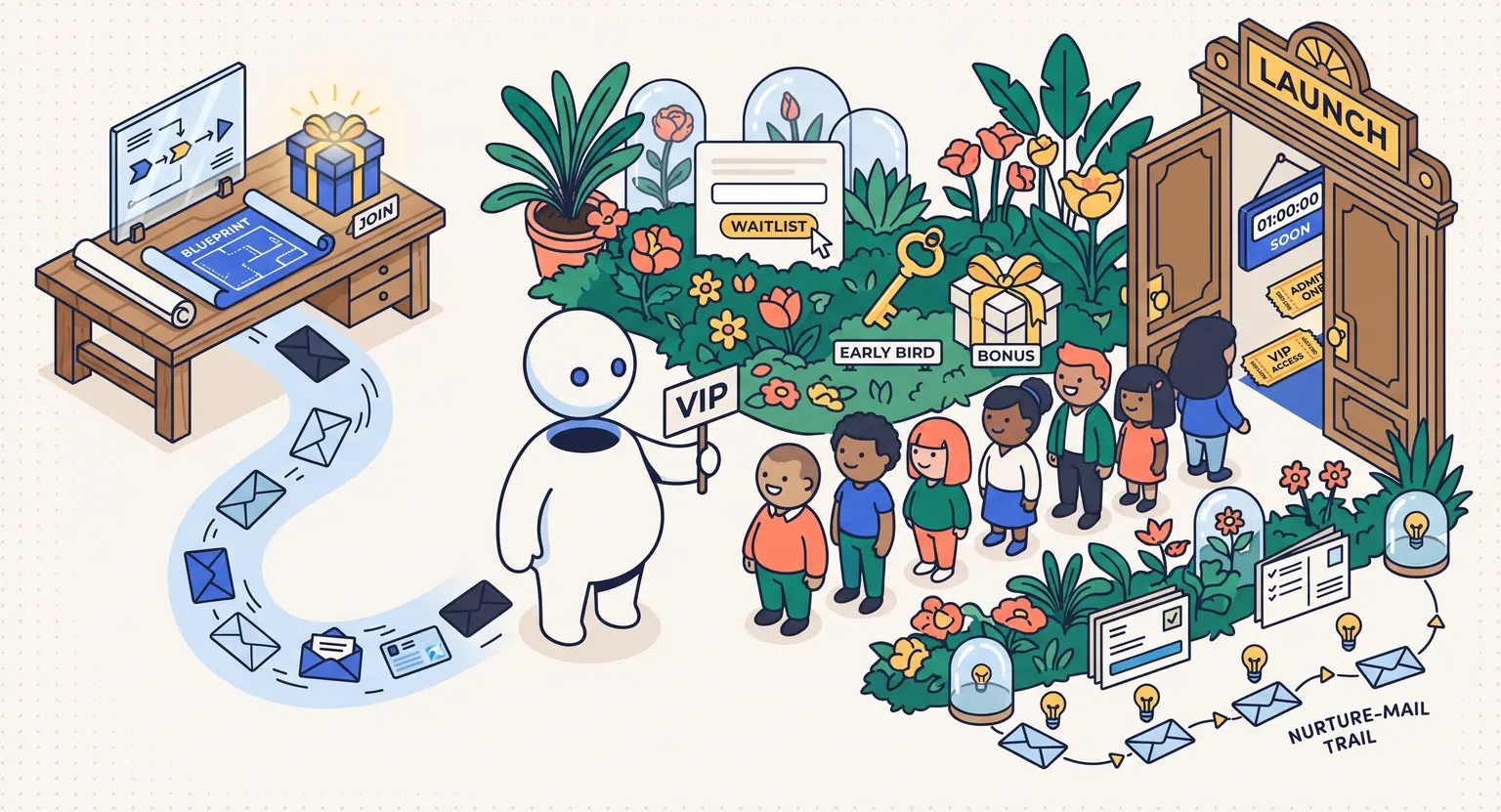
A waitlist can help too, but do not mistake a list of email addresses for proof. The strongest signal is action : people book a call, join a live session, share a problem in detail, or pay to be part of the first group.
2. Design a Course That Produces a Measurable Result
Expertise alone does not make a great course. Instructional design does.
The key question is not, "What do I know?" It is, "What will a learner be able to do by the end?" A useful outcome is observable. "Feel more confident with LinkedIn" is vague. "Publish a profile, a content angle, and a first four-week posting plan" gives both you and the learner something concrete to work toward.
Build around actions, not around everything you know
More content does not automatically mean more value. In fact, a giant course library can feel like being handed an overstuffed toolbox without being told which tool fixes today's problem.
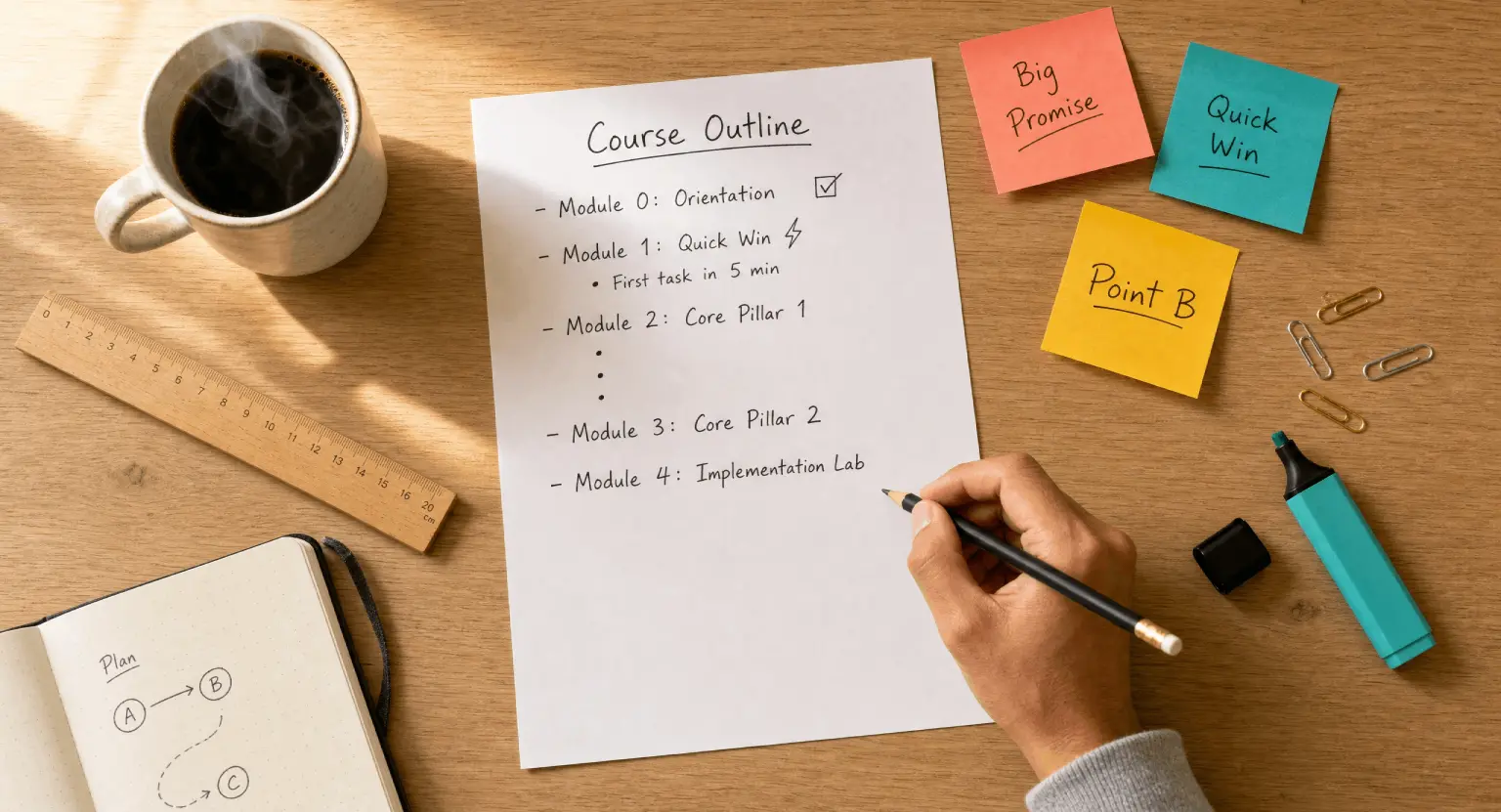
Organise each module around a decision, skill, or milestone. Give learners enough context to understand the task, an example to make it concrete, and an opportunity to apply it before moving on. The course should move forward; it should not simply expand sideways.
Lesson length follows the learning job. A five-minute walkthrough may be perfect for one focused action. A twenty-minute case study may be necessary when nuance matters. The important thing is that each lesson earns the time it asks for.
Create an experience, not a video archive
Video is useful, but it should not carry the entire learning experience on its shoulders. Pair it with worksheets, templates, practical prompts, knowledge checks, case studies, reflection questions, feedback opportunities, or live office hours - whatever helps learners turn an idea into a visible next step.
Aim for an early win. Within the first 15 to 30 minutes of the programme, students should have completed something small but real : chosen a niche, drafted a page, set up a profile, or made a decision they had been postponing. Early momentum is the opposite of buyer's remorse.
Use AI as an assistant, not as the teacher
AI can make course production faster. It can help you draft an outline, transcribe a lesson, create a first quiz, turn feedback into themes, or generate captions. That is useful. But it does not replace your judgment, your examples, or your responsibility for the learning outcome.
Review every output. Give learners applied assignments that ask for context, choices, and real work rather than answers they can copy from a chatbot. And if AI is relevant to your field, explain clearly what students may use it for, what they should verify, and where human thinking still matters most.
Design for different learning contexts
Your learners may watch on a phone between meetings, revisit a difficult idea with English as a second language, or use assistive technology. Build accordingly : readable slides, clear structure, captions, transcripts, meaningful links, sufficient contrast, and instructions that do not rely on colour alone.
Accessibility is not a decorative compliance box at the end of the build. It improves the course for everyone - including the learner watching without sound on a train or returning to a worksheet months later.
3. Choose an Offer and Delivery Model That Fits the Transformation
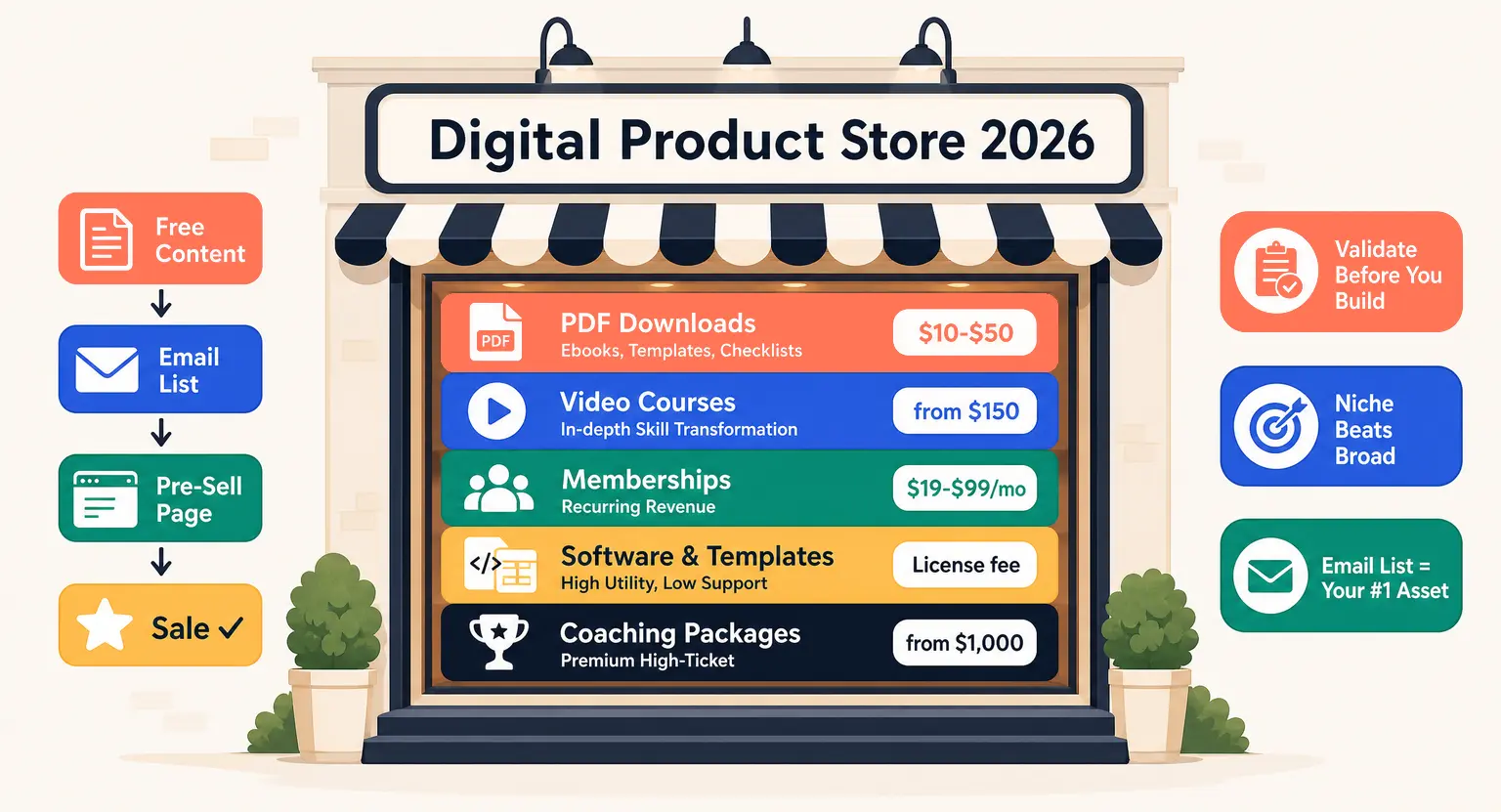
Your business model should follow the kind of result you are helping people achieve. Do not choose a subscription simply because recurring revenue sounds appealing, or a premium cohort simply because somebody on social media called it the future.
This choice will shape how you sell your online courses, how much support you provide, and what students expect once they join.
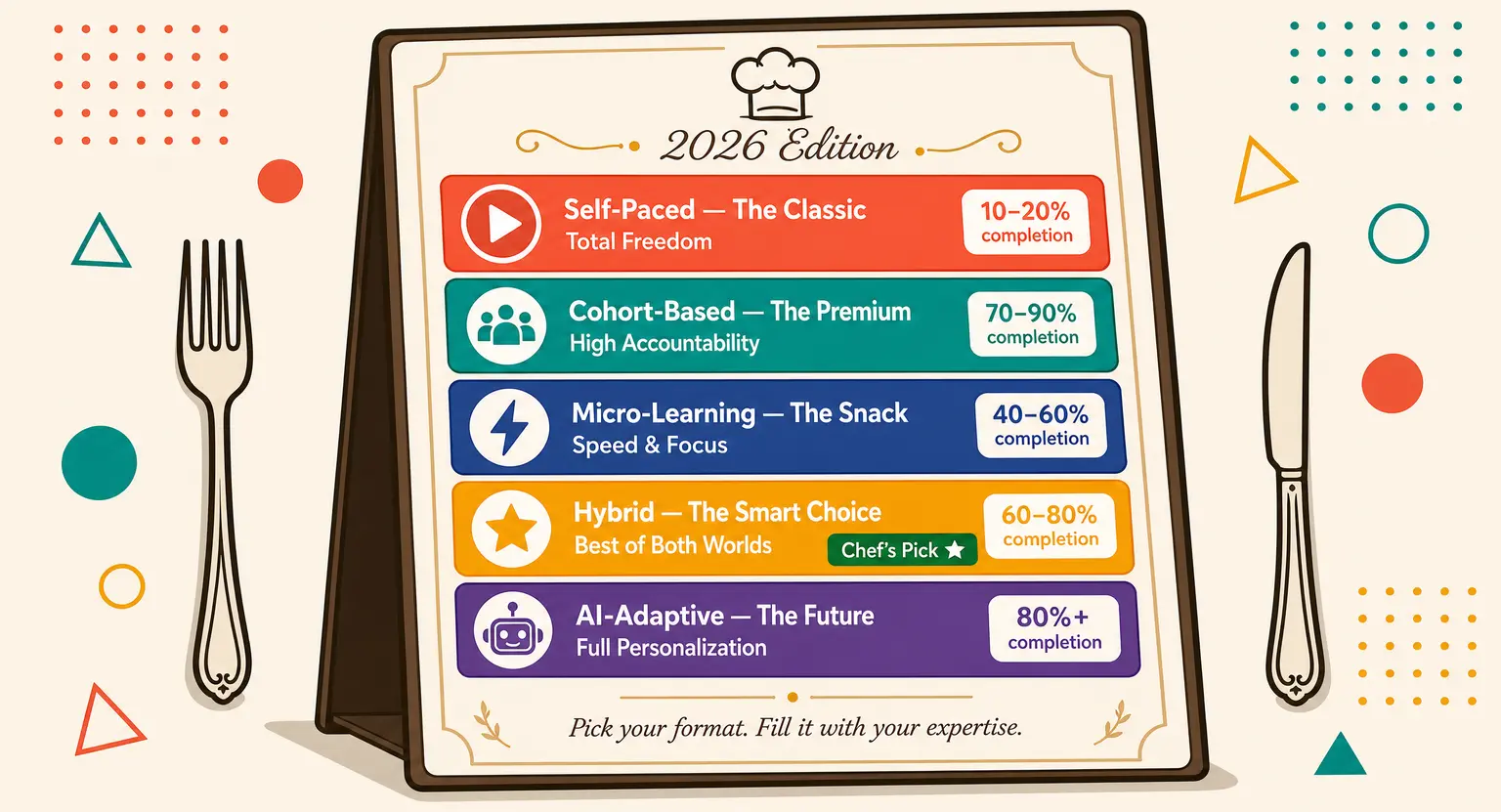
Self-paced courses
A self-paced course works well when the outcome is clear, the process can be taught asynchronously, and learners value flexibility. It is a strong fit for skills that people can practise independently with templates, examples, and occasional support.
Cohorts and guided programmes
A cohort works best when accountability, peer feedback, live support, or a shared deadline makes the result more likely. It is particularly useful for a beta launch because you hear the questions in real time and can improve the programme while you teach it.
Memberships, certifications, and hybrid offers
Membership access can make sense when new content, community, tools, or support continue to create value after the first result. A certification can make sense when there is a credible assessment and a real reason for the learner to prove their competence. A hybrid offer can combine a self-paced core, live sessions, and optional coaching for people who want more support.
Price the whole experience, not the number of videos. Consider the value of the outcome, the level of support, the depth of feedback, the urgency of the problem, the alternatives your audience has, and the work required to deliver the promise well. A founding-cohort price can be a helpful way to reward early trust while giving you room to refine the offer before it becomes evergreen.
Before you open enrolment, make the commercial foundations clear : what is included, how long access lasts, what support looks like, what the payment terms are, and how refunds work. The details are not glamorous. They are often what makes a buyer feel safe enough to say yes.
4. Choose the Operating System for Your Course Business
Technology should support your teaching. It should not turn you into the unpaid IT department of your own business.
A strong operating system connects the learning experience to the commercial journey : your course space, sales funnels, emails, payments, learner progress, and support should not behave like separate businesses that happen to share your logo.
When you create an online course platform, the right question is not "Which tool has the longest feature list?" It is "Can this system support the journey I have promised - from first visit to learning progress to renewal or referral?"
Choose against practical criteria
Look for a course builder that feels manageable without code, a learner experience that works well on mobile, secure payment options for your market, a way to manage customer data and emails, and enough reporting to see where people are progressing or getting stuck.
Then look one step further. Can you use your own domain? Can you add a sales page without sending people to a disconnected site? Can you create a welcome sequence, collect feedback, host a live session, protect content, and export data if your needs change? These questions are less exciting than choosing fonts, but they save a remarkable amount of frustration later.
Avoid buying a maze of subscriptions by accident
Marketplaces can be useful for visibility or early validation, but they give you limited control over the customer relationship. WordPress and plugins offer deep flexibility, but they require maintenance and comfort with a more technical stack. A DIY setup can work, yet every handoff between course hosting, email, payments, community, and support is another place for a learner to fall through a crack.
An all-in-one platform is often the simpler route when you want one coherent learner journey. LearnyBox, for example, brings together online courses and academies, communities, sales funnels, email marketing and CRM, payments, live and automated webinars, progress tracking, and a mobile application within one environment. The right plan still depends on your volume, delivery model, and required features - so compare current limits before you commit.
The goal is not to own every feature. It is to remove unnecessary friction for you and your students.
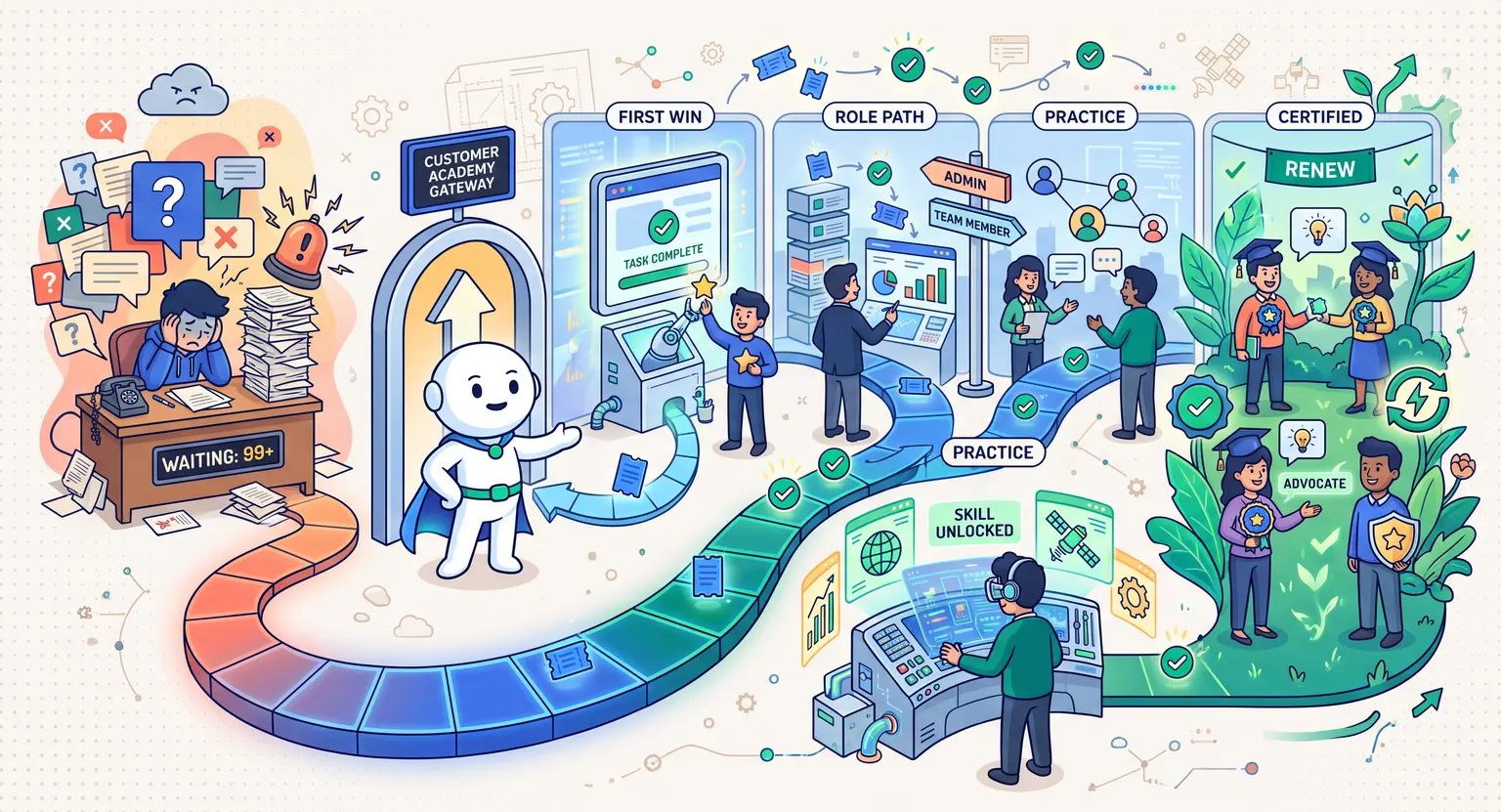
5. Design the Learner Journey From Checkout to Completion
A sale is not the finish line. It is the moment your platform has to prove it deserves the learner's trust.
Think about the first ten minutes after purchase. Does the student receive a clear welcome? Do they know where to begin, how long the first task will take, and who to contact if they get stuck? Or do they land in a library of modules and quietly promise themselves they will "come back later"?
Make the next action obvious
Your onboarding should point to one clear first step. A welcome message, a short orientation lesson, a progress marker, and a first quick win are often enough. Do not make new students decide which of twelve resources they should consume first.
Use progress deliberately. Some programmes benefit from releasing modules over time; others need learners to move at their own pace. Either way, explain the logic. A locked lesson is frustrating when it feels arbitrary, but reassuring when it creates a clear path and a shared rhythm.
Build support and community into the product
People rarely leave a course because one video was not cinematic enough. They leave because life interrupted them, they did not know what to do next, or they felt alone with a question.
Create purposeful touchpoints : a check-in after the first module, an office hour, a reminder when a learner has been inactive, a place to celebrate completed work, and a simple route to get help. A community does not need constant chatter. It needs a reason for members to return and contribute.
This is also where your platform becomes a listening tool. The questions in your support inbox, the lessons students replay, and the points where progress slows down are all signals. Use them to improve the course instead of assuming the original version must remain unchanged forever.
6. Launch Small, Measure What Matters, and Improve
You do not need a huge launch to learn whether your platform works. You need a real audience, an honest promise, and a way to listen carefully once people begin using the product.
A focused launch webinar can be especially useful here : it helps you teach before you sell, hear objections in real time, and invite the most relevant people into a founding cohort.
Start with the people most likely to have context for your work : past clients, colleagues, existing subscribers, professional communities, social connections, and relevant partners. Invite them to a useful webinar, a short content series, or a founding cohort. Give them a specific reason to engage now.
Paid ads can be valuable later, once you know which message, audience, and offer already convert. At the beginning, they are better used as a test than as a rescue plan. If a promise is unclear to people who already know you, a larger ad budget will not make it clearer.
Run a simple first-launch cycle
In the first week, collect questions and confirm the most compelling angle. In the second, invite people to a waitlist, workshop, or webinar. In the third, open a small beta or founding cohort. In the fourth, review what happened : who bought, where people hesitated, what students completed, and what they asked for next.
You do not need to optimise everything at once. Choose one improvement per launch. Tighten the promise. Simplify the checkout. Add an example to a confusing lesson. Improve the welcome sequence. That is how an online course platform becomes stronger - not through one dramatic redesign, but through repeated useful adjustments.
Track learning and business signals together
Revenue matters, of course. But it is a lagging signal. Watch what happens earlier : registration-to-purchase rate, time to first lesson, first-module completion, lesson drop-off, support themes, community participation, refunds, testimonials, renewals, and referrals.
A platform that sells well but leaves learners stranded will eventually stall. A platform that helps learners get visible results creates proof, trust, and a healthier business underneath the numbers.
Ready to Create Your Online Course Platform?
Building an online course platform takes work. You will make choices, test assumptions, listen to people, and improve the parts that are not quite there yet. That is not a sign that you are behind. It is how durable learning businesses are built.
Start with one useful transformation. Validate it with real people. Deliver it in a way that helps them act. Then choose technology that lets you run the entire experience without spending your week tying software together.
You already have the knowledge. Now build the environment that gives it a chance to change something for someone else.
✨ Get started for free with Learnybox ✨
FAQ - Creating an Online Course Platform
1. Where do I start if I have never created an online course before?
Start with the problem, not the platform. Talk to potential learners, identify one specific outcome they want, and test the idea through a small workshop, waitlist, pre-sale, or founding cohort. Once you have real signals, build the smallest version that can deliver a genuine result.
2. How long does it take to create an online course platform?
It depends on scope, existing material, production quality, support level, and whether you are creating a self-paced course or a guided programme. A focused beta can be ready in a few weeks; a larger academy may evolve over several months. The practical goal is not to rush a giant library - it is to launch a useful first version and improve it with real learner feedback.
3. How do I price my online course?
Price the transformation and experience, not the running time of the videos. Consider the outcome, the audience's alternatives, your support level, feedback, community access, and whether the programme is self-paced, live, or coached. A smaller founding-cohort price can help you validate the offer before setting the evergreen price.
4. Which platform should I use to create an online course?
Choose a platform that supports the full learner and business journey : course delivery, mobile access, payments, emails, customer management, reporting, and the marketing journey that brings people to the course. An all-in-one platform such as LearnyBox can reduce manual integrations, but compare the current plan limits and features against the model you want to run.
5. How do I attract my first students if I do not have an audience yet?
Start with warm, relevant conversations : past clients, colleagues, communities, partnerships, and people already connected to the problem you solve. Offer a workshop, webinar, or beta programme that creates value before asking for a sale. Once the message and offer are working, use content and carefully tested paid acquisition to extend the reach.
6. Should I sell on my own platform or through a marketplace like Udemy?
Marketplaces can bring discoverability and early validation, but they offer less control over pricing, brand, learner data, and the customer relationship. Your own platform gives you more ownership and flexibility, but it also means you are responsible for attracting the right audience. The best choice depends on what you are validating and the business you want to build over time.
7. How do I build a real community around my online course platform?
Give students a clear reason to return : progress check-ins, practical challenges, live office hours, peer feedback, shared wins, or a regular question prompt. Community works when it supports the learning journey; it does not need to be noisy to be valuable.
8. How can AI help me create an online course without lowering quality?
Use AI for the repetitive first draft : transcripts, captions, quiz ideas, summaries, course outlines, and feedback clustering. Keep human review for subject-matter accuracy, examples, teaching decisions, assessments, and every claim that learners will act on. AI should make your expertise easier to deliver, not make the course generic.





 How to Create a Course Refund Policy (Templates & Best Practices for 2026)
 How to Run a Beta Version of an Online Course (2026 Guide)
 How to Sell an Online Course With a Quiz Funnel (2026 Guide)