







Kajabi Alternatives: Best All-in-One Platforms in 2026
Kajabi Alternatives : Best All-in-One Platforms in 2026
Key Takeaways
-
Best Value : LearnyBox is a complete all-in-one system with native checkouts.
-
Ditch Bloated Spendings : shifting platforms can slash your tech budget by up to half.
-
Try Free : you can quickly create a free LMS account today.
-
No Hidden Costs : beware of platforms that charge transaction commissions on sales.
The Kajabi Conundrum : Why Everyone Is Scouting Alternatives in 2026
We have all been there. You get a brilliant idea for a course, log in, and suddenly stare at a massive monthly bill that eats your profits before you even launch.
For years, Kajabi was the king of all-in-one spaces. It promised to run emails, host videos, and build funnels under one roof.
But as we move through 2026, the creator world has shifted. Entrepreneurs are realizing that paying high fees for unused features is bad business.
Plus, connecting rigid systems to legacy tools causes tech headaches.
You do not need an overpriced setup to share your knowledge. Whether you are a solo infopreneur starting out or a scaling academy looking to save on software, excellent alternatives exist. Today, we are spotlighting the best systems for your business.
So, why are creators leaving Kajabi behind this year?
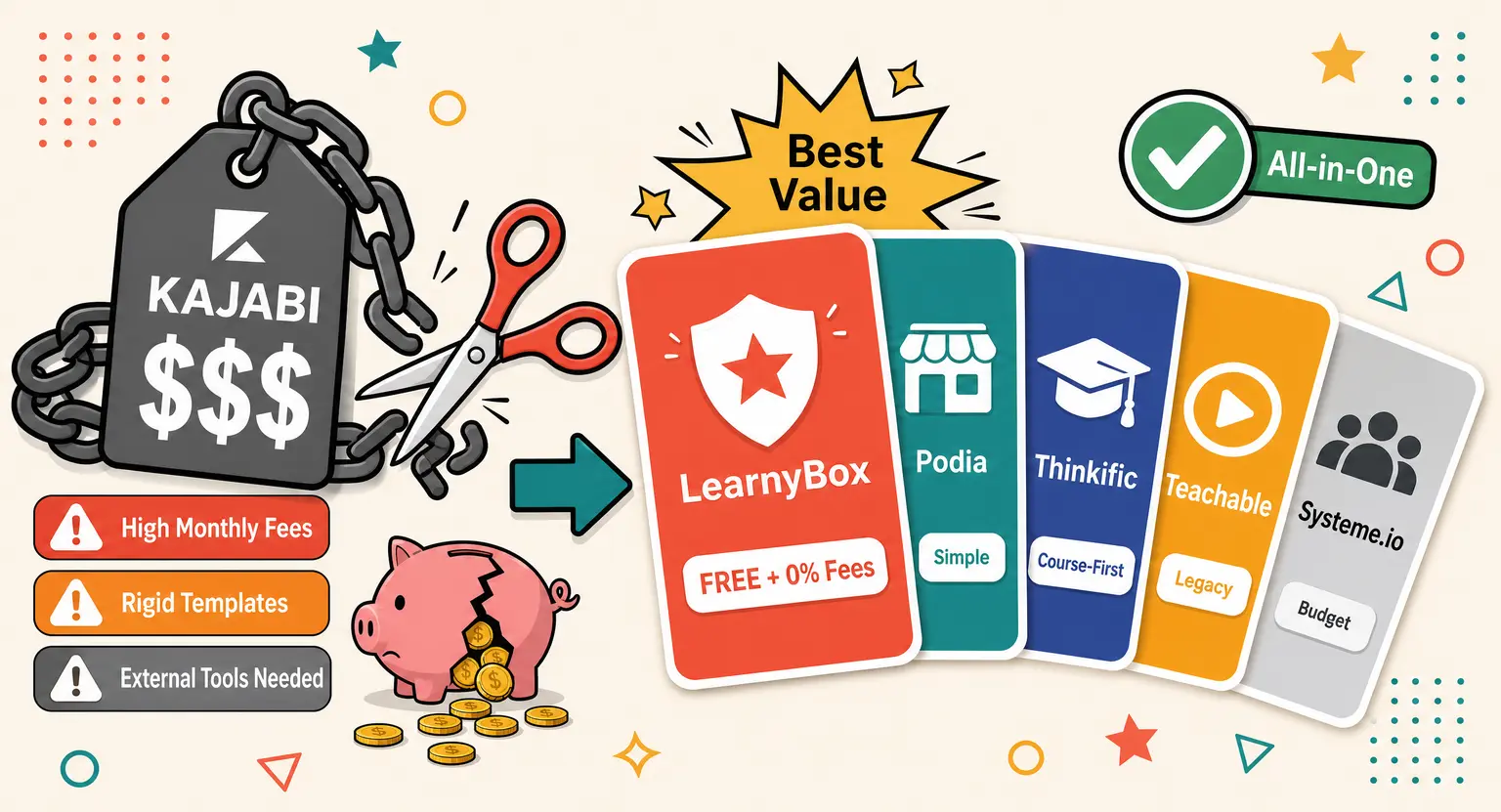
The main culprit is pricing inflation paired with rigid packaging.
Kajabi is great when you use every tool. But if you only need a page builder, clean email flows, and video hosting, it feels like buying a jet when a train works.
On top of that, many find the template designs restrictive. You either look like everyone else or hire a developer to customize code.
And then there is the customer support. When a funnel breaks, you need immediate help, preferably in your language, not a chatbot.
That is why business owners are turning to platforms that respect their budget, simplify design, and offer real human help.
The Frontrunners : Dissecting the Top Kajabi Alternatives
Let us break down the main platforms giving the legacy players a run for their money.
We want to see how they perform under pressure.
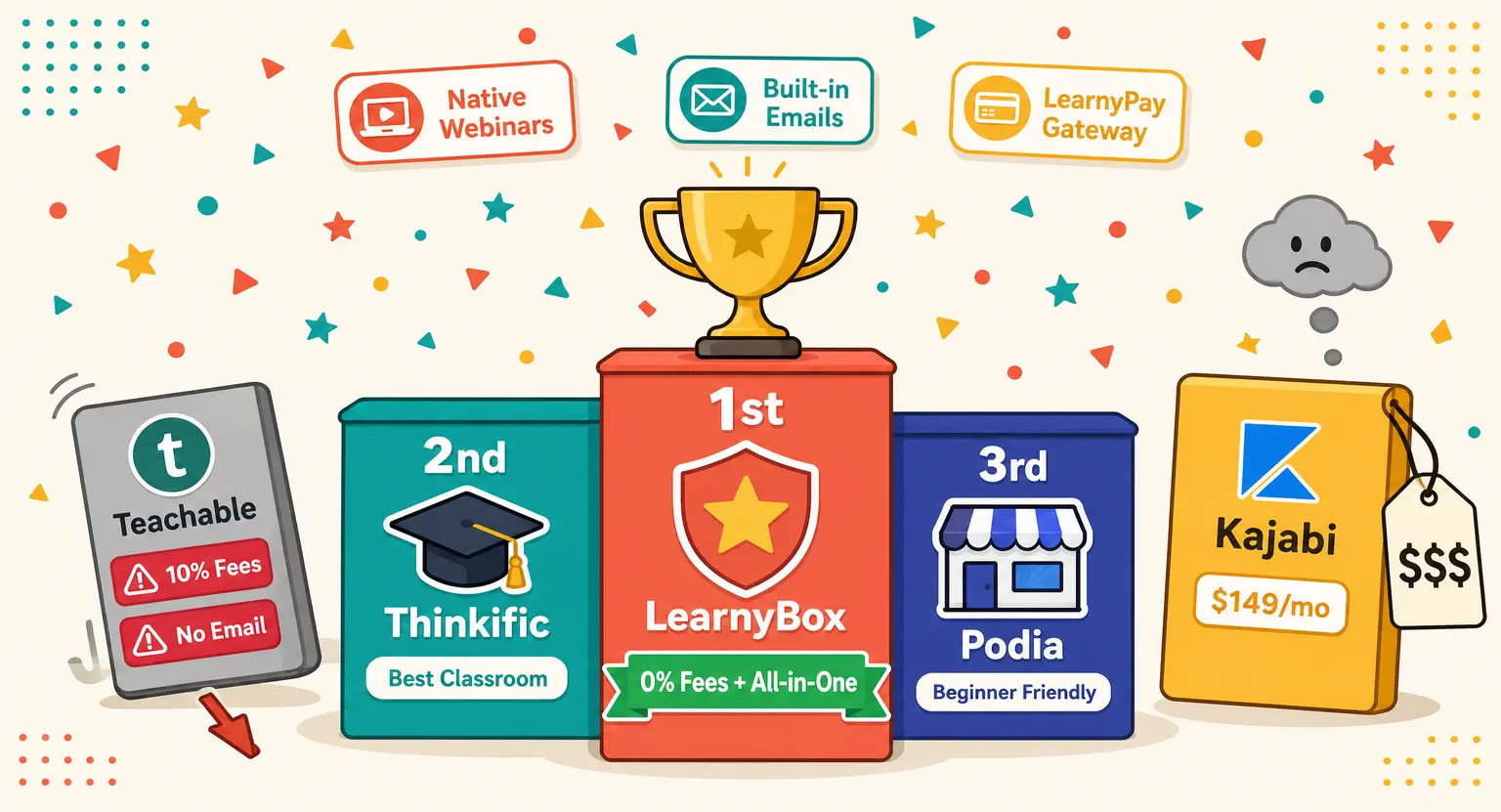
LearnyBox : The All-In-One Powerhouse That Costs Less
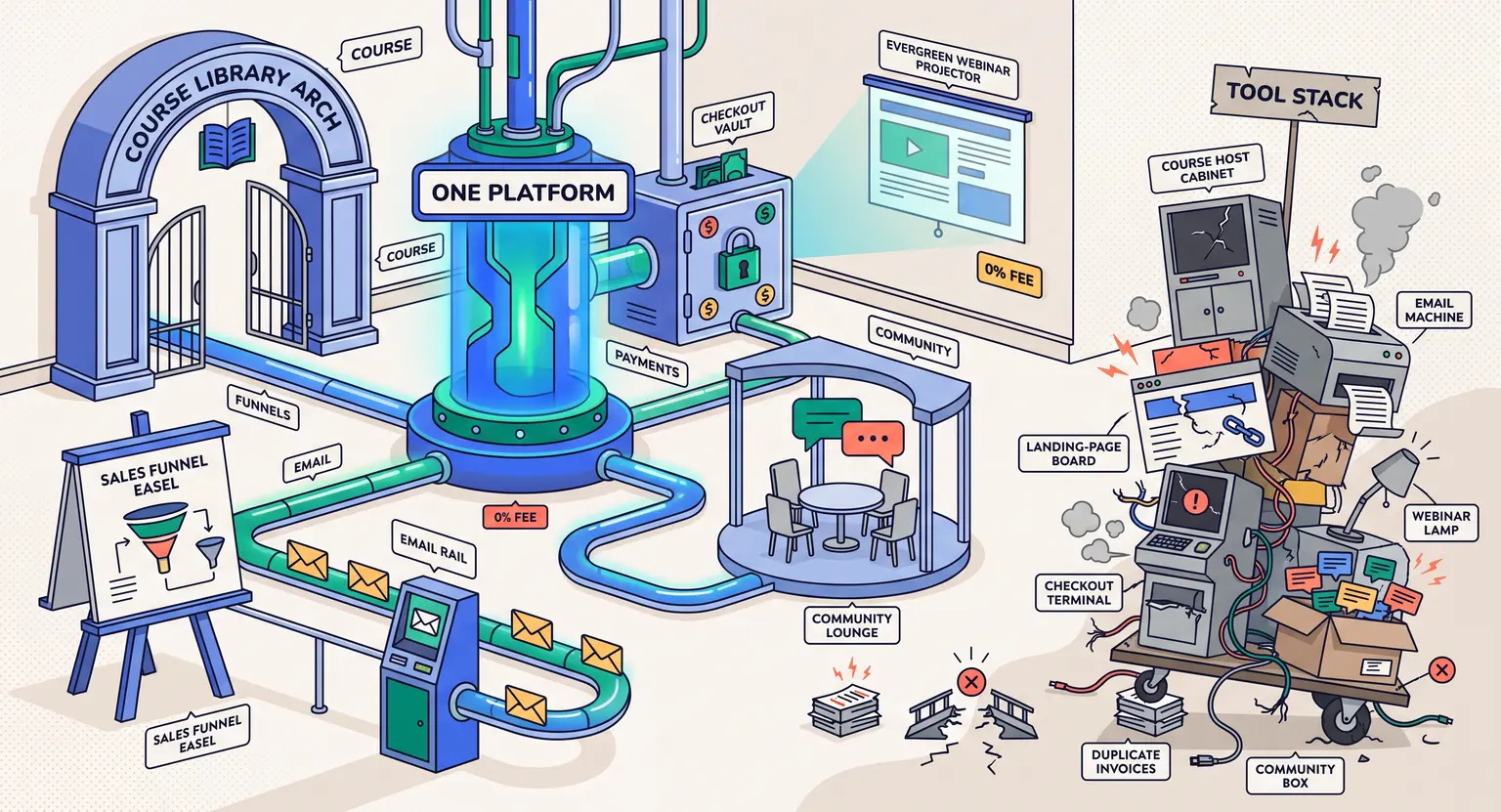
If you want to escape the trap of paying for ten different marketing tools, this is your home.
It is a complete business engine that handles everything on one dashboard.
You do not just get hosting; you get integrated web-broadcasting and live webinar tools, dynamic funnels, and deep email automation. Over seventy-six thousand entrepreneurs have generated over eight hundred million dollars here.
What sets it apart is its accessibility. The entry-level option is free, and paid tiers scale gently.
Instead of relying on external gates, it uses LearnyPay to secure transactions with zero fees.
It is highly intuitive, lets you build beautiful pages without code, and features a friendly support team that actually responds.
Podia : The Simplistic Community Hub
What if your business focuses on digital downloads, basic coaching, and keeping things super simple?
In that case, exploring Podia alternatives leads directly to Podia's minimalist setup. It is very easy to set up, making it ideal for beginners. It acts as an affordable storefront for PDFs, simple webinars, and basic communities.
But if you want to build advanced automation paths, you will hit limits fast. Its simplicity is both its main strength and its primary boundary.
It is a lovely starting space, but active academies often outgrow it quickly.
Thinkific : The Course-First Specialist
If you only care about student testing and structured lessons, looking at Thinkific alternatives shows that Thinkific remains a solid choice for academic delivery.
They specialize in educational features like quizzes, assignments, and progression tracking. The player is stable. But it is not a marketing hub.
If you want to run complex email campaigns or build automated sales paths, you must buy separate tools.
This adds to your tech stack and bill, defeating the purpose of simplifying.
Teachable : The Legacy Standby
And then we have legacy tool Teachable. When reviewing Teachable alternatives, users often seek better support and lower transaction fees.
Teachable built the foundation for creator sites, making it easy to host lectures. It calculates global taxes automatically, which is helpful. But their pricing models frustrate growing companies.
Some entry tiers still take cut percentages of your sales, which feels like a penalty.
Their design updates are slow compared to modern visual editors, causing creators to seek fresher platforms.
Head-to-Head Comparison : Features, Pricing, and Hidden Costs
Choosing software is a major decision for your online academy. To make things simple, we have built a detailed comparison matrix showing where each platform excels so you can compare them at a glance.
| Platform | Core audience | Top marketing tools | Payment methods | Free tier | Main roadblocks |
|---|---|---|---|---|---|
| LearnyBox | Solo creators, scaling teams, and companies trying to centralize operations. | Automated sales sequences, built-in dynamic email platforms, live and automated webinars, and native communities. | Native LearnyPay wallet, automatic invoicing, split payments, Stripe, and PayPal. | Yes, a generous lifetime free account covering your first 20 students perfectly. | Lesser known in purely English-centric spaces, though multi-lingual options are live. |
| Kajabi | High-budget creators wanting an all-in-one brand. | Funnels, basic email broadcasts, automated marketing events, and simple built-in podcasts. | External connections to Stripe and PayPal, which can sometimes result in surprise gateway freezes. | No, they lock their software behind credit-card required trials. | High monthly subscription costs. |
| Thinkific | Traditional teachers focused primarily on curriculum testing. | Simple page elements and transactional emails, requiring external tools for real marketing. | Standard credit card processing gates that generally require external invoicing add-ons. | Yes, but extremely restricted. | Requires external email software. |
| Teachable | Hobbyists needing basic setups and tax math help. | Basic checkout layouts, affiliate management dashboards, and simple course sales pages. | Proprietary tax portal with entry-tier fees. | Yes, but the transaction fees on free and basic plans are quite punishing. | Course player looks highly rigid. |
| Podia | Beginners selling simple files or basic sessions. | Minimalist digital shopfronts, basic newsletters, and elementary community chats. | Straightforward payment integrations that lack advanced cross-selling or checkout bump features. | Yes, with rigid storage limits. | Too basic for larger academies. |
The Hidden Trap : Transaction Fees and Subscription Bloat
Let us examine the economic reality of digital platforms. Many creators get lured in by flashy ads, only to discover they are sinking under software fees.
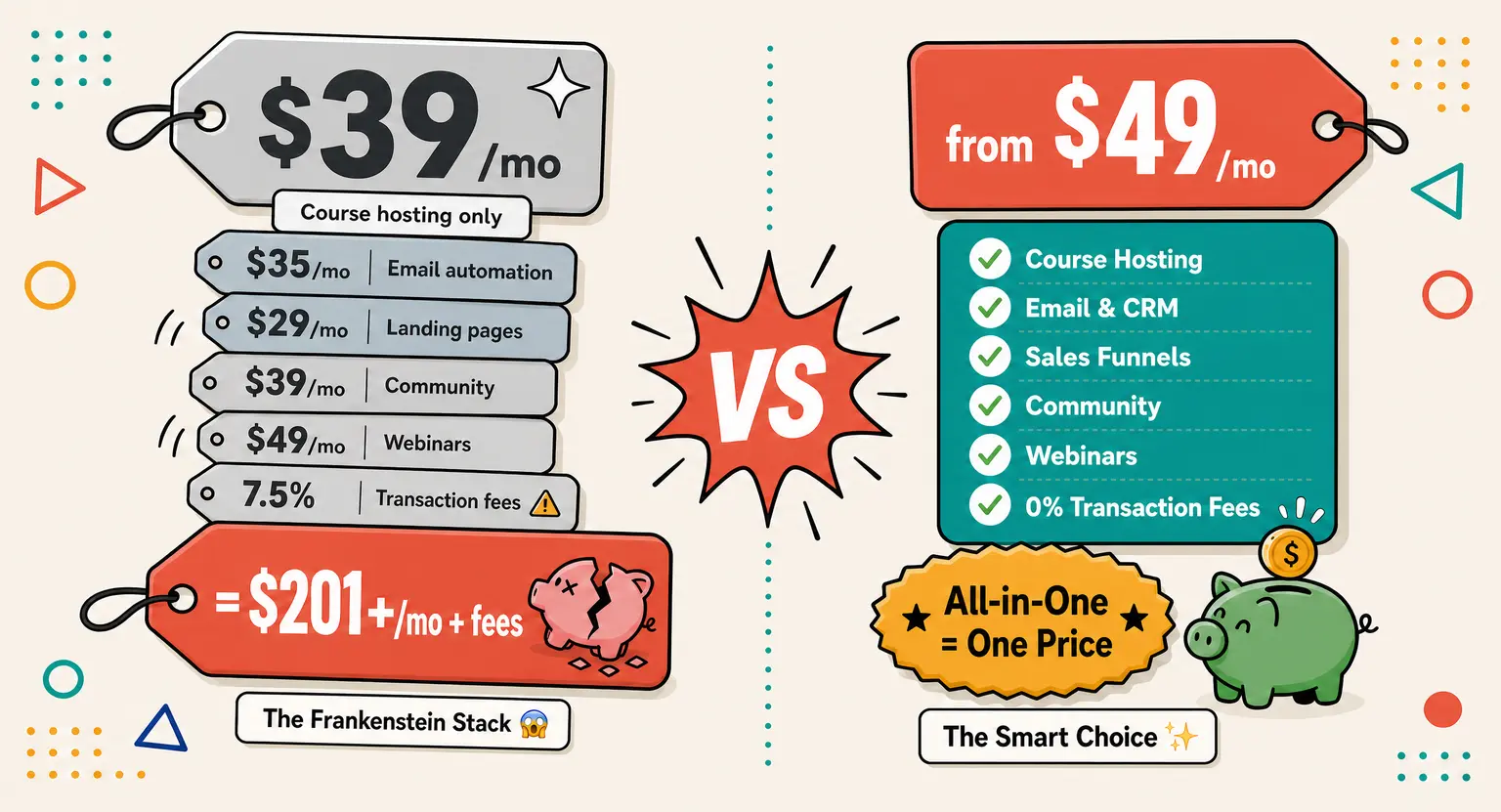
When using tools like Thinkific, you quickly realize you need to purchase an external email service, a separate checkout page tool, and software to stream webinars.
Suddenly, you are paying multiple billing invoices and wasting time stitching them together via third-party integrations.
And watch out for sales commissions. If your platform takes five percent of your revenue, it seems tiny initially. But when you hit ten thousand dollars monthly, that tiny percentage turns into five hundred dollars lost.
To avoid this, seek modern platforms with zero transaction fees. You should research the transparent platform pricing plans before committing, ensuring you keep every penny.
Migration Checklist : Smoothly Transitioning Without Losing Your Mind
Moving your training courses from Kajabi does not have to be a tech nightmare. In fact, many providers will migrate your video files, lessons, and databases without any data loss.
If you handle it yourself, follow this checklist :
-
First, download your raw videos and text files to a secure hard drive.
-
Export your user lists as a clean CSV file with separate tags.
-
Outline your automation sequences to rebuild them quickly in your new interface.
-
Set up your merchant processor beforehand to keep cash flow uninterrupted.
-
Message the support team of your new system to secure migration assistance.
-
Make sure to write a detailed announcement post for your existing online community space to spark early excitement regarding the interface change.
By pacing yourself, you can transfer everything smoothly over a weekend.
Real-World Feedback : What Creators Say After Switching
We spent hours interviewing creators who made the leap this year. The feedback was incredibly consistent.
Most people expected the transition to be highly stressful, but were pleasantly surprised by how much they saved.
Estelle, a business coach, shared that consolidating her tools from seven subscriptions down to one saved her over a thousand dollars annually and freed up ten hours of weekly tech administration.
And then there is Michel, a sales director, who noticed his partner sales increased by over twenty percent after using the native mobile app layout to showcase educational materials during meetings.
These are real results from real people who decided they were done paying high tech taxes.
Moving to a modern platform is not just about saving money; it is about reclaiming your mental focus and dedicating more energy to what you actually do best : teaching your audience.
This shows how choosing a platform focused on user experience over complex setups can instantly pay dividends in client retention and positive community feedback.
Frequently Asked Questions
Are free plans actually useful, or do I need to pay immediately?
Yes, they are highly useful. For example, our starter tier lets you host a full course, invite twenty students, build an acquisition funnel, and send thousands of monthly emails for zero dollars.
It is perfect for testing your concept before spending anything. Once your sales begin, you can easily upgrade your setup to premium, meaning your software bill only grows when your bank account does. We highly encourage starting this way today.
How do transaction fees eat into my overall profit margins?
Transaction fees act as a quiet tax on your hard work. A five percent cut seems minor on small sales... But as you scale to ten thousand dollars monthly, you lose five hundred dollars every month.
Choosing an all-in-one platform with zero commission policies ensures you keep your full margins and reinvest that capital back into growing your brand.
Can I run evergreen sales webinars without buying external software?
Absolutely. While Kajabi requires external webinar tools, advanced options build evergreen webinars directly into your dashboard.
You record a video once, and the system simulates live broadcasts with scheduled chats, polls, and checkout offers.
This gives you a passive sales channel running twenty-four hours a day without any extra subscription bills.
What is the benefit of using an integrated payment gateway like LearnyPay?
An integrated wallet removes the mess of linking third-party processors that can lock accounts. It manages checkout pages, automated invoice generation, installment plans, and student subscriptions from a unified panel.
By keeping things native, you reduce checkout glitches, which boosts your conversion rates and helps convert visitors into buyers.
Will my students lose their course progress if I migrate from Kajabi?
Not if you migrate smart. You cannot sync active video progress bars between different software databases, but you can import your CSV lists to grant members seamless access to your new platform.
Sending a friendly update email explains the move, and many students love the fresh, clean layout and responsive mobile design.
Related Material
Ready to build your digital classroom? These excellent guides from our blog will help you start today :
-
Check out our side-by-side analysis of how LearnyBox stands against Podia.
-
Struggling with live events? Read our guide on how to organize a successful webinar.
-
Want to see our features? You can explore the central all-in-one hub immediately.









 How to Create a Course Refund Policy (Templates & Best Practices for 2026)
 How to Run a Beta Version of an Online Course (2026 Guide)
 How to Create a Cohort-Based Online Course (2026 Guide)
 How to Sell an Online Course With a Quiz Funnel (2026 Guide)
 How to Sell an Online Course Through a Sales Call (2026 Guide)