







Cheapest Online Course Platform: The Real Cost in 2026
Cheapest Online Course Platform : The Real Cost in 2026
Let's be brutally honest for a moment. If you are searching for the cheapest online course platform in 2026, you are probably trying to figure out how to share your knowledge without having your entire bank account systematically drained by software subscriptions.
It is a common struggle. You look at a neat list of monthly pricing tiers, see a brand promising hosting for $39 a month, and think you have scored a major win for your budget.
But here is the hard truth you face when starting an online training business : that initial upfront monthly price is almost always a carefully laid trap.
Why is this? Because hosting your training videos is only twenty percent of the battle.
To actually make money, you need pages to collect emails, a system to send automated newsletters, a checkout cart that does not crash, and a way to handle automated customer billing.
When you sign up for a cheap solo hosting system, you quickly discover you cannot actually execute a proper course sale. You are forced to connect three or four other paid tools just to get your first student inside the digital classroom.
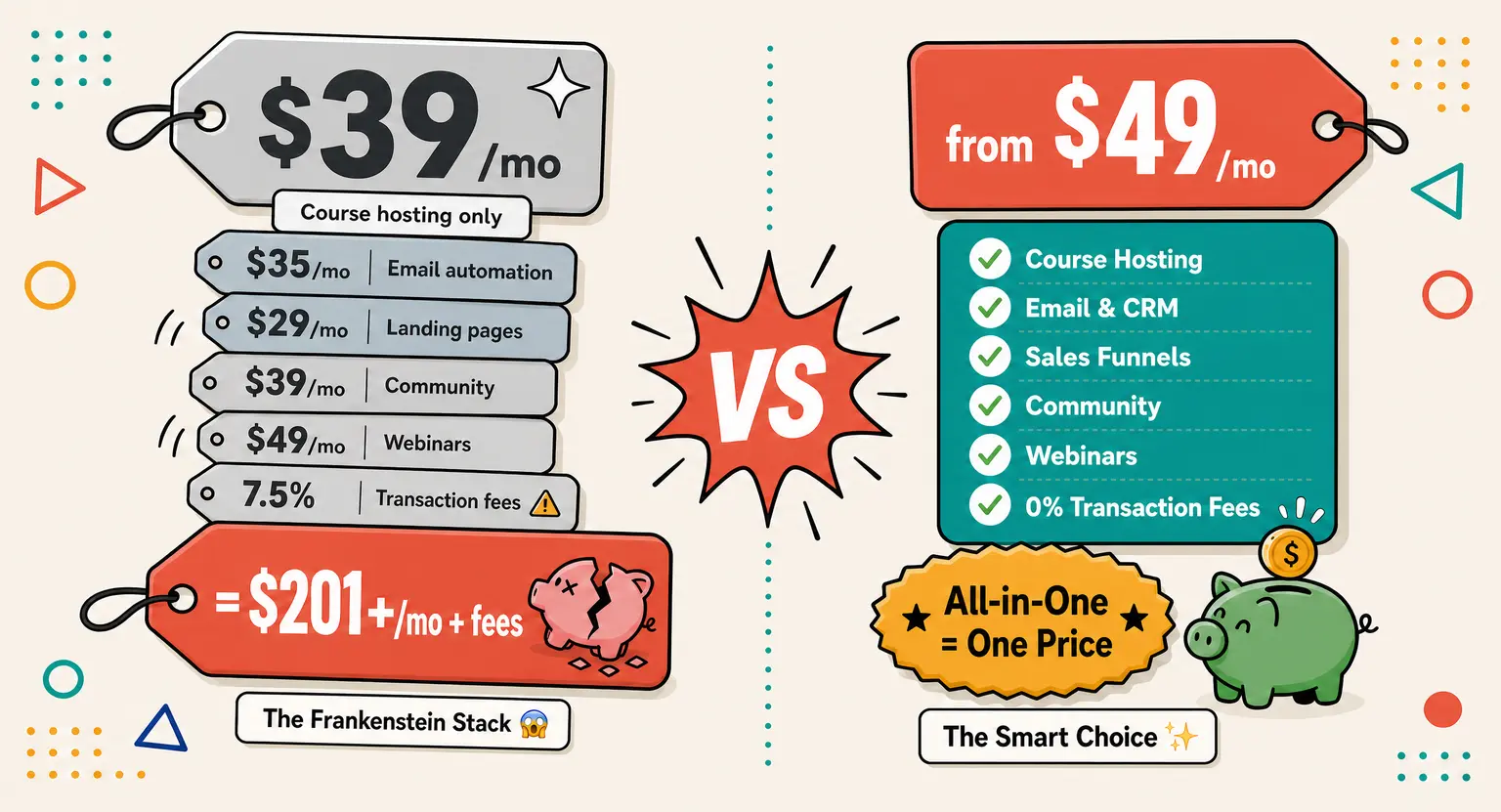
Soon, that bargain $39 platform has dragged along a $50 email marketing provider, a $40 checkout manager, and a $29 tool to handle your student community space.
It is a slow, frustrating leak of your hard earned funds, and it explains why so many talented teachers give up before their training even hits the marketplace.
True affordability is not about finding the lowest monthly subscription. It is about avoiding the hidden operational leaks.
Key Takeaways for Smart Creators
-
Beware hidden transaction fees : entry level tools charging up to 7.5% on sales eat your profit margins before you even scale.
-
Consolidation is cheaper : unifying your sales pages, emails, and payments stops expensive software bloat from draining your personal bank account.
-
Look out for limits : cheap systems throttle your contacts. Check our guide to the best course platform for beginners to avoid annoying bottlenecks early.
-
Start free : you do not need a credit card. Leverage a free online course platform sandbox to build your initial sales pages completely risk free.
The Danger of Building a Frankenstein Stack
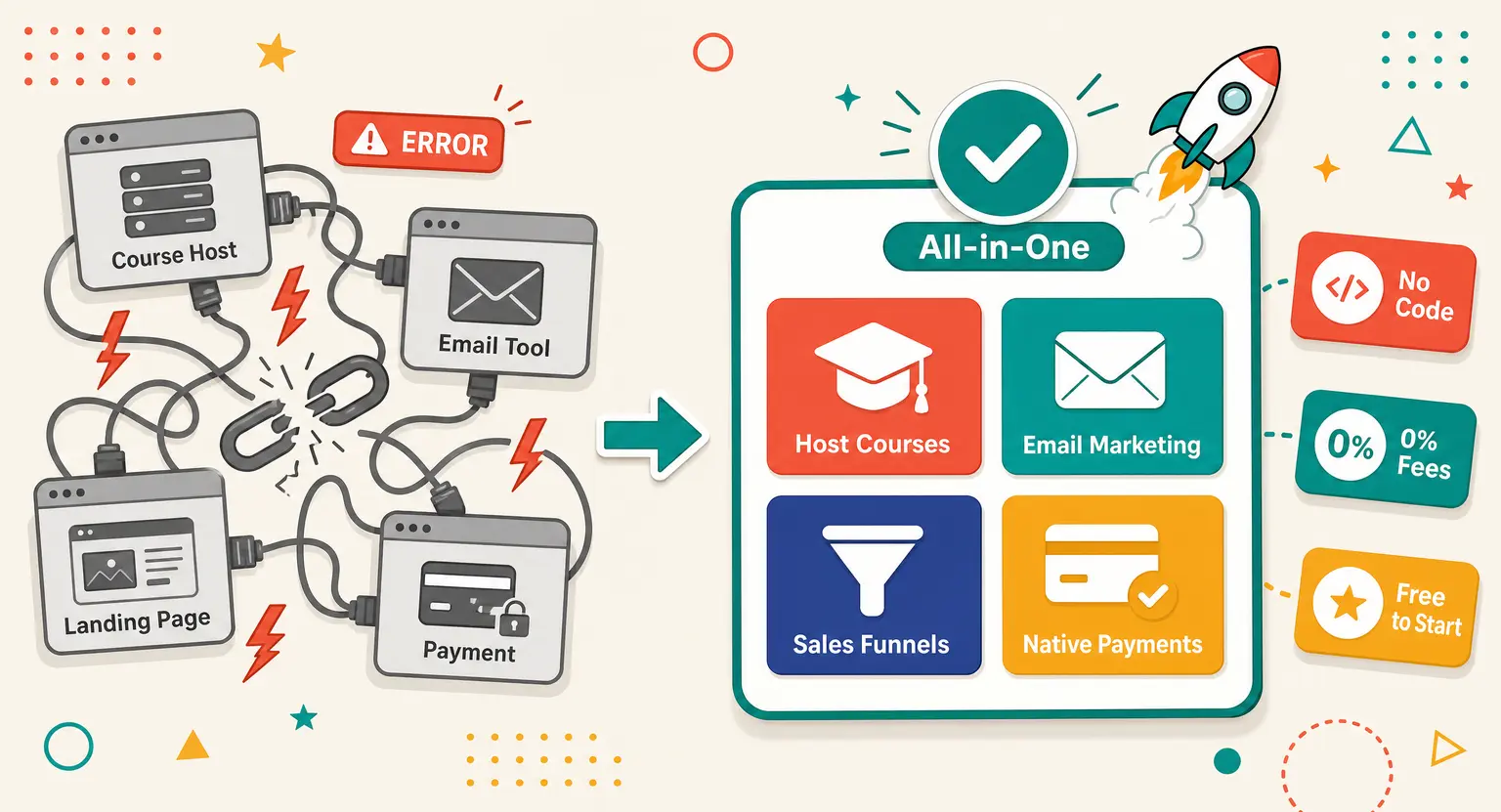
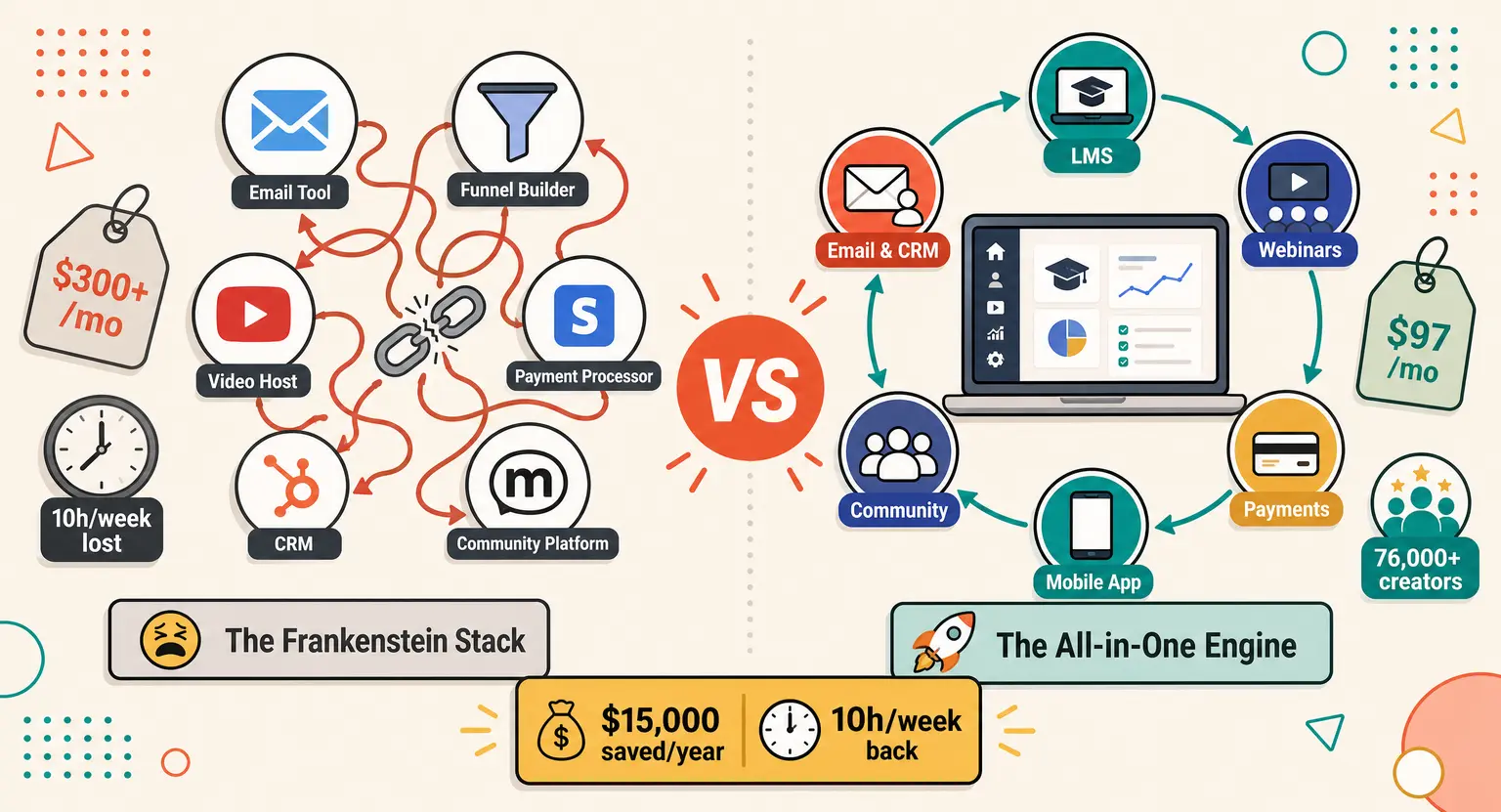
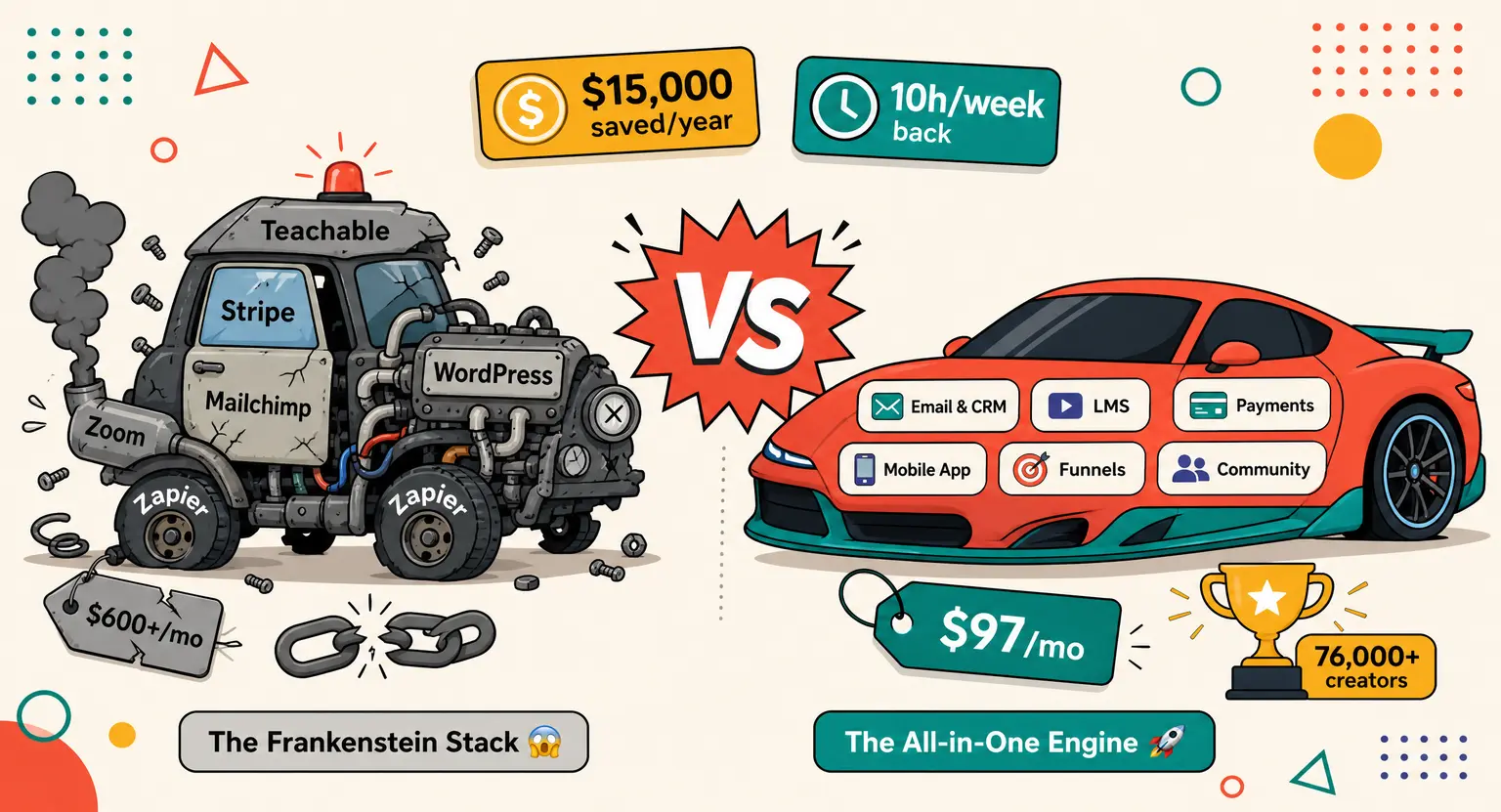
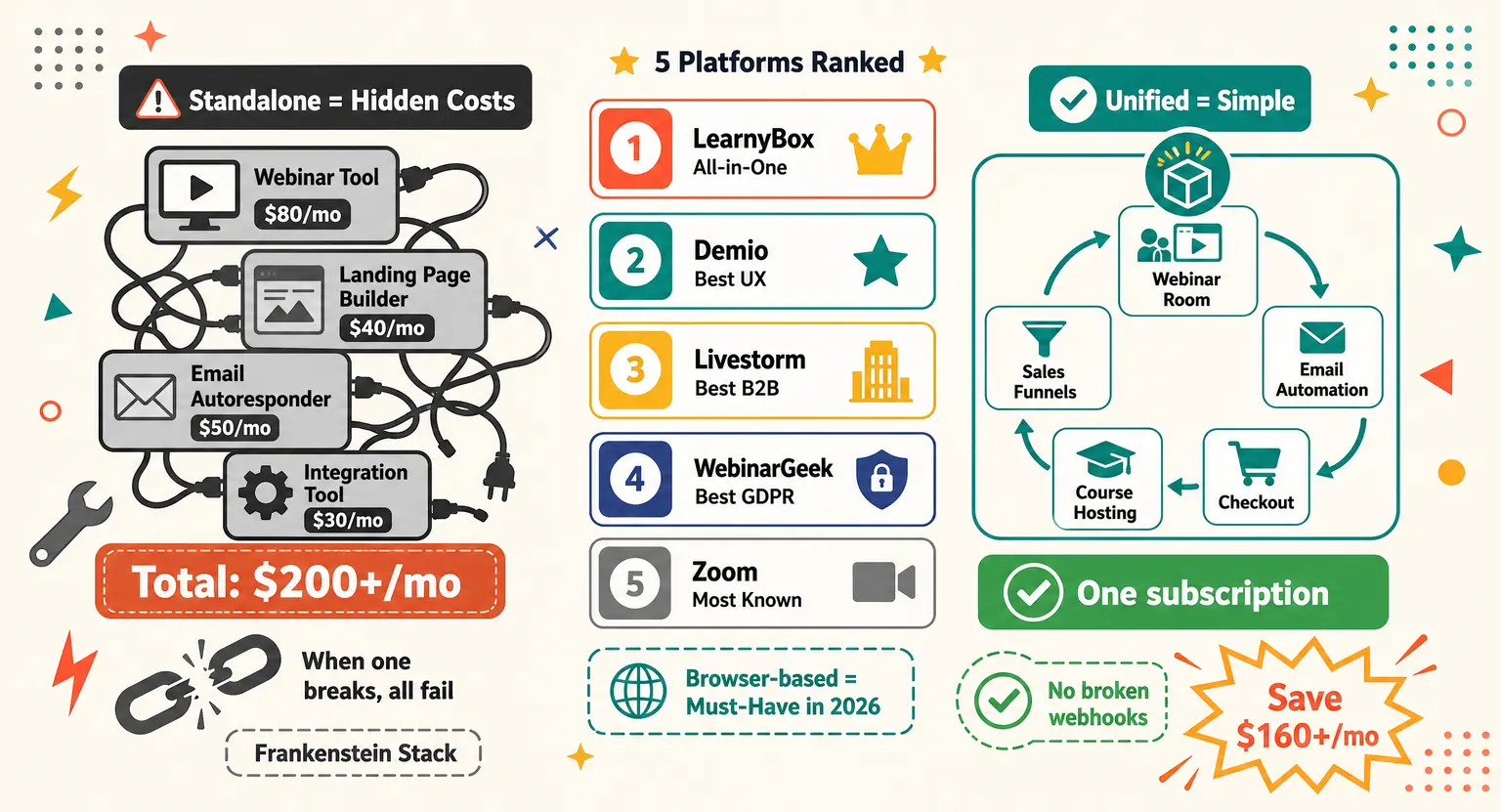
If you have ever tried to link multiple online systems together using third party workflow integrators, you already know the pain of the Frankenstein Stack.
It is a messy digital creature held together by duct tape, API keys, and constant prayers.
You write a blog post, design some lessons in one tool, link your payments to another payment system, and then use separate automation software to trigger a welcome email.
It feels modern and slick when you first set it up, but the moment a single integration fails, your entire business grinds to a halt. Your students are charged twice, or maybe they do not receive their passwords at all, and you spend your weekend writing apology emails instead of improving your content.
But the biggest issue with the Frankenstein approach is not even the technical headaches. It is the direct financial impact.
Let us lay out the math of what a typical creator pays when buying everything separately in 2026 :
-
Course hosting software : $49 per month
-
Email automation service : $35 per month
-
Sales landing page designer : $29 per month
-
Community message board portal : $39 per month
-
Live video webinar delivery tool : $49 per month
Suddenly, your lightweight cost efficiency setup has quietly ballooned into a monthly bill of over two hundred dollars.
And that does not even account for the value of the dozens of hours you waste trying to make sure these services talk to each other without errors.
Choosing a comprehensive unified all-in-one platform to sell online courses is the ultimate cheat code for your budget because it bypasses the expensive marketing tax completely.
You pay one predictable price and everything works natively without needing external third party integrations. No headache, no extra connections, just a smooth workspace.
Let's Do the Math : Comprehensive Platform Comparison
To clear up the confusion and show you how different budget friendly options stack up across the market, it is essential to look at the numbers side by side.
If you want to sell online courses, you must evaluate not just the monthly base fee, but the performance limits, contact constraints, and extra fees that can sneakily eat your profits.
Let us execute a raw online course platform comparison to see exactly what you get for your money.
Pay close attention to what happens when you move from a free trial to a paid plan.
| Platform & Plan | Base Cost | Transaction Fee | Course & Contact Limits | Included Marketing Tools |
|---|---|---|---|---|
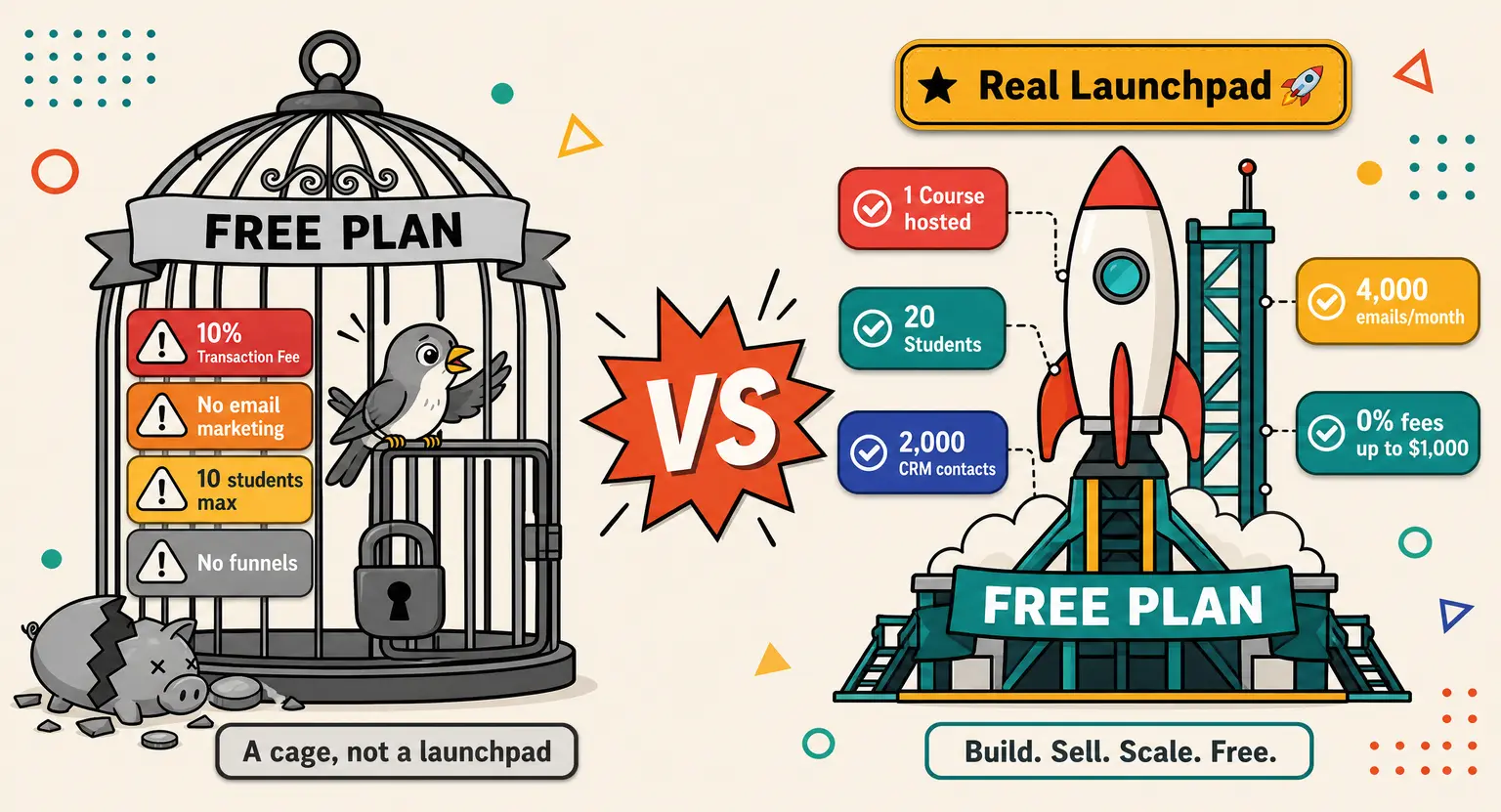
| LearnyBox Free Plan | $0 per month | 0% | 1 Course / 20 Students / 2,000 Contacts | Funnels, 4,000 Emails, Community, Site, Blog |
| LearnyBox Launch Plan | $49 per month | 0% | 10 Courses / 100 Students / 7,500 Contacts | 75,000 Emails, Webinars, Blog, Site Builder |
| Teachable Basic Plan | $39 per month | 7.5% per sale | 5 Courses / Limited Customization | Basic email campaigns, limited funnel structures |
| Thinkific Basic Plan | $49 per month | 0% | Unlimited Courses / 10,000 Students | No integrated email campaigns, basic pages |
| Podia Mover Plan | $39 per month | 0% | Unlimited products / Limited support | Basic email messaging, minimal funnel builders |
Let us analyze this table structural layout in our pricing comparison logic. Look how LearnyBox stacks up next to alternative systems.
For the exact cost of 39 dollars a month, Teachable takes a massive commission of 7.5% of every single sale you execute. If you sell a high ticket plan for 500 dollars, they subtract 37.50 dollars from your payout on top of your monthly bill!
And if you take a closer look at our detailed LearnyBox vs Podia review, you will see that budget friendly options leave out automated sales features or native evergreen webinar capacities entirely.
Why Transaction Fees and Direct Wallets Are the Real Game Changers
Let us zoom in on the transaction fee issue because this is where most entry level creators make a mistake that ruins their budget.
When you are just starting, a 5% or 7.5% transaction fee sounds like a fair compromise. You think to yourself, "I am not making many sales yet, so a small cut is fine."
But what happens when your sales page starts converting well?
What happens when you generate 5,000 dollars in a single month?
At 7.5%, a platform like Teachable is taking 375 dollars from your wallet in a single month. That is far more than the cost of a premium plan on a professional platform. It is a massive tax on your progress.
And there is another major shift happening in 2026. Global payment processors, specifically Stripe, have updated their general terms of service.
This makes processing online payments highly risky without facing sudden account freezes.
Specialized, direct wallet features like LearnyPay have quickly become incredibly vital for smart online business owners.
Instead of relying on a fragile chain of separate tools, using a native checkout system that handles payment methods, subscription renewals, automated invoicing, and security built directly into your course platform secures your cash flow.
You do not just save money on software fees; you protect yourself against sudden business shutdowns. That is the kind of peace of mind that a simple WordPress plugin can never offer you.
Finding Your Ideal Setup : The Launching to Scaling Checklist
Now that we have dismantled the hidden costs of software, let us look at how you can practically get started on a shoestring budget.
To build a highly profitable program without waste, you need a clear, phase by phase approach. Trying to build a massive, complex system on day one is a quick way to burn through your resources.
Instead, follow this structured launch sequence :
Phase 1 : Build the Foundation with Zero Cost
Do not buy software until you have proof of concept. Start in a free sandbox environment.
Get set up with an LMS free account that lets you structure lessons, host core videos, and make a capture page.
Do not launch paid ads yet. Just focus on finding your first ten students through organic social channels or direct emails.
Phase 2 : Scale Gradually with Launch Tier
Once you have active students inside your dashboard, move to a budget friendly tier like the Launch plan at $49 VAT excl. a month.
This gives you space to host ten courses and keep 7,500 contacts in your CRM.
At this stage, use native email triggers to automatically warm up your prospects and deliver training on a schedule.
Phase 3 : Maximize Conversion Rates and Run Webinars
When your sales are steady, you can step up to premium tools. This is when you should run live masterclasses or put your sales process on autopilot using evergreen webinars that run around the clock.
By keeping everything inside a single system, you avoid paying extra monthly fees for third party streams, page hosts, and list cleansers.
You keep your overhead low while your profits scale up.
Making a Smart Business Decision that Saves You Money and Time
At the end of the day, choose a platform that helps you grow instead of hitting you with surprise fees. Building a business is hard enough without being penalized for every checkout conversion you secure.
By keeping your newsletters, capture channels, and course delivery inside one predictable workspace, you secure both your margins and your sanity.
Take action today, start clean, and let your actual teaching do the heavy lifting.
Frequently Asked Questions
Is a cheap online course platform with transaction fees worth it?
No. While high transaction commissions look harmless initially, they quickly become a heavy tax once you grow.
A 7.5% fee on sales means you lose 75 dollars on every 1,000 earned. Keeping your revenue whole is always the smarter play.
How does changing my platform's pricing structure affect my margins?
Your margins are directly tied to tool consolidation. When you pay for separate email tools, CRM accounts, and landing page systems, you waste massive funds.
Unifying these features under a single subscription preserves your profits beautifully.
Can I host my courses on a WordPress site to save money?
WordPress looks cheap on paper, but requires expensive video hosts, plugins, and custom integrations to function. You also handle security bugs. Fully hosted systems save you time and cash.
Why consider direct wallets over Stripe for course transactions?
In 2026, standard processors frequently lock accounts without warning. Using integrated wallets like LearnyPay ensures your transaction flows stay fully functional, reliable, and compliant within your training dashboard.
Are there hidden costs on budget course platforms?
Yes. The most common charges include student caps, volume email limits, and premium landing page charges. Review our sell online courses platform pricing guide to bypass these traps.




 How to Use AI for Student Feedback: The Definitive 2026 Guide
 How to Use AI to Create Course Quizzes (2026 Guide)
 AI for Online Course Personalization (2026 Guide) | Learnybox
 Transform Your Webinar Into an Online Course with AI (2026 Guide)
 Creator Economy Business Models: Sustainable Assets in 2026