







AI Video Tools for Online Courses: Master 2026 Video Production
AI Video Tools for Courses
Key Takeaways for Fast Video Creation
If you want to save hours and still create highly professional video lessons in 2026, keep these modern strategies in mind as you map out your school :
-
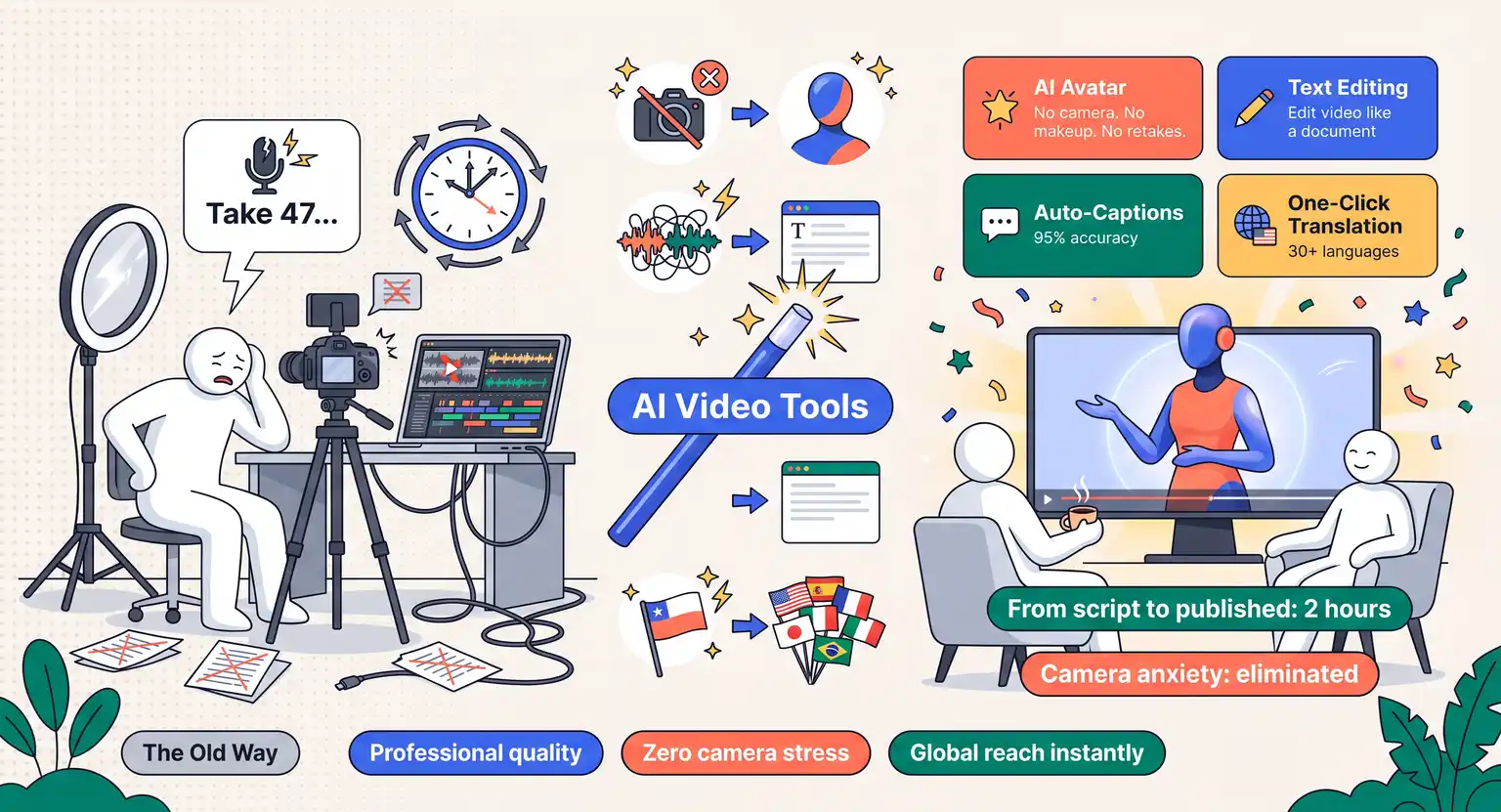
Skip the camera anxiety : use hyper-realistic AI avatars to scale your lecture delivery without ever putting on makeup, feeling stuck behind a lens, or repeating tedious takes. Check out how to mix this with how to create engaging course content.
-
Edit like a writer : platforms that let you edit video by simply changing the transcribed text save hundreds of hours of painstaking timeline slicing and tedious volume tweaking.
-
Syllabus to script : leverage advanced automation tools designed for digital instructors, much like integrating ChatGPT for course creators, to instantly feed your AI video tools organized scripts and slides.
-
Go global easily : voice-cloning and high-fidelity lip-syncing systems can translate your completed video lessons into dozens of foreign languages with a single click.
So, you spent weeks putting together an incredible syllabus, you know your topic and are ready to share it with the world… But then you think about the actual video recording process, and a cold sweat sets in.
You imagine yourself sitting in front of a cold camera lens, repeating the same slide introduction twelve times because you keep stumbling over your words…
Then comes the thought of spending the next three weekends staring at a complex, terrifying editing timeline, trying to sync your audio, cut out your "ums," and force your webcam footage to look decent.
It is enough to make many aspiring educators throw their hands up and quit before they ever publish their first lesson - no one wants to waste hours on technical struggles when they want to teach.
But we are in 2026, and the digital education space has completely shifted. The technical barriers that used to keep brilliant minds from sharing their knowledge have been permanently dismantled.
Thanks to a new wave of incredibly powerful AI video tools, editing, capturing, and generating polished material is no longer reserved for professional production crews with five-figure budgets.
Modern systems are built for teachers, not just professional editors - you can manage everything from your home office now.
Whether you want to build slick, animated slides, create interactive screen captures, or have a hyper-realistic virtual avatar speak on your behalf, there is a tool designed to match your style. And the best part? It takes a fraction of the time.
Let's look closer at the absolute best AI video tools for online courses available today, and find out how they can make your production process smooth, fast, and surprisingly fun.
You will be amazed at how easily you can scale your academy once you find the software combination that matches your unique style.
The New Era of Course Video Production
There was a time when launching a course meant buying high-end lighting rigs, expensive audio boards, and spending weeks learning how to color-correct local clips…
Today, the game is entirely different. Successful creators focus more on the structure of their curriculum and less on manual technical tasks. They let smart software handle the heavy lifting while they focus on pure teaching.
Think about how you build your syllabus. Before you ever hit record, you can use an automated AI course outline generator to map out exactly what your lessons will cover.
Once that roadmap is clear, you can feed those structured prompts directly into generative tools to help craft scripts, generate matching visual assets, and even format slide backgrounds - this is not about letting machine learning run your entire business. It is about removing the friction points that cause creative burnout.
So why should you care about integrating these assets into your process?
For starters, standard videos can get stale quickly. Modern students expect dynamic visuals, crisp sound, and clear presentation - if a video sounds noisy or moves at a painfully slow pace, learners tune out.
AI-driven editing suites can automatically strip away annoying silences, add professional captions, and insert appropriate background music in seconds - you get clean, sharp, engaging classroom material without needing an expensive audio engineering degree.
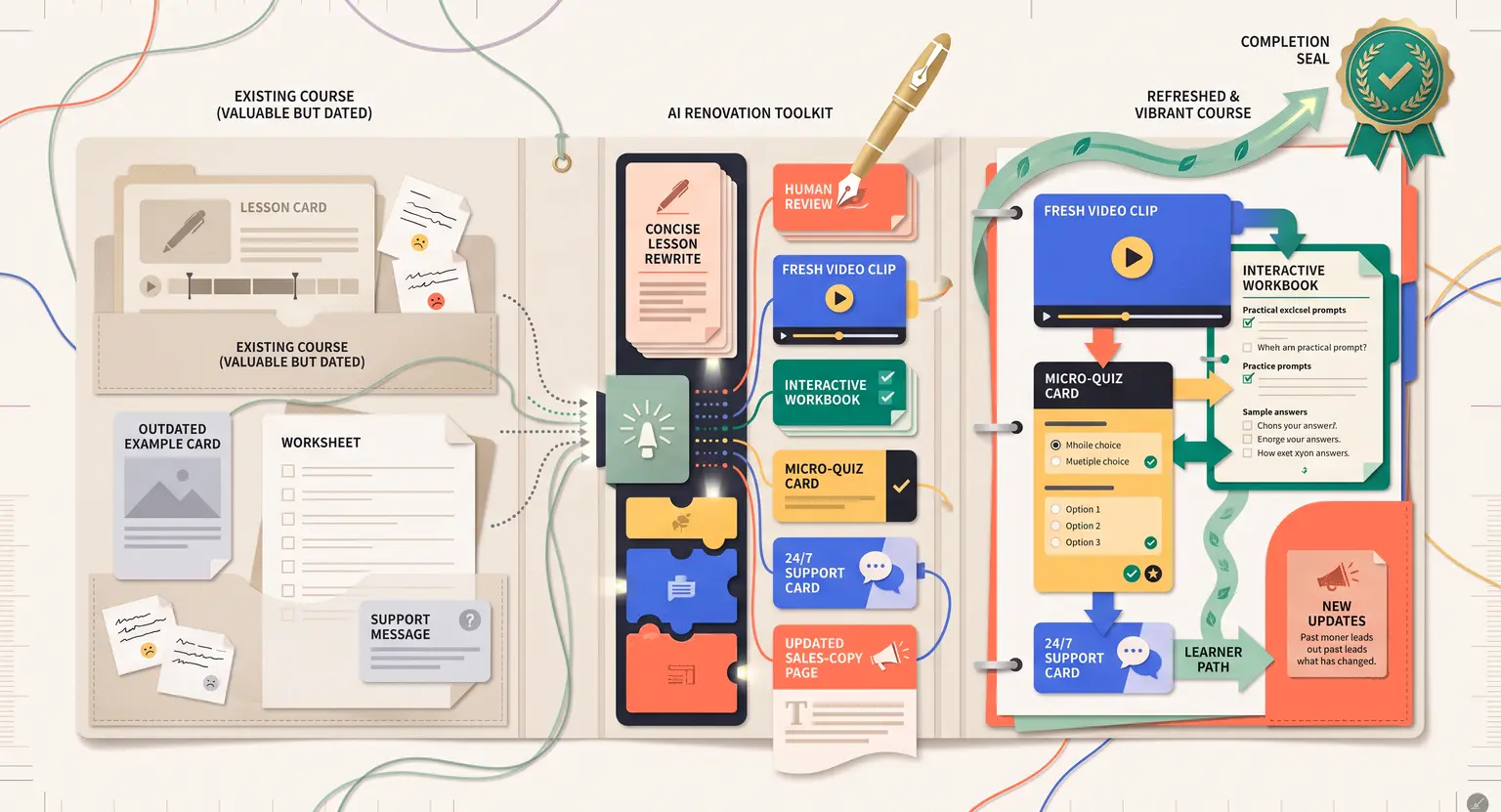
Plus, updateability is incredibly simple. If a system changes, you do not need to re-record everything. You simply update your lecture script, run it through your digital editor, and update your content live in minutes. It keeps your academy completely current.
Generative Video and AI Avatars : Teaching Without Cameras
What if you absolutely hate being on camera? It is a very common fear… Many experts have invaluable knowledge to share but simply freeze up, feel self-conscious, or lack the time to record themselves presenting.
If that is your situation, you do not have to settle for dry, text-only slides. Generative AI avatars have become a total game-changer for digital classrooms.
Platforms like HeyGen and Synthesia have evolved rapidly. In 2026, virtual presenters look incredibly realistic, blinking naturally and moving with human inflection.
You simply write your script, choose your avatar, select an accent, and render your lecture instantly. It completely removes the need to worry about camera setups.
If you prefer a personal touch, you can clone yourself. By recording a short, five-minute video of your face, you train the software to generate a digital twin - when you need a new lecture, you write the script and let your twin deliver it. This scales production without you sitting under studio lights.
Of course, some creators still choose to record themselves live because they love the raw energy of a face-to-face chat - if you want to take the traditional route but want to stay calm, check out our guide on how to film yourself for an online course to blend both approaches seamlessly.
Combining occasional live talking-head intros with clean, avatar-driven technical walkthroughs gives your audience the perfect mix of human warmth and structured pacing.
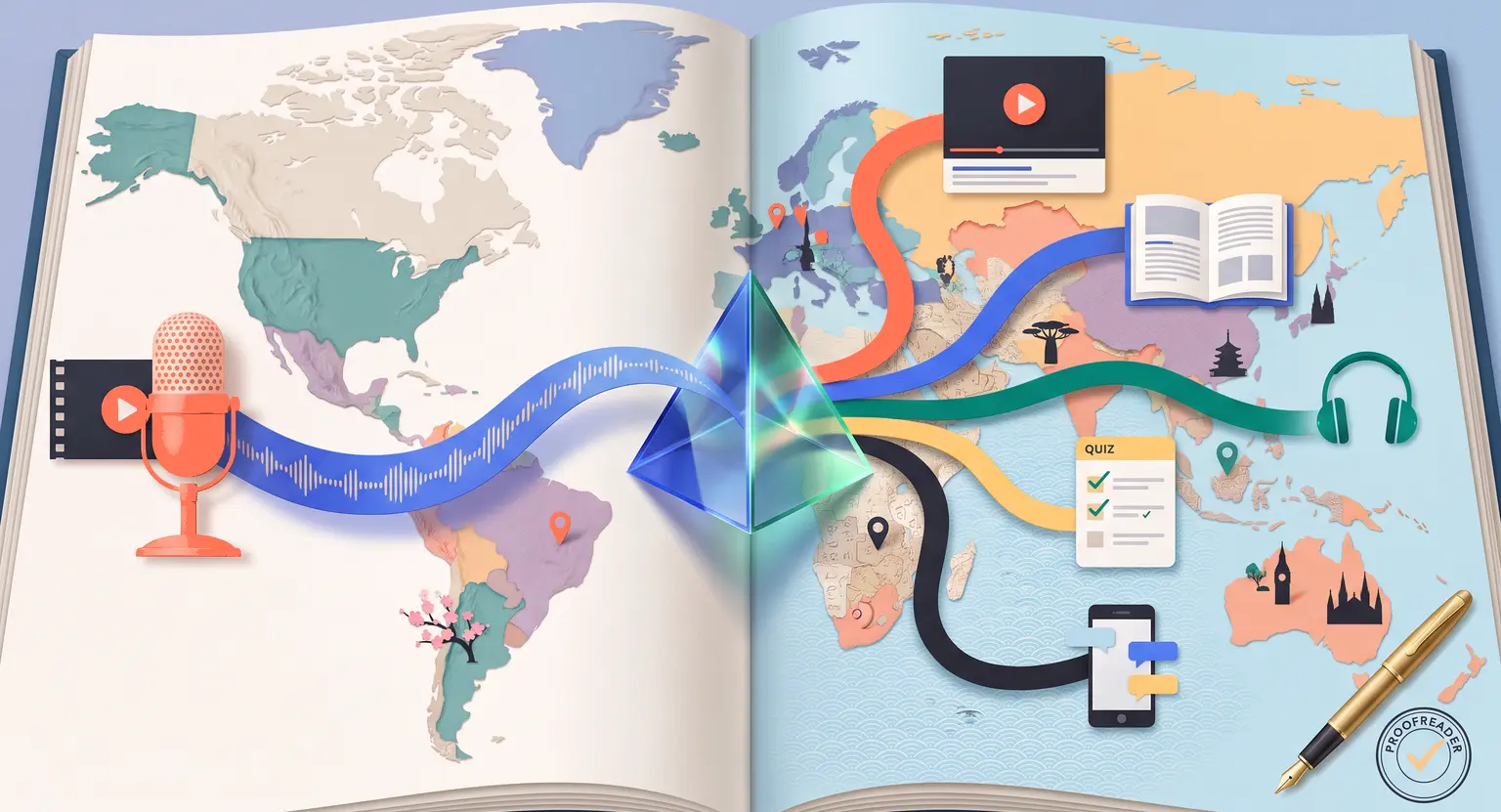
Another major highlight of this technology is instant localization. Imagine building a course in English and suddenly opening up your sales channels to students in Japan, Germany, and Brazil.
Traditional voiceover localization can cost thousands of dollars per hour; today, you can translate your avatar video lessons into eighty different languages instantly, with the avatar's lips adjusting to match the foreign phrasing perfectly.
It is the cheapest and fastest way to transform your local classroom into a global brand.
Smart AI Video Editors : Polishing Raw Footage Instantly
Let's say you enjoy recording your own videos, but you dread the editing desk. That is where interactive text-based video editors come in.
For years, editing meant looking at visual audio waves, slicing clips with microscopic precision, and moving blocks of video around a complex track - now, editing is as easy as editing a simple Word document.
Tools like Descript revolutionized this process by letting you edit video through a text transcript. Highlight a line you want to skip, press delete, and the corresponding video clip disappears - it even detects filler words like "um" and "you know" and lets you clear them with a single click.
Do not worry about hums or background noise either. AI filters strip away background echo, giving you a deep, studio-grade tone. Still, starting with decent hardware helps.
To make sure your raw feeds are clean before software filters touch them, view our recommendations for the best equipment for recording online courses.
On top of audio correction, generative visual tools can help you generate custom B-roll.
If you are teaching a complex financial strategy or an abstract concept, you no longer have to spend hours searching through cheesy stock footage sites to find a matching visual.
You can write a quick prompt into Runway or VEED, and the system creates a custom, relevant, beautiful animation or clip to overlay on your talking-head track - it keeps the visual pacing quick, interesting, and tailored to your specific teaching point.
The Microlearning Trend : Auto-Slicing Lessons into Bite-Sized Content
Modern attention spans are shorter than ever. While some students still appreciate deep, hour-long lectures, many learners prefer small, digestible, bite-sized lessons that they can watch during their daily commute or lunch break.
This style of education is called microlearning, and it is a massive trend in 2026. Students want quick, actionable insights without sorting through hours of filler.
So how do you scale this without spending all your free time editing endless short clips?
That is where AI clip generators like Opus Clip, Munch, or VFX AI excel. You simply upload a long-form webinar, a recorded Zoom class, or a comprehensive guide file.
The algorithm analyzes the material, identifies the key hooks, packages them into individual vertical videos, and automatically adds animated captions.
These short clips are incredibly versatile. You can use them directly in your course modules as quick revision summaries, or you can leverage them on social media platforms to drive organic traffic to your learning academy.
It is a highly efficient way to get multiple pieces of high-value content out of a single recording session without starting from scratch every single time. It maximizes your content's lifespan while boosting your learner retention metrics.
The Ultimate AI Video Tool Comparison Matrix
Stuck on which system fits your current workflow? There are dozens of software options out there, but you do not need to sign up for all of them.
Here is a direct, clear comparison of the top players helping creators record, edit, and translate educational videos in 2026.
If you want a deep dive into the initial capture stage, check our walkthrough on how to record online course videos cleanly before processing them through these platforms.
| Tool name | Primary purpose | Key AI feature | Learning curve | Best for |
|---|---|---|---|---|
|
Descript |
Text-based video editing. |
Filler word removal & voice cloning. |
Very low (edit text). |
Solo creators who record raw video. |
|
HeyGen |
Generative avatar creation. |
Hyper-realistic face cloning. |
Low to medium. |
Camera-shy educators & localization. |
|
Opus Clip |
Repurposing long-form content. |
Auto-cropping & kinetic captions. |
Extremely low (one click). |
Microlearning summaries & social promotions. |
|
ElevenLabs |
Voiceovers and translations. |
Emotion-rich voice design. |
Low. |
Screencasts and translation dubbing. |
|
Guidde |
Interactive screen capture. |
Auto voiceover for workflows. |
Low. |
Software tutorials & corporate training. |
How to Build Your Workflow Without Tool Overload
With so many options out there, it is easy to spend hundreds of dollars a month on tools you barely use… To avoid this, start small.
If you are comfortable on camera, stick to a basic recorder and use Descript to polish the result. If you dread the lens, focus your budget on a solid avatar system.
You do not need to utilize every single modern platform to produce beautiful lessons; you just need a reliable, repeatable sequence that gets your ideas to your students quickly.
Do not let the wide range of features distract you. A simple workflow that you actually enjoy using is infinitely better than a complex setup that leaves you feeling overwhelmed.
Choose one tool, master it, and then expand from there as your sales grow.
Explore Further Material
Are you eager to level up your entire digital school and build a highly successful infopreneur business? Discover these hand-picked expert resources to help fast-track your complete setup :
-
Discover the best tools to outline and write classroom lessons quickly with our checklist on how to use AI to write course content.
-
Ready to put your lessons in front of paying students and master your payment structures? See how to set up your storefront and sell online courses seamlessly.
-
Finding the absolute right hosting portal and learning management platform makes a massive structural difference; check our detailed comparison of the best all-in-one course platform options available today.
Frequently Asked Questions
Do students mind AI avatars in video lessons?
Generally, students do not mind AI avatars as long as the learning material itself is engaging, clear, and highly organized.
In 2026, generative avatars look incredibly lifelike, though we still highly recommend blending them with occasional real human recordings to maintain a very solid direct teacher-learner connection.
Can AI tools translate my course videos into other languages?
Yes, modern video tools can clone your voice and translate your voice script into dozens of international languages.
The AI technology also works to adapt and synchronize mouth movements seamlessly to match the translated dialogue, saving massive localized recording costs and translation times.
Does AI video editing eliminate the need for expensive recording gear?
Partially. While AI-driven filters can remove distracting background microphone echo and adjust poor bedroom lighting, starting with clear source audio and decent visual input still yields far superior, professional, and natural-looking final footage.
What is the fastest way to turn webinar recordings into microlearning clips?
The fastest route is using an automated clip editor like Opus Clip. It scans through long audio and video files, extracts high-impact statements, frames them vertically, and applies interactive captions in a few clicks.






 How to Create a Course Refund Policy (Templates & Best Practices for 2026)
 How to Run a Beta Version of an Online Course (2026 Guide)
 How to Create a Cohort-Based Online Course (2026 Guide)
 How to Sell an Online Course With a Quiz Funnel (2026 Guide)
 How to Sell an Online Course Through a Sales Call (2026 Guide)