







ChatGPT for Course Creators: The Ultimate 2026 Strategy Guide
ChatGPT for Course Creators
We have all been there. You are sitting in front of a blank screen, staring at an empty document, trying to figure out how to squeeze years of your hard-earned expertise into a logical digital curriculum.
It is exhausting… But in 2026, you do not have to struggle in isolation.
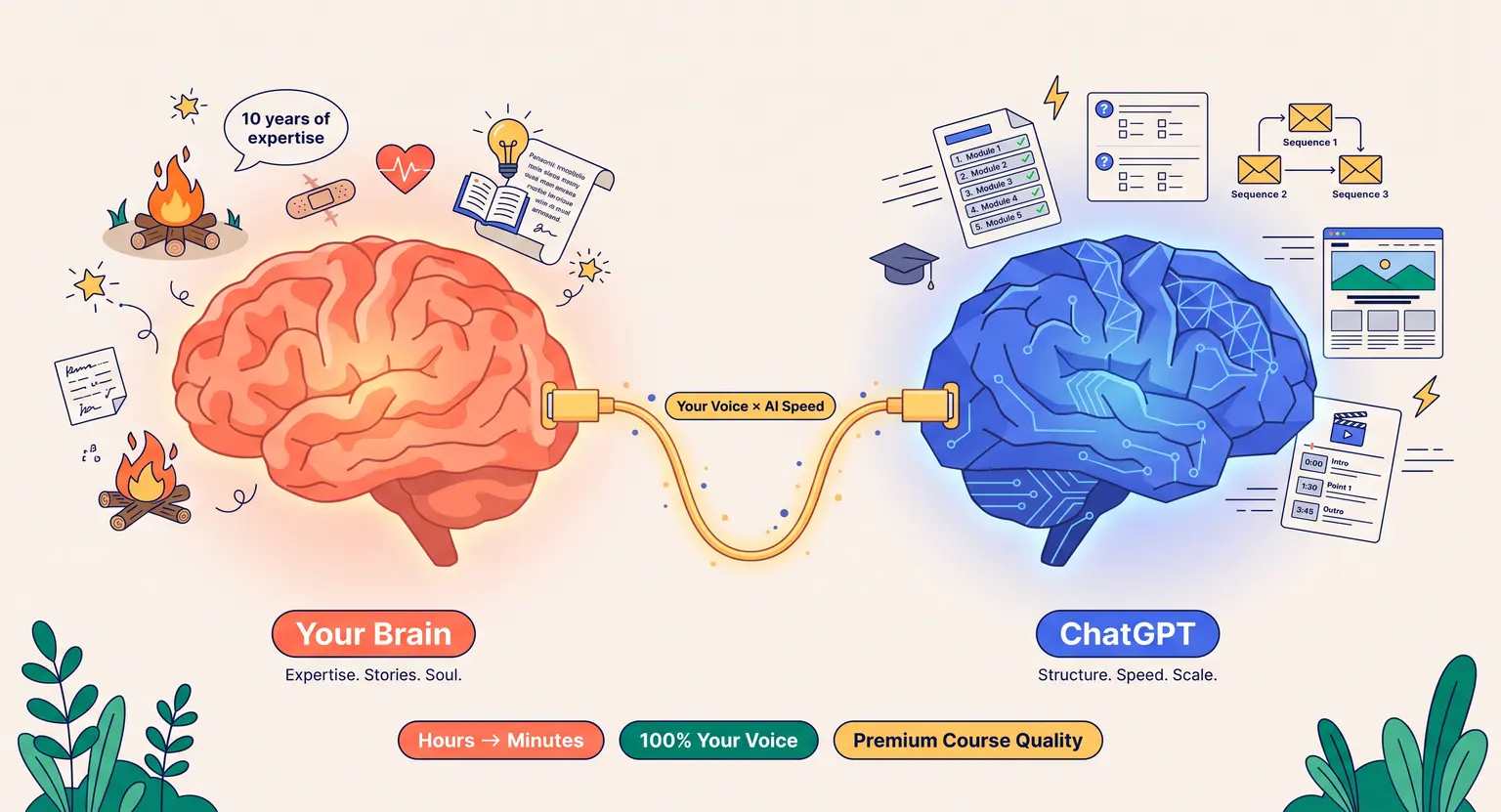
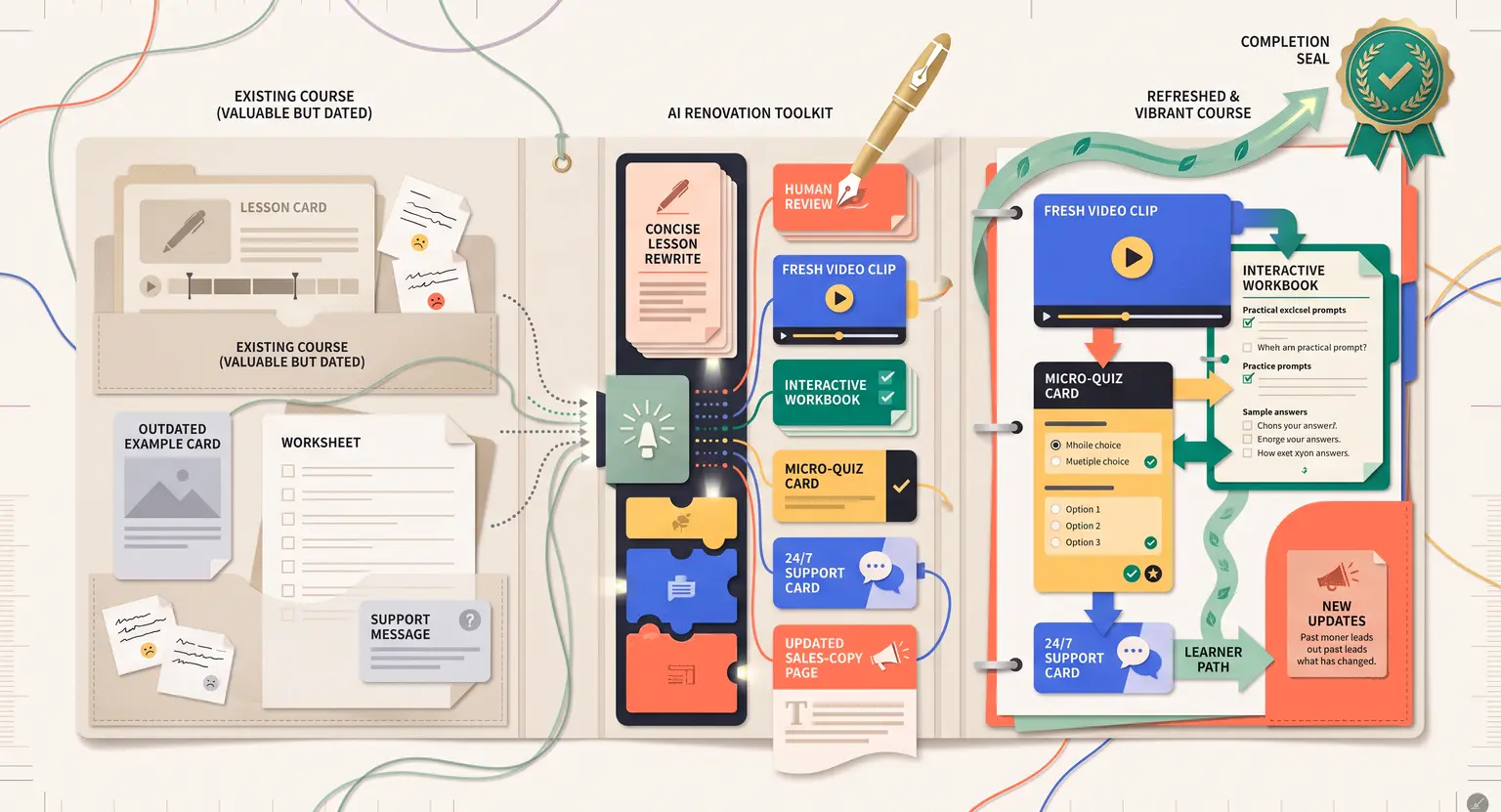
ChatGPT has evolved from a simple text generator into an indispensable cognitive partner for online educators. Whether you are building your very first module or trying to scale an established training library, this technology shifts the heavy lifting from manual labor to creative direction.
But here is the catch : if you treat the AI like a magic search bar, you will end up with generic, bland content that your students will spot from a mile away.
To build a premium academy, you need a smart, systematic approach that fuses your human experience with the computational speed of modern tools.
Let's explore how to make this dynamic work for your business.
Key Takeaways for 2026
-
Accelerated Outlines : use AI to brainstorm, cluster ideas, and build structured learning paths. Check out our template to learn how to structure an online course dynamically.
-
Iterative Design : never ask ChatGPT to write an entire module in one prompt. Break your requests down lesson by lesson to protect quality.
-
Custom Voice Profiles : feed the AI your past emails, blog posts, or transcripts so it learns your unique rhythm and avoids sounding like a robot.
-
Interactive Quizzes : push beyond text lessons by generating challenging questions and feedback guides.
-
Smart Launch Assets : speed up your promotion by drafting emails, sales copy, and video scripts from your core syllabus.
Redefining Curriculums : Brainstorming and Ideating with AI
The single biggest roadblock to launching an online course is simply choosing where to start. You have so much knowledge that organizing it into logical modules feels impossible.
So, how do you fix this? You begin with dynamic ideation. Instead of asking ChatGPT to write your lessons, use it to map the terrain first.
You can feed the AI a rough, unfiltered brain dump of everything you want to teach - just type in your scattered ideas, raw thoughts, and specific goals - and ask it to cluster those concepts into logical themes.
This gives you a strong foundation without destroying your personal touch. By treating the AI as an organizational editor, you bypass the blank page syndrome entirely.
For instance, you can instruct ChatGPT to roleplay as your target avatar. Ask it : "What are the main frustrations I would face if I were trying to master this topic today?" The AI will pull up common hurdles you might have forgotten because you suffer from the curse of knowledge.
Once you have identified these specific pain points, you can generate a tailored learning path.
This is where specialized tools shine; leveraging a dedicated AI course outline generator helps refine these raw concepts into a sleek, logical progression. It helps you decide what belongs in Module One and what should wait until the advanced sections.
The Co-Writer Workflow : Drafting Lesson Content That Sounds Like You
Once you have a structured map, the real work of content creation begins. But let's be completely honest : no one wants to read dry, clinical, AI-generated essays. If your lessons read like a high school encyclopedia, your completion rates will plummet.
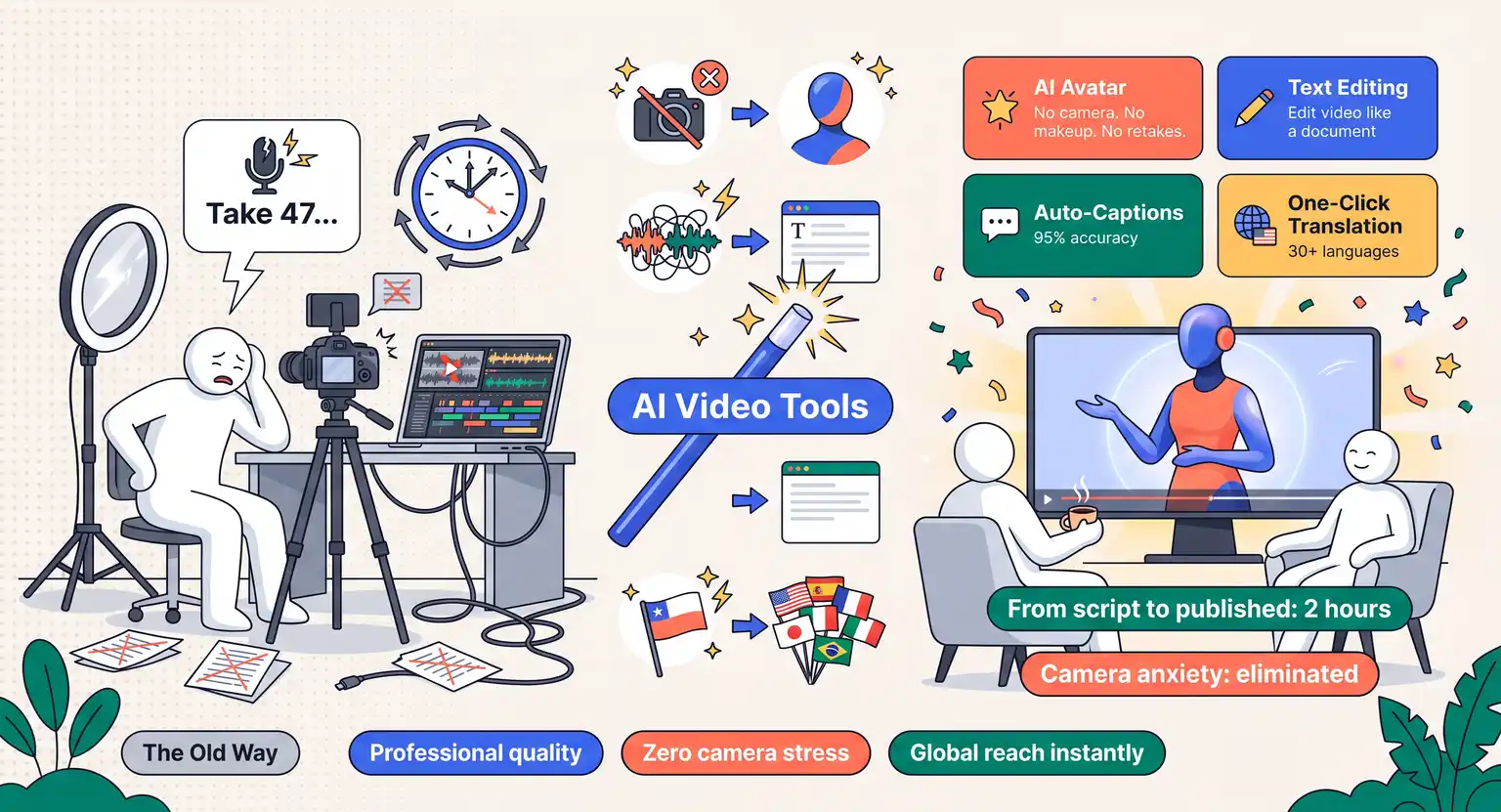
But you can avoid this by using a structured co-writer workflow. To write highly engaging video scripts and reading assignments, you must train the tool on your specific personality before it writes a single word.
Start by copying and pasting three paragraphs of your best writing - like an email newsletter, a LinkedIn post, or a video transcription - and ask the model to analyze your tone.
Tell it to break down your word choices, sentence lengths, and use of humor. Once it confirms your style profile, you can ask it to draft lessons based on that blueprint.
When you are ready to write, do it in small, manageable pieces. If you try to prompt a 3,000-word lesson in one go, the AI will lose details and default to generic fluff. Instead, feed it one concept at a time.
For example, have it write a compelling hook for lesson one, then review it, edit it, and move on to the practical examples. Learning how to use AI to write course content effectively is all about guiding the creative output in real-time.
You keep your hands on the steering wheel, while the AI does the heavy typing.
Practical ChatGPT Prompts for Everyday Course Creation
You do not need a degree in prompt engineering to get fantastic results from ChatGPT. You just need to be incredibly specific with your context, raw inputs, and formatting expectations.
Here are three highly effective, human-vetted prompts you can copy and tweak today :
First, the Persona-Driven Concept Simplifier :
"Act as an expert instructional designer. I want you to explain [Complex Topic] to a complete beginner. Use a simple, relatable real-world analogy. Avoid technical jargon, keep the tone warm and friendly, and limit the explanation to three highly engaging paragraphs."
Second, the Actionable Case Study Generator :
"Create an industry-specific scenario where a business owner struggles with [Problem]. Detail the exact steps they took to resolve it, incorporating our framework : [Briefly explain your method]. Ensure it includes a measurable positive outcome."
Third, the Key Takeaway and Summary Assistant :
"Analyze the following lesson transcript and extract exactly three key actionable takeaways. Format them as short bullet points with a brief, punchy explanation for each."
Using these guided frameworks keeps your course punchy, actionable, and aligned with modern pedagogical standards.
Comparing AI Workflows : Manual vs. ChatGPT-Assisted Methods
To truly understand how this technology transforms your daily workflow, let us compare the traditional manual tasks of course creation against our optimized, AI-collaborative processes in 2026.
| Course task | Traditional manual approach | ChatGPT-assisted workflow | Primary value |
|---|---|---|---|
|
Syllabus planning |
Staring at empty documents, manual topic mapping, and guessing student hurdles over several days. |
Brainstorming, clustering raw concepts, and establishing logical lesson modules within thirty minutes. |
Use our free online course outline template to build organized structures rapidly. |
|
Lesson scripting |
Drafting hour-long video scripts paragraph by paragraph, leading to fatigue and creative burnout. |
Feeding past transcripts to adopt your tone and drafting clean, block-by-block talking points. |
Streamline scripting to feed direct pipelines for high-quality AI video tools for courses. |
|
Quiz formulation |
Struggling to write balanced multiple-choice questions with logical distractor options. |
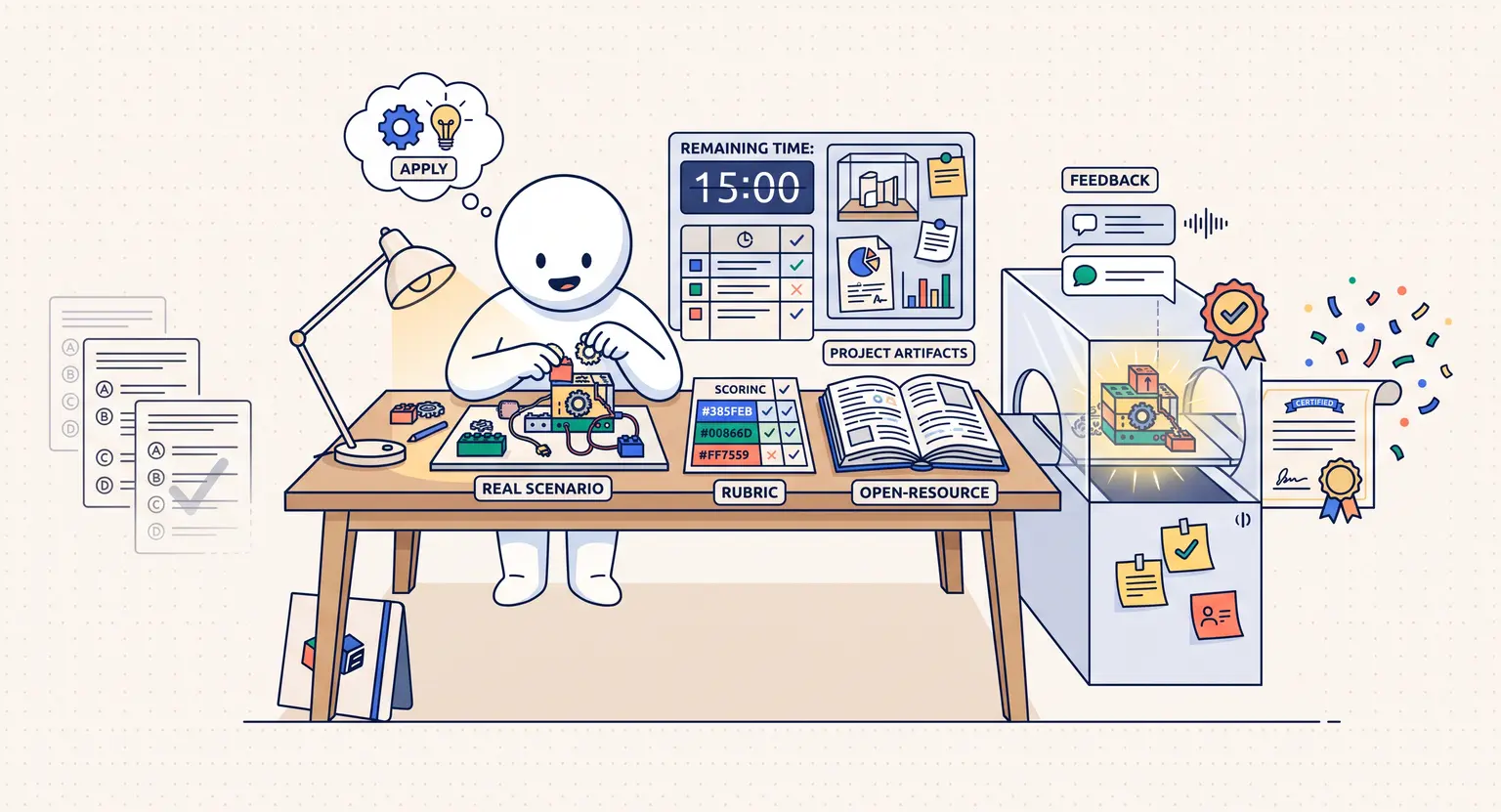
Generating complex assessment questions based directly on your provided lesson material instantly. |
Discover the principles of how to create quizzes for online courses to test real user comprehension. |
|
Marketing copywriting |
Hiring expensive copywriters or spending days writing long-form sales pages and launch sequence emails. |
Drafting raw frameworks for landing pages, high-converting checkout text, and email sequences. |
Integrate these copy drafts directly inside an all-in-one platform to sell online courses setup. |
|
Student support |
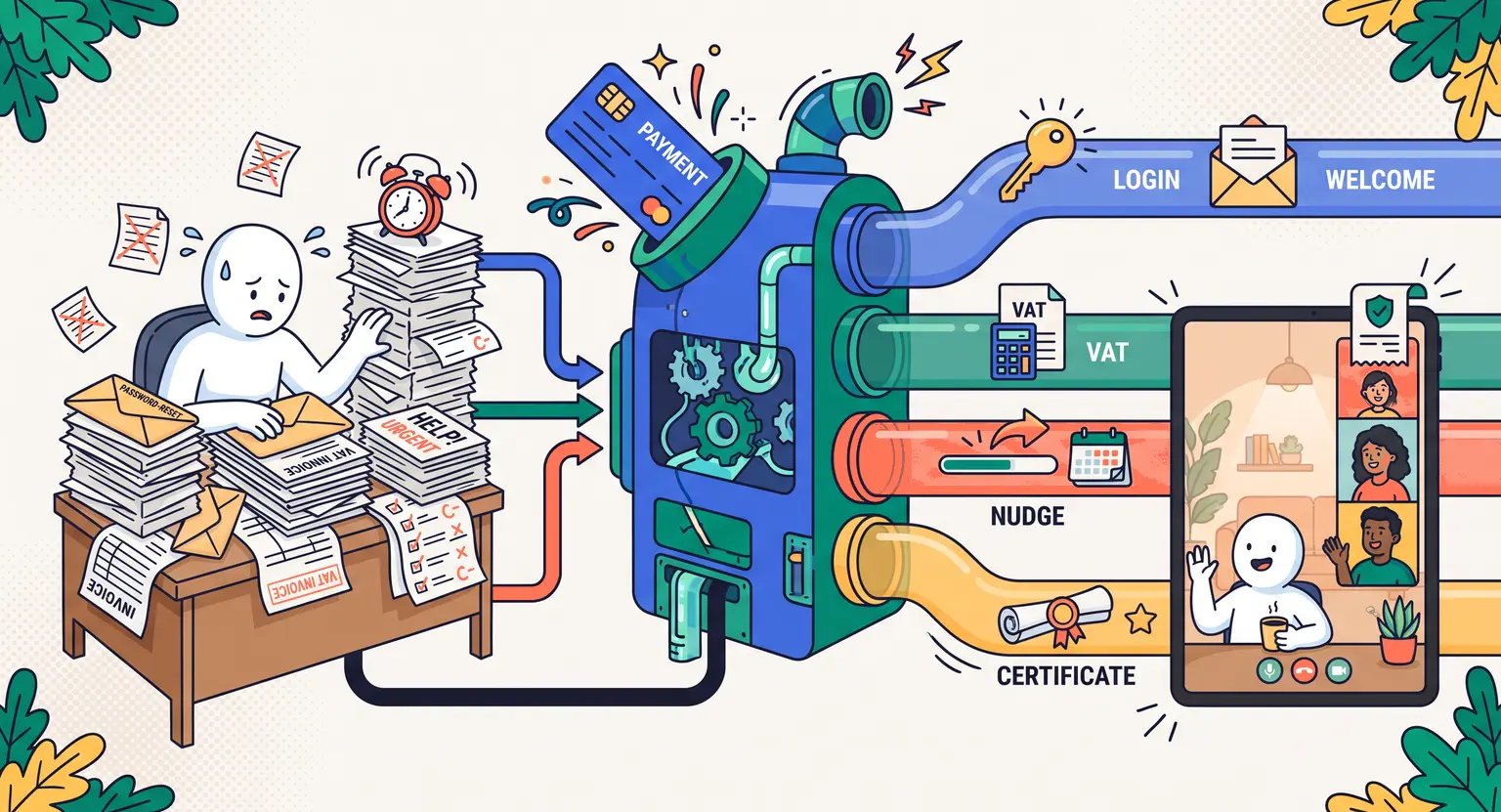
Manually responding to repetitive technical questions and basic student queries in communities. |
Synthesizing your course curriculum to power custom AI support chatbots that guide students instantly. |
Build automated FAQs that answer basic queries and keep your focus on high-impact tutoring. |
Elevating Student Engagement : Quizzes, Homework, and Companion Files
A great online course is not just a passive lecture. It is an active environment. If you want students to succeed, you must challenge them to apply what they learn.
But designing high-quality worksheets and interactive assignments is incredibly time-consuming. Fortunately, this is where ChatGPT can step in as your instructional designer.
Once you finish drafting a lesson, feed the core text into the AI and ask it to design practical exercises. You can prompt it to create reflection questions, brief homework assignments, or even interactive roleplay prompts.
For example, you can build customized multi-choice questions that pull directly from your course text. Understanding how to create engaging course content is about balance - you provide the core wisdom, and ChatGPT helps you package it with actionable checklists, summary sheets, and interactive tools that keep your students excited and moving forward.
From Curriculum to Launch : Writing Your Marketing Assets
You have built a stellar course, but your job is only half done. Now, you need to convince people to buy.
Writing marketing assets like landing pages, promotional emails, and sales video scripts often takes longer than building the course itself… But here is the secret : because you used ChatGPT during development, the AI already understands your content inside and out.
You can easily ask ChatGPT to review your completed outlines and draft a high-converting launch email sequence.
This helps you maintain a cohesive message from marketing copy to customer delivery. By learning how to launch an online course with AI copywriting, you save hundreds of hours on sales preparation, allowing you to focus on live events and student engagement.
Guardrails to Keep Your Content 100% Professional
As exciting as AI-driven creation is, we need to talk about clear boundaries. ChatGPT is a fabulous assistant, but it can hallucinate facts when left unsupervised.
Always double-check every statistic, case study, and technical statement. Use AI for formatting and drafting, but let your human voice be the final filter.
Your audience is paying for your authentic expertise, so make sure every piece of content undergoes a rigorous edit before publication.
But that is not all. AI does not own your unique lived experiences. The stories of your past failures, client breakthroughs, and personal quirks make your brand memorable - keep those strictly human, while using AI to handle the polishing of clean, structured lessons.
Explore Further :
-
Discover how active email marketing for course creators turn casual list subscribers into active, paying course buyers.
-
Master our core practical blueprint on how to build an email list that perfectly matches and attracts your absolute ideal, highly paying student audience.
Frequently Asked Questions
Will ChatGPT make my online course sound robotic or generic?
Only if you use generic prompts. If you feed the AI your unique perspective, case studies, and brand voice guidelines, ChatGPT can mimic your style perfectly.
The secret lies in iterative drafting and always applying a human-driven edit to inject real personality.
Can I use ChatGPT to write my entire course curriculum from scratch?
Yes, but you should treat it as a collaborative brainstorming partner rather than an automated author.
Use it to generate outlines, structure lessons, and identify content gaps, but ensure you customize the technical depth to serve your specific students.
Is it ethical to sell an online course made with ChatGPT in 2026?
Absolutely, provided you deliver genuine, verified value. ChatGPT is an efficiency booster, similar to a copywriter or dynamic research assistant.
Your students are paying for your curated expertise, your structured framework, and your support, not just raw text.
How do I prevent ChatGPT from generating outdated or inaccurate information?
Always ground your prompts with source documents, proprietary data, or verified up-to-date resources. Never let ChatGPT guess technical facts. Ask it to cite its assumptions, and perform a strict manual review of all data points before publishing.




 How to Create a Course Refund Policy (Templates & Best Practices for 2026)
 How to Run a Beta Version of an Online Course (2026 Guide)
 How to Create a Cohort-Based Online Course (2026 Guide)
 How to Sell an Online Course With a Quiz Funnel (2026 Guide)
 How to Sell an Online Course Through a Sales Call (2026 Guide)