







How to Use AI to Update Outdated Course Content Today
How to Use AI to Update Outdated Course Content
Key Takeaways
-
Stay relevant : AI flags outdated sections in minutes, saving you hours of manual auditing across every module.
-
Protect your reputation : stale statistics and deprecated tools silently damage your credibility with every new enrolment.
-
Multiply your updates : refreshed transcripts feed into quizzes, workbooks, and translated captions automatically, compounding your effort.
-
Build a review cadence : use our course creation checklist to establish a regular maintenance schedule that keeps your academy evergreen.
Here is something nobody tells you when you finish building your first online course : the moment you press publish, the clock starts ticking.
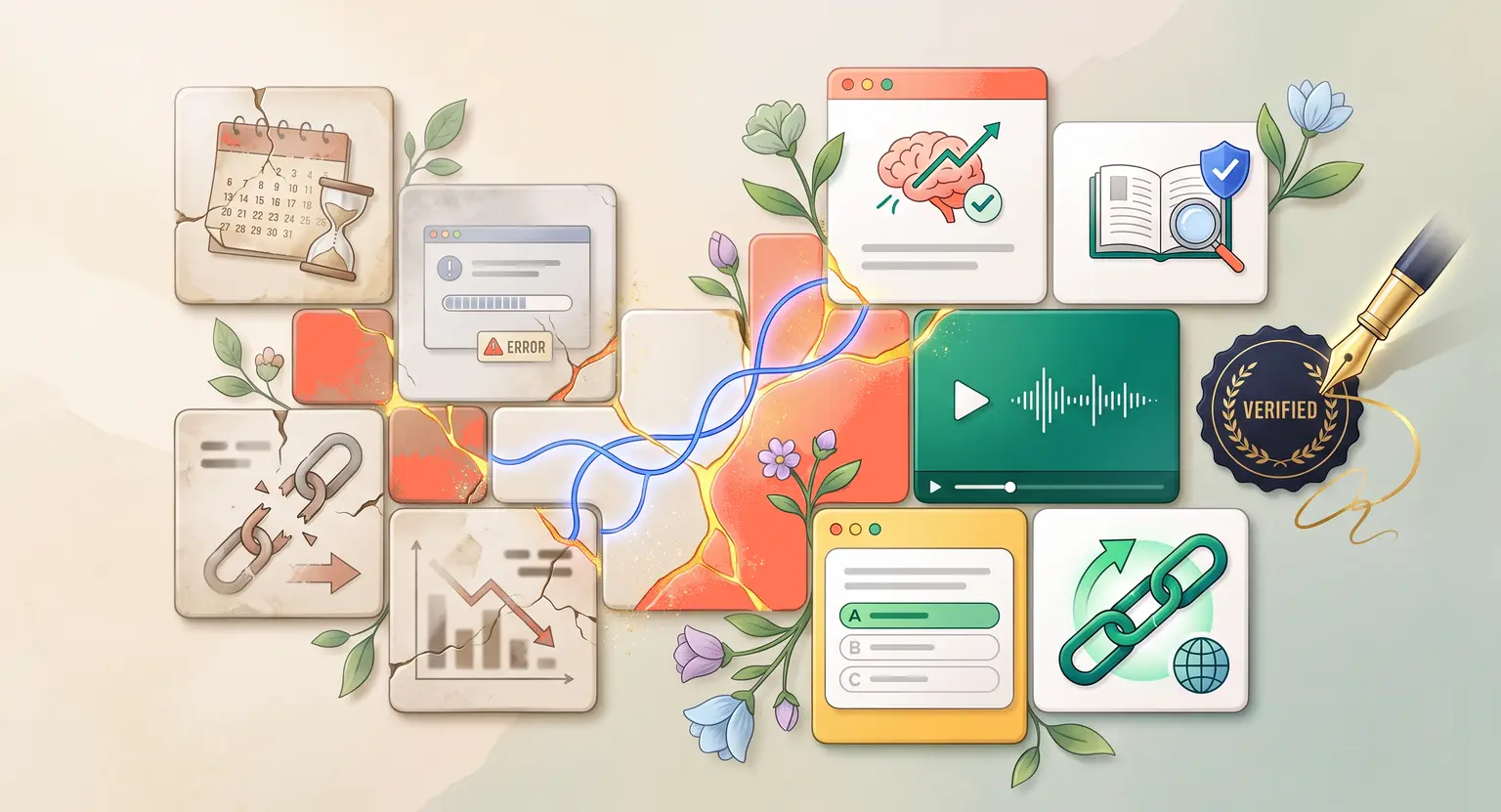
The world keeps moving. Tools get deprecated. Statistics age out. Industry best practices shift. And your course, sitting exactly where you left it, starts silently falling behind the market.
Students notice. They leave reviews mentioning the outdated interface screenshots. They email asking why the recommended tool no longer exists. They refund because the methodology you taught conflicts with what they are reading elsewhere.
Keeping course content current used to mean essentially re-building your program from scratch every year or two. It was expensive, time-consuming, and most creators simply did not do it.
In 2026, AI changes this equation entirely. You can audit an entire library of lessons, identify exactly what is stale, generate updated drafts, and propagate those changes across every related asset in a fraction of the time it would have taken you to re-record a single module.
Why Stale Content Hurts Your Business More Than You Think
The damage is rarely dramatic. It rarely comes as one catastrophic failure.
Instead, it accumulates quietly. A three-year-old screenshot of a software interface becomes confusing for a student who opens a completely redesigned dashboard. A statistic from your 2022 market research slide gets cited in a student's business plan, and they look unprepared when challenged on the numbers. A pricing model you recommended gets replaced by the platform it ran on.
Each of these moments erodes trust in a way that is very hard to repair.
And it compounds at the marketing level too. Outdated courses attract lower review scores, which suppresses organic visibility on discovery platforms. Fewer referrals come from unhappy graduates. Refund rates creep up. Your customer acquisition cost rises while lifetime value falls.
The good news is that keeping your content current is a fraction of the effort of building it in the first place, especially with AI handling the audit and drafting phases.
Using AI to Audit Your Existing Library
The first step is knowing exactly what needs updating. Without a systematic audit, you end up relying on student complaints to surface problems, which means real damage has already been done by the time you hear about it.
Start by pulling the transcript from each lesson. If your videos do not have accurate transcripts yet, that is your first priority.
Read our complete walkthrough on how to use AI to create course transcripts to generate clean, editable text from your existing videos quickly.
Once you have your transcripts, paste each one into an AI assistant with a focused audit prompt. Here is an example that works well :
"Review the following course transcript and identify any statements that may be outdated as of 2026. Flag specific statistics, software tool references, pricing data, regulatory mentions, and any methodology claims that have likely evolved in the past two to three years. Output a prioritized list from most critical to least critical."
The AI will return a structured list of candidates. Some will require deep research and re-recording. Others can be fixed with a short addendum slide or an updated downloadable resource.
This triage approach lets you apply effort where it matters most rather than re-doing everything.
Matching Update Types to the Right Method
Not every update requires the same level of effort. One of the most time-saving insights you can internalize is that most course content ages in predictable ways, and each type of aging has an efficient fix.
| Content aging type | How AI helps | Human role required | Effort level |
|---|---|---|---|
|
Outdated statistics |
Flags likely stale figures and suggests current research prompts. |
Verify sourcing and add updated overlay slide or addendum. |
Low to medium. |
|
Deprecated tool references |
Identifies mentions and drafts replacement recommendations. |
Test replacement tool, re-record affected walkthroughs. |
High if screen-based. |
|
Evolved methodology |
Compares your framework to current practice and highlights divergences. |
Revise framework if needed, add contextual commentary. |
Medium to high. |
|
Outdated pricing or legal refs |
Flags specific figures and regulatory language for review. |
Consult current sources, add disclaimer or corrected resource. |
Low with disclaimer. |
Fact-Checking Before You Publish
AI drafts require verification. If you are working with content that has legal, financial, or health implications, the stakes for publishing an AI-generated error are particularly high.
Integrate a structured fact-checking step into your workflow. Our guide on using AI for course research and fact-checking walks through how to use retrieval-based tools to verify claims against current primary sources before anything reaches your students.
The principle here is consistent : let AI do the heavy lifting for volume and speed, but never skip the human verification layer for accuracy.
Propagating Updates Across Your Entire Asset Library
One of the most underused advantages of maintaining clean transcripts is that a single update cascades across all your derivative assets automatically.
When you update a lesson transcript, that revised text becomes the source for regenerating your quiz questions. You no longer have to manually rewrite assessment items that referenced the stale content. Feed the updated transcript back through your quiz generation workflow and the questions update to match.
The same logic applies to workbooks. If you have an existing module workbook, paste the updated transcript sections into an AI writing tool alongside your original workbook structure and ask it to reconcile the two. You get an updated workbook that retains your formatting while incorporating the revised content.
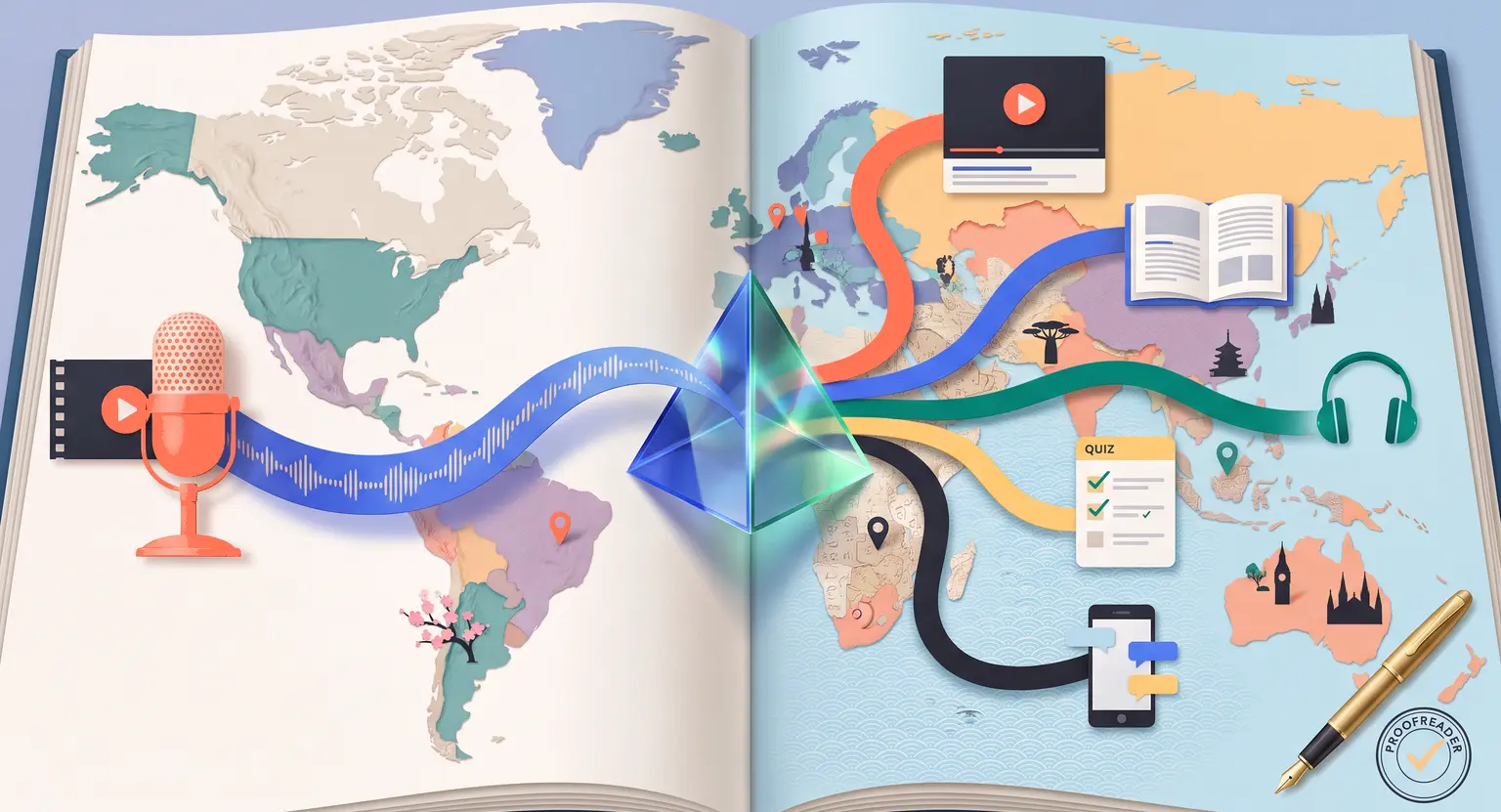
For international students, updated transcripts feed directly back into your translation pipeline. Read our guide on AI for online course translation to understand how to propagate a content refresh across multiple language versions without starting your localization process from zero.
Building a Sustainable Maintenance Cadence
The biggest mistake creators make with content maintenance is treating it as a one-off emergency rather than a planned operational rhythm.
A simple quarterly review cycle, where you run an AI audit on each module, cross-reference flagged items against current sources, and make targeted updates, keeps your library evergreen without any single update feeling overwhelming.
Set aside one dedicated half-day per quarter for each major course in your catalogue. Use your course creation checklist to structure that session. With AI handling the audit and draft generation phases, you will consistently finish within your allocated time.
Communicate your update cadence to students inside your academy. A simple message explaining that lessons are reviewed quarterly builds confidence and gives you accountability to actually follow through.
Explore Further
-
Identify exactly which sections need work first : how to use AI to identify gaps in your online course.
-
Improve your course's overall design and pedagogical structure : how to use AI to improve an existing online course.
-
Verify that every fact you update meets current standards : AI for course research and fact-checking.
Frequently Asked Questions
How often should I update my online course content?
The right frequency depends on how rapidly your subject area changes.
Fast-moving fields like software, digital marketing, and finance warrant a quarterly review.
Slower-moving topics like personal development or foundational business skills can often run on a six to twelve month cycle without significant decay.
Can I update a course without re-recording any video?
In many cases, yes. Outdated statistics can be corrected with updated overlay slides or PDF addendums.
Deprecated tool references can be addressed through a short text notice inside the lesson or an updated bonus resource.
Reserve re-recording for modules where the core walkthrough experience itself is broken, such as software tutorials on a completely redesigned interface.
Should I notify existing students when I update a course?
Yes, always. A brief update notification is a relationship-building opportunity, not just an admin task.
It shows students that their investment is protected and that you take the quality of your teaching seriously. Keep the message focused on what changed and why it benefits them.
Will AI-updated content still sound like me?
Only if you apply your voice during the review phase. AI drafts are structurally solid but tonally neutral.
Replace flat language with your natural phrasing, inject your current examples, and run a read-aloud check before you finalize.
The goal is for a returning student to experience the update as a refinement, not as content from a different instructor.



 How to Create a Course Refund Policy (Templates & Best Practices for 2026)
 How to Run a Beta Version of an Online Course (2026 Guide)
 How to Create a Cohort-Based Online Course (2026 Guide)
 How to Sell an Online Course With a Quiz Funnel (2026 Guide)
 How to Sell an Online Course Through a Sales Call (2026 Guide)