







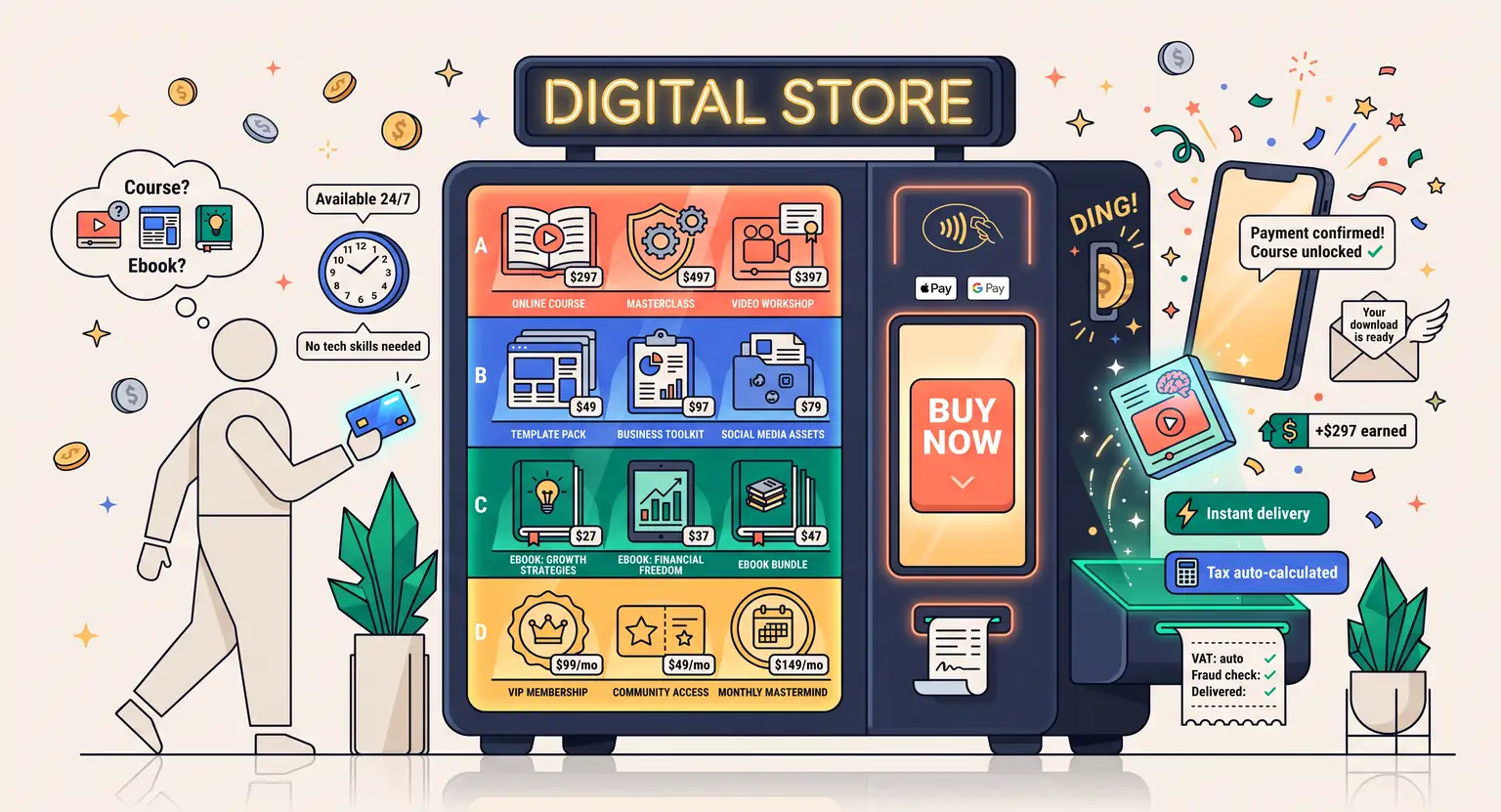
How to Set Up Payments for Digital Products (2026 Guide)
How to Set Up Payments for Digital Products
You have finally finished your digital masterpiece. Whether it is a premium online course, a set of high-converting templates, or a beautifully formatted ebook, you are ready to share it with the world.
But right as you reach the finish line, you hit a massive roadblock. How on earth do you safely, legally, and easily collect money from perfect strangers on the internet?
If you are not a programmer, the mere mention of merchant integrations, secure API tokens, and cross-border currency conversions can trigger an instant headache.
Do you use Stripe?
Does anyone still rely on PayPal in 2026?
How do you handle sales tax in countries you cannot even find on a map?
Let's cut through the confusing tech jargon. Setting up payments for your digital inventory does not have to be an exhausting chore.
Once you get the foundational components configured properly, your cash flow runs seamlessly in the background while you focus on what you actually do best : creating great content.
Let's make this simple and practical!
Key Takeaways
-
Pick the Right Engine : choose between a raw checkout gateway like Stripe or an all-in-one platform to sell online courses that handles everything natively out of the box.
-
Secure the System : try using processors integrated with the LearnyPay secure payments engine to block fraudulent chargebacks without blocking real buyers.
-
Automate Your Tax Compliance : digital VAT is a massive legal minefield. Pick a system that auto-calculates taxes or acts as a Merchant of Record.
-
Keep Checkout Short : every extra click at checkout slashes conversions. Keep it beautifully minimal.
Understanding Your Checkout Infrastructure : Gateways vs. Merchant Accounts
Let's break down how money actually moves across the web. When a customer lands on your page, enters their credit card, and clicks "Buy Now," a complex mechanism triggers in milliseconds.
At the core of this magic is the payment gateway. Think of the gateway as a digital bouncer. It takes the credit card details, encrypts them, sends them to the bank to verify there is actual money there, and then says, "Alright, let's process this transaction."
But the gateway does not hold your cash, that is where a merchant account comes in.
In the old days of the web, you had to apply for a merchant account at a local bank - which involved submitting stacks of paperwork and proving you were a low-risk business. It was painful, slow, and expensive.
Thankfully, modern payment aggregators solved this. Platforms like Stripe and PayPal combined the gateway and the merchant account into one neat package. You sign up, verify your identity, and you can instantly receive funds.
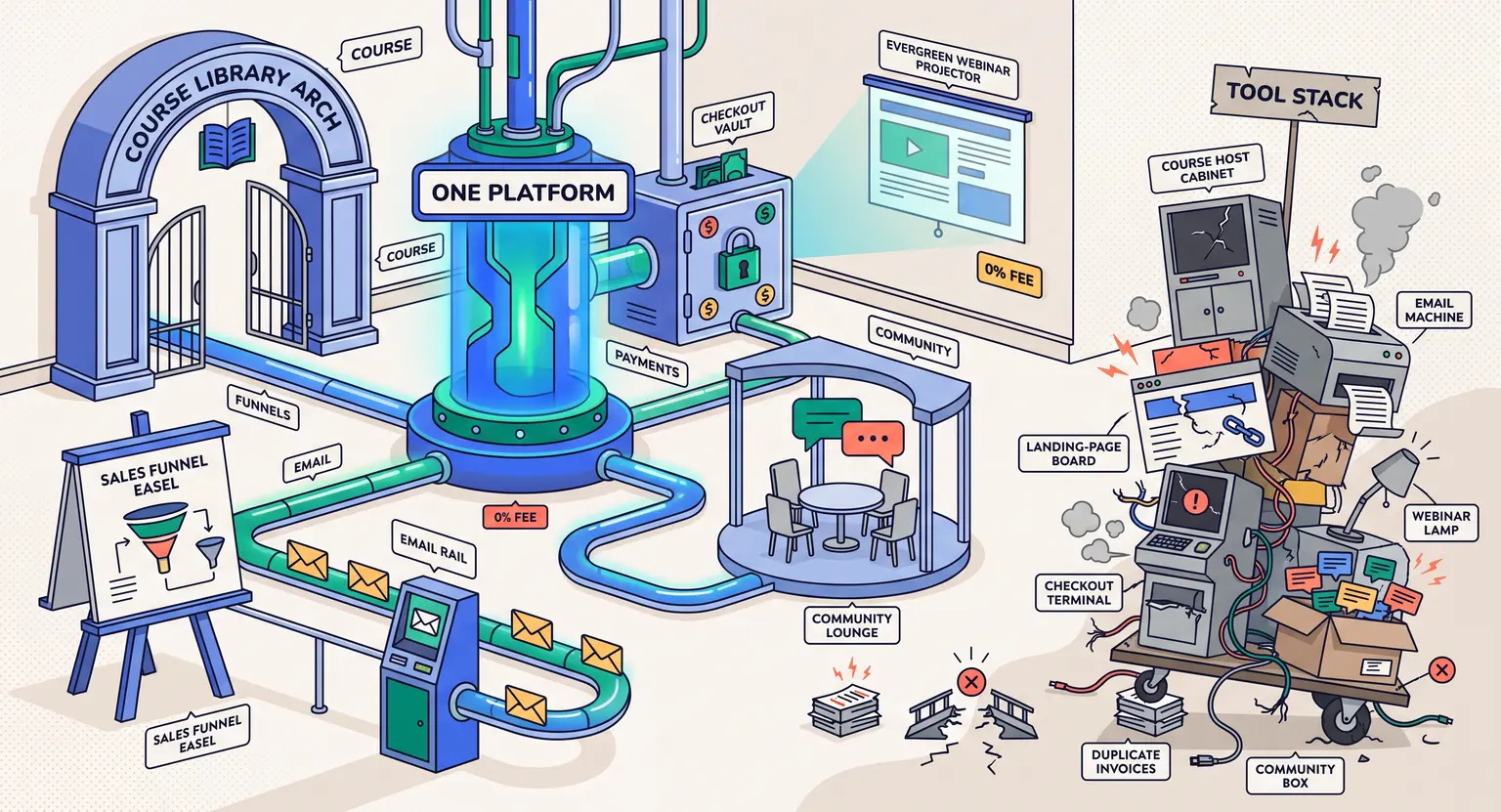
Still, standard gateways leave you with a major administrative burden. You still have to figure out how to deliver the actual digital file, secure the download links, and manage your student database.
That is why smart creators often look for the best platform to sell online courses or digital files.
These platforms connect directly to the payment networks while automatically handling customer delivery. It takes the stress completely out of your hands, meaning you do not have to glue together five different software tools just to sell a single document.
Choosing Your Business Model : One-Times, Subscriptions, or Installment Payments
Not all products are sold the same way. The style of digital product you offer dictates the checkout experience your buyers expect. If you are selling a quick PDF template for ten dollars, a simple one-time checkout form works perfectly.
But what if you are selling a premium program?
When pricing high-ticket offers, a single lump payment can turn away highly qualified leads.
That is where payment plans or installment billing save the day. Splitting a $600 product into three monthly installments of $220 makes it instantly accessible.
This approach can boost your overall enrollments dramatically. You will, however, need to manage delinquent payments when cards inevitably expire mid-plan.
Then, there is the recurring subscription model. If you offer a membership hub, ongoing software, or updated template libraries, charging a weekly, monthly, or annual subscription is incredibly lucrative. It builds predictable, recurring revenue.
But subscription management requires tools that automatically send dunning emails (those friendly reminders when a card fails) and allow users to pause or cancel their subscriptions without emailing you directly.
To make these models work for your bottom line, you must implement a thoughtful online course pricing strategy. Getting your pricing structure dialed in makes setting up subscription thresholds or multi-payment options logical for the customer.
If you are just testing the waters, you might even consider trying to pre-sell an online course first.
Pre-selling tells you if people will pull out their wallets before you spend weeks building content. You simply set up a checkout page, describe the future product, and collect payments today for delivery next month.
Managing the Complex World of Global Sales Taxes and VAT
Let's address the elephant in the room : taxes.
This is the part that makes most creators want to pull their hair out. When you sell a physical shirt, you pay tax based on your location or where the shirt is shipped. But when you sell digital files, things get messy quickly…
Regulatory bodies in the European Union, the United Kingdom, and various US states have decided that if a customer buys a digital file from their region, you owe them sales tax. This is known as VAT (Value Added Tax) in Europe or Sales Tax in the US.
The law does not care if you are a solo entrepreneur working from a bedroom in Ohio. If a student in Paris buys your $50 course, you are technically responsible for collecting French VAT and remitting it to the French government.
How do we handle this without going crazy? You have two paths forward.
First, you can use a Merchant of Record (MoR). A Merchant of Record acts as the official seller of your products. They take the payment, handle the tax calculation, file the paperwork, and then pay you a royalty.
It is a fantastic hands-off option, but they usually charge higher transaction fees for the privilege.
Second, you can use an intelligent checkout platform that integrates directly with automatic tax calculation engines. These systems detect the user's location, apply the exact right tax rate at checkout, and record the data.
You still have to file the taxes, but the math is completely done for you. To stay safe, you should absolutely read up on the legal basics for an online course business before sending your checkout live.
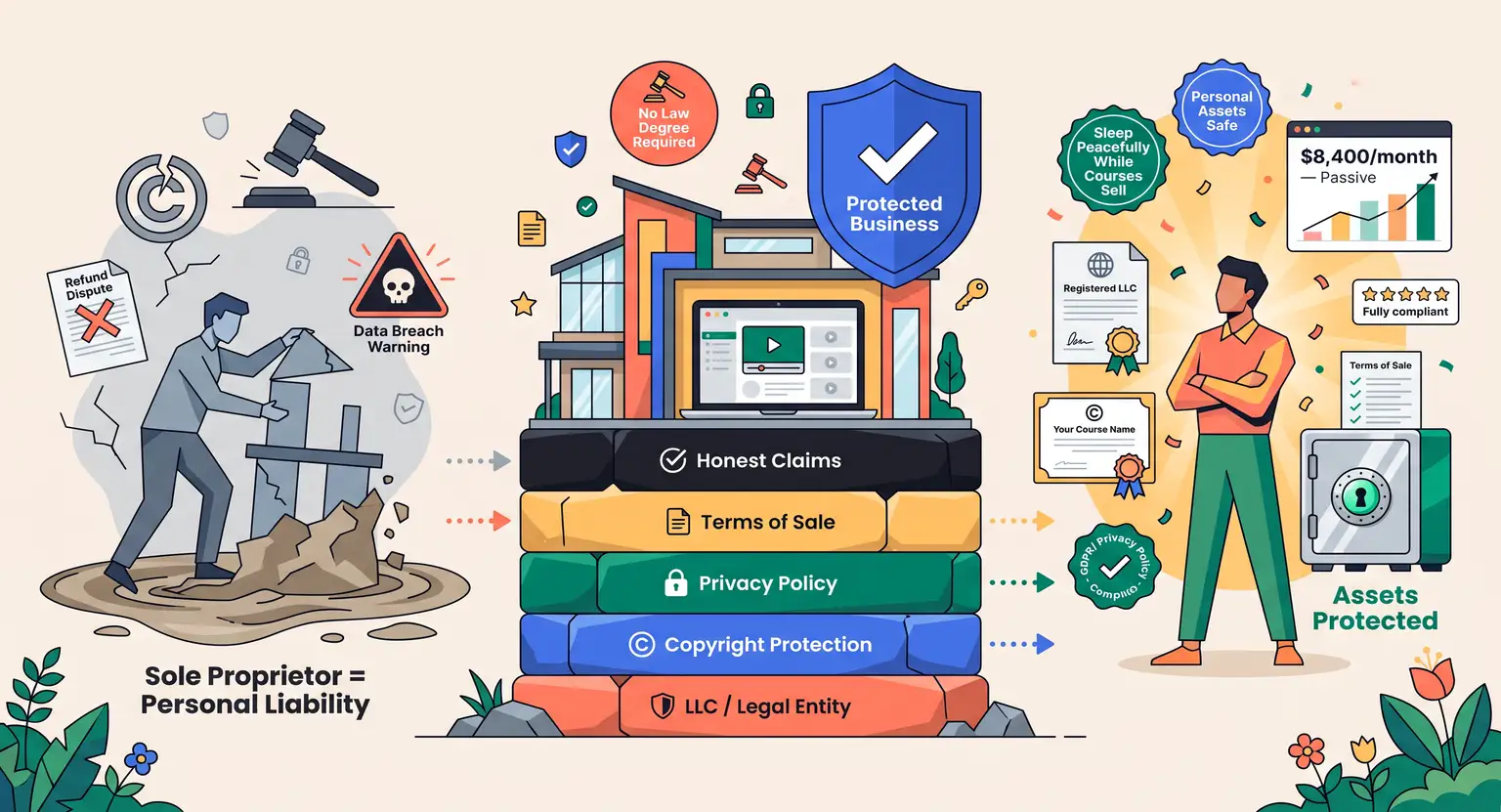
Keeping your terms of sale, privacy policy, and tax registrations in alignment prevents costly fines down the road.
Comparing Your Core Payment Setups : Side-by-Side Analysis
Choosing how to connect your products to payment rails is a critical decision.
Let's evaluate the top payment structures side-by-side so you can see exactly which setup aligns with your workflow.
Many creators prefer using a comprehensive best all-in-one course platform to keep their marketing, checkout, and content hosting under one roof.
| Setup style | Tax management | Typical fees | Ideal users |
|---|---|---|---|
|
Direct gateway (Stripe) |
Requires extra software integration. |
2.9% plus $0.30 flat fee. |
Developers and custom site builders. |
|
Traditional PayPal |
Manual setup rules required to calculate taxes. |
Varies highly by transactional region. |
Hobbyists starting with basic websites. |
|
Integrated all-in-one platform |
Automatic geographical tax calculations built-in. |
Often 0% transaction fees on premium tiers. |
Coaches, course creators, and info-sellers. |
|
Merchant of Record (Paddle) |
Handled completely by third-party provider. |
Expensive (regularly 5% to 8% per transaction). |
Sellers wanting total tax outsourcing. |
|
Enterprise customized API |
Requires manual database scripting. |
Contracts negotiated on individual basis. |
High-volume corporations with dedicated developers. |
Your Five-Step Technical Configuration Guide for Digital Deliveries
Let's get practical. How do you go from an empty checkout page to seeing sales notifications hit your phone? Here is the exact path to follow.
First, secure your business foundations. Make sure you have a business bank account separate from your personal checking.
Mixing business and personal cash makes bookkeeping an absolute nightmare and looks highly unprofessional if you ever face an audit.
Second, select your payment technology. If you are launching an informational product, matching your payment flow with how to launch an online course strategies ensures you do not waste traffic.
You will want to connect your digital assets to a smooth, elegant payment terminal.
Third, configure your API keys. If you are using a platform, you will log in to your account, click on "Integrations," and click "Connect Stripe" or "Connect PayPal."
A secure window will pop up, asking you to authorize the link. With modern systems, this takes less than two minutes. No coding required.
Fourth, set up your delivery triggers. What happens the second a payment clears? You need an automated workflow that sends the customer an instant email with their secure login details or a temporary, expiring download link.
Fifth, conduct real-world tests - do not skip this step!
Put your payment processor into "Test Mode" and run a fake credit card through the system.
Ensure the confirmation page loads, the email fires immediately, and the test funds show up in your simulated dashboard. Run a second test using a live card for a $1 product just to guarantee everything is wired correctly.
Simple Checkout Tweaks that Maximize Your Conversion Rates
Over 70% of online shoppers drop out right at the checkout page. That is a horrifying number. It means you are losing a massive chunk of your hard-earned traffic at the final hurdle.
How do you fix this leak? Try using these simple checkout optimization rules :
-
Remove Unnecessary Fields : why are you asking for a physical shipping address and phone number for an ebook? If you do not need it to calculate taxes, delete the fields. Keep it to email and card number.
-
Inject Real-Time Trust Clues : put secure payment logos, SSL locks, and money-back guarantee badges right next to the buy button.
-
Provide Alternative Methods : in 2026, many buyers prefer using Apple Pay, Google Pay, or localized options over looking for their credit cards. Enable these options with one click.
-
Use Abandoned Cart Sequences : if someone enters their email address but doesn't finish checking out, send an automated reminder email one hour later offering assistance.
Frequently Asked Questions
What is the absolute best payment processor for digital products?
For most beginners, Stripe is the ultimate baseline because of its low credit card fees, extreme reliability, and fast payout options.
If you want zero tax headache, a dedicated Merchant of Record or an automated platform is your best bet because they handle international billing regulations for you.
Do I need a business license to sell PDFs online?
You can usually start selling files immediately as a sole proprietor using your personal legal name.
However, as your monthly sales numbers begin to rise, establishing an official registered company ensures your personal assets remain legally protected from corporate liabilities.
Is storing card data on my website dangerous?
Yes, storing credit card details on your server is highly risky and violates safety compliance laws.
Always rely on encrypted integrations from established processors like Stripe or PayPal, which handle the heavy cryptographic compliance tasks, keeping your user databases entirely safe from hackers.
How do I handle refunds for digital downloads?
Because digital products can be copied instantly, physical refund laws do not apply. You should clearly state your refund policy on your checkout page.
Many successful internet sellers offer a strict fourteen-day guarantee if a student shows work, while others choose a strict no-refunds policy for immediate downloads.
Explicit policies build customer trust, protect your personal business assets, and resolve future commercial payment disputes successfully.





 How to Create a Course Refund Policy (Templates & Best Practices for 2026)
 How to Run a Beta Version of an Online Course (2026 Guide)
 How to Create a Cohort-Based Online Course (2026 Guide)
 How to Sell an Online Course With a Quiz Funnel (2026 Guide)
 How to Sell an Online Course Through a Sales Call (2026 Guide)