







LearnyBox vs Competitors: The Ultimate 2026 All-in-One Battle
LearnyBox vs Competitors
Key Takeaways
-
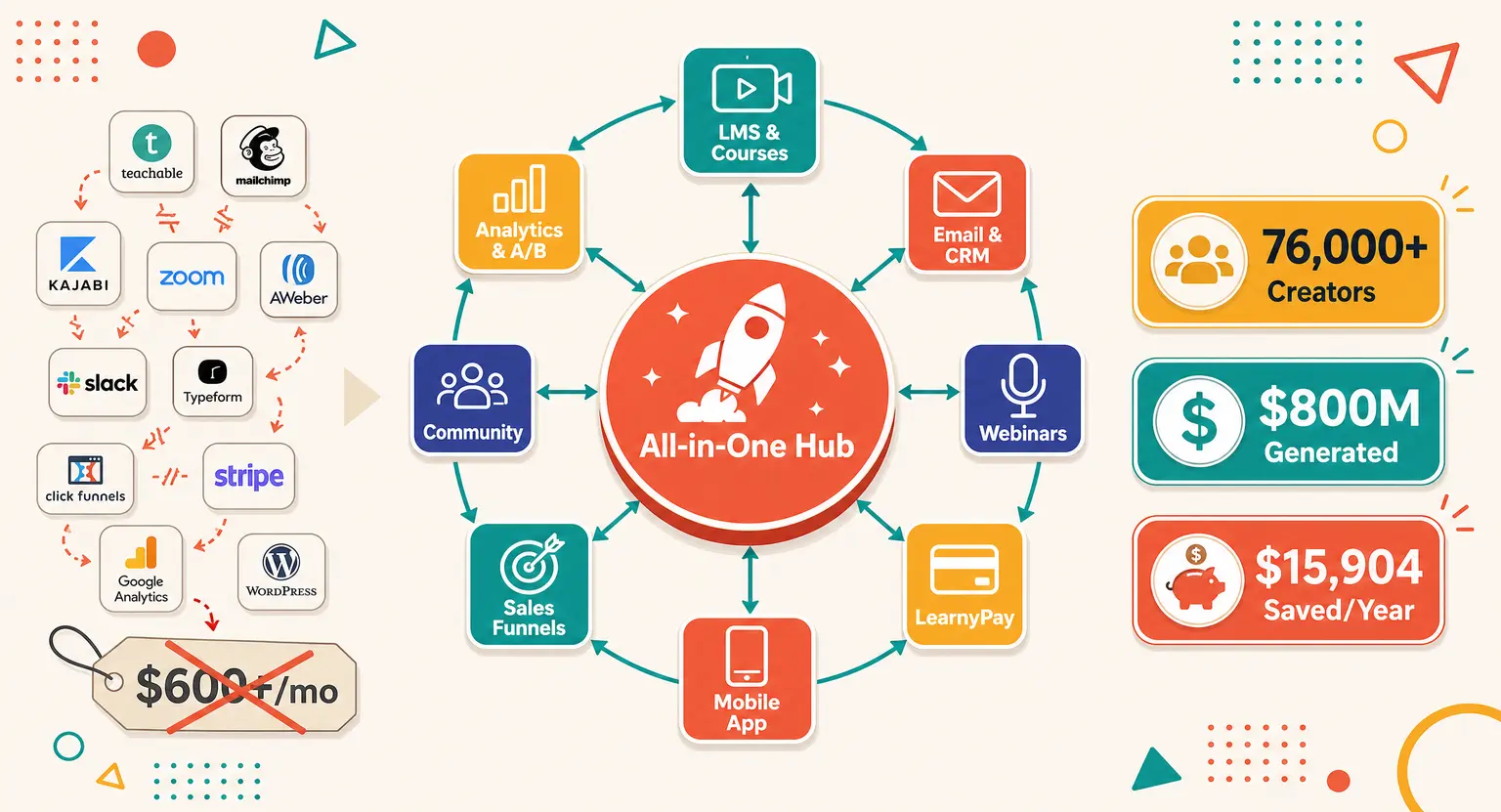
Patched-together tool stacks in 2026 cause high monthly subscription leaks and regular API connection breakages.
-
Choosing the best all-in-one course platform saves you massive engineering hours while delivering a clean layout.
-
Premium setups like Kajabi can be financially restrictive for early-stage course creators and solo entrepreneurs.
-
LearnyBox provides zero transaction fees, built-in evergreen live webinars, robust GDPR compliance, and native SCORM support.
-
It is designed strategically with active features for LearnyBox for course creators.
Let's speak plainly. If you've spent any time trying to sell your knowledge online, you've probably felt the deep frustration of tech glue.
You start with a great idea, but three hours later you find yourself lost in a maze of API integrations, webhooks, and active Zapier workflows.
And the pricing? It adds up incredibly fast.
One day you are paying for video hosting, the next you are buying an email marketing platform, and by the weekend, you have subscribed to an expensive funnel builder. It is a slow leak in your business revenue.
So, what is the alternative? That is exactly why we are looking at LearnyBox under the microscope today.
We will compare it to the major industry leaders in 2026. This is not just a generic feature list. This is a practical, ground-level comparison to help you find out which software actually fits your operational needs and prevents you from losing hours of valuable business development time every single week.
And is it really worth making the direct professional switch?
Let's check it out.
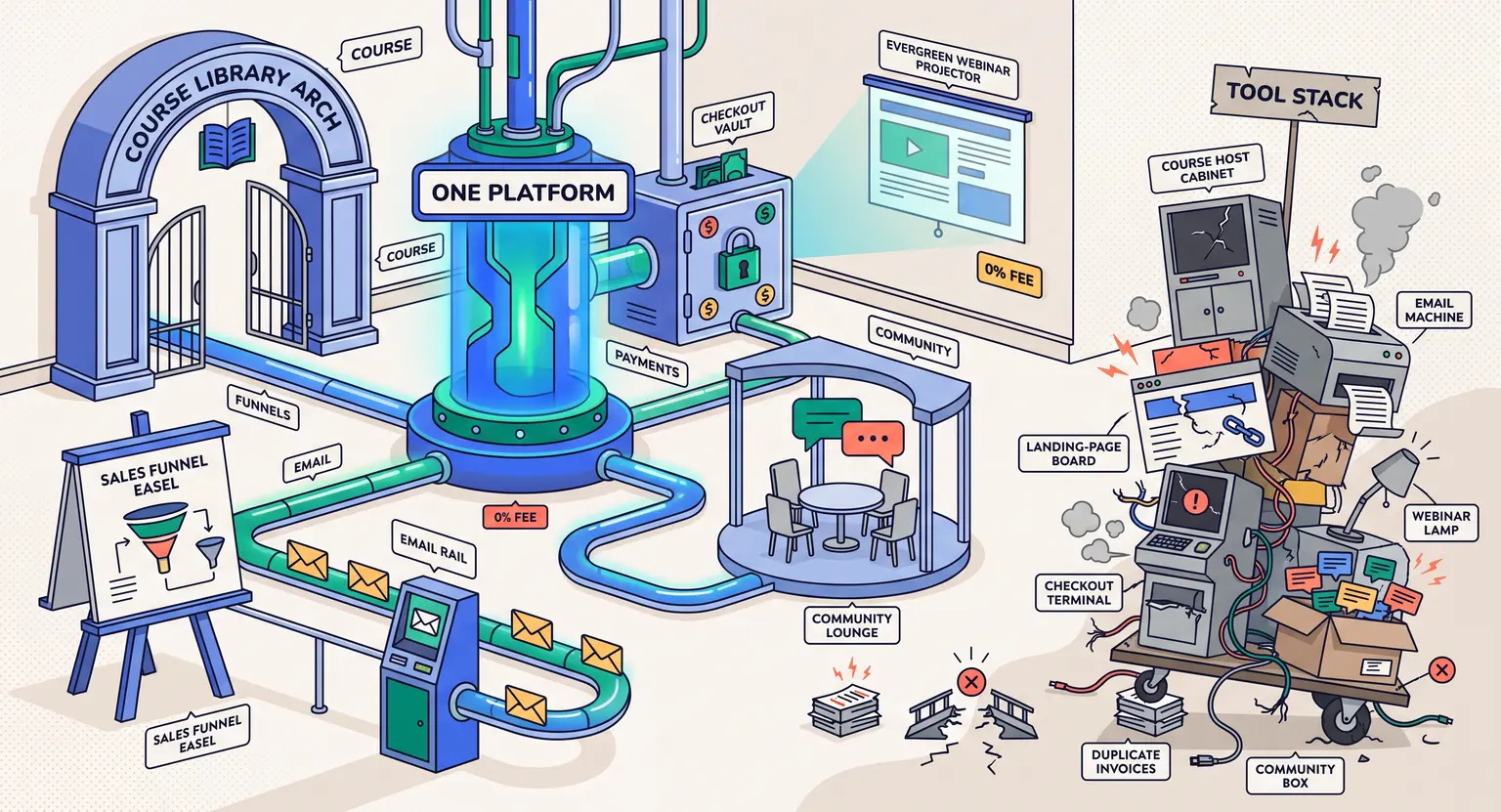
The Fragmentation Trap : Why Multi-Tool Setups Cost You More than Just Money
Many creators start their digital school believing they can build a cheap custom tech stack. They sign up for a cheap course host, connect some email marketing tools, and tie it all together with custom triggers. But here is the reality they hit : tools do not like talking to each other. Whenever one platform updates its API, your entire sales process can crash without you knowing it until an angry student emails your support desk.
And then there are the financial leaks. A typical setup usually looks like this :
-
A course builder with high transaction fees.
-
An email platform charging more as your contact count grows.
-
A third-party shopping cart taking another bite out of your transactions.
-
A separate community tool to keep your students actively talking.
When you combine all these subscriptions, you easily look at $180 to $300 every month.
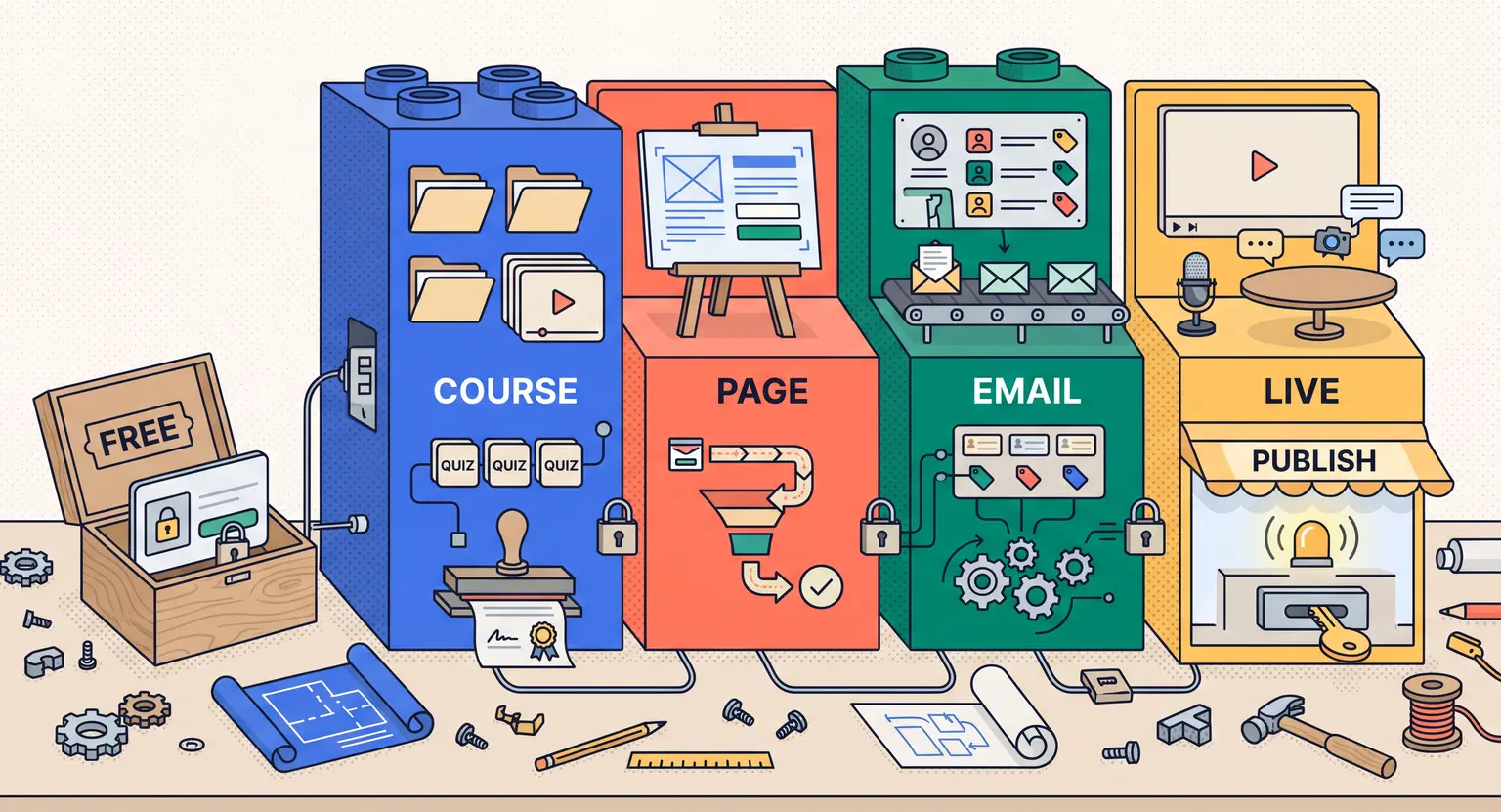
If you are trying to understand what is LearnyBox, the core philosophy is straightforward. It replaces this expensive mess with a unified dashboard.
You get your website, your learning portal, your email sequences, your high-converting checkout, and your student forum in one place. No duct tape required whatsoever.
LearnyBox vs Kajabi : The Battle of All-in-One Powerhouses
When we discuss the heavyweights in the online academy space, Kajabi is usually the first name that comes up.
It is a highly respected tool with gorgeous templates and a massive feature suite. But it comes with a steep financial entry barrier. Let us do an honest LearnyBox vs Kajabi head-to-head.
Kajabi is clearly built for well-established creators, business coaches, and big agencies who can comfortably pay upwards of $150 per month right out of the gate.
For ambitious, early-stage solopreneurs or growing small businesses, that is a heavy financial weight to carry before you even make your first sale.
If you need something more affordable, exploring Kajabi alternatives becomes a top priority.
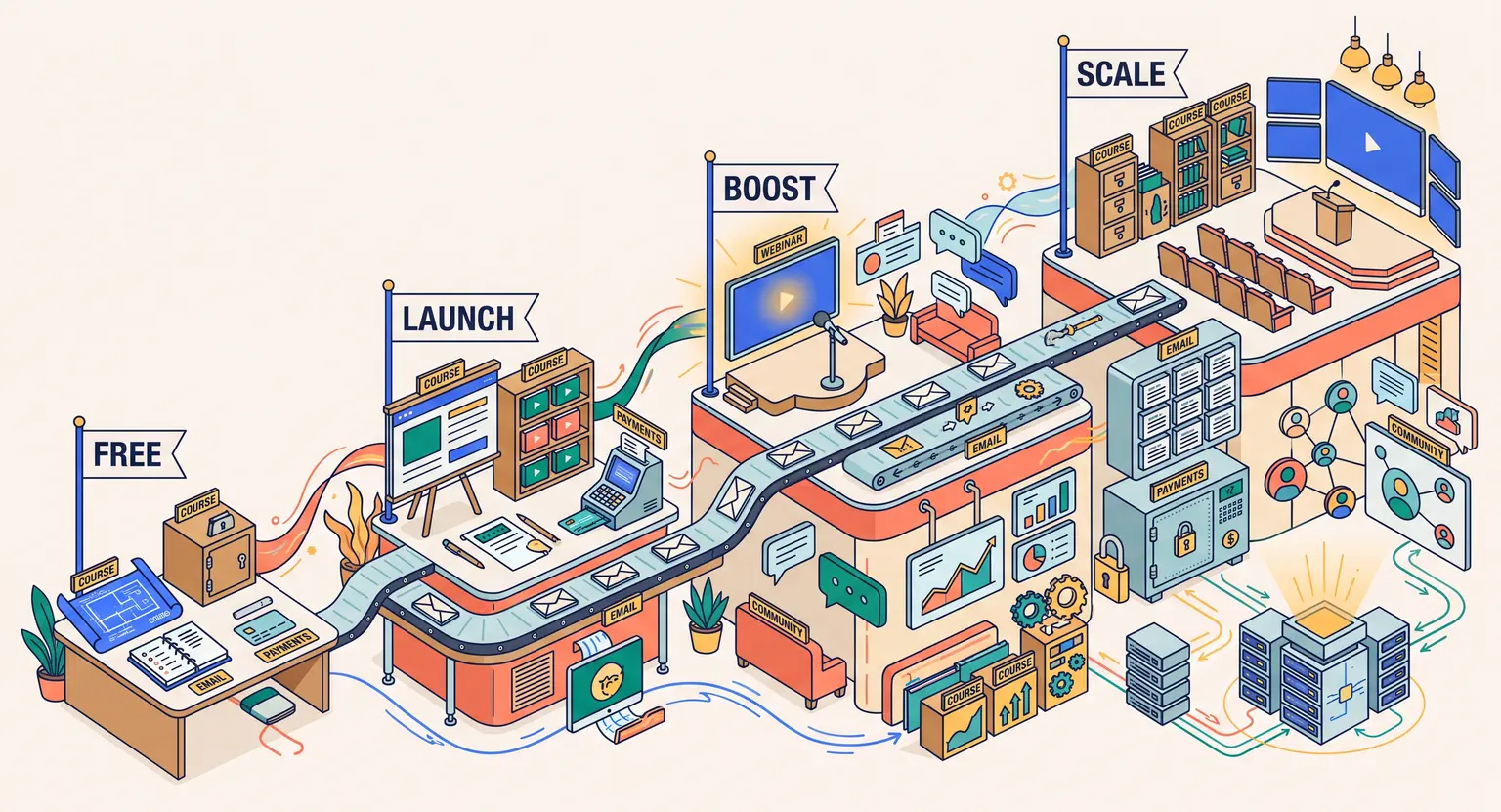
LearnyBox offers a much smoother financial ramp-up. With a completely free starting tier and professional plans that are highly competitive, you do not have to stress about high overheads.
Plus, there is a massive regional benefit. If you operate in Europe, compliance is a very real challenge. LearnyBox has robust European roots, offering localized payment methods, strict RGPD (GDPR) data protection compliance, and fully native SCORM compatibility for training organizations. Kajabi, being US-centric, often leaves European users to figure out VAT calculations and data hosting compliance manually through external plugins.
But how do they both compare on actual system flexibility?
With LearnyBox, you can build interactive webinar funnels right inside your plan without paying extra. With Kajabi, you might need to integrate third-party tools to handle evergreen automated broadcasts with high student capacity.
LearnyBox vs Systeme.io & ClickFunnels : Funnels vs Academies
On the other side of the digital catalog, you have heavy marketing engines like ClickFunnels and budget entries like Systeme.io. These platforms focus heavily on sales funnels. But how do they hold up when it comes to delivering a premium learning experience?
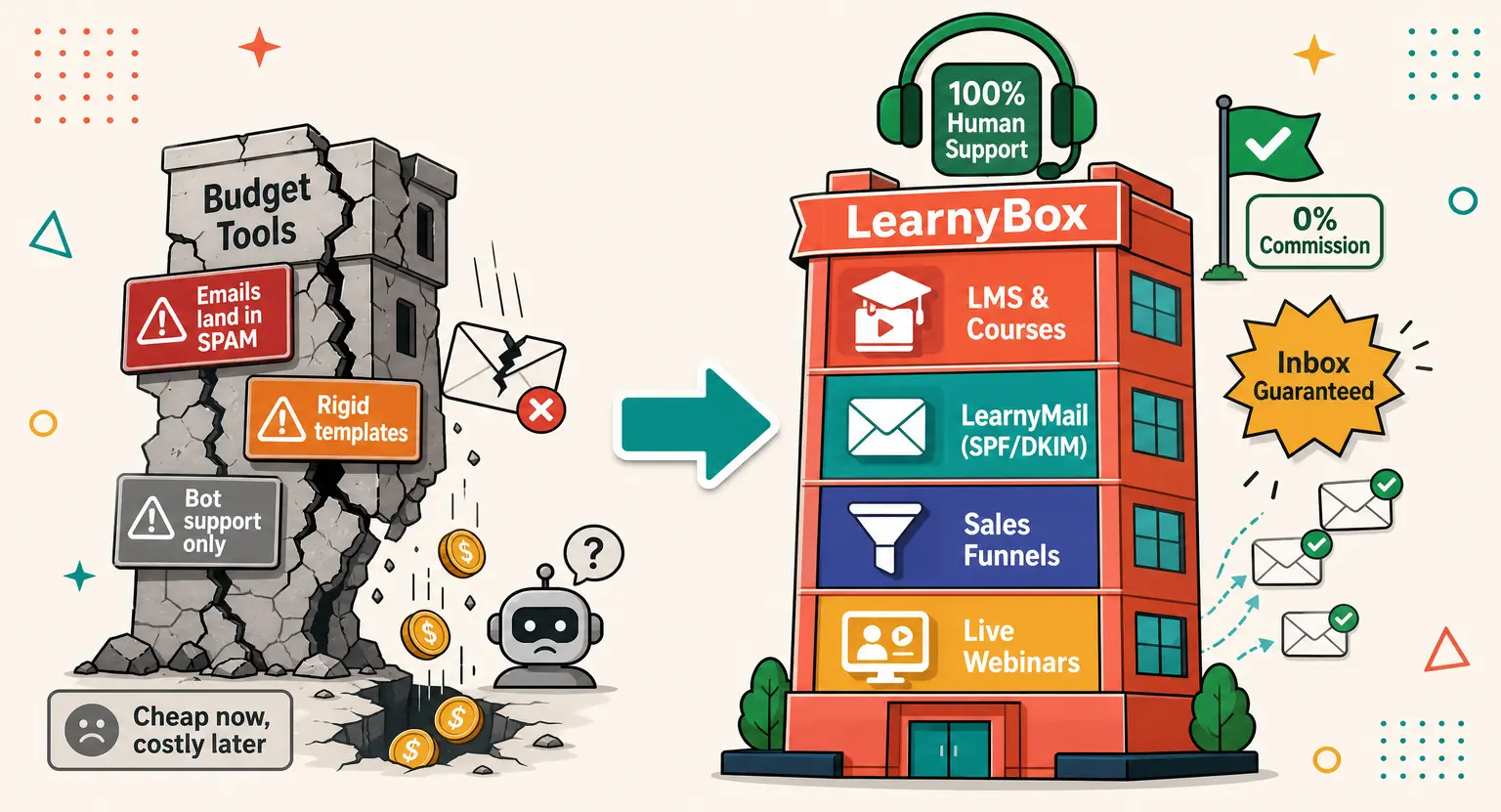
Look, if you are looking for simple Systeme.io alternatives, you already know that budget platforms can get incredibly crowded and sometimes feel highly transactional. Their student interface is famously basic — often looking like a dry list of links rather than a professional academy.
ClickFunnels is incredibly powerful for complex sales structures, but its learning portal feels like a secondary afterthought added to a page builder.
LearnyBox approaches this from a much smarter angle. It does not force you to sacrifice your student experience for marketing power.
You can build advanced sales structures and automated checkout workflows while still offering your users a beautiful, engaging environment.
We are talking about custom progress tracking, native gamification badges, automated quiz setups, and fully structured community areas where your students can discuss topics without needing external tools like Slack or Facebook groups. It keeps everything clean.
And there is also the massive, crucial email deliverability aspect. Automated outbound marketing campaigns scale smoothly with our robust dedicated infrastructure, meaning your student emails do not get lost in the spam folder like they often do with mass-shared budget IPs.
LearnyBox vs Podia & Teachable : Simple Platforms vs Scalable Powerhouses
Sometimes you do not want complex sales pages. You just want a clean place to put some video files, collect money, and send your students on their way. That is where platforms like Podia and Teachable shine. They are friendly, minimalist, and basic.
But many growing creators quickly hit a hard ceiling on these systems.
When you look at our dedicated LearnyBox vs Podia analysis, you realize that minimalist software forces you to work with highly rigid designs. Your sales landing pages look like everyone else's, your email marketing triggers are basic, and your course layout cannot be customized much.
If you need more design freedom, investigating Teachable alternatives becomes inevitable.
LearnyBox gives you that essential room to grow.
You can start simply, but when you are ready to build a high-ticket, evergreen webinar sales funnel, run a multi-tier affiliate program to let others promote your digital school, or publish custom-branded certificate templates, those features are already waiting for you in your dashboard.
You do not have to migrate to another software entirely as your business matures, which is a massive relief... And avoids high migration costs down the line.
The Math of Your Tech Stack in 2026
Let's look at the actual numbers. It is incredibly easy to overlook how small monthly subscriptions quietly bleed your business bank account.
When we perform a structured online course platform comparison, we have to talk about real costs, integration issues, and the sheer amount of time you spend maintaining your digital tools.
Here is an honest breakdown of what it actually costs to manage your online course business using specialized niche tools versus a fully integrated, all-in-one setup :
| Feature | Specialized tool setup (niche apps) | The LearnyBox approach | The strategic advantage |
|---|---|---|---|
|
Course builder & LMS |
Systems like Thinkific cost $99/month. Advanced design requires custom HTML/CSS coding knowledge. |
Drag-and-drop course designer included natively in every plan. |
Saves you money while creating beautifully structured academies easily. |
|
Email sequences & CRM |
External systems cost $40-$150/month. Bill escalates as subscriber lists grow. |
LearnyMail offers advanced automations, segmentation, and CRM tracking. |
Secures deliverability with pre-configured SPF and DKIM protocols. |
|
Sales funnels & checkouts |
Page builders cost $97-$297/month. Requires third-party payment gateways. |
Built-in visual page designer and native high-converting checkout carts. |
No transaction fees on paid plans, keeping your margins safe. |
|
Webinars (live & auto) |
Dedicated applications cost $99/month. Hard to link to course checkouts. |
Integrated live and evergreen automated webinar systems on paid tiers. |
Captures high-value academy leads and nurtures them completely automatically. |
|
Community spaces |
Separate interactive forum tools cost $59-$99/month. Causes login friction. |
Fully integrated custom community rooms directly inside student spaces. |
Builds long-term retention and engagement away from social distractions. |
When you run these calculations, the path forward becomes very clear. Transitioning to a unified platform does not just help your wallet; it gives you back your valuable time.
By avoiding stressful daily tech debugging sessions, you can easily focus on what actually moves the needle : creating great quality lessons and talking to your community. To understand how our subscription plans scale as you grow, check out our straightforward page on LearnyBox pricing.
Related Resources
-
Gain a complete understanding of how our system works by reading our detailed article on what LearnyBox is.
-
Learn how simple and fast it is to launch your educational brand from scratch with our step-by-step tutorial on how to use LearnyBox.
-
Decide if this is truly the ultimate solution for your online academy by reading our guide on is LearnyBox worth it today.
Frequently Asked Questions
Is LearnyBox really cheaper than using multiple specialized software tools?
Yes, completely. When you pay for hosting, email lists, pages, and forums separately, your bill easily escalates.
LearnyBox completely replaces them in one simple interface starting at $49/month. You can review our official LearnyBox free plan details to see how you can start today without any credit card required.
Can I fully migrate my existing online academy from Kajabi or Thinkific to LearnyBox?
Yes, you can. We support direct structural migrations to ensure your current students do not experience delivery interruptions.
We handle moving your program videos, files, and modules cleanly. Read more details in our full LearnyBox review to explore the core dashboard.
Does LearnyBox charge transaction fees on sales?
On our starter plan, there are zero platform charges of up to $1,000 in volume.
For all high-tier and professional paid plans, there are absolutely no transaction fees on your sales. We hook up natively to Stripe, PayPal, and LearnyPay.
Is LearnyBox compliant with European data protection regulations?
Absolutely. LearnyBox is fully compliant with GDPR regulations.
All learner personal information and transactional records are hosted under modern, secure European data protocols. This offers peace of mind compared to US-exclusive systems.






 How to Create a Course Refund Policy (Templates & Best Practices for 2026)
 How to Run a Beta Version of an Online Course (2026 Guide)
 How to Create a Cohort-Based Online Course (2026 Guide)
 How to Sell an Online Course With a Quiz Funnel (2026 Guide)
 How to Sell an Online Course Through a Sales Call (2026 Guide)