







LearnyBox Tutorial: Step-by-Step Guide for Creators (2026)
LearnyBox Tutorial
Getting your head around a new platform can feel like a chore. You want to focus on sharing what you know, but instead, you get stuck wiring together five different pieces of software.
It is an exhausting, massive headache that drains your creative energy.
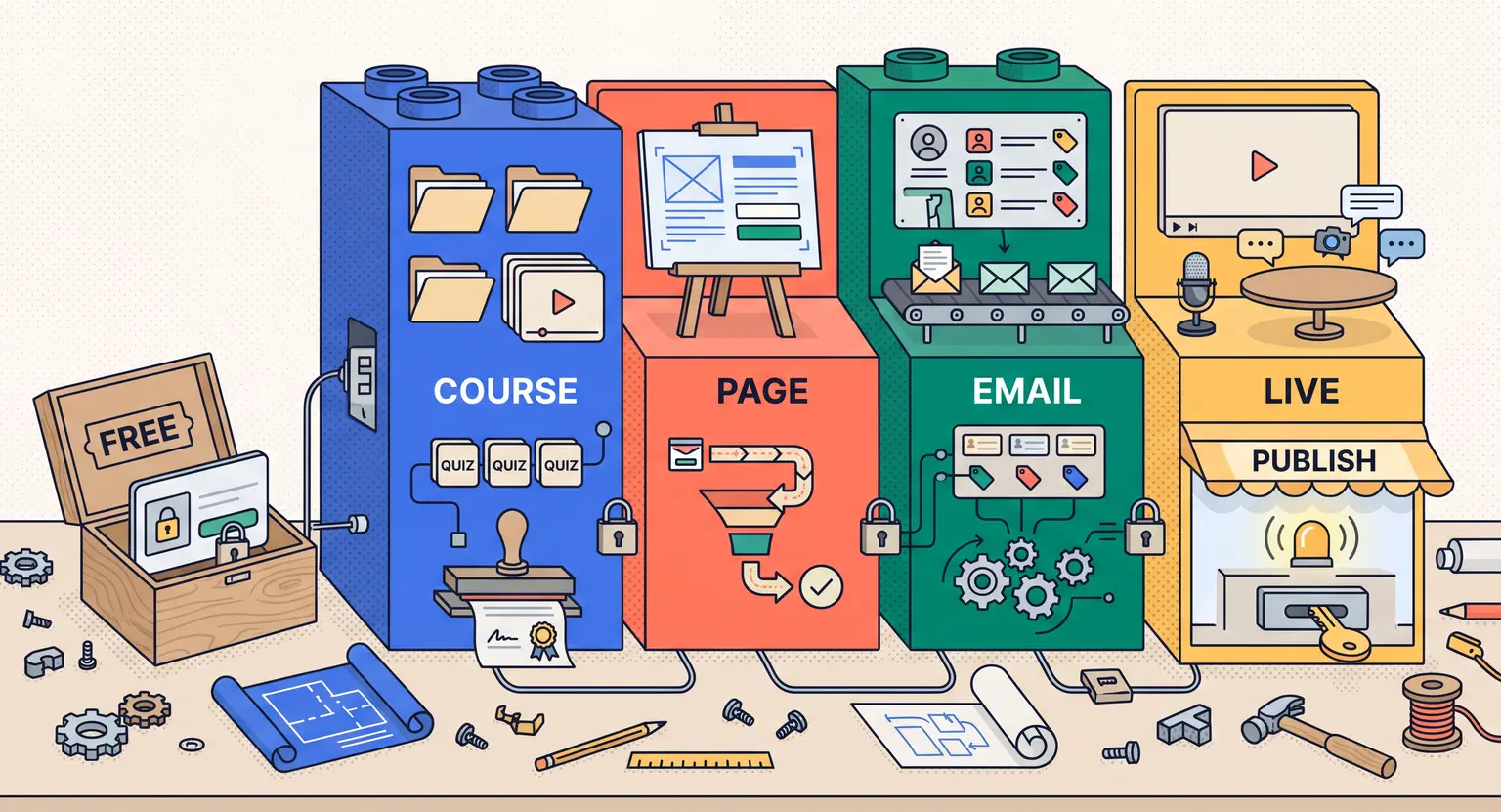
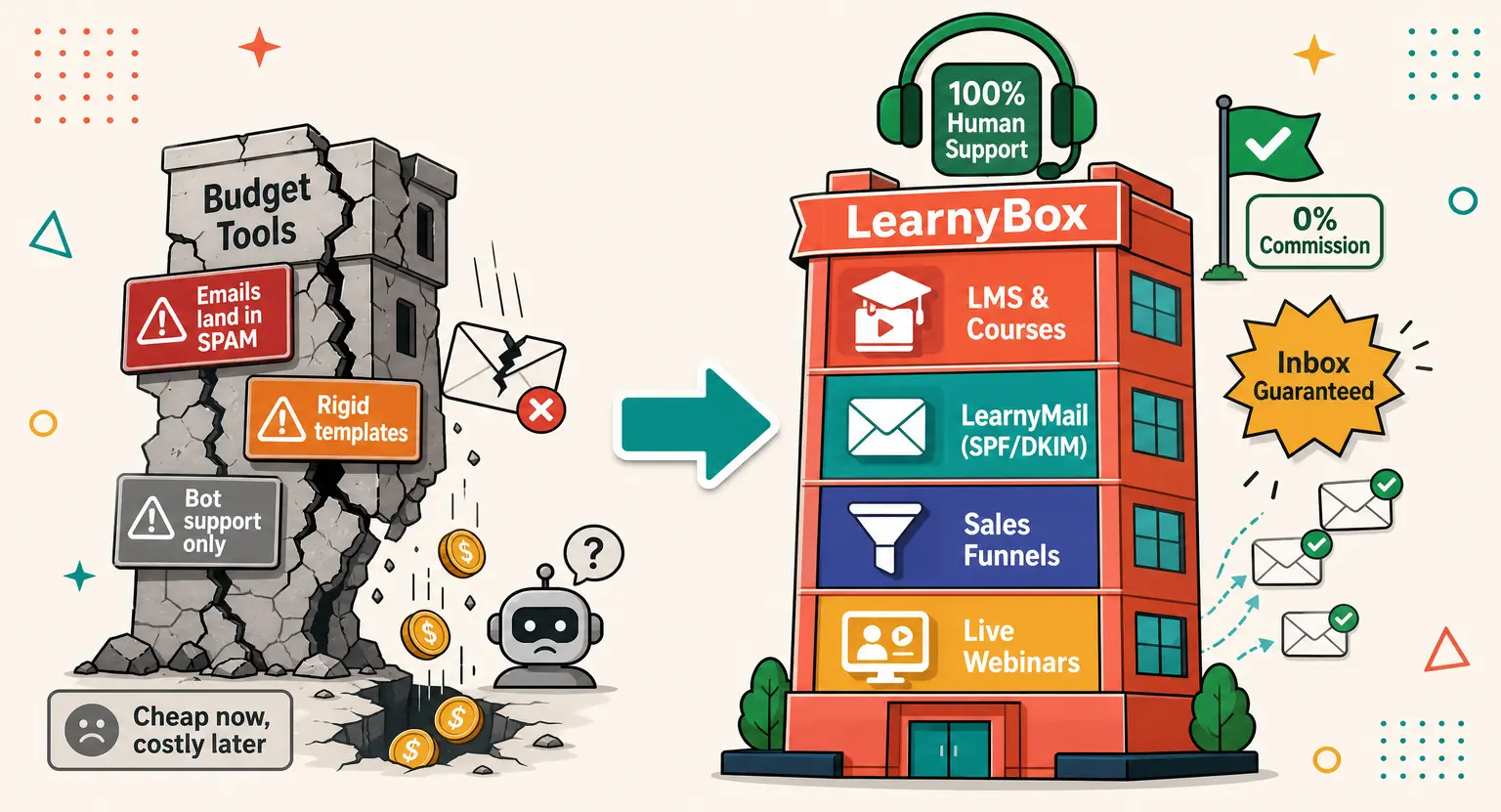
But here is the truly neat part : LearnyBox pulls all these pieces under one single roof so you do not have to keep duct-taping tools without any technical limits.
So, why write this guide? Because setting things up the right way from day one saves you long weeks of frustration down the line. Plus, having a reliable map makes the journey incredibly fun.
Whether you are completely fresh to this digital landscape or moving from another system, this walk-through is here to help you get up and running smoothly.
We will skip the complicated tech jargon completely and look at how to build, market, and sell your valuable knowledge like a real pro in 2026.
Key Takeaways
-
LearnyBox operates as a true workspace that replaces several systems, meaning you can stop paying separate bills for hosting, emails, and page builders. Learn more in our "What is LearnyBox" article.
-
Starting with the LearnyBox free plan lets you test the waters without spending a dime.
-
You can manage everything from curriculum building to payments (via LearnyPay) and email flows in one centralized spot. Discover how the platform compares in our LearnyBox review.
Getting Started and Choosing Your Setup
First, you need to set up your account. Handily, you do not even need a credit card to get started, meaning there is zero pressure.
But before you dive headfirst into the dashboard, you should decide which configuration fits your immediate plans.
Let's look at how the options stack up for your venture.
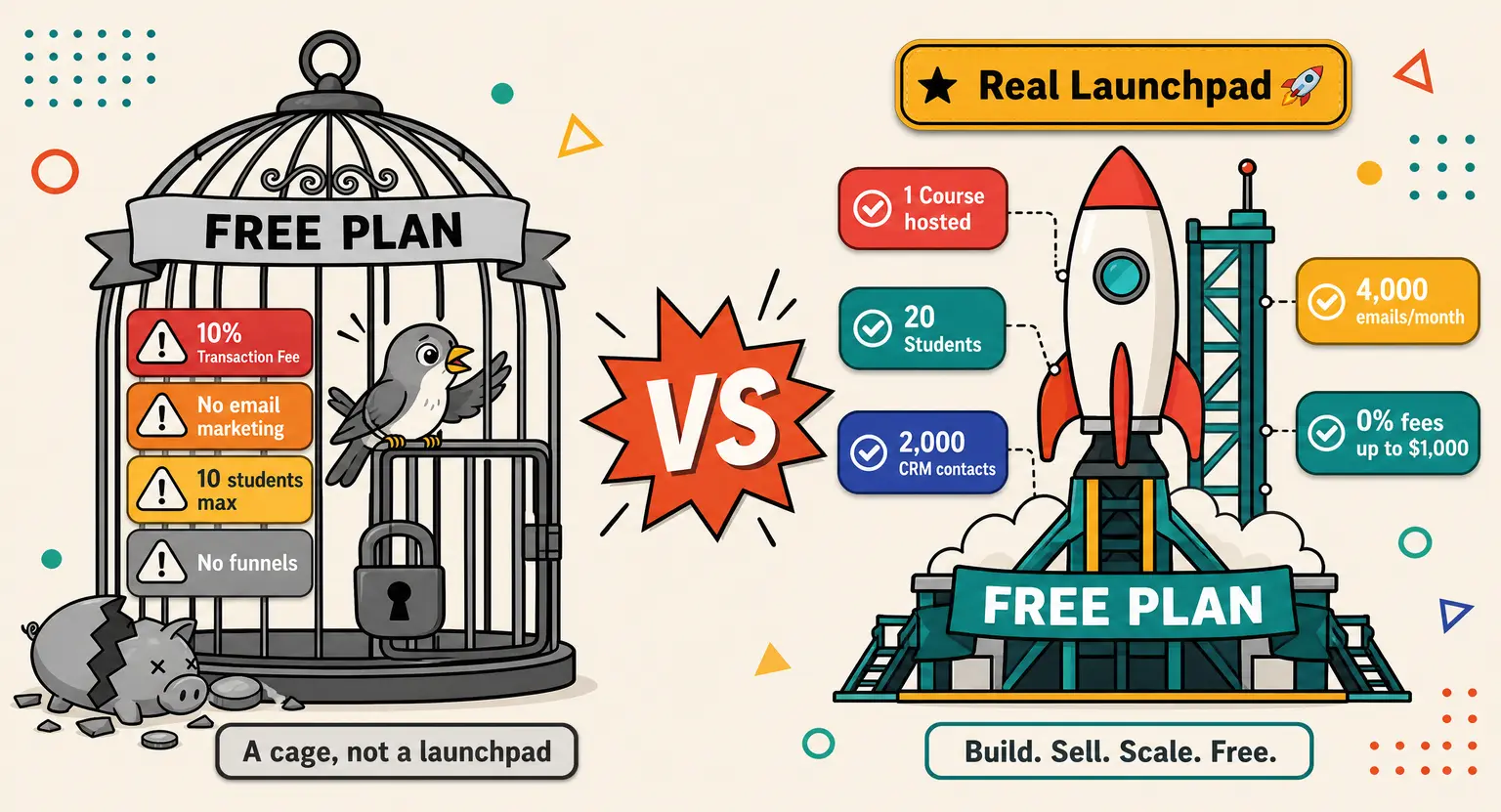
If you are just dipping your toes into digital products, the free plan is your best friend. It gives you room to build your first course and manage up to 20 students.
But if you have more ambitious targets, the paid tiers offer room to stretch.
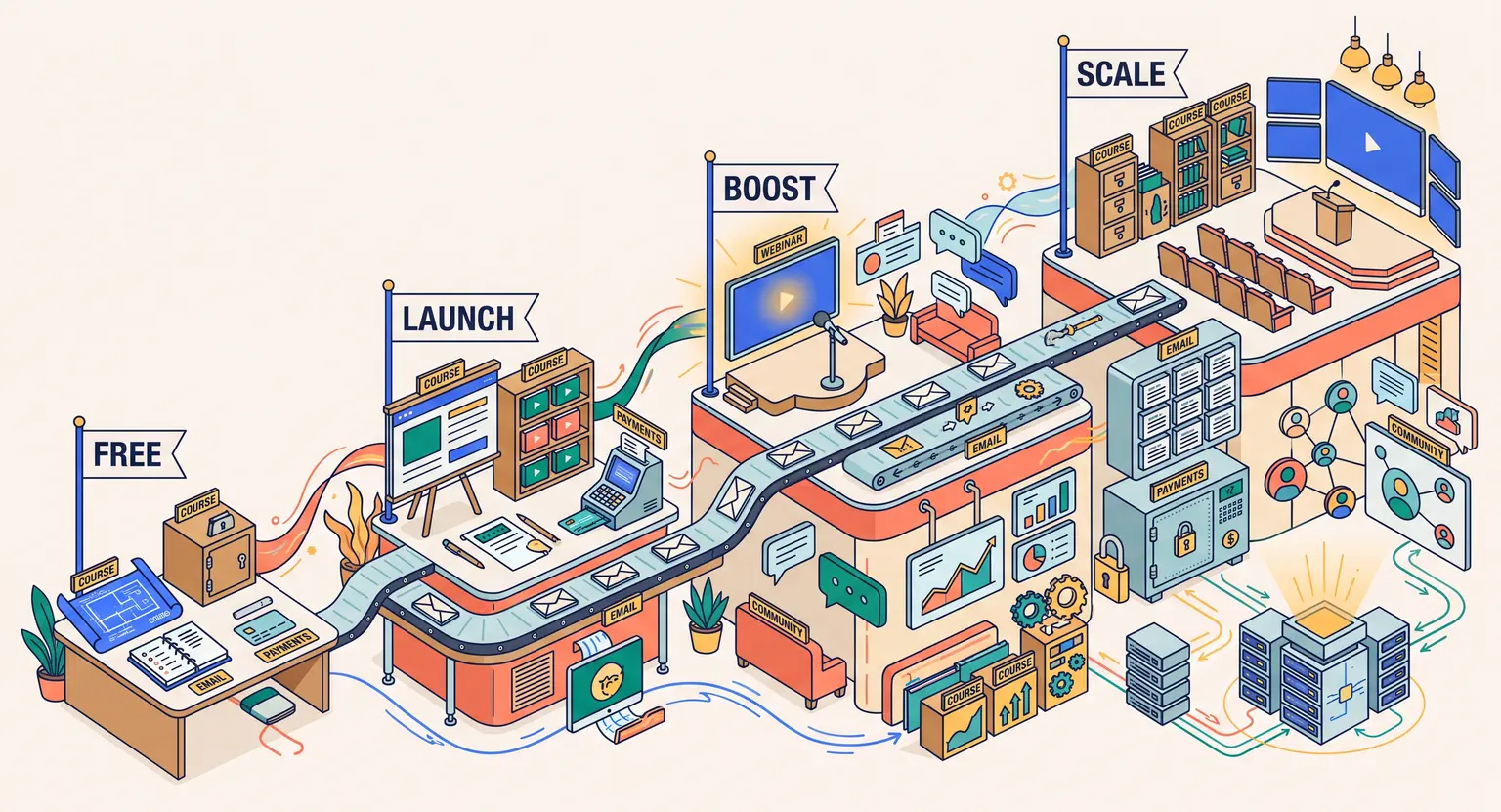
The Launch plan at $49 per month gives you access to ten courses and larger student groups, while the Boost option at $99 per month provides unlimited courses and deep customization options.
For established operations, the Scale plan at $179 per month supports major growth.
Check the full breakdown on LearnyBox pricing to see which is right for you.
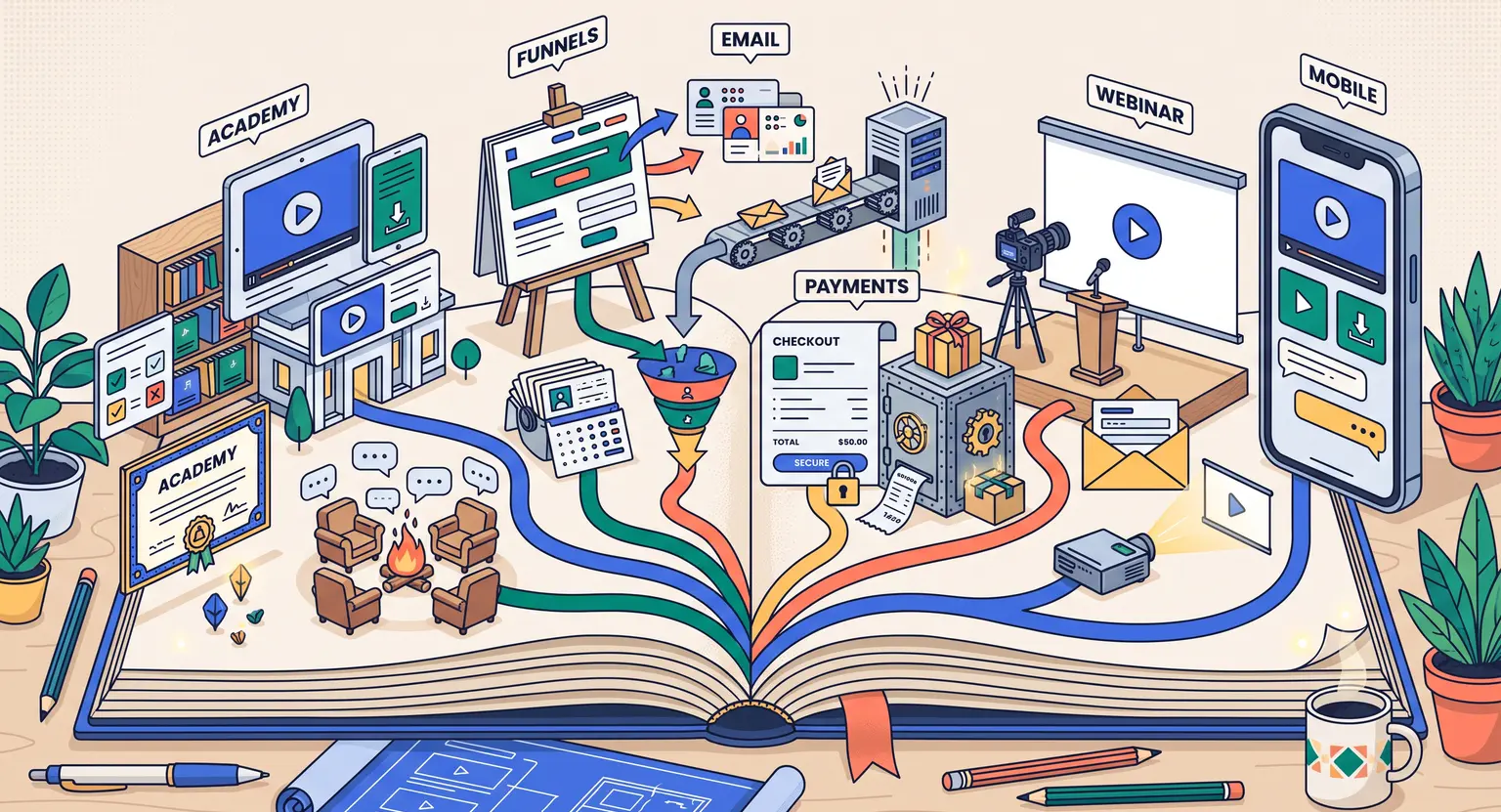
Now, once you sign up, you will arrive at the main workspace. It might look like there is a lot going on, but the sidebar is beautifully organized into simple hubs : Academy, Marketing, CRM, Sales, Website & Blog, Tools, Library, Mobile App, and Settings.
Building Your Online Academy (LearnyAcademy)
This is where the real fun begins. To start constructing your space, click over to the "Academy" button, and then choose the "Courses" submenu. This is your engine room for learning materials.
First, click "+ Create Course" in the top right corner, and give it a clear name (you can change later if needed).
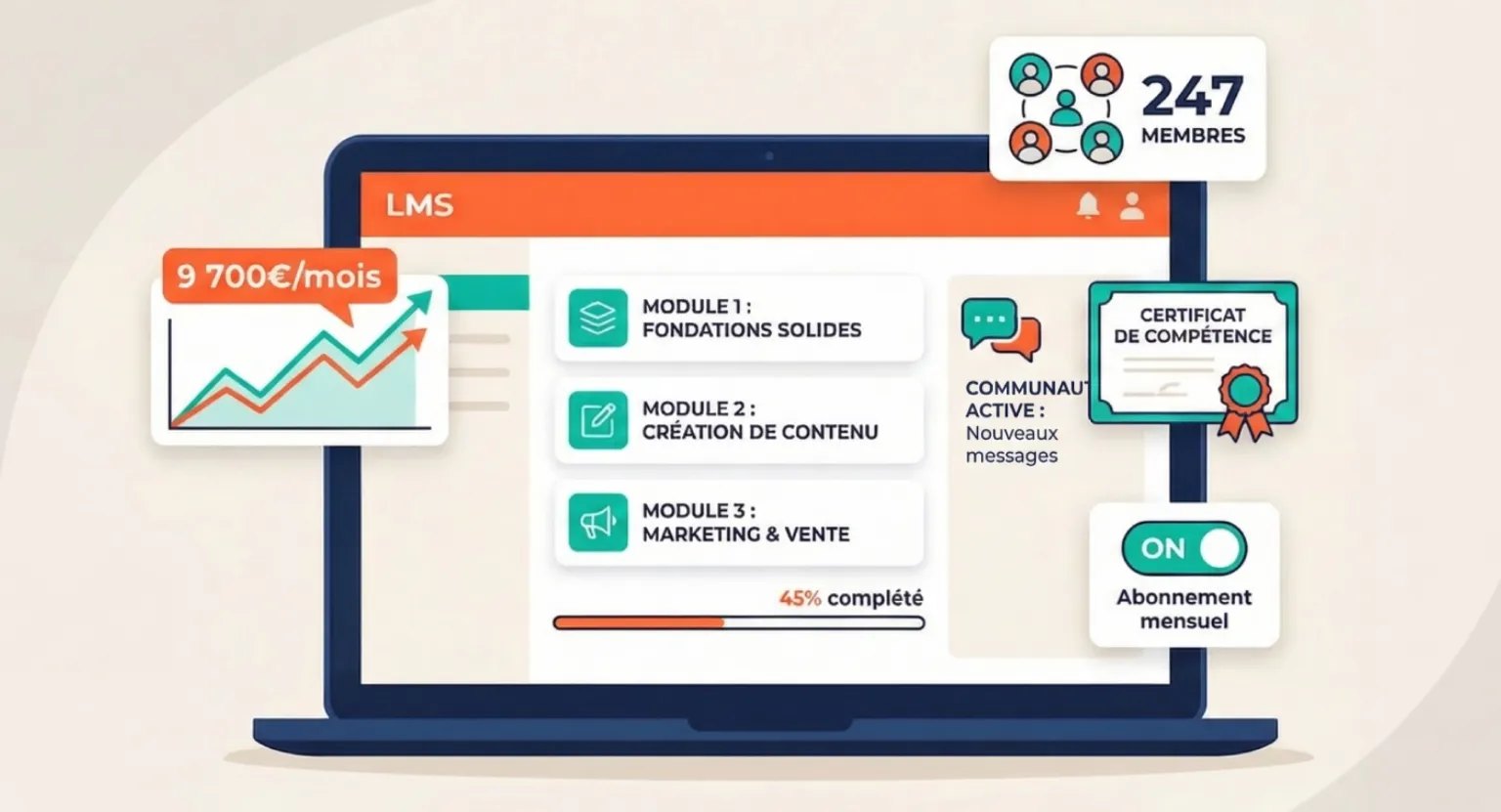
Now, the platform uses a very clean drag-and-drop structural editor. You can build out your curriculum by planning chapters first, then adding individual lessons. Think of this as your skeleton.
But do not just stick to plain text. You want to make your lessons interesting and varied. You can easily insert :
-
High-definition video lessons hosted directly by the platform.
-
Downloadable PDF resources, slide decks, and worksheets.
-
Interactive quizzes to gauge student progression.
-
Custom communities to keep your members talking to each other.
If you are wondering how to best structure your content, check out this guide on how to use LearnyBox effectively.
You can also customize the visual experience. The no-code visual builder allows you to update colors, add your brand logo, and customize your layout so it looks like your own private school.
Best of all, your academy comes with built-in white labeling, meaning your students only see your brand, not ours (on paid plans). It keeps your business looking highly professional and cohesive from the very first lesson.
Setting Up Sales Funnels and Pages
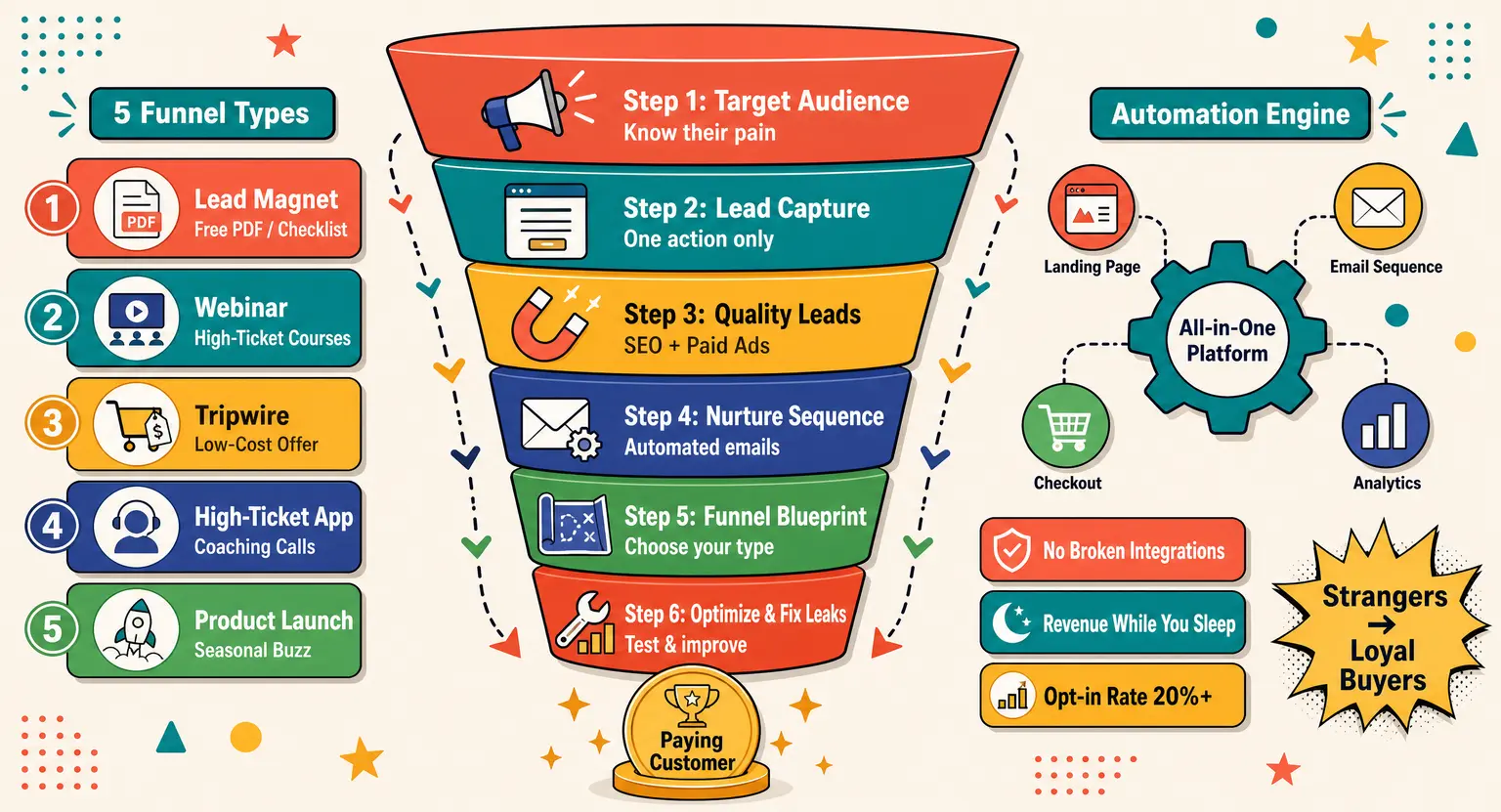
Great lessons are only half the battle; you still need people to find them. This is where sales funnels enter the equation. Instead of forcing you to connect a third-party builder, everything is already built into your dashboard.
To set up your first pipeline, head to the Marketing tab and select Sales Funnels.
Let's make this simple :
-
Choose a template from the library that matches your objective (Free content, promotional offer, live webinar & more).
-
Use the no-code page builder to tweak the headlines, graphics, and text.
-
Add a secure checkout form using LearnyPay, which is the native payment gateway, or hook up Stripe, PayPal, or GoCardless.
Yet, the real magic happens behind the scenes. Because the checkout and the course are on the exact same platform, there is no delay. Once a buyer purchases, their student account is generated instantly, their access is sent automatically, they can log in within seconds.
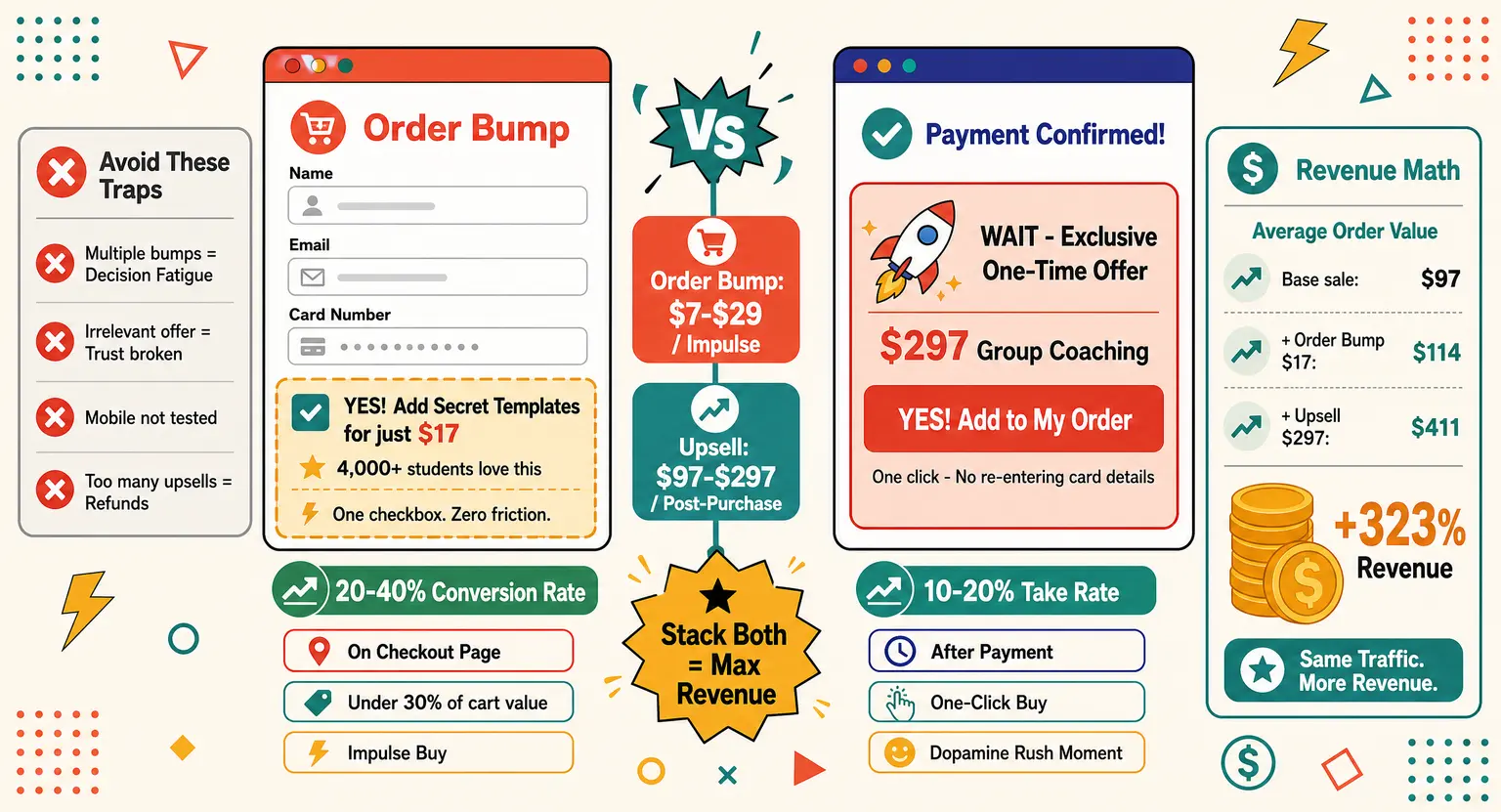
But you do not have to stop there. You can easily introduce strategically timed upsells and order bumps directly on the checkout pages to boost your average order value automatically.
Running Your Email Campaigns (LearnyMail)
An audience is your greatest asset. But you cannot rely solely on social media algorithms to reach them.
That is why having an email marketing platform baked right into your course builder is such a game-changer.
With LearnyMail, you do not have to worry about complex API integrations or syncing lists. When someone signs up for your free resource or buys your program, they are instantly added to your CRM.
So, how do you make the most of this ?
-
Newsletter broadcasts : use these to keep your crowd updated with quick tips, company news, or special promotions.
-
Automated sequences : create a warm welcome sequence that automatically triggers the moment someone joins your email list.
-
Behavioral triggers : set up smart automations, like sending a friendly nudge to students who have stalled halfway through your program.
And the technical stuff is already handled. The system uses robust SPF, DKIM, and DMARC verification to ensure your emails land safely in the inbox instead of getting lost in the spam folder.
Engaging Your Audience with Webinars and Communities
To truly stand out and sell at higher price points, you need interactive touchpoints. This is where webinars and community features shine.
You can set up live events directly within the platform to present your offer, run interactive Q&A sessions, and connect with your audience in real-time.
You do not want to present live every single week? You can utilize the auto-webinar feature. This lets you run evergreen events that work and sell on autopilot 24/7.
And what about keeping your students around after they finish the course? You can build integrated community spaces right inside your academy.
This replaces noisy, distracting external groups. Your members can discuss course topics, ask questions, and celebrate their progress in a private, distraction-free environment.
And if you are ready to take your offer to market, dive into our detailed checklist on how to launch an online course to ensure you do not miss any critical milestones.
| Plan tier | Key limits | Best suited for |
|---|---|---|
|
Free |
1 course, 20 students, 2,000 contacts, 4,000 emails/mo. |
Beginners testing out their curriculum or launching their very first digital product risk-free. |
|
Launch |
10 courses, 100 students, 7,500 contacts, 75,000 emails/mo. |
Solopreneurs ready to scale up their presence and run organized live events. |
|
Boost |
Unlimited courses, unlimited students, 15,000 contacts, 180,000 emails/mo. |
Growing creators who need total flexibility, community building, and automated funnels. |
|
Scale |
Unlimited courses, unlimited students, 40,000 contacts, 600,000 emails/mo. |
Established training organizations and SMEs wanting complete power, major limits, and custom API access. |
Explore Further
-
Read our extensive LearnyBox features guide to master all tools.
-
Explore how you can sell online courses on the official home page.
-
Discover why this is the perfect LMS for LearnyBox for course creators.
-
See how this stacks up in our detailed direct LearnyBox vs competitors breakdown.
Frequently Asked Questions
Can I migrate my courses from another platform?
Yes. The platform provides streamlined migration paths.
If you are moving a high volume of student data or complex course materials, the dedicated premium support team is available to handle the migration transition for you, ensuring no downtime for your active learners (custom quote available).
Is there any transaction fee on the free plan?
No. You can process your sales up to 1,000€ total on the free tier without getting hit by platform commission fees.
This allows you to collect profit from your first launch before committing to any recurring subscription costs.
Do I need to buy separate video hosting?
No. Video hosting is completely included in your plan. You can upload your high-definition video lessons directly to the platform's cloud server without needing external hosting providers, which keeps your student loading speeds snappy and secure.




 How to Create a Course Refund Policy (Templates & Best Practices for 2026)
 How to Run a Beta Version of an Online Course (2026 Guide)
 How to Create a Cohort-Based Online Course (2026 Guide)
 How to Sell an Online Course With a Quiz Funnel (2026 Guide)
 How to Sell an Online Course Through a Sales Call (2026 Guide)