






Best Equipment for Recording Online Courses (2026 Expert Guide)
Best Equipment for Recording Online Courses (2026 Expert Guide)
Key Takeaways for 2026 Success
-
Audio First : students will tolerate a grainy video but will quit if the audio is echoey or thin. Invest 60% of your budget here.
-
Lighting Logic : natural light is too unpredictable for long recording sessions; consistent LED panels are non-negotiable.
-
Software Synergy : use a platform that handles your content delivery seamlessly so you can focus on production.
-
Future-Proofing : 4K is the baseline now; look for cameras with excellent Eye-AF (Auto Focus) to stay sharp while moving.
Let's be honest for a second. The days of recording a course on a dusty laptop webcam with a pair of tangled white earbuds are officially dead.
It's 2026, and the "Information Age" has evolved into the "Experience Age".
Your students aren't just buying your knowledge (mostly yes, BUT!); they are also buying a premium learning experience that needs to look and sound as sharp as the Netflix documentaries they watch in their downtime.
But don't let that intimidate you. You don't need a Hollywood budget to produce world-class content. You just need to be smart about where you put your money.
The goal is to remove friction between your brain and their ears. When your equipment works perfectly, your personality shines through, and that is what actually sells.
So, let's break down the essential kit you need to transform your spare room into a high-conversion education factory.
Audio Mastery : Why Your Ears Forgive Less Than Your Eyes
If you ask any professional videographer what the most important part of a video is, they will tell you it's the audio.
It sounds counterintuitive, right? But think about it. You've probably watched a grainy YouTube video because the story was good and the narrator's voice was clear.
But if that same video had buzzing, echoes, or "tinny" sound, you'd click away in seconds.
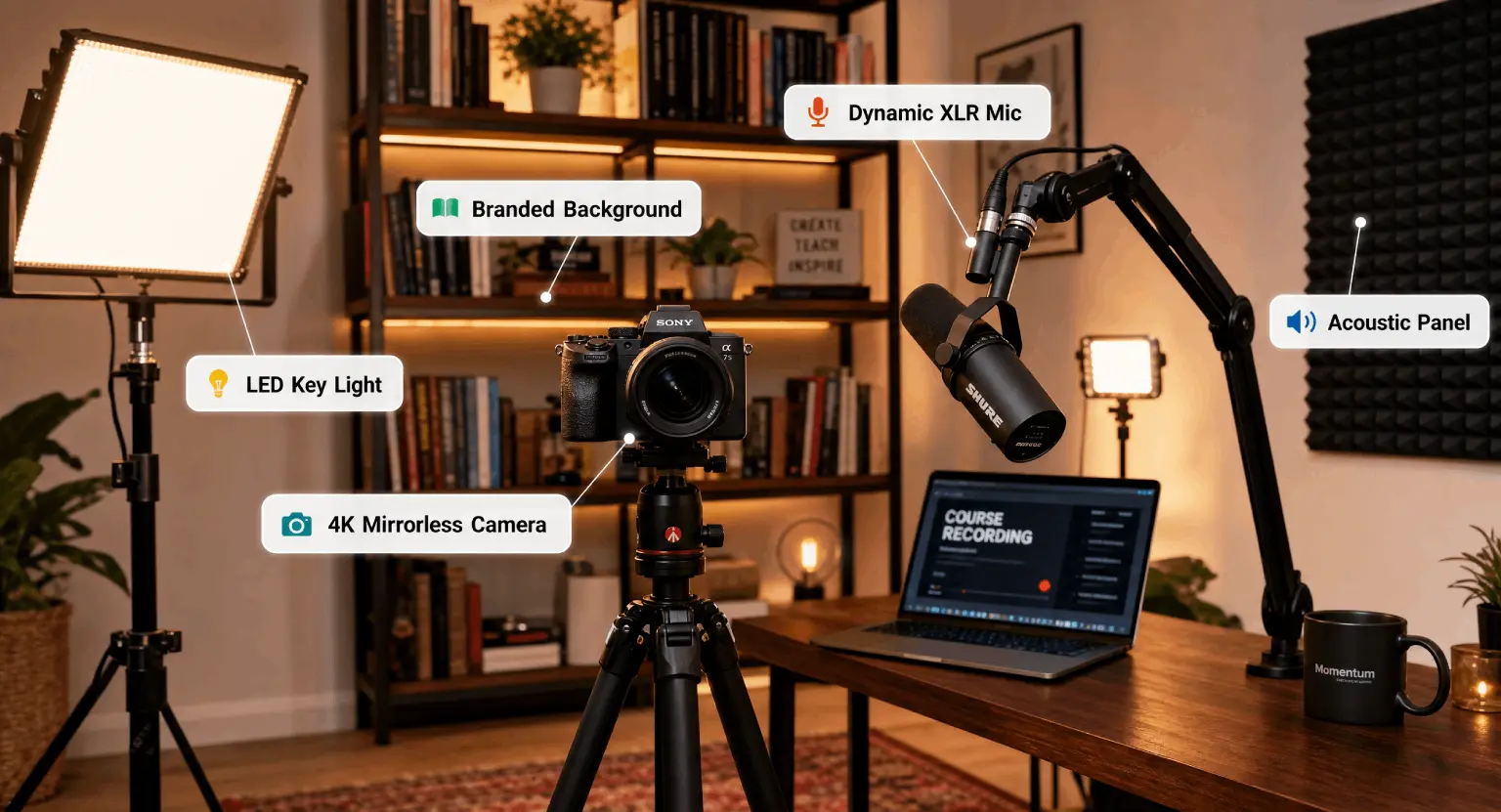
In 2026, we've moved beyond basic USB mics for the most part. While things like the Shure MV7+ are still great for beginners, the pros have moved toward XLR setups with dedicated interfaces.
This gives you a "thick," warm broadcast sound that makes you sound like an authority before you even finish your first sentence.
It's about building trust through frequency response. When you sound clear, you sound more believable. It is just basic psychology.
But when you're looking at profitable online course ideas, you have to consider your environment.
If you're recording in a room with hardwood floors and empty walls, a "Condenser" microphone will be your worst enemy.
It will pick up the neighbor's dog, your refrigerator, and every single echo.
Instead, look for a "Dynamic" microphone. These are designed to ignore background noise and only focus on the person speaking directly into them.
The industry standard remains the Shure SM7B, though the newer digital-hybrid models are making waves because they require less external hardware to boost the signal.
Don't forget a boom arm.
Keeping the mic off your desk prevents the "thumping" sound every time you move your mouse or tap your fingers while explaining a complex concept.
So, what should you buy? If you are just starting, a high-quality USB-C dynamic mic is a fantastic entry point.
But if you want that 2026 "premium" feel, go for an XLR dynamic mic paired with a Focusrite Scarlett interface or a Wave XLR.
This setup allows you to use hardware-based "Limiters" and "Compressors," which basically means your voice stays at a consistent volume even if you get excited and start talking louder. It keeps the listener's experience smooth.
No one likes having to constantly adjust their volume because the teacher is whispering one minute and shouting the next.
Consistency is the hallmark of a professional educator, and your gear should help you achieve that without you having to think about it while you're in the flow of teaching.
The Visual Frontier : Moving Beyond the Webcam
Webcams have improved significantly, but they still struggle with "depth".
You know that look where the background is slightly blurry (bokeh) and the person looks like they are popping off the screen? You can't really get that with a tiny webcam sensor.
In 2026, the best course creators are using mirrorless cameras as their primary webcams.
Sony and Canon have dominated this space by creating "vlogger-friendly" cameras that connect directly to your computer via USB-C without needing a separate capture card. Look for a camera with an APS-C or Full Frame sensor.
These allow more light in, which makes your skin tones look natural rather than pasty or gray. It's a small detail that makes a massive difference in how human you appear to your audience.
But wait, do you actually need 4K? Yes, but not for the reason you think. Most students will watch your course on a 1080p screen or a mobile device.
However, recording in 4K allows you to "crop in" during editing. You can record one long take, and then in post-production, you can zoom in on your face for emphasis without losing any quality.
It creates the illusion of a two-camera setup with only one camera. It's a huge time-saver and makes your final video look much more polished.
Pair your camera with a "fast" lens - something with an aperture of f/1.8 or f/2.8. This is what gives you that beautiful blurry background, hiding the fact that you're actually recording in a messy bedroom or a cluttered home office.
Lighting : Creating Depth Without Looking Like a Ghost
You could have a $5,000 camera, but if your lighting is bad, your video will look terrible.
Most beginners make the mistake of sitting with a window behind them, which turns them into a dark silhouette, or using a harsh overhead ceiling light that creates dark shadows under their eyes (the famous "raccoon" look).
To look like a pro, you need the "Three-Point Lighting" setup. But in 2026, we've simplified this. High-quality LED panels are now thin, affordable, and controllable via your phone.
Your "Key Light" should be your strongest light, placed at a 45-degree angle from your face.
It should be "softened" with a softbox or a diffuser so it doesn't create harsh lines on your skin.
Then, you add a "Fill Light" on the other side to soften the shadows, and finally, a "Backlight" or "Hair Light."
This last one is the secret sauce. It hits your head and shoulders from behind, separating you from the background.
It gives the image a 3D feel. And look, if you're on a budget, you can use a large window as your key light, but you're then a slave to the weather. If a cloud passes by, your video brightness will change, making the editing process a nightmare.
Investing in a set of Elgato Key Lights or Neewer LED panels ensures that every time you hit record, the environment is identical.
This makes batch-recording multiple lessons much easier because the colors won't shift from lesson to lesson.
And let's talk about "Practical Lights." These are the lights you see in the background - a cool neon sign, a desk lamp with a warm bulb, or some LED strips.
They don't light you up, but they add "vibe" and personality to your set.
In 2026, students want to see a bit of your world.
A sterile white wall is boring... A shelf with a few curated books and a soft glow in the corner feels like a real classroom. It makes you relatable.
Just ensure these lights aren't brighter than your face, or the camera will get confused about where to focus the exposure.
You are the star of the show; the background is just the supporting cast.
The Stealth Essentials : Teleprompters and Software
Most people forget about the "process" gear. If you're struggling to remember your lines, you're going to spend hours re-recording.
A simple iPad-based teleprompter can be a lifesaver. You mount it in front of your camera lens, and you can read your script while looking directly at your students.
It feels much more personal than constantly glancing down at notes... And for those who prefer a more natural vibe, just having a large secondary monitor at eye level for your all-in-one platform dashboard can help you stay on track with your curriculum flow.
Speaking of software, you'll need a solid screen recorder like Descript or Camtasia.
Descript is particularly powerful because it lets you edit your video by editing the text transcript - it's like magic for non-editors.
| Gear category | 2026 standard | Why it's essential | Top recommendation |
|---|---|---|---|
| Microphone | Dynamic XLR/USB Hybrid | Eliminates room echo and focuses solely on your voice for a rich, authoritative tone. | Shure MV7+ or PodMic USB |
| Camera | Mirrorless 4K/60fps | Allows for "punch-in" editing and provides a professional shallow depth-of-field. | Sony ZV-E10 II or Canon R50 |
| Lighting | App-Controlled LED Panels | Ensures consistency across recording sessions, regardless of the time of day. | Elgato Key Light Air |
| Acoustics | Aesthetic Foam + Rugs | Stops sound waves from bouncing off hard surfaces, preventing that "empty hallway" sound. | Gik Acoustics Panels |
| Interface | USB-C Audio Hub | Converts analog sound to digital with zero-latency monitoring and high-gain preamps. | Focusrite Scarlett Solo (4th Gen) |
Environment : Fighting the Echo Demon
But look, you can buy the most expensive gear in the world, and it won't matter if your room sounds like a bathroom.
Acoustic treatment is the most underrated "equipment" in 2026. You don't need to turn your room into a padded cell, but you do need to break up flat surfaces. Sound travels in waves and bounces off walls.
If those waves hit your mic twice - once from your mouth and once off the wall - you get an echo. A thick rug on the floor is the easiest first step.
After that, some decorative acoustic panels or even just a bookshelf filled with books can act as "diffusers" to break up those sound waves.
If you're on a tight budget, hanging a thick blanket on a stand behind your microphone can honestly do about 80% of what professional foam does.
It's not about how it looks; it's about how it sounds.
And let's talk about background. In 2026, the "AI Background Blur" looks fake and distracting.
If you want to sell online courses effectively, you need a real, physical background that builds your brand.
It should be clean but not empty. Think about the colors - blues and greens are calming, while warm oranges can feel energetic.
If your room is tiny, use a "wall-mount" desk to save space and keep the floor clear, which actually helps reduce floor-based echoes.
Remember, your environment is a part of your teaching. If it's cluttered, students might subconsciously feel that your logic is cluttered too. Keep it simple, keep it intentional.
Software and Platforms : Putting it All Together
Once you've captured that beautiful 4K footage and crisp audio, where does it go?
You need a platform that doesn't compress your hard work into a blocky, low-res mess.
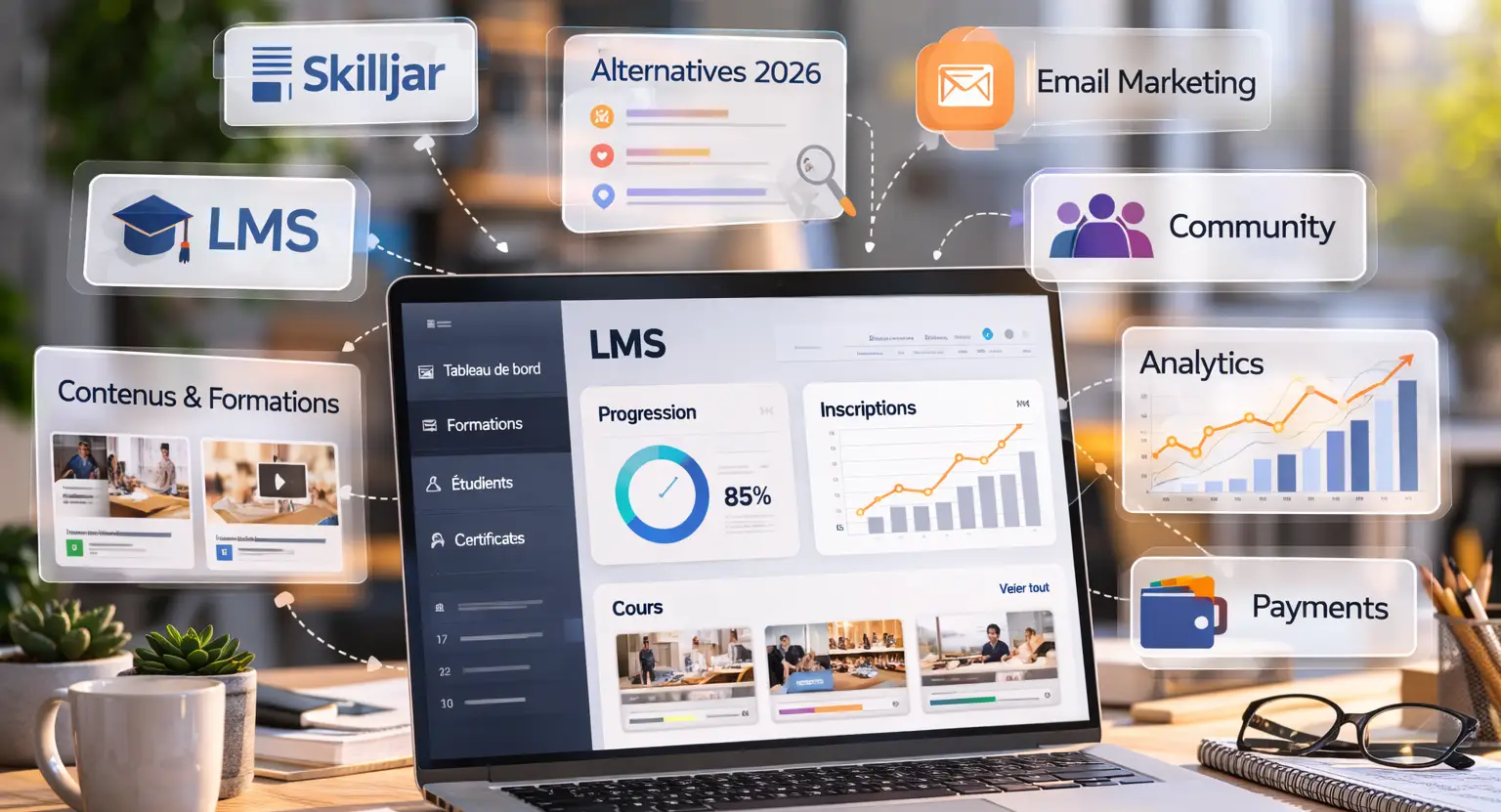
This is where choosing the right LMS (Learning Management System) comes in.
You want a system that supports high-bandwidth video and makes the student interface look as good as your production. But it isn't just about the video.
Your platform should handle your email marketing, sales funnels, and payments so that you don't spend all your time being a tech support agent.
When your gear and your platform work in harmony, you create a seamless loop that allows you to scale your business without losing your mind.
So many creators get bogged down in the "gear acquisition syndrome," where they keep buying new things instead of actually recording. Don't fall into that trap.
Get a solid baseline of equipment - a decent mic, one good light, and a reliable camera - and then focus on your content. The tech is just a vehicle.
If you're evaluating different platforms, consider reading our LearnyBox vs Podia article to see which one offers the most built-in functionality.
Having everything in one place means you spend less time troubleshooting and more time actually teaching your students.
At the end of the day, your gear should work for you, not the other way around.
But here is the final secret : your students are there for you. They want your insights, your shortcuts, and your unique perspective on the world.
The best equipment for recording online courses is the equipment that is already set up and ready to go when you have a great idea. Don't let the pursuit of perfection stop you from helping people today.
So, pick your gear, set your stage, and start sharing what you know. The world is waiting to learn from you, and with the right tools, you'll make sure they hear every single word clearly.
Frequently Asked Questions
1. Can I just use my iPhone for everything?
Honestly, yes. In 2026, iPhone cameras (especially the Pro models) are incredible.
But you must still invest in a dedicated external microphone. The internal mic on a phone is designed for calls, not for teaching high-level courses.
Use a USB-C to XLR adapter to plug a real mic into your phone, and make sure you use a tripod.
A shaky handheld video is the quickest way to look like an amateur.
2. Is 4K really necessary or just hype?
It is necessary for "flexibility." While 1080p looks fine for viewing, 4K allows you to edit much more creatively.
You can zoom in on your face during an important point or zoom out to show a wide shot, all from a single camera angle.
It saves you massive amounts of time in editing because you don't have to record the same segment from different distances.
It's a productivity hack disguised as a resolution upgrade.
3. How much should I spend on a "beginner" setup?
You can get a very professional-sounding and looking setup for around $800 to $1,200 total.
This would include a solid mirrorless camera (used is fine!), a USB dynamic microphone, and a basic two-light LED kit. Anything less than that and you might find yourself needing to upgrade within six months.
It's better to buy the "right" mid-range gear once than to buy cheap entry-level gear three times. Quality pays for itself in student retention.
4. Do I need a green screen in 2026?
Not usually. Modern "Productivity Creators" prefer a natural, well-styled background over a digital one.
Green screens can look "cheap" if the lighting isn't absolutely perfect - you'll get a weird green glow around your hair.
Unless you are teaching a course on gaming or high-end visual effects where you need to be "inside" the software, a real-life background with depth and lighting is far more trustworthy and modern.
5. What is the biggest mistake people make with gear?
Buying too much at once. They get the camera, the mic, the teleprompter, the mixer, and the lights, and then they spend three weeks trying to figure out how to turn it all on instead of writing their course.
Start with a microphone.
Once that's easy to use, add a light.
Then add the camera.
Building your studio incrementally ensures you actually know how to use every piece of equipment you own, which reduces "pre-recording anxiety."



 How Long Should an Online Course Be? (2026 Guide for Experts)
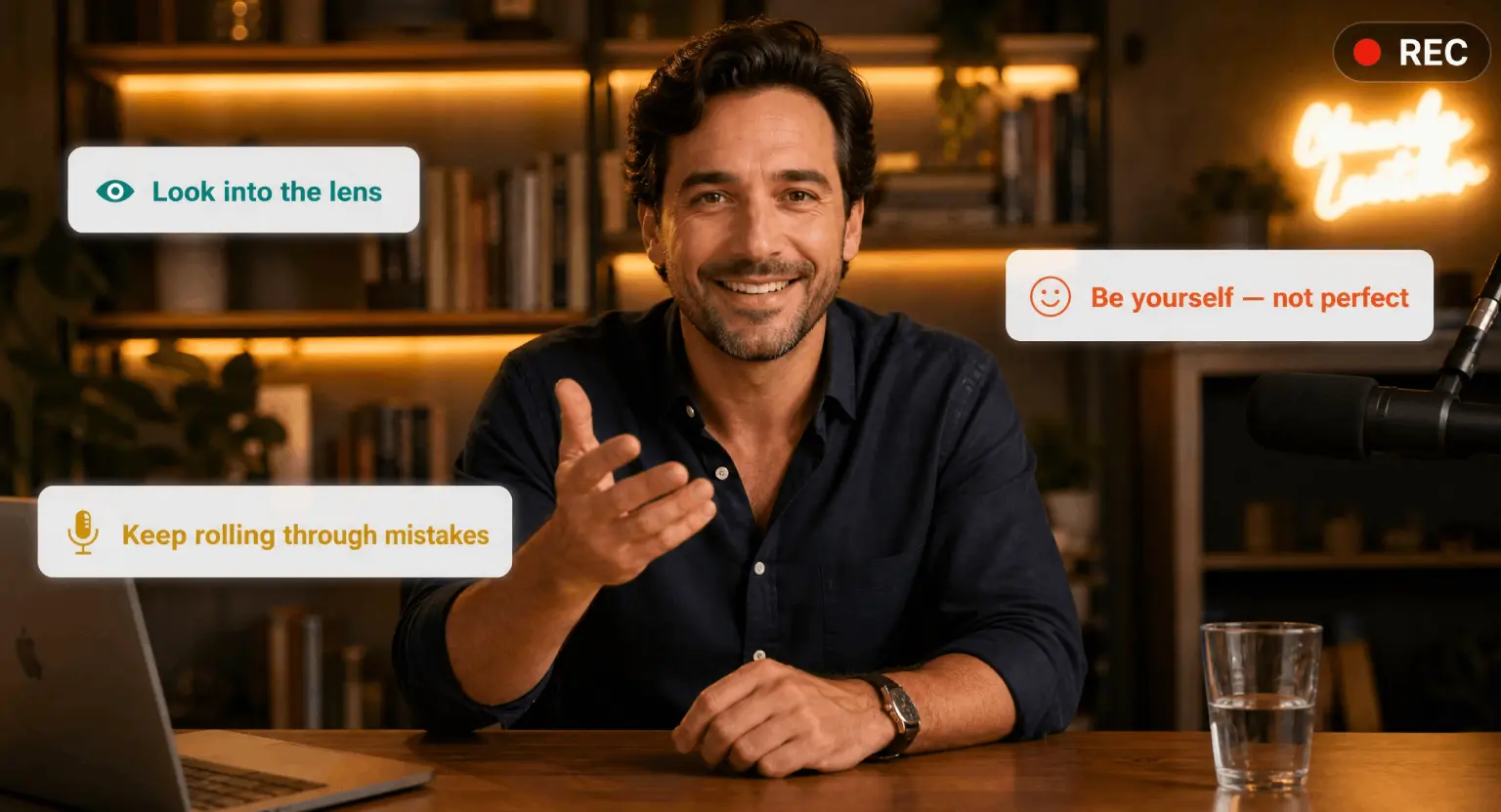 How to Record an Online Course : The Expert Guide to High-Conversion Video (2026)
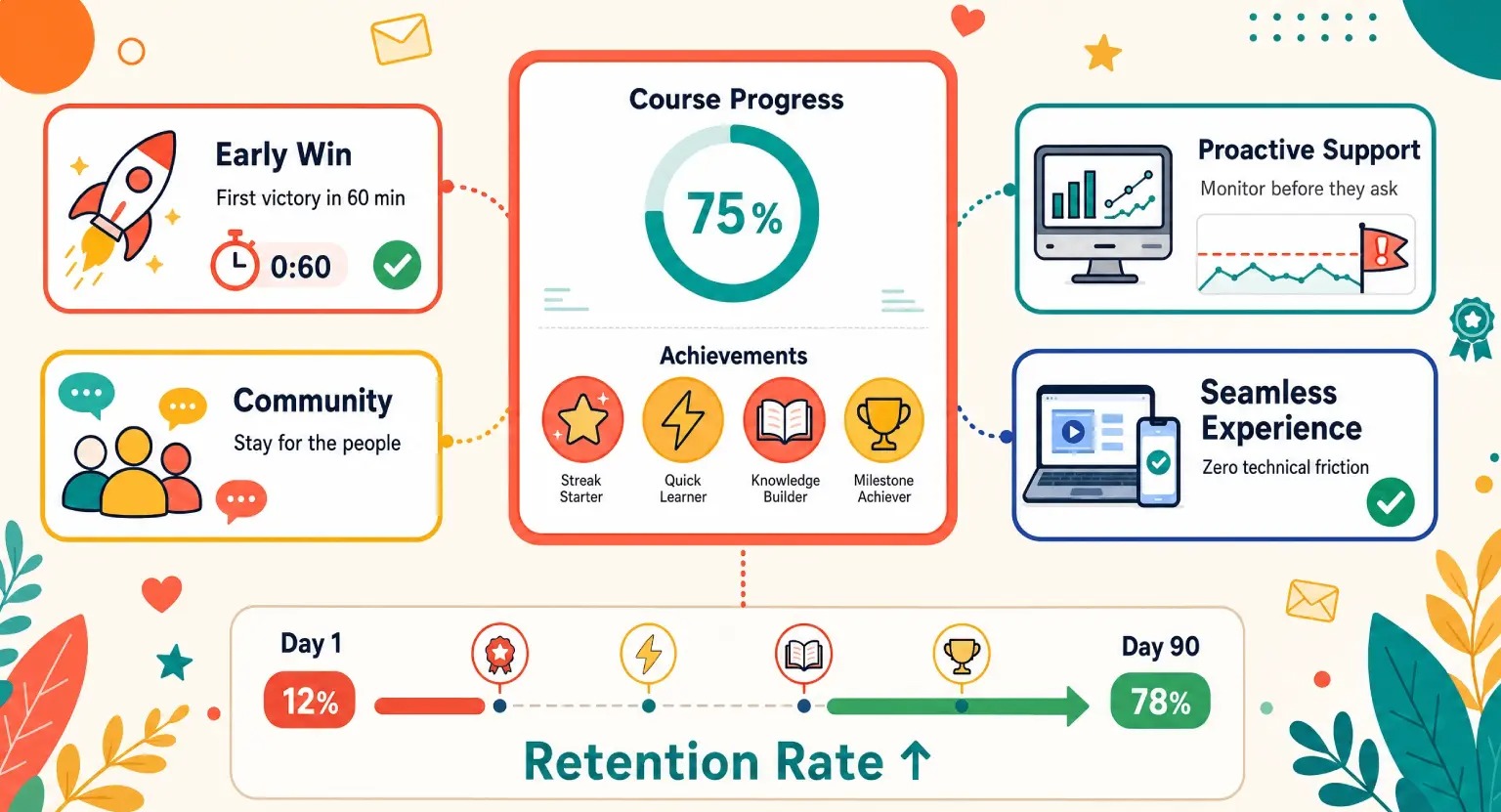 How to Retain Students after Purchase