








Free Online Course Outline Template: Build Your 2026 Program Fast
Free Online Course Outline Template : Build Your 2026 Program Fast
Key Takeaways for Successful Outlining
- Start with the Exit : define exactly what the student can do after the last lesson before writing a single word.
- Modularize for Speed : break content into 5-10 minute chunks to satisfy the 2026 attention span.
- Anchor Your Strategy : use a proven how to structure an online course guide to avoid common pacing pitfalls.
- Validate Early : cross-reference your outline with profitable online course ideas to ensure there is actual market demand.
I've seen too many brilliant people fail because they tried to "wing it" when building their curriculum. You have this massive mountain of knowledge in your head, and the temptation is to just dump it all into a series of videos and call it a day.
But here is the thing : information alone isn't valuable anymore in 2026. We live in an era where AI can summarize a thousand textbooks in seconds.
People don't pay for information; they pay for the transformation and the shortcut.
That is why a robust course outline is your most valuable asset. It acts as the bridge between where your student is currently struggling and the person they want to become once they finish your program.
And let's be honest, the blank page is a terrifying enemy. When you sit down to create, you're often overwhelmed by the sheer scope of what you want to teach.
Should you start with the history of the topic? Or jump straight into the tools?
A template fixes this because it gives you "buckets" to fill.
Instead of wondering what comes next, you simply follow the logical flow of human learning. I've found that the best courses follow a very specific emotional and logical rhythm.
You need to build confidence early on, then tackle the heavy lifting, and finally provide the roadmap for continued success.
This guide is going to show you exactly how to do that without losing your mind in the process.
The Transformation-First Model : Defining Your North Star
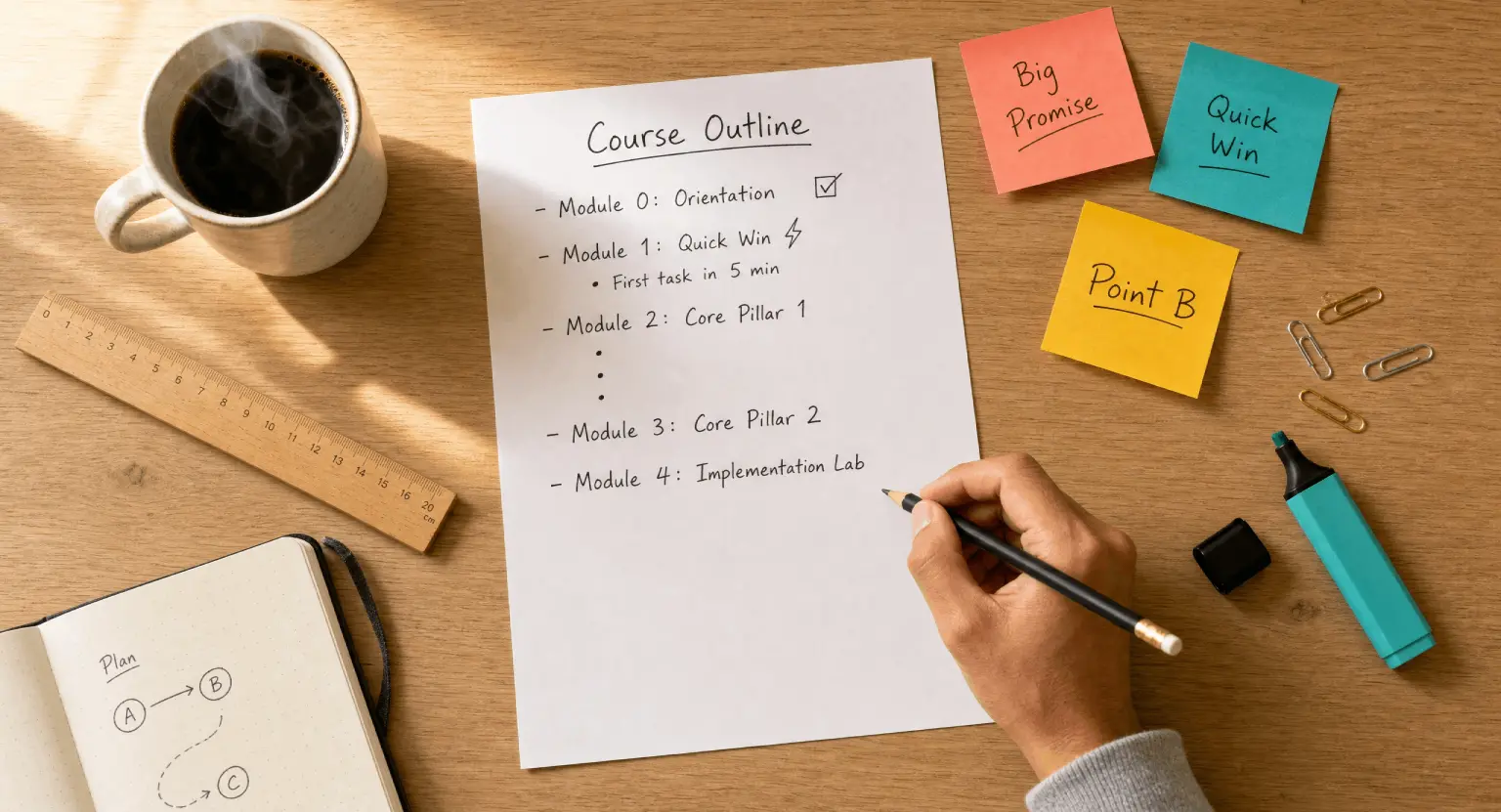
Before you even touch a template, you have to answer one question : What is the "Big Promise"?
If your course is about photography, the promise isn't "I will teach you about ISO and shutter speed." The promise is : "You will be able to take professional-grade portraits of your family without using 'Auto' mode."
Once you have that final destination, you work backward. Every single module in your outline must justify its existence by answering how it helps the student reach that goal.
If a lesson doesn't contribute directly to that transformation, it's just fluff.
And in 2026, learners are ruthless about cutting through fluff. They want high-density value, and they want it yesterday.
But how do you know if your transformation is actually something people want to buy? This is where research comes in. You need to look at what's already working.
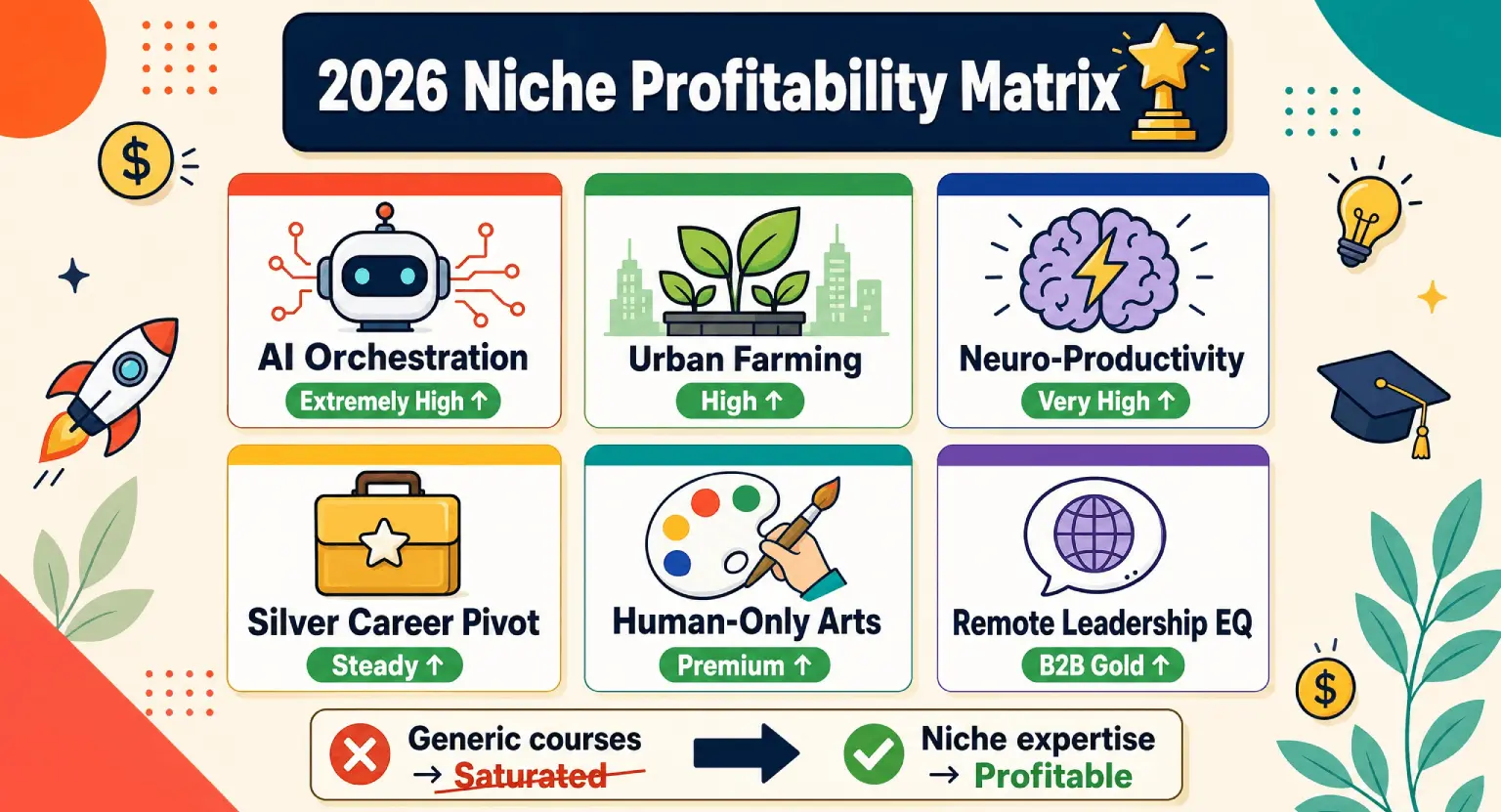
I often recommend looking at profitable online course ideas in your niche to see how competitors are framing their outcomes. Are they focusing on speed? On cost-saving? On professional certification?
Your outline should reflect the specific flavor of the transformation you're offering. If you're targeting hobbyists, your tone and structure will be light and encouraging.
If you're targeting corporate executives, your outline needs to be sharp, data-driven, and result-oriented from the very first minute.
So, start by writing down your "Target Persona."
Who is this person?
What keeps them awake at 3:00 AM?
What is the one thing they are tired of failing at?
When you understand their pain points, the sections of your course outline practically write themselves. You're essentially creating a series of small wins that lead to one massive victory.
Think of your outline like a staircase. Each step needs to be high enough to represent progress, but not so high that the student trips and gives up. That balance is the secret to high completion rates and glowing testimonials that sell your course while you sleep.
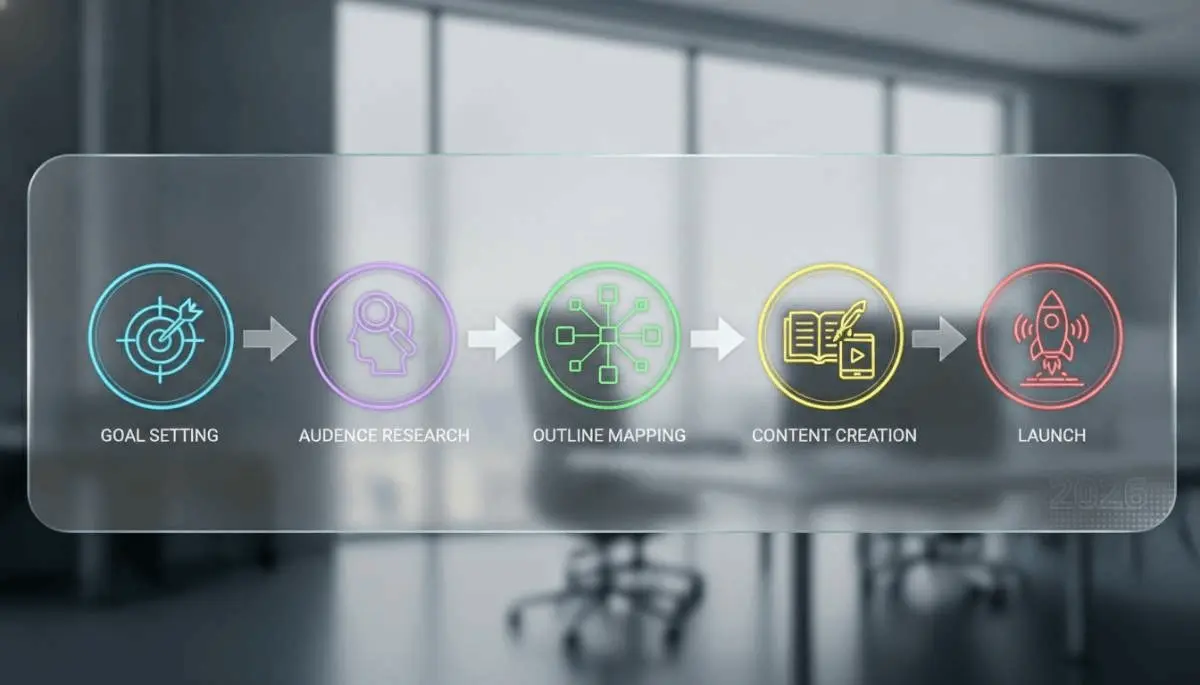
Step-by-Step Online Course Outline Template
Now, let's get into the nitty-gritty. A professional outline isn't just a list of titles; it's a strategic document.
I like to break my courses down into five distinct phases. This structure ensures that you don't overwhelm the student on day one but still provide enough meat to keep them engaged.
Remember, the goal of the first module is to give them a "Quick Win." This is a small, easy-to-achieve result that proves to them that your method works. If you can make them successful in the first 20 minutes, they will follow you anywhere.
But if the first module is a 45-minute lecture on the history of the industry, you'll lose half of them before they even reach the good stuff.
Phase 1 : The Foundation & The "Quick Win"
This is where you set the stage. You need to welcome your students, tell them exactly how the course works, and give them that initial boost of confidence.
Don't underestimate the power of a "Start Here" video.
It should manage expectations and clear up any technical hurdles.
If they need special software, this is where they get it.
If they need to join a community, give them the link now. But then, give them a task.
Something they can do in five minutes that results in a tangible outcome. It could be as simple as "Download this checklist and fill out your first goal." This psychologically commits them to the journey ahead.
But don't stop at just the welcome. Use this phase to help them understand the "why" behind your method. People are much more likely to follow a difficult instruction if they understand the logic supporting it. You're establishing your authority here.
You don't need to brag, but you should briefly remind them why they trusted you enough to buy the course in the first place. This builds a rapport that will carry them through the more challenging modules later on.
If you're wondering about the tech side of this, check out how an all-in-one platform to sell online courses can simplify the delivery of these first critical videos.
Phase 2 : The Core Framework (The "Meat")
This is usually the longest part of your outline. It contains the essential knowledge and skills. I find it helpful to divide this into "The Pillar Lessons".
Each pillar should represent a major sub-topic. For example, if you're teaching "Digital Marketing 101," your pillars might be SEO, Paid Ads, and Content Strategy.
Inside each pillar, you'll have 3-5 specific lessons.
Keep these lessons focused. One idea per lesson.
This is where most creators fail - they try to put everything into one 30-minute video. Instead, break it into three 10-minute videos.
It makes the content searchable, re-watchable, and much less intimidating for a busy adult learner.
And don't forget the transitions. At the end of every module, tell the student what they've learned and how it leads into the next section.
This creates a cohesive narrative rather than a disjointed collection of facts. You're telling a story where the student is the hero, and each module is a new skill they've unlocked to defeat the "final boss" (their problem).
If you find yourself struggling with the flow, you might need to dive deeper into how to structure an online course to ensure your pacing doesn't feel like a roller coaster.
Consistency in lesson length and delivery format goes a long way in keeping students logged in.
|
Outline component |
Primary purpose |
Recommended format |
Student experience |
|---|---|---|---|
|
Module 0 : Orientation |
Remove friction & set goals |
Welcome Video + PDF Guide |
Relief and clarity |
|
Module 1 : The Quick Win |
Build immediate momentum |
"Over-the-shoulder" tutorial |
Excitement and "Aha!" moment |
|
Modules 2-4 : Core Pillars |
Teach fundamental skills |
Short videos + Interactive quizzes |
Steady skill acquisition |
|
Module 5 : Implementation |
Apply knowledge to real projects |
Case studies & Live Q&A |
Confidence and mastery |
|
Module 6 : Future Roadmap |
Ongoing growth & community |
Resources list + Next steps |
Empowerment and loyalty |
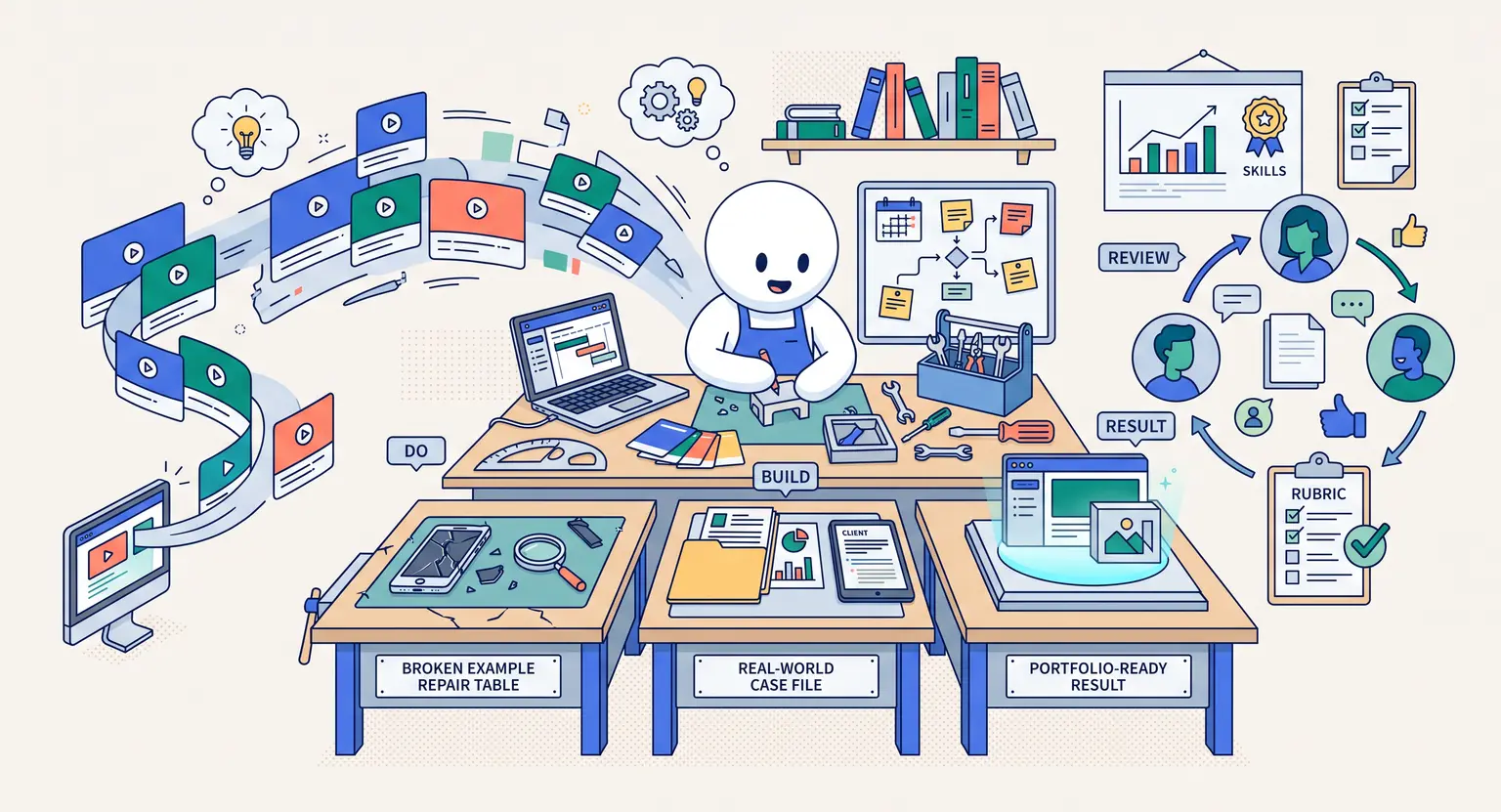
Phase 3 : The Implementation Lab (Practical Application)
By now, your students have the knowledge, but do they know how to use it? This is where many courses drop the ball.
They teach the theory but skip the practice. In your outline, dedicate a module specifically to "doing".
You might provide a dummy project for them to work on, or a series of complex exercises. This is a great time to introduce different media formats.
Instead of just another video, why not a downloadable workbook?
Or a checklist for them to audit their own work?
You could even film yourself doing the task in real-time.
This "watch me do it" style of content is incredibly effective for retention.
But practical application isn't just about exercises; it's about troubleshooting. Anticipate where they will struggle. I like to include a "Common Mistakes" lesson in this phase.
It shows that you understand their journey and protects them from the frustration of preventable errors. You're basically being their mentor in absentia.
If you can predict their questions before they even ask them, you'll foster a deep sense of trust. And frankly, this reduces your support tickets significantly.
It's a win-win for everyone involved.
Your outline should feel like a guided tour, where the guide knows exactly which parts of the trail are slippery and warns you ahead of time.
Refining Your Lesson Types for 2026 Learners
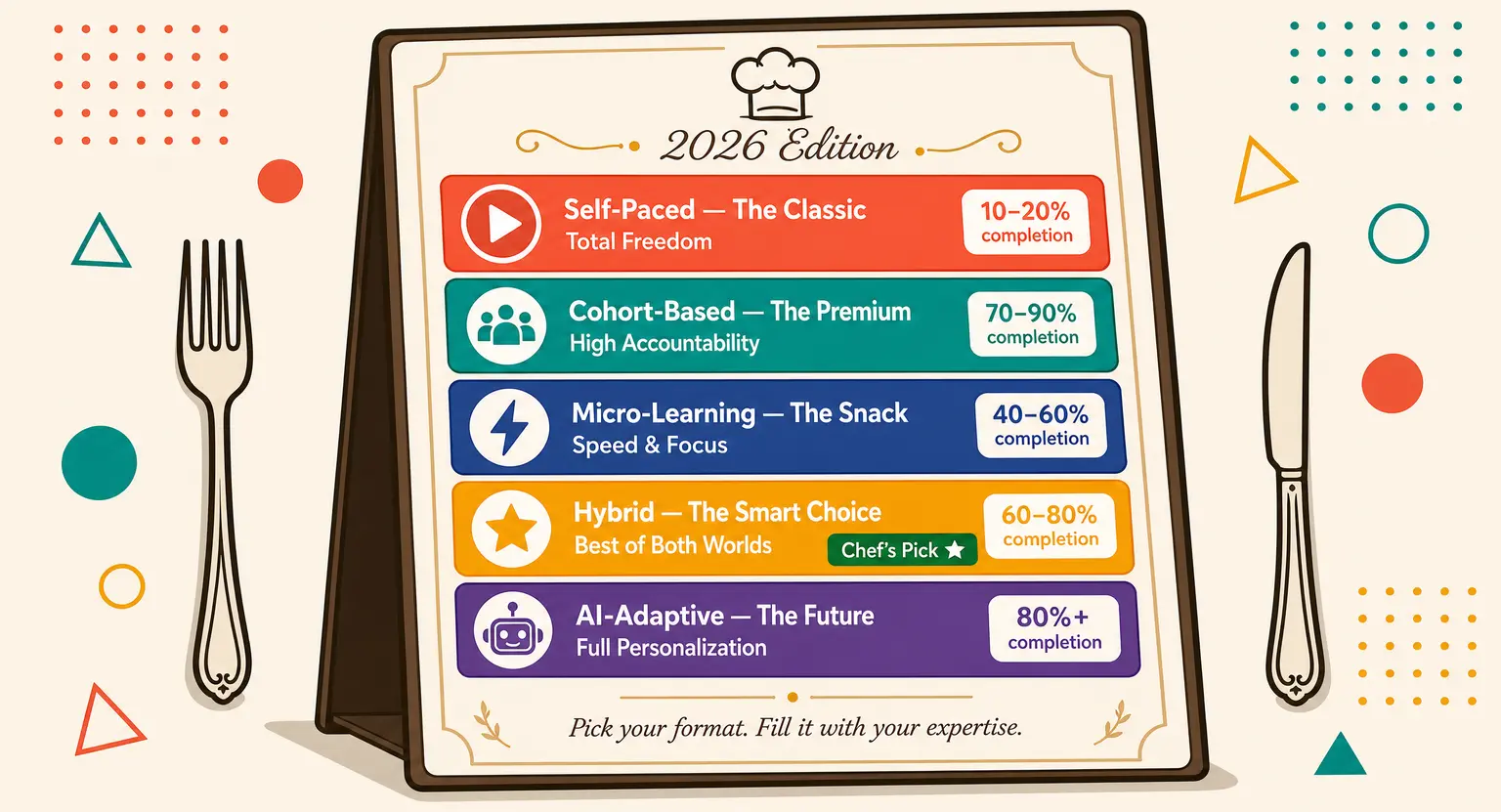
Gone are the days of the "talking head" video for two hours straight. Your outline should specify the type of content for each lesson. Variety is the spice of e-learning.
Think of it like a buffet. You want some video, some text, some audio, and some interactive components. This caters to different learning styles.
Some people learn by listening while they commute; others need to see the screen clearly.
By outlining these formats in advance, you can batch your production efficiently. You'll know exactly when you need to be on camera and when you just need to record your screen or write a companion article.
Speaking of cameras, don't get hung up on perfection. While you should look professional, students today value authenticity over high-gloss production. They want to see the real you. But, you still need to deliver high-quality audio and clear visuals.
I always suggest checking out the platform pricing to see which tools offer integrated hosting for all these diverse file types. You don't want to build a complex, multi-media course only to find out your hosting platform can't handle it or charges you a fortune for the storage space.
-
Explainer Videos : short, punchy videos that define a concept or a "why."
-
Screen-Shares : step-by-step technical walkthroughs showing exactly where to click.
-
Interviews : bringing in another expert to provide a fresh perspective on a specific module.
-
Worksheets : PDF or Google Doc templates that force the student to apply what they just learned.
-
Audio-Only Versions : for the busy learner who wants to consume your core pillars on the go.
The Logistics : Pricing and Platform Integration
Your outline is a living document, but it also dictates your business model. The more comprehensive and "done-for-you" your outline is, the higher you can price it.
If your outline includes personalized feedback, live sessions, or proprietary templates, you're moving from a "budget" course into a "premium" experience.
This is a critical distinction to make early. You don't want to realize halfway through filming that your outline is too thin to justify a $997 price tag.
Conversely, you don't want to give away a master's degree worth of content for $27. Your structure should reflect your value proposition.
And let's talk about the tech. Once your outline is finished, you need a home for it. Using a dedicated LMS (Learning Management System) like LearnyBox allows you to drag and drop your outline into a digital reality.
It handles the drip-feeding of content, the payments, and the student tracking automatically. When you're ready to scale, having your structure already mapped out makes the technical setup a breeze.
It's much easier to build a house when you have the blueprints in hand.
If you're curious about how the numbers work out, you can look at the platform pricing details to find a plan that fits your current stage of growth.
Final Polish : Auditing Your Own Blueprint
Before you commit to recording, do one final pass. Read your outline out loud.
Does it sound like a natural progression?
Is there any jargon that needs defining?
Sometimes we get so close to the material that we forget what it's like to be a beginner. I recommend showing your outline to a "beta" student - someone who fits your persona but doesn't know the topic well.
Ask them :
Does this make sense? Do you see any gaps?
Their feedback is pure gold. It's much cheaper to move a few lines in a Word document than it is to re-record three modules because you missed a critical step.
So, take your time with this phase. The outline is the backbone of your business. If the backbone is strong, everything else - marketing, sales, student success - becomes much easier.
You aren't just making a course; you're building a transformation engine. Every bullet point in your template is a gear in that engine.
When it's designed correctly, it runs smoothly, generates revenue, and changes lives. And that, ultimately, is why we do this. We have something to share that makes the world a little bit better, one student at a time.
Now, go grab that template and start filling in those bucket !
Your future students are waiting for you to lead the way.
Frequently Asked Questions
1. How long should each module in my online course be?
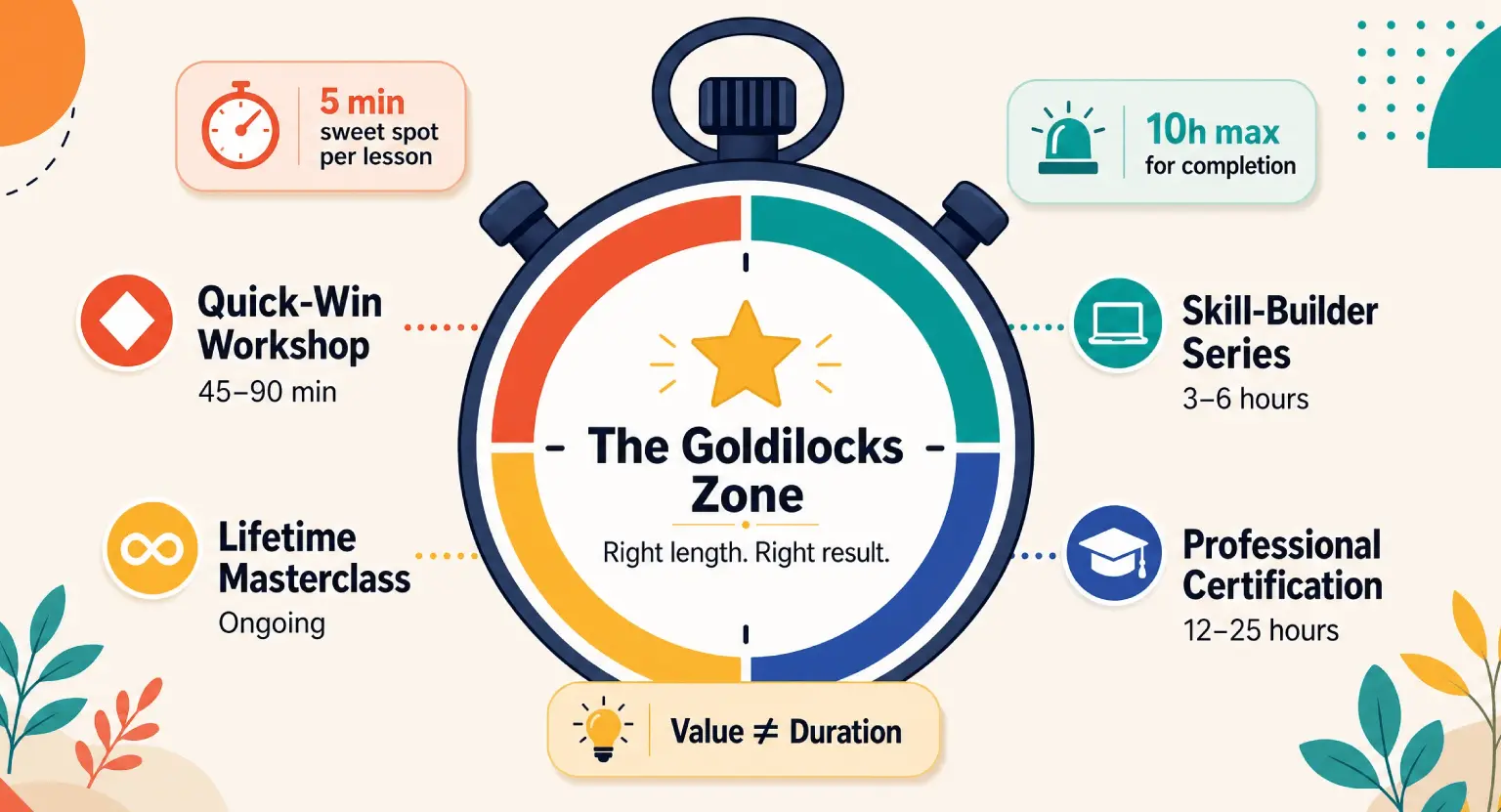
In 2026, the sweet spot for a module is between 30 to 60 minutes of total watch time, broken down into 5-10 minute individual lessons.
This "micro-learning" approach respects the busy schedules of your students and makes the content feel more achievable.
If you have a topic that requires more time, try breaking it into Part A and Part B to maintain that sense of momentum.
Long, rambling videos are the number one reason students drop out, so be disciplined with your editing and keep each lesson focused on a single outcome or concept.
2. Can I change my outline once I've started recording?
But of course! Your outline is a roadmap, not a prison sentence. As you record, you might find that a certain topic needs more explanation than you originally thought, or that two lessons work better when combined.
If you realize your flow is off, don't be afraid to pivot. However, try to finalize the "Core Pillars" before you get too deep into production to avoid having to re-do significant portions of your work.
Flexibility is great, but constant major changes will lead to "creator burnout" and delay your launch indefinitely.
3. Do I need to include quizzes in every module?
Not necessarily, but some form of "knowledge check" is highly recommended to boost student engagement.
Quizzes don't have to be formal or graded; they can simply be a way for the student to reflect on what they've learned. In 2026, interactive elements are a standard expectation for premium courses.
If a quiz feels too academic for your niche, consider a "self-assessment checklist" or a "challenge prompt" instead.
The goal is to move the student from passive consumption to active participation as quickly as possible within each section of your curriculum.
4. What if I have too much content for one course?
This is actually a high-quality problem to have! If your outline is becoming massive, it's a sign that you might actually have a "Course Series" or a "Membership" on your hands.
Consider taking the most essential "Level 1" information and creating a flagship introductory course. You can then save the more advanced, specialized topics for a "Level 2" masterclass or a monthly subscription.
This not only makes your initial course more digestible for beginners but also creates a built-in "Value Ladder" where happy customers can continue to buy from you for years to come.
5. Should I write a full script or just use my outline?
And that depends entirely on your speaking style and comfort level on camera. Some people prefer a full script to ensure they don't miss a single detail, while others find that scripts make them sound robotic and unnatural.
A happy medium is "The Scripted Outline" - a document that has your main bullet points, specific data/quotes you want to get right, and planned transitions.
This gives you the structure you need to stay on track while allowing for the conversational, friendly tone that modern students love.
Whatever you choose, make sure your personality shines through.
Explore Further



 How to Create a Course Refund Policy (Templates & Best Practices for 2026)
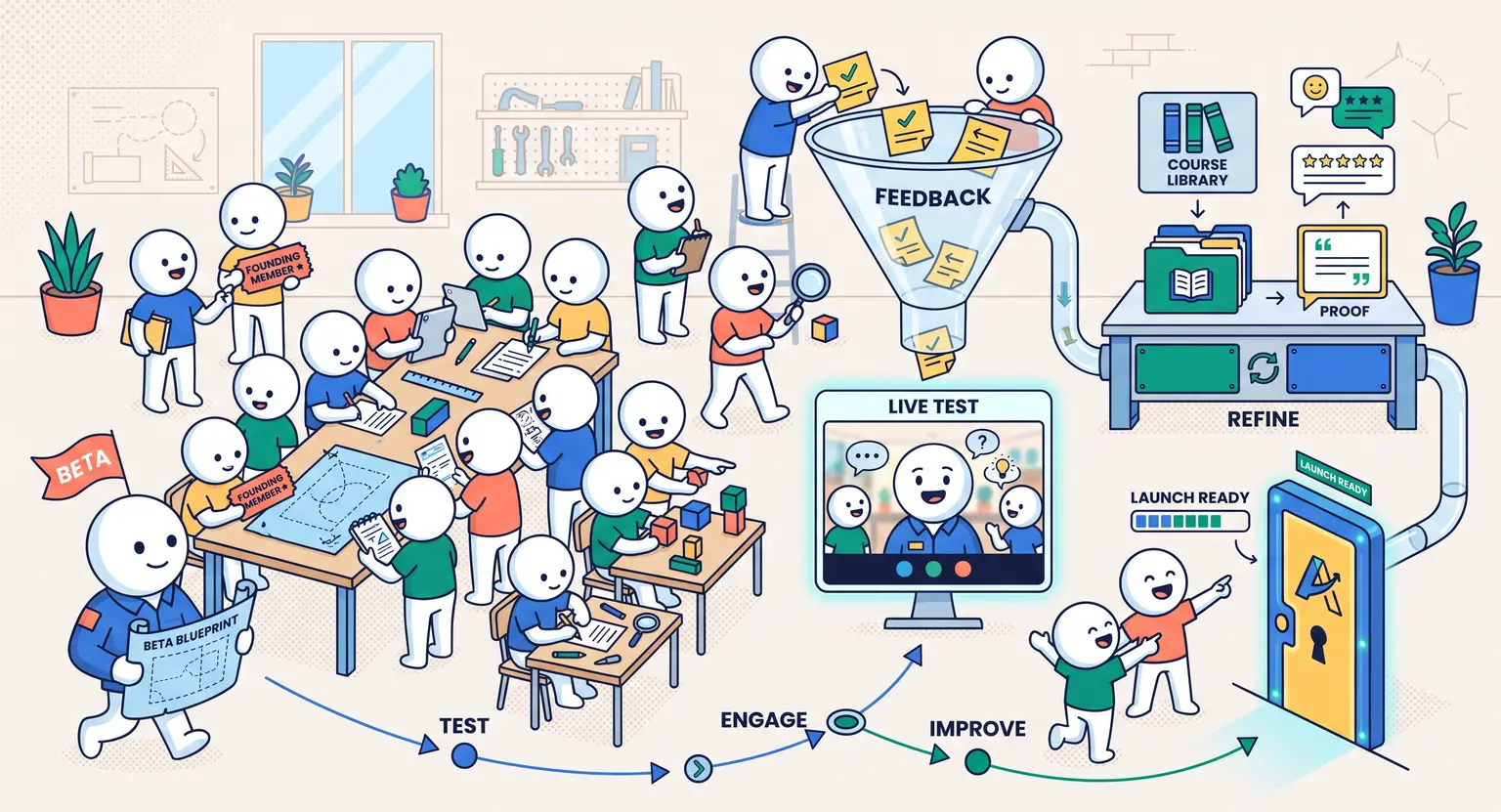 How to Run a Beta Version of an Online Course (2026 Guide)
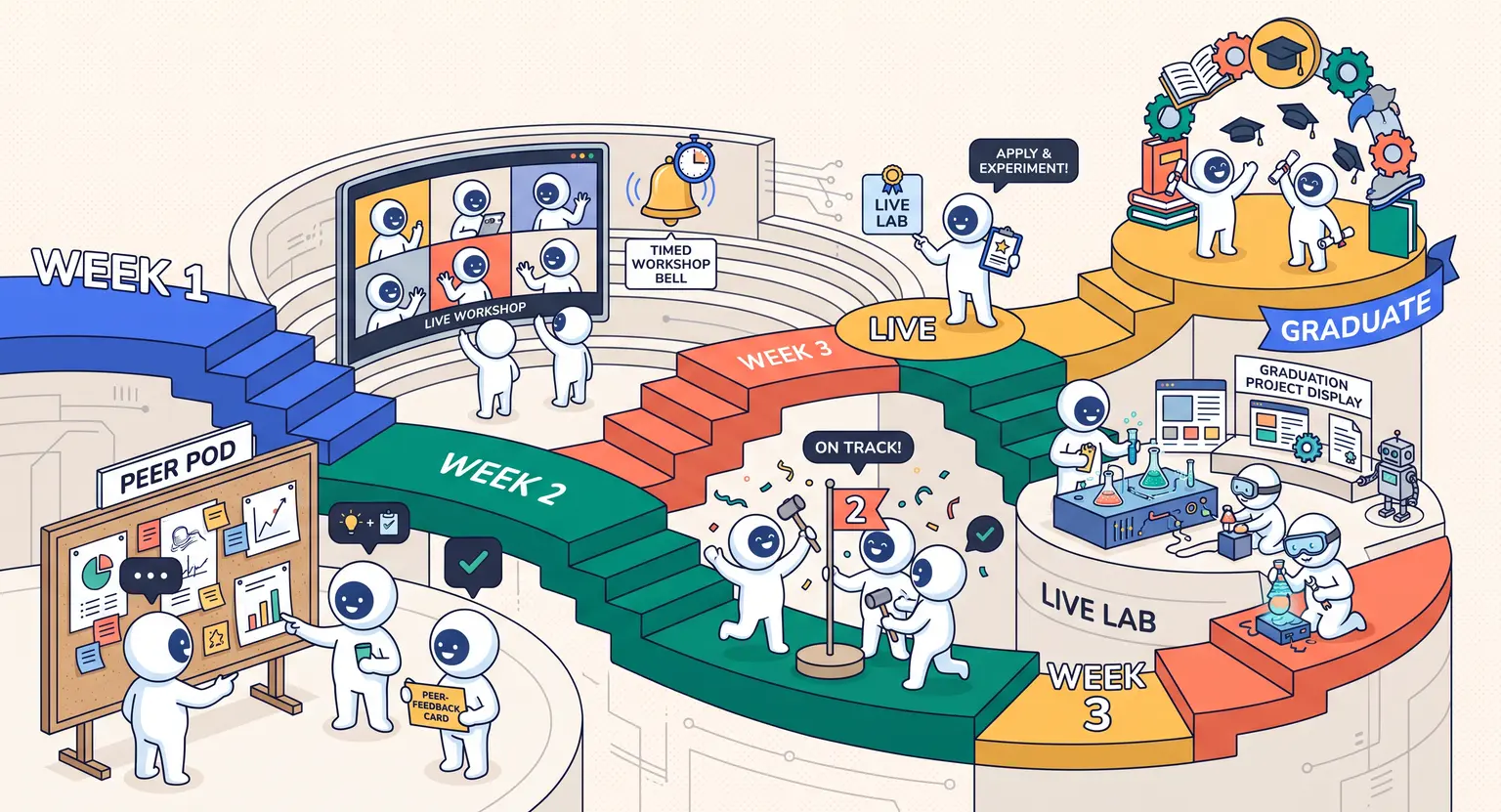 How to Create a Cohort-Based Online Course (2026 Guide)
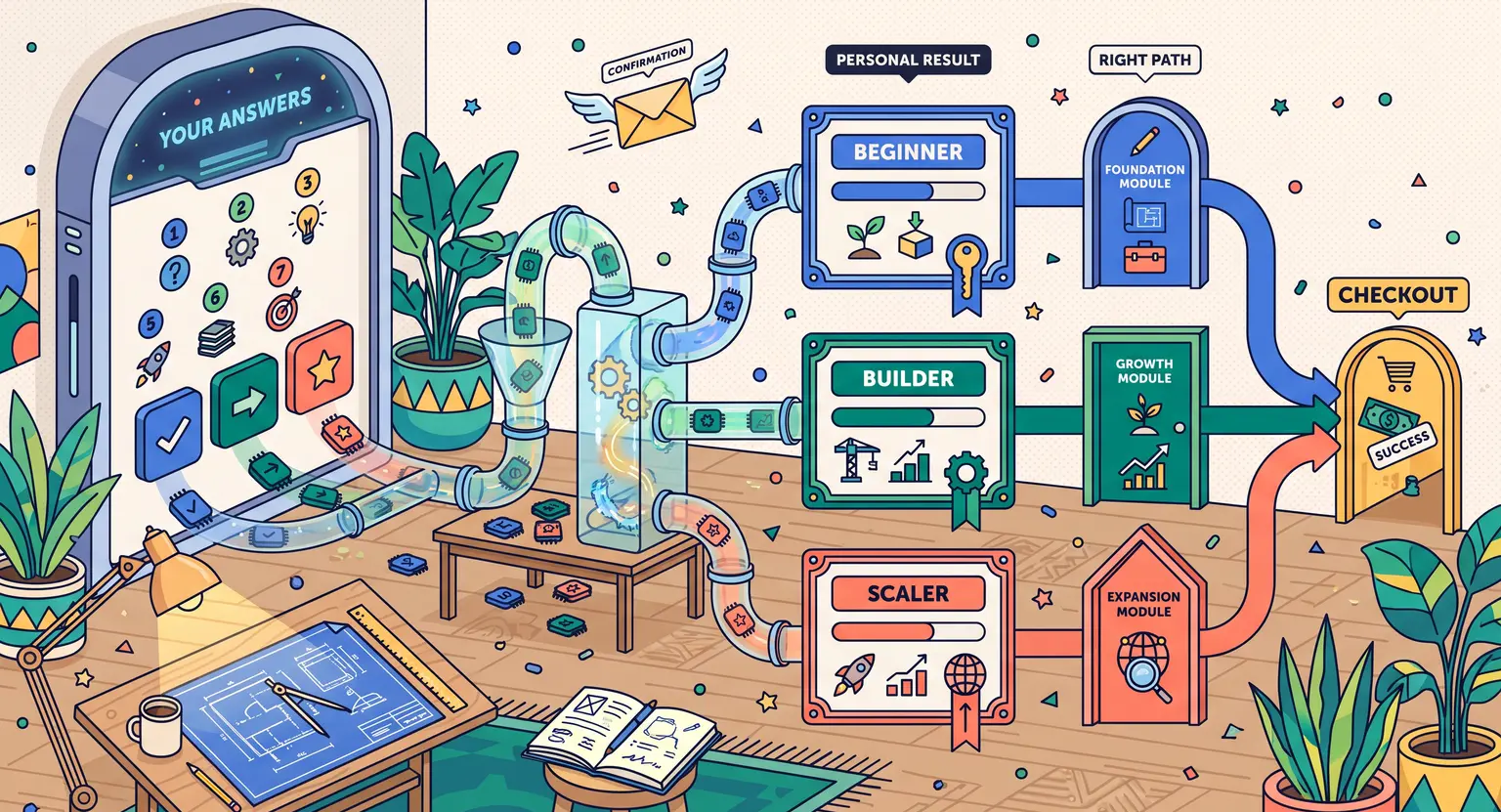 How to Sell an Online Course With a Quiz Funnel (2026 Guide)
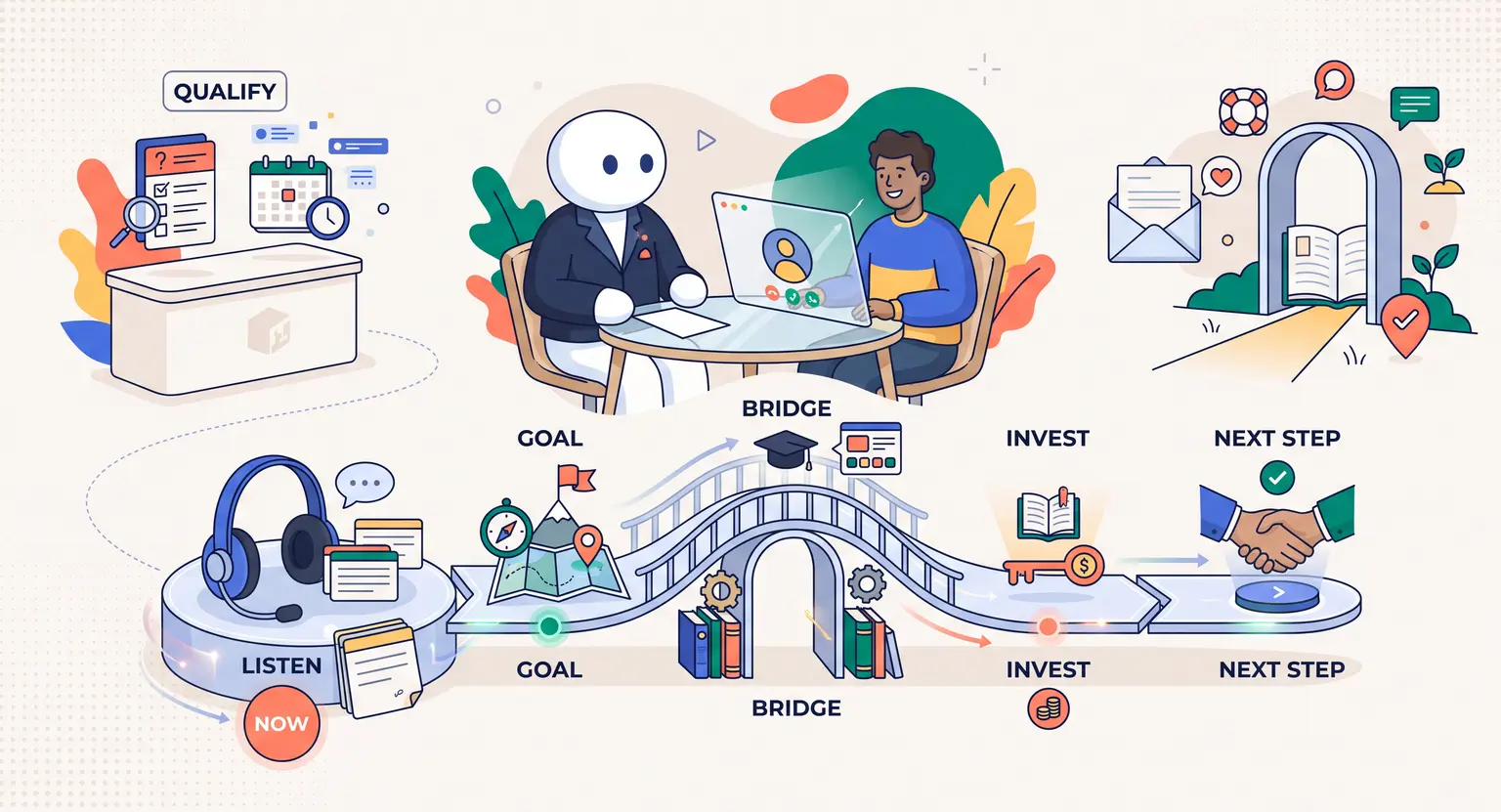 How to Sell an Online Course Through a Sales Call (2026 Guide)