







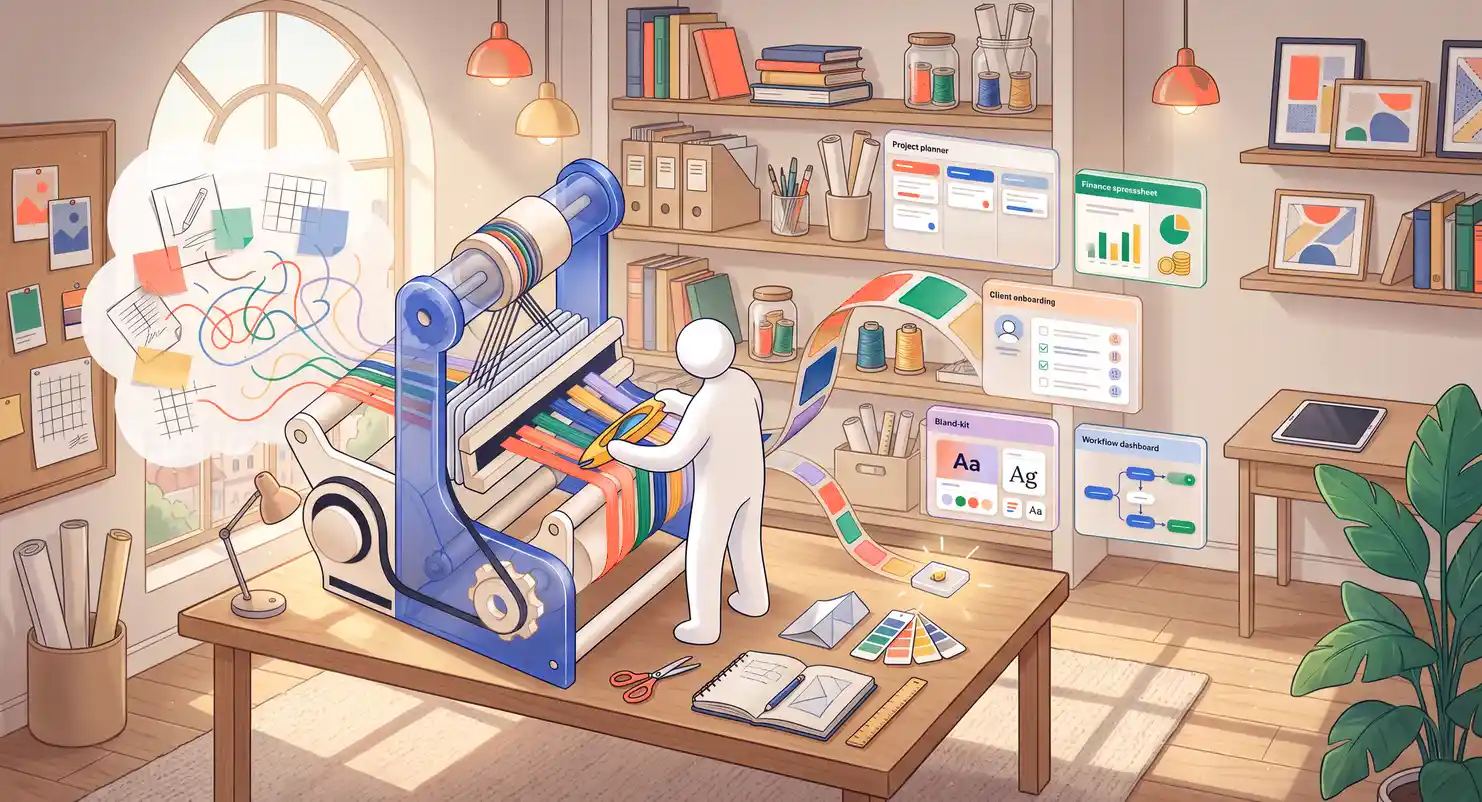
Selling Templates Online: The Ultimate 2026 Blueprint
Selling Templates Online : The Ultimate Creative Freedom Blueprint
Have you ever spent hours building a spreadsheet, a custom presentation slide deck, or a Notion workspace, only to think, "Look, people would actually pay for this"?
Well, they absolutely will.
Honestly, selling templates online is one of the cleanest, most profitable, and most scalable digital business models active in today's digital climate.
You build it once, tweak it occasionally, and sell it thousands of times over. But the digital space is crowded. Modern customers want highly polished digital assets that solve specific problems immediately.
Key Takeaways for Success
-
Focus on pain points : do not just sell pretty templates; sell layouts that save your buyers several hours of work every week.
-
Pick your channel wisely : direct selling offers the maximum profit margins, but marketplaces provide early organic traffic.
-
Grow your audience actively : learn how to grow an email list to avoid relying on unpredictable platform algorithms.
-
Package your assets professionally : treat your tools as premium assets, mirroring modern creator economy business models.
Why Templates Are the Ultimate Passive Income Source
Why are people so obsessed with buying digital templates? It all comes down to speed.
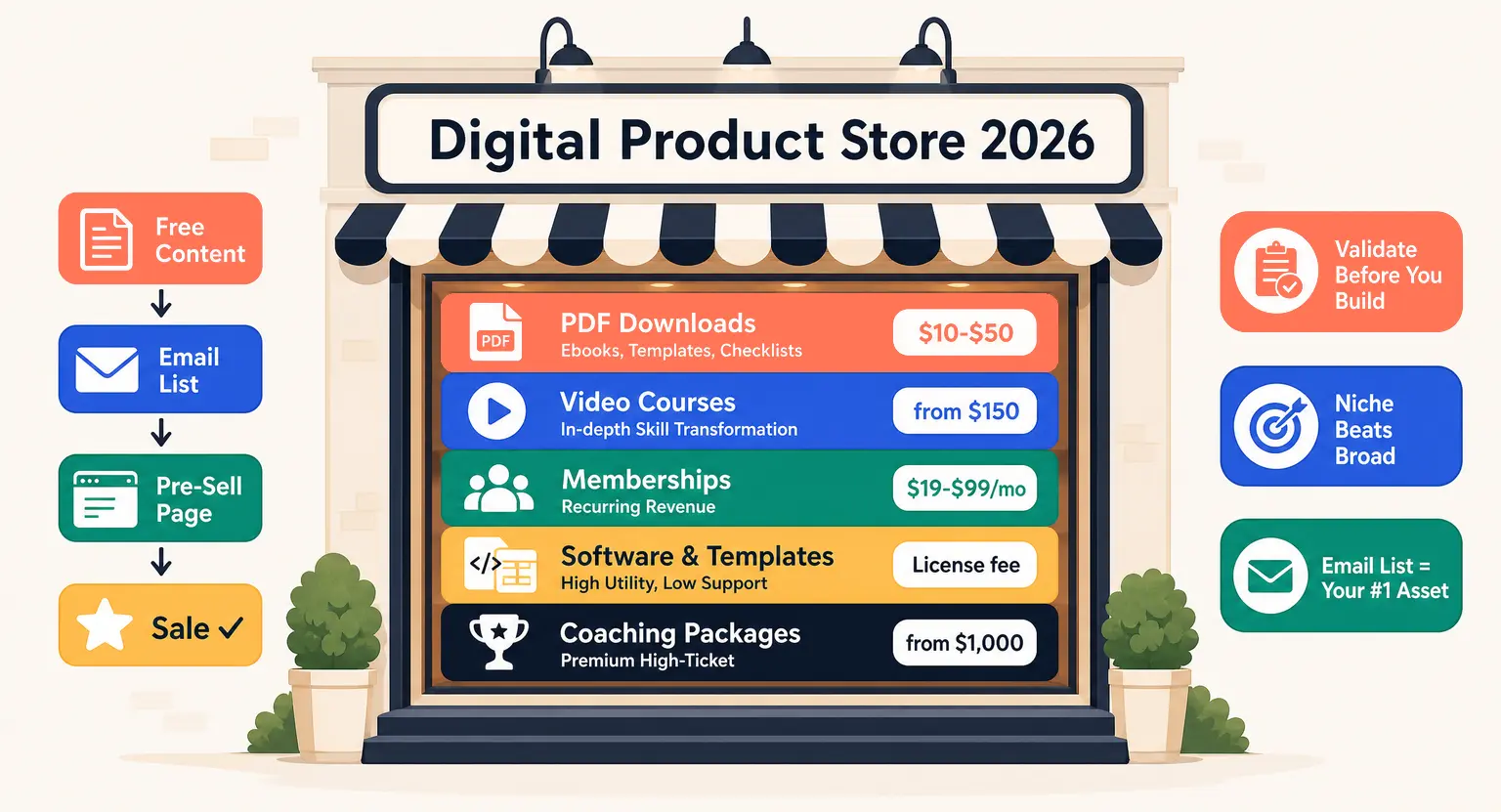
Nobody has hours to spend learning complex software from scratch. Small business owners, freelance copywriters, and content creators are happy to pay a reasonable fee of twenty or fifty dollars to buy back their afternoon.
When you start building templates, you step into what is knowledge commerce. You package your professional skills into an easy, automated file.
And unlike physical retail, templates have zero inventory overhead, zero shipping headaches, and very low customer support requirements.
The moment a happy customer completes their secure checkout process, your automated system instantly delivers the copy link or download file directly to their inbox. It is pure leverage.
If you understand how to sell ebooks online, making the move into templates will feel familiar. The production cycle is faster, and users perceive interactive tools as highly valuable.
Finding Your Golden Niche in a Crowded Market
The biggest trap new creative sellers fall into is trying to appeal to everyone. A generic social media pack will quickly sink. Instead, your templates must solve a specific problem.
Consider the difference between generic templates and niche solutions.
Rather than selling general social media layouts, build Pinterest pins designed for real estate agents.
Instead of a general Notion dashboard, engineer a client management CRM tailored for freelance writers.
If you teach online classes, you can design supporting workbooks to sell alongside your lectures. Finding out how to create a course workbook lets you build interactive assets that users buy as standalone tools.
Here are the most profitable template categories taking off right now :
-
No-Code Frameworks : Notion setups, Airtable workflows, and Framer designs.
-
Operational Workbooks : automated financial spreadsheets, proposal skeletons, and client onboarding portals.
-
Creative Media Kits : email marketing sequences, Canva brand kits, and photo presets.
-
Niche Development Files : website themes, element kits, and API automation templates.
Building Templates That Work Flawlessly
To establish a premium reputation, your technical execution must be completely bulletproof.
Your unique creative designs cannot simply look visually pleasing to the eye; instead, they must be highly functional, extremely reliable, and perfectly organized.
If an automated spreadsheet displays errors when a client inputs their data, or if your Notion hierarchy is too confusing to navigate, you will quickly face refund requests and bad reviews.
Make onboarding a key part of your product delivery. Your download email should not contain just a bare link - provide a brief PDF guide or link to a walkthrough video explaining exactly how to get started. This step keeps your support inbox clean.
Before launching, share your draft assets with five colleagues to test the file and point out any confusing parts. Clean up those friction points before charging for your work.
When you are ready to launch, build momentum just like a traditional product release. Preparing a launch plan keeps your marketing organized and builds anticipation. Learning the direct tactics of how to launch an online course teaches you how to structure a successful promotional window and generate sales momentum.
Deciding on the Perfect Selling Platform
Where should you set up your digital shop? Your decision will depend on how much technical control you want and whether you wish to pay high platform fees.
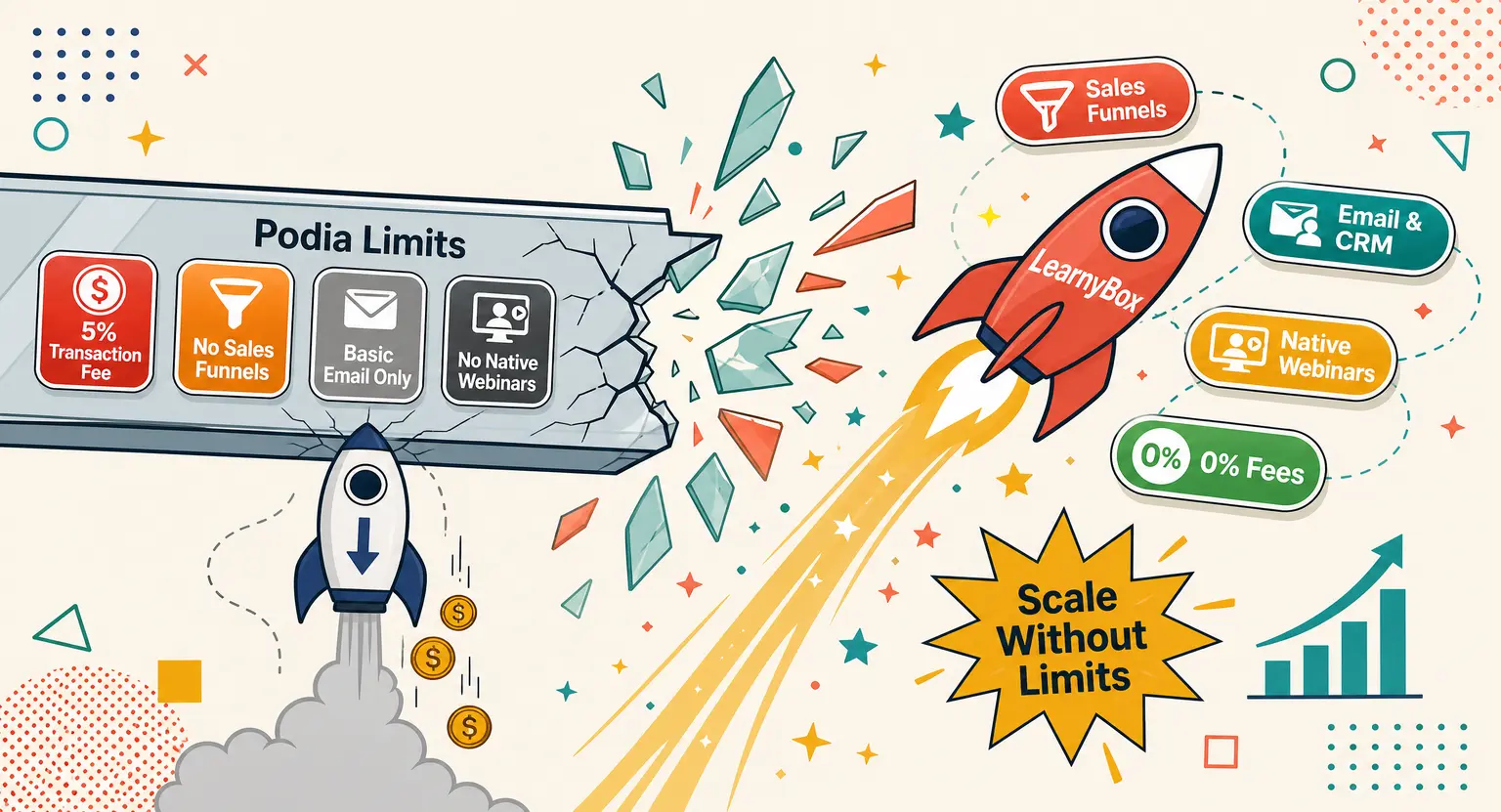
Many brand-new beginners naturally lean heavily toward public digital marketplaces. These sites are easy to set up, but they charge high commission rates and keep you from building a relationship with your buyers.
For serious creators looking to build a real asset, hosting your own digital storefront is the only way forward.
Doing so gives you the power to keep all of your hard-earned profits, execute targeted launch emails, run personal affiliate initiatives, and build a highly recognizable, lasting personal brand.
If your goal is to grow your business into a comprehensive education platform, you should use an all-in-one system.
Working with the best online course platforms makes it effortless to deliver downloadable files alongside online classes.
Setting up your shop on a platform like LearnyBox offers a unified dashboard where you can easily manage templates, build sales funnels, and nurture your leads.
| Sales environment | Best audience fit | Main benefit | Key limitation |
|---|---|---|---|
|
Public marketplaces |
Absolute beginners wanting immediate setup. |
Built-in database search traffic. |
High sales commissions, no customer list ownership. |
|
Independent storefronts |
Sellers focusing on brand identity. |
Full channel control and client communication. |
You must drive your own web traffic. |
|
All-in-one educational hubs |
Creators mixing digital files and courses. |
Integrated sales funnels and automated marketing. |
Small setup learning curve. |
Simple Organic Marketing to Drive Sales
Once your storefront is ready, you need a steady stream of buyers. But skip running expensive paid ads when you are first starting out.
Instead, let your target audience see your product in action.
Short-form video assets on popular modern platforms are incredibly fast and effective for this exact purpose : simply record your screen while using the template and show the messy spreadsheet transition into a beautifully organized dashboard in real-time.
This visual transformation catches attention because it immediately demonstrates the actual solution.
Also, utilize free lead magnets. Build a smaller, simplified version of your template and give it away to build your audience. Once people experience the high quality of your free digital assets, they will gladly upgrade and invest in your premium, fully loaded collections.
From there, you can start selling online workshops using the best platform to sell online courses to steadily scale your business earnings.
Explore Further
Ready to level up your digital product career? Check out these excellent expert resources from our official blog :
-
Review top trending topics in our detailed top online course ideas for 2026 expert guide.
Frequently Asked Questions
How do I decide the price for my online templates?
Pricing typically depends on the complex value of the template. Social media graphics or basic planners often retail for ten to thirty dollars.
Advanced business trackers or databases regularly sell for fifty to over one hundred dollars.
Price your template based on the hours of work it saves your buyer, rather than how long it took you to create.
Do I need advanced coding skills to sell digital templates?
No, you do not. Most highly profitable templates are built using popular, user-friendly software that requires zero line coding, like Notion, Canva, Google Docs, or Excel.
Your real value comes from formatting these tools to be highly organized and extremely easy to use right out of the box.
How can I protect my digital templates from unauthorized copying?
While complete prevention is impossible, you can limit piracy by using platform delivery settings that prevent direct editing.
Share templates as read-only copies that require users to duplicate the file into their own account.
Always include clear usage licenses within your delivery documentation.





 How to Create a Course Refund Policy (Templates & Best Practices for 2026)
 How to Run a Beta Version of an Online Course (2026 Guide)
 How to Create a Cohort-Based Online Course (2026 Guide)
 How to Sell an Online Course Through a Sales Call (2026 Guide)