







How to Automate Online Course Administration (2026 Guide)
How to Automate the Administration of an Online Course Business
Key Takeaways for 2026
-
Stop manual onboarding : automatically generate student login details right after payment checks.
-
Consolidate your tools : utilizing a unified all-in-one platform prevents sync failures and slashes monthly bills.
-
Systemize your finances : link automated tax tools to solve messy global sales tax requirements.
-
Scale with triggers : trigger emails based on study habits without writing identical manual support emails.
Running an online course business sounds like the ultimate lifestyle dream. You build a sleek curriculum once, pop it online, and watch sales notifications roll in. But if you're already managing real students, you know the harsh reality…
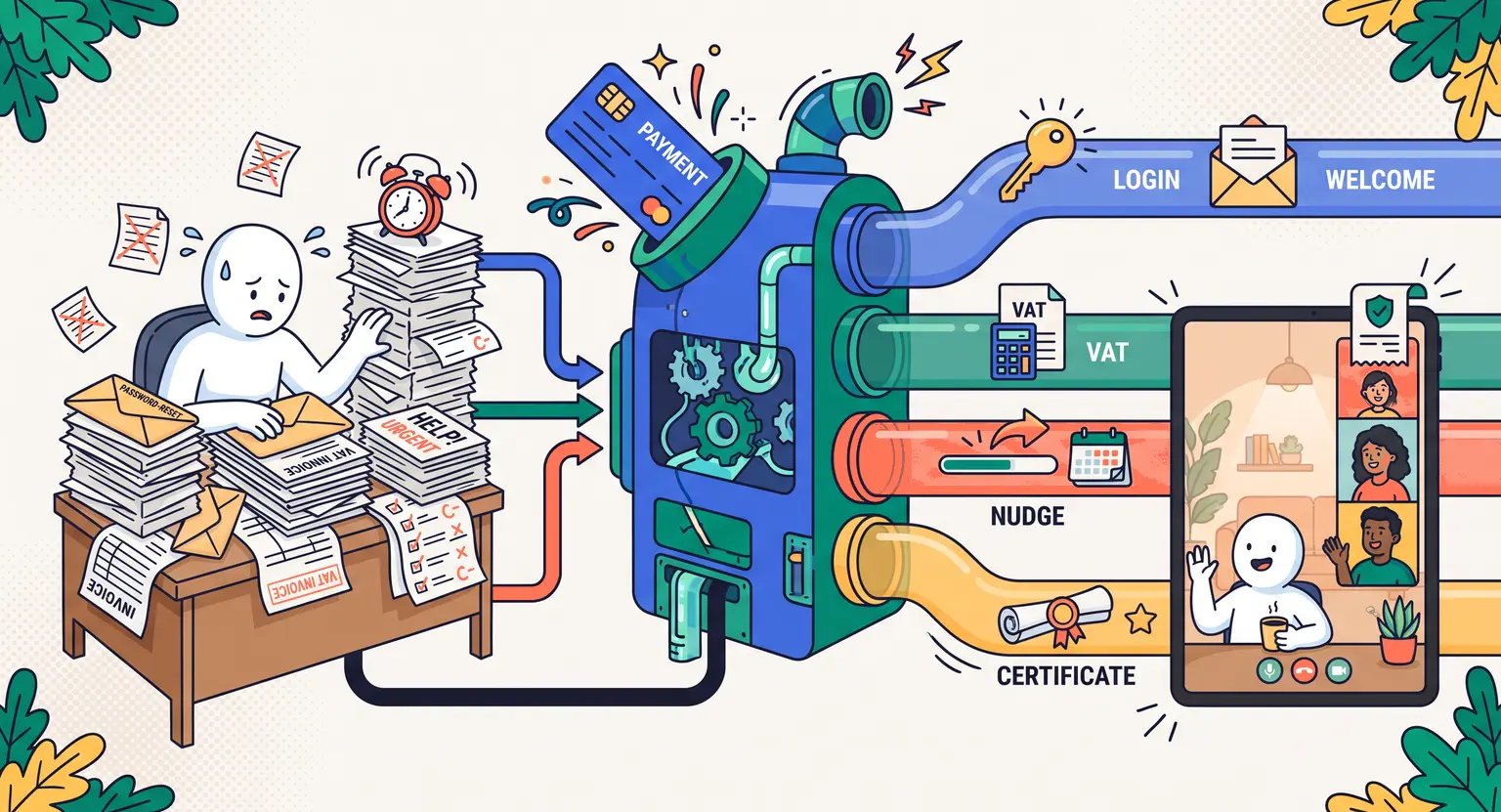
Behind every active portal lies a massive trail of administrative chores. There are manual invoicing demands, lost password requests, foreign tax computations, and the constant exhaustion of chasing students who simply fell off the wagon.
It does not have to be this way. You started this business to share your hard-won expertise, not to spend your precious weekends editing spreadsheets and responding to repetitive support tickets.
By putting your repetitive back-office tasks on autopilot, you keep students satisfied while completely reclaiming your schedule. Let us walk through how to build a smart administrative engine that runs itself without losing that crucial personal touch.
1. Re-engineering Student Registration and Onboarding
The moment someone hands over their cash, the transactional clock starts ticking. They expect immediate entry to your courses.
If they have to wait several hours for you to manually verify their order and create their profile, they will start experiencing buyer's remorse. That is why your absolute first priority must be setting up a flawless, immediate registration workflow.
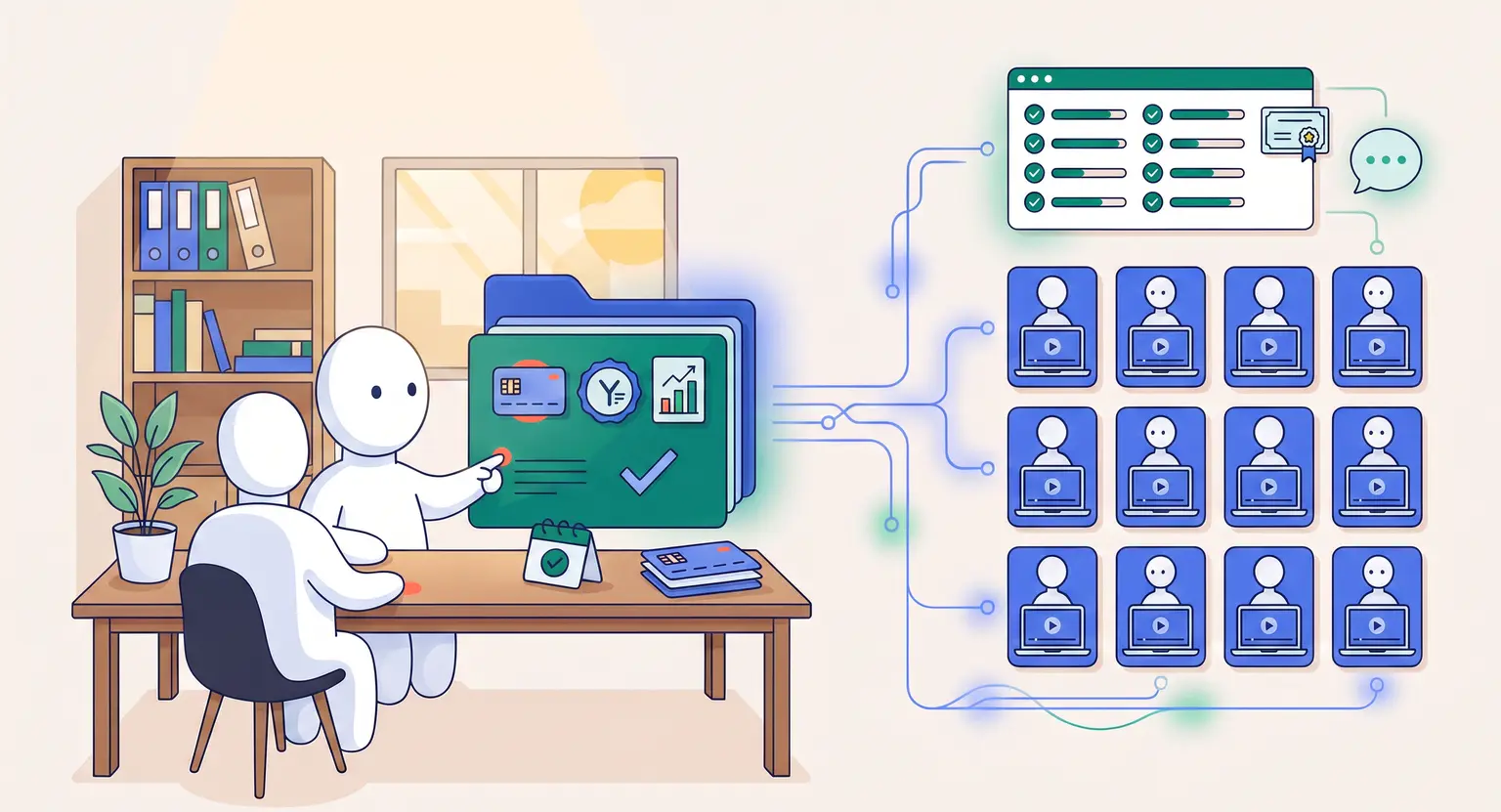
You can achieve this easily by choosing modern platforms that talk to each other. When a user buys, your checkout engine should instantly tell your classroom software to build their student profile.
A beautiful welcome page must load immediately after payment, delivering their digital login keys. To design an excellent student journey, look into best practices for onboarding systems to ensure students feel welcome from day one.
To keep this system clean, make sure your automated onboarding workflow covers these key actions :
-
Sending an instant transaction email with clear global tax breakdown details.
-
Dispatching unique credentials with a direct portal login link.
-
Loading an interactive welcome page explaining how to progress through modules.
-
Launching an intro survey to gather student background and goals.
2. Simplifying Student Communication Workflows
Keeping your student community active and highly motivated requires ongoing dialogue. But writing manual check-ins to every single learner who pauses their study is physically impossible once your audience scale rises.
You need a background process that tracks student progress and steps in at key milestones.
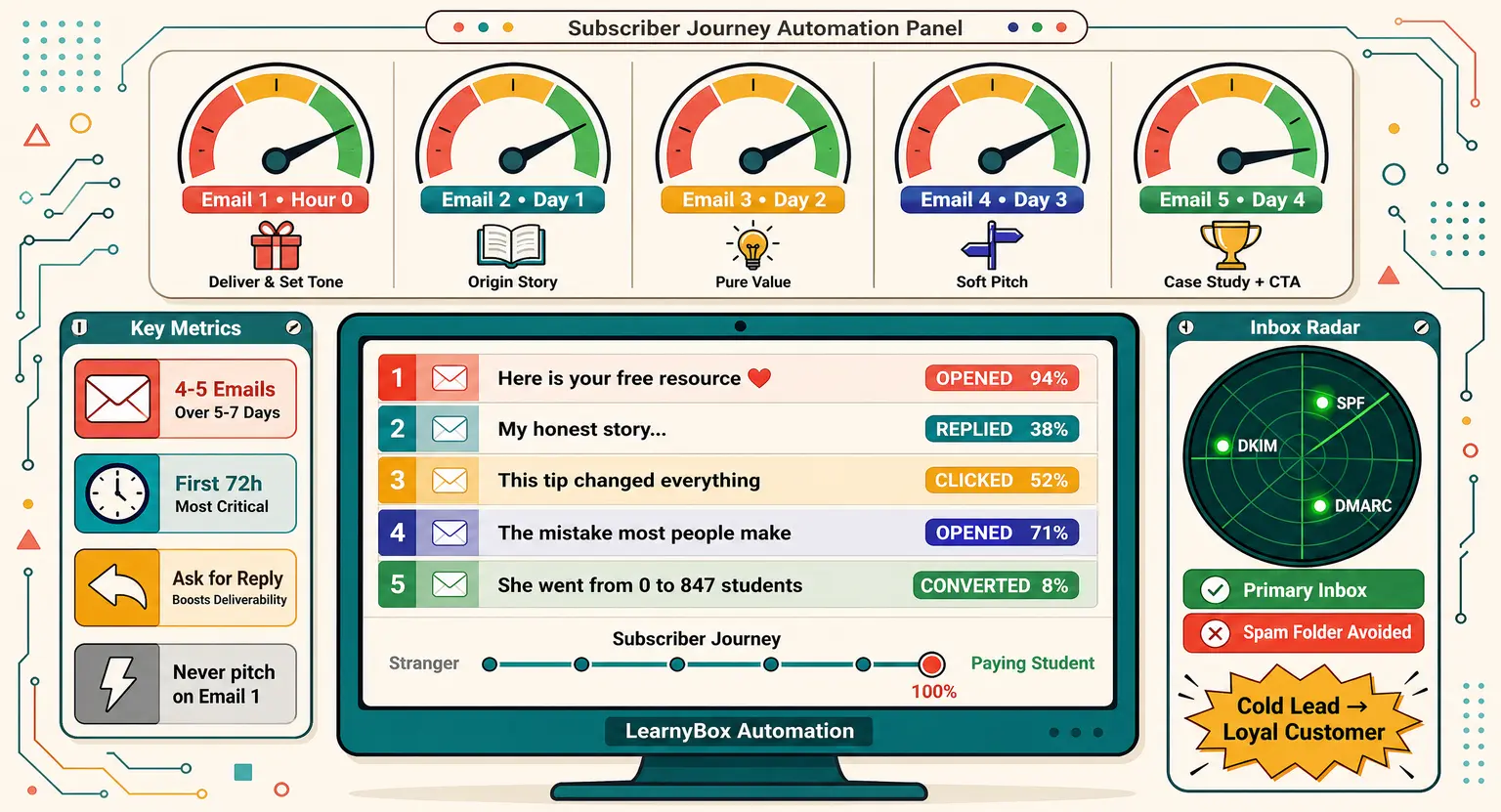
By employing clever email marketing sequences, you easily program smart triggers based on study activity.
For instance, if a user stops logging in for six continuous days, your system can drop a friendly check-in note. This automated email feels personal, but it runs perfectly on autopilot.
Similarly, you can configure messages that congratulate users once they finish a major lesson, keeping progress momentum strong.
Systemizing outreach keeps your digital school energetic without demanding your manual presence. This approach frees you up to work on live events while the automation engine handles daily nurturing.
3. Handling Global Tax Compliance Dynamically
Nobody starts a teaching business simply because they love bookkeeping. Yet, as your business grows, billing gets extremely complex. You might have sales arriving from dozens of countries, each with custom local tax rates.
Instead of analyzing dense, confusing spreadsheets at the end of each fiscal quarter, connect your checkout to automated accounting tools. This is highly critical when understanding VAT guidelines, which govern international digital product sales.
Modern integration software that automatically identifies student locations and calculates tax correctly prevents future audit headaches.
Once linked, these systems auto-generate localized PDF receipts, track your liabilities, and organize clear reports for your tax preparer. You never have to manually calculate currency conversions or update regional tax percentages again.
| Operational focus | Manual bottleneck | Automated solution | Admin benefit |
|---|---|---|---|
|
Checkout access |
Sending manual passwords. |
Webhook account creation. |
Zero delays. |
|
Tax compliance |
Calculating foreign VAT. |
Automated tax engines. |
Audit safety. |
|
Student activity |
Chasing lazy learners. |
Behavior email triggers. |
Higher retention. |
|
Grading progress |
Grading student lessons. |
Automated grader tools. |
Save time. |
4. Systemizing Student Grading and Evaluations
Reviewing student progress is essential for solid learning outcomes. But manually checking quizzes for hundreds of active students is completely unsustainable. Modern online school systems offer a quick way out of this trap.
By setting up targeted automated course quizzes, you check student progress with zero manual effort. Your platform instantly processes outcomes, unlocks advanced lessons, or sends beautiful completion certificates.
This quick validation keeps students satisfied while fully protecting your calendar from manual review tasks.
Why Systemized Operations Win the Long Game
Building a digital business without structured systems is like trying to drive a car with no wheels. You spend so much energy pushing the heavy metal frame forward that you eventually run out of steam.
When you systemize customer interactions, invoicing, and feedback loops, you are not being lazy or detached. In fact, you are building a highly dependable, resilient container for your hard-won knowledge, making it more accessible to people all over the globe.
And because your systemized tools handle the tracking, onboarding, and invoicing, you can scale from ten to ten thousand customers without a single hiccup. That is true leverage.
Frequently Asked Questions on Academy Automation
Do I need multiple expensive programs to automate my courses?
Nope. Most unified platforms offer pre-built automations native to their dashboard.
But if your software requires specialized setups, you can quickly build custom connections with integration platforms like Zapier or Make.
This lets you link your favorite apps together seamlessly without ever touching a line of complex developer code.
Does classroom automation make learning feel cold or mechanical?
Actually, it is the opposite. Automating standard mechanical chores gives you extra time to spend on deep, human community interactions.
Plus, intelligent behavior-driven triggers let you assist struggling students at the exact moment they stumble, creating a highly tailored classroom experience that actually feels more supportive.
Which online course tasks should I avoid automating?
Keep feedback on heavy creative works, private coaching, and group calls strictly human.
Automated templates work perfectly for simple things like password resets or course unlock reminders, but they fall completely flat during complex, sensitive personal discussions.
Always protect the authentic human empathy that makes your program premium.
Can I bridge my student database with external software?
Absolutely. Standard LMS platforms provide robust API integrations.
These streamline your administrative tasks when linking your tool ecosystem, allowing you to pass student data instantly between billing engines, email CRMs, and classroom portals with zero lag.




 How to Create a Course Refund Policy (Templates & Best Practices for 2026)
 How to Run a Beta Version of an Online Course (2026 Guide)
 How to Create a Cohort-Based Online Course (2026 Guide)
 How to Sell an Online Course With a Quiz Funnel (2026 Guide)
 How to Sell an Online Course Through a Sales Call (2026 Guide)