







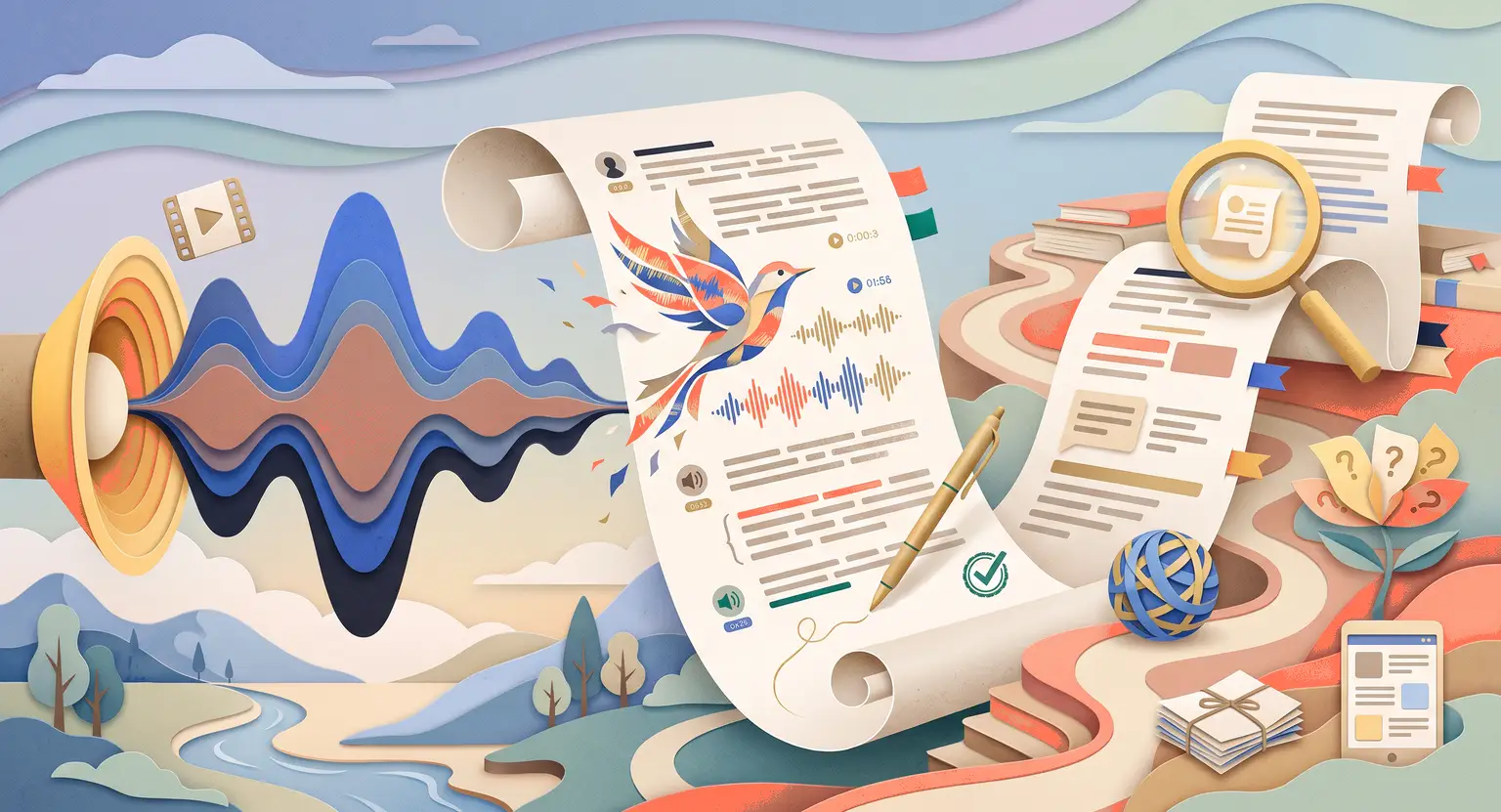
How to Use AI to Create Course Transcripts (2026 Guide)
How to Use AI to Create Course Transcripts
Key Takeaways
-
Speed and accuracy : AI transcription is up to ninety times faster than manual typing while maintaining impressive accuracy across diverse accents.
-
Multiple output formats : generate clean text, timed SRT captions, and interactive clickable scrolling transcripts from a single upload.
-
SEO and accessibility : text transcripts dramatically improve search engine indexing and provide critical accessibility compliance for hearing-impaired students.
-
A solid foundation : use clean AI transcripts as the basis to use AI to write course content such as quizzes, workbooks, and summary PDFs.
There is one task every video-based educator dreads more than any other. It is not the recording sessions, not the slide design, and not even the marketing copy.
It is transcription. That tedious, brutally manual process of converting your spoken words into a perfect written document, ready for captions, workbooks, and accessibility compliance.
In the old world, you had two options : spend hundreds of dollars on a human transcription service that took three to five business days, or sacrifice your own weekend hunched over a keyboard, pausing and rewinding your own video approximately six hundred times.
Neither option was fast, affordable, or pleasant.
But in 2026, this bottleneck has completely dissolved. Modern AI transcription tools deliver accurate, multi-language text from an audio file in minutes, not days, and for a fraction of the traditional cost.
Better yet, these transcripts have become the hidden engine beneath a thriving course business. Once you have clean, structured text from your lessons, you can feed it into downstream tools and create every asset your course needs, from workbooks to quizzes to translated subtitles, all without recording another word.
Why Transcripts Are the Foundation of Your Content Engine
Many creators dismiss transcription as a compliance checkbox. They add a basic auto-generated subtitle file to satisfy accessibility requirements and move on.
But that thinking is leaving enormous value on the table. A well-structured, high-accuracy transcript is one of the most versatile assets you can create.
Here is why it matters so much :
For accessibility, not every learner can comfortably consume audio. Students with hearing impairments, non-native speakers working through difficult accents, and people learning in noisy environments all depend on accurate text. Providing clean transcripts is not optional; it is a mark of a professional educator.
For discoverability, search engines cannot index your audio, but they absolutely index your text. Publishing a searchable transcript alongside your lesson pages dramatically improves your SEO ranking for key terms inside your niche, bringing in students you would never have reached through social media alone.
For content multiplication, once your transcript exists, it becomes the raw material for every other asset. You can use it to create a course workbook, generate summaries, design quiz questions, and even feed your translation pipeline for international markets, all without ever going back in front of a camera.
Choosing the Right AI Transcription Tool
Not every transcription engine is built for educational content. The market is full of tools designed primarily for business calls and short-form videos. Those tools struggle with technical vocabulary, longer file durations, and the kind of structured output that actually serves a course creator.
When evaluating options, you want to focus on a specific set of capabilities that matter most for online education. Here is how the leading tool categories compare :
| Tool type | Strengths | Key limitations |
|---|---|---|
|
Dedicated AI transcribers |
High accuracy, speaker labels, long file support, SRT export. |
Subscription costs; may need light editing on technical terms. |
|
Video editors with AI captions |
Built into your editing workflow; styled caption output. |
Less flexible export formats; accuracy varies by tool. |
|
General chatbots via audio upload |
Fast and flexible; can summarize or restructure on demand. |
File size limits; no SRT output; privacy considerations. |
|
Platform-native transcription |
Zero migration; transcript lives directly inside your LMS. |
Availability varies; accuracy may trail specialist tools. |
|
Human-AI hybrid services |
Highest accuracy, especially for technical or accented speech. |
Slower turnaround; higher cost per minute than pure AI. |
For most independent course creators, a dedicated AI transcriber paired with a quick manual review pass will give you the best balance of speed, cost, and output quality.
A Step-by-Step Production Workflow
Once you have selected your tool, the process is straightforward. But many creators still rush this step and end up with messy outputs they have to spend hours cleaning up.
Here is a clean, repeatable workflow that keeps your transcripts production-ready from the start.
Before you record, take ten minutes to remove friction at the source. Speak clearly, reduce background noise, and keep filler words minimal. Every second of cleaner audio saves thirty seconds of editing time downstream.
If you are still developing your delivery technique, read our guide on the best equipment for recording online courses to set up an environment that makes AI transcription as accurate as possible.
After you record, export your audio or video file and upload it directly to your transcription tool. Enable speaker diarization if you are conducting interviews or multi-voice recordings. Set your language and any custom vocabulary lists for technical terms your tool might otherwise mistranscribe.
When the draft arrives, do not just download and publish. Spend fifteen minutes reviewing for proper nouns, numbers, and any jargon-specific errors. Restructure long run-on sentences into clean paragraphs. Add section headers that map back to your lesson structure.
Once your transcript is clean, export it in the formats you need. An SRT file goes to your video player for synchronized captions. A plain text version gets pasted into your content generation tools. A formatted PDF version can be offered directly to students as a supplementary download.
Turning Transcripts Into Course Assets
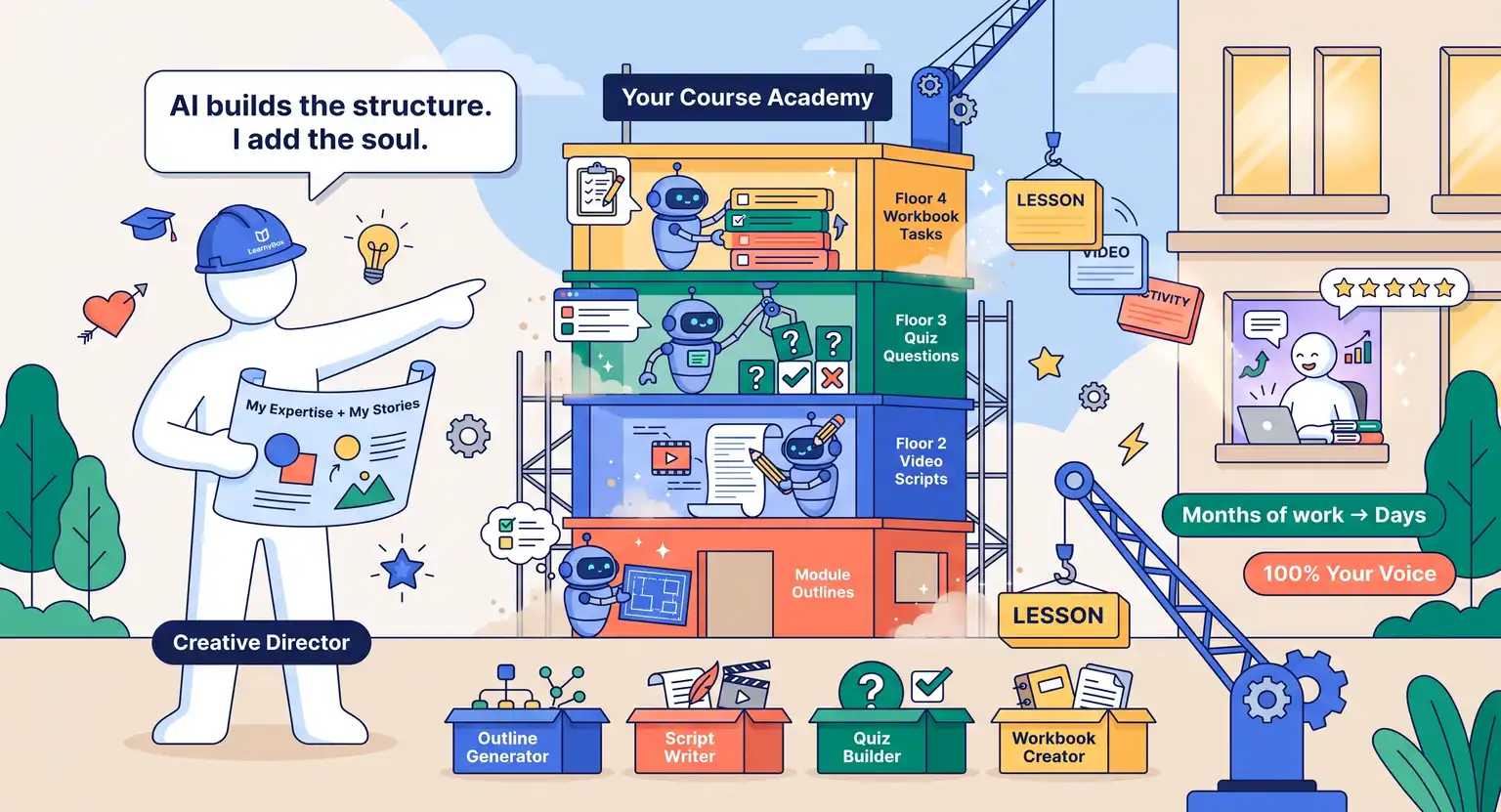
This is where the real leverage lives. Once you have a clean, well-structured transcript, you can build an enormous amount of additional content without returning to the recording studio.
Feed your transcript into an AI writing assistant and ask it to extract the three most important concepts from each section. You now have the skeleton for a key takeaways summary document.
Ask the same tool to generate five quiz questions based on each module. You have instantly used AI to create course quizzes without writing a single question from scratch.
Paste the transcript into a translation engine to create localized captions in Spanish, French, or any other target language. This is the foundation of the AI for online course translation workflow that allows you to serve international markets without hiring voice actors.
And if you want to update an older course without re-recording everything, your existing transcripts become the starting point. You can read more about that approach in our guide on how to use AI to update outdated course content.
Quality Control : The Checks You Cannot Skip
No AI transcription tool is perfect. Even the best services make mistakes on proper nouns, specialized vocabulary, and rapid speech. If you publish raw, unreviewed transcripts, you risk your credibility.
A fifteen-minute review session per lesson eliminates almost every significant error. Here is what to check :
Scan for homophone errors. AI often confuses words that sound identical but mean different things, especially in technical or financial content where precision is critical.
Check that speaker changes are correctly identified if you had guests or co-presenters. Misattributed quotes can be genuinely confusing to a learner reading the transcript later.
Verify all numbers, statistics, and any formulas. These are exactly the areas where AI hallucination causes the most damage, because the errors are subtle and confident-sounding.
For high-stakes content, particularly anything health, legal, or financial, consider using AI for course research and fact-checking as an additional verification layer before publishing.
Frequently Asked Questions
How accurate is AI transcription for technical online courses?
Leading AI transcription tools now achieve accuracy rates between ninety and ninety-five percent on standard speech.
Technical vocabulary reduces this slightly, but most tools allow you to add a custom dictionary of specialized terms.
A quick human review pass closes any remaining gap and typically takes less than fifteen minutes per hour of recorded content.
Can AI transcription handle multiple speakers in a course recording?
Yes. Most dedicated AI transcription tools offer a feature called speaker diarization, which automatically labels each speaker's turns in the output.
This is especially useful for interview-style lessons, guest expert modules, or recorded group coaching calls where multiple voices are present.
Should I publish my full transcript on my course page for SEO?
Publishing transcripts publicly can significantly improve your search engine visibility by making your spoken content indexable.
However, if your course contains highly proprietary frameworks, you may prefer to offer the transcript only inside the members area as a downloadable resource, protecting your intellectual property while still serving your enrolled students.
What file format should I export my transcript in?
It depends on how you plan to use it. Export SRT format for video captions synchronized to your timeline.
Export plain text for feeding into AI writing tools. Export a formatted PDF or Word document to offer as a student download. Many tools allow you to generate all three formats from a single transcription session.



 How to Create a Course Refund Policy (Templates & Best Practices for 2026)
 How to Run a Beta Version of an Online Course (2026 Guide)
 How to Create a Cohort-Based Online Course (2026 Guide)
 How to Sell an Online Course With a Quiz Funnel (2026 Guide)
 How to Sell an Online Course Through a Sales Call (2026 Guide)