







How to Grade Assignments in an Online Course (2026 Guide)
How to Grade Assignments in an Online Course
Grading student work is one of those tasks that sounds deceptively simple until you are staring at 140 inbox submissions on a Monday morning, each requiring meaningful, specific feedback within forty-eight hours.
Done poorly, grading becomes a bottleneck that buries your teaching energy, frustrates students with vague scores, and ultimately drives up your refund rate.
Done well, it becomes a powerful engine for student transformation, glowing testimonials, and strong course reputation.
Key Takeaways
-
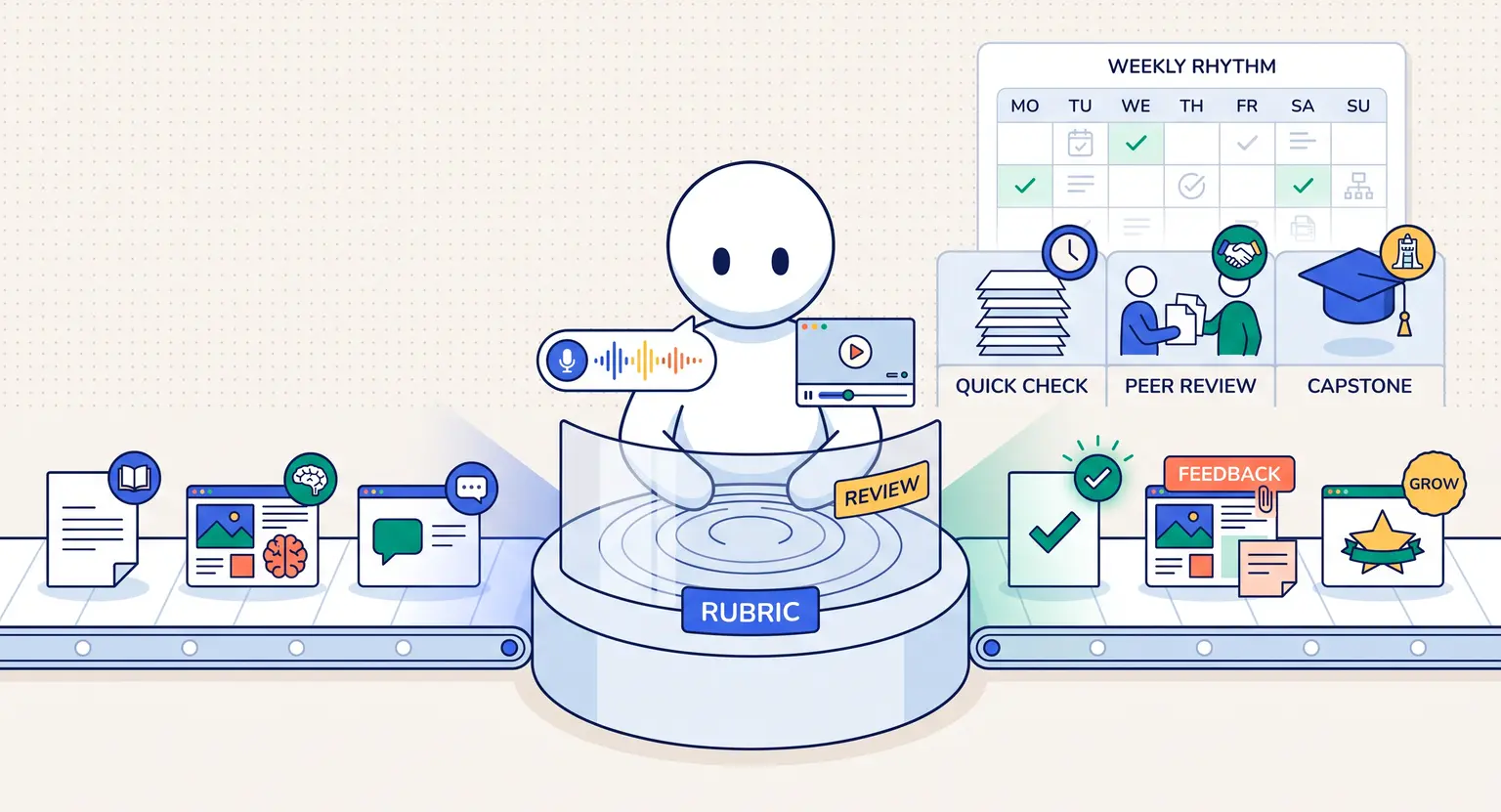
Transparent rubrics eliminate grading subjectivity and help students self-correct before submitting.
-
Peer review, cohort critique sessions, and async video feedback dramatically lighten your workload.
-
Automated quiz checkpoints using structured online quizzes reduce manual grading without sacrificing accuracy.
-
Timely, specific feedback dramatically outperforms generic scores when it comes to learner retention and completion rates.
1. Build Scoring Rubrics Before You Build Your Assignments
Most online educators design their assignment prompts first and only think about evaluation criteria afterward. This backwards approach leads to vague rubrics, inconsistent scores, and panicked rewrite requests from frustrated students.
Start by defining what mastery looks like for each assignment. Write three or four specific evaluation criteria. For each criterion, describe what an exemplary, a competent, and a needs-revision submission look like in plain language.
For example, if you teach copywriting, your rubric for a landing page assignment might include :
-
Headline impact : does it speak to a specific pain point in ten words or fewer?
-
Benefit clarity : are three concrete outcomes communicated within the first fold?
-
Call-to-action strength : does the CTA use specific action language that creates urgency?
Sharing this rubric with students before they begin turns your evaluation criteria into a built-in editorial guide. Students who know exactly what you are looking for produce better work, ask fewer questions, and require far less back-and-forth revision.
2. Scale Your Grading with Structured Peer Reviews
Manual grading for hundreds of students is unsustainable. The honest answer is that peer review, when structured correctly, is not just a logistical shortcut; it often produces a richer learning experience than instructor-only evaluation.
When students review each other's work, they actively apply your rubric criteria to real-world examples. They catch mistakes in others that they might never have noticed in their own drafts, and they internalize standards at a deeper level.
To run effective peer reviews, give reviewers a specific critique template. Require them to identify one strength, one area to improve, and one actionable recommendation for every submission they evaluate.
Vague praise like "great work!" does not count as completed feedback.
Close the loop by running a group discussion where you highlight patterns from the batch, correct common errors, and celebrate exceptional work. This turns peer review from an administrative chore into a vibrant learning ritual.
3. Use Asynchronous Video Feedback for High-Ticket Submissions
For premium programs or accredited professional tracks where instructor feedback is part of the value proposition, typed comments in a comment box rarely feel sufficient. Students in high-ticket programs paid for your expertise, not a generic checklist response.
Instead, record a short two-to-three minute screen capture walking through the submitted deliverable. Point directly at specific elements on screen. Say exactly what is working well and why. Highlight one or two concrete improvements with a suggested fix.
Hearing a real voice and seeing your cursor land on their actual work creates a feeling of personal mentorship that is extremely difficult to replicate in text. Students who receive this kind of feedback become vocal advocates for your brand.
4. Choose the Right Grading System for Your Delivery Format
Grading approaches should adapt to your program type, audience size, and assessment stakes. Here is how the primary grading models compare :
| Grading method | Time investment | Best suited for | Scalability |
|---|---|---|---|
|
Automated quiz grading |
Zero (runs 24/7). |
Knowledge checks, compliance tests, rapid formative assessments. |
Infinite; set up once and runs for all future cohorts. |
|
Structured peer review |
Low (setup and spot checking). |
Creative projects, case analyses, portfolio-style deliverables. |
High; community-driven, improves with cohort size. |
|
Rubric self-assessment |
Very low (student-led). |
Reflection journals, mindset exercises, iterative practice challenges. |
Very high; requires no instructor involvement at all. |
|
Instructor async video review |
High (2 to 4 minutes per submission). |
Premium cohorts, professional certifications, capstone projects. |
Low; consider adding a teaching assistant beyond 50 students. |
5. Protect Grading Consistency as Your Course Scales
Once your program grows beyond your personal bandwidth, you will likely need to bring in guest reviewers, community moderators, or teaching assistants. Maintaining evaluation consistency across multiple graders is a real operational challenge.
Build an internal grading guide that includes benchmark examples of excellent, average, and failing submissions for each assignment type.
Run your graders through a calibration session where they independently score the same sample submission and then compare results.
Discuss disagreements as a group until you reach alignment.
Document every edge case you encounter during calibration. Over time, this living guide becomes your most valuable quality control asset, especially when onboarding new teaching assistants mid-cohort.
For accredited programs, keeping a secure audit trail of graded submissions is mandatory. Your learning platform must store timestamps, scores, and evaluator notes reliably so you can handle disputes or board reviews without scrambling.
Using a compliant all-in-one course platform handles this infrastructure automatically for you.
Explore Further Resources
-
Design high-quality practical tasks with our guide on how to create practical assignments for online courses.
-
Set up a meaningful final evaluation using our blueprint for designing a final exam for an online course.
-
Protect your assessment integrity by discovering how to verify student identity in an online course.
-
Add automated assessments fast using our tutorial on creating quizzes for online courses.
-
Scale your full assessment infrastructure with an all-in-one platform to sell online courses.
Frequently Asked Questions
How quickly should I return graded assignments to students?
Aim for forty-eight hours on cohort-based programs and seven days for asynchronous courses.
Delays beyond that window kill student momentum and increase drop-off rates sharply.
Should I offer resubmission opportunities after failing grades?
Yes for learning-focused courses. Allow one structured revision cycle with a clear list of required changes.
For high-stakes certifications, mandate a waiting period and a supplemental learning activity before resubmitting to ensure genuine improvement.
How do I handle a student who disputes their grade?
Direct them back to the published rubric criteria and identify precisely which standard was not met.
A transparent rubric diffuses most disputes because the expectations were agreed upon before the work began.
What is the best way to grade subjective creative submissions fairly?
Use a two-evaluator calibration process where two graders independently score the same work and then average their results.
If scores diverge by more than fifteen percent, schedule a brief discussion to reconcile the difference before releasing the final grade.







 How to Create a Course Refund Policy (Templates & Best Practices for 2026)
 How to Create a Cohort-Based Online Course (2026 Guide)
 How to Sell an Online Course With a Quiz Funnel (2026 Guide)
 How to Sell an Online Course Through a Sales Call (2026 Guide)