








How to Set Course Access Expiration Dates (2026 Guide)
How to Set Course Access Expiration Dates
When online educators first start selling programs, the temptation to slap a bold "Lifetime Access!" badge on the sales page is strong. It feels generous, it looks like a huge selling point, and it removes the mental hurdle of deciding how long buyers actually need to get results.
Selling lifetime access creates two sneaky problems that can quietly harm your academy.
First, students who feel they have endless time usually push the lessons to the bottom of their priority list. They register, watch the welcome video, and never log in again.
Second, maintaining support forums, hosting video servers, and answering comments indefinitely for a one-off payment turns into an operational nightmare over the years.
Setting intentional, well-communicated access expiration dates fixes both problems in one stroke. It gives your students the gentle psychological pressure they need to sit down and finish the training.
At the same time, it allows you to maintain clean membership rolls, build recurring upgrade revenue, and keep your community vibrant.
Key Takeaways at a Glance
-
Urgency drives action : expiration dates solve the "I will do it next month" trap and lift completion numbers significantly.
-
Choose the right model : select between rolling calendar duration (e.g., 180 days post-purchase) or fixed cohort cutoffs based on whether you run evergreen or live-launch formats. Pair this alongside our guide on how to manage course enrollment deadlines for maximum cohort alignment.
-
Automate your touchpoints : trigger automated heads-up emails at 30, 14, 7, and 2 days before access cuts off to prevent shock and encourage last-mile sprints.
-
Monetize retention : use the natural expiration moment to offer low-cost alumni subscriptions, monthly coaching extensions, or advanced follow-up curricula.
The Psychology of Expiration : Why Deadlines Help Students Win
Human beings love to put off tasks that do not carry an immediate consequence. When someone buys a course with no expiration date, their brain files that material under "things I can do whenever I want."
Whenever you provide a firm finish line, that mindset transforms. The learning journey shifts from an open-ended browsing session into a focused sprint.
Students block off weekend hours, carve out morning study routines, and engage with community discussions because they know the window is closing.
You can also structure distinct privilege tiers to balance flexibility and focus. If you want to dive into structuring multi-tiered student permissions, see our detailed walkthrough on how to create different access levels for online course students across various price points.
Setting an expiration date is an act of student advocacy. You are helping them cross the finish line rather than letting their investment gather dust on a digital shelf.
The Four Primary Course Access Expiration Models
Not every course should expire the same way. The right structure depends on whether your program runs evergreen, follows a synchronized group cohort, or pairs with personal coaching.
Here are the four models used by successful course creators :
-
Rolling relative window (e.g., 365 days from purchase) : the clock starts the exact minute the student buys the course.
This setup is ideal for self-paced evergreen programs because it keeps the rules simple and gives every learner an identical runway. -
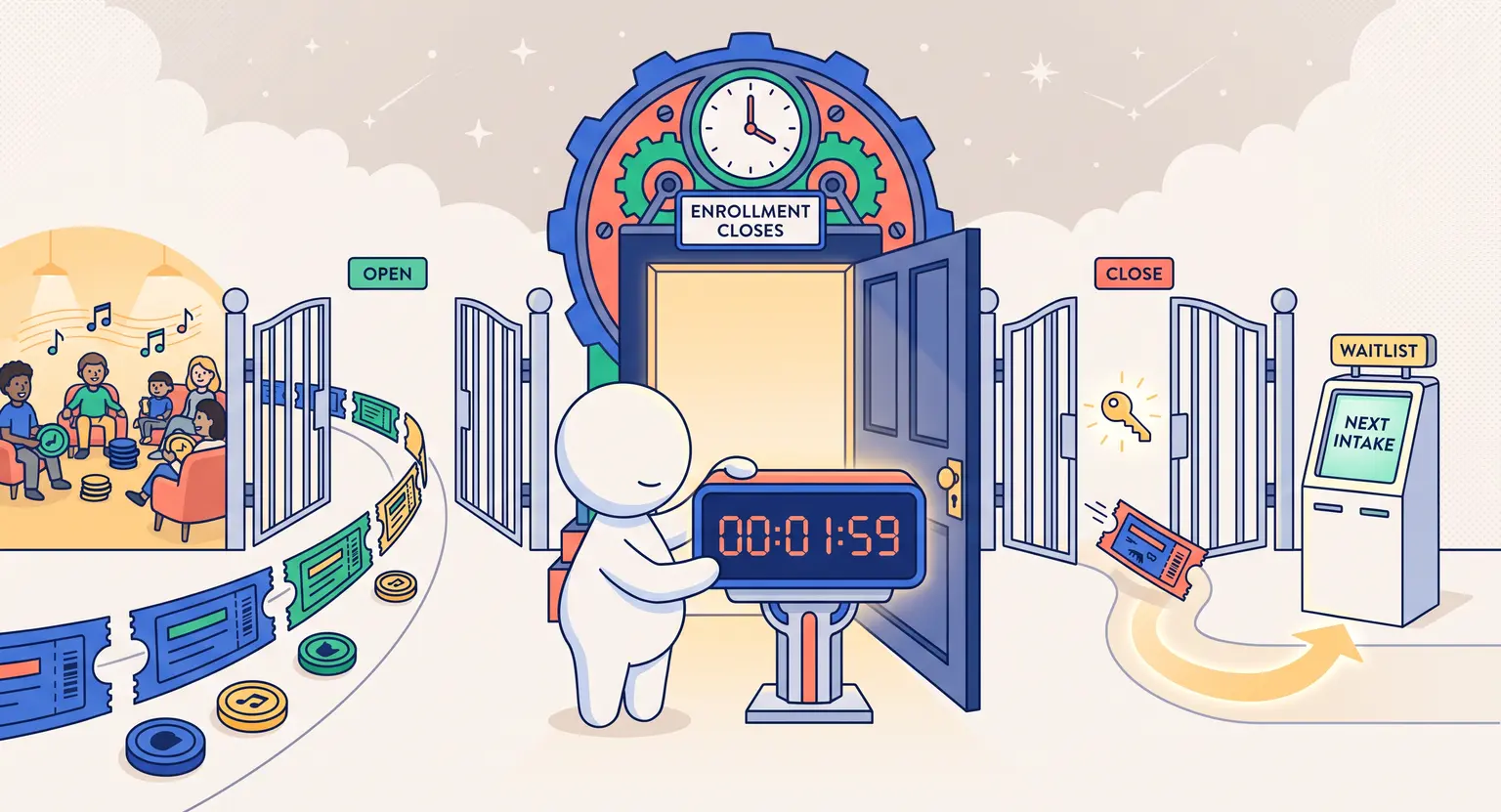
Fixed calendar date (e.g., closes on June 30th) : all enrolled students lose access on the exact same calendar day, regardless of when they registered during the launch window.
This format shines for live cohort courses, academic semesters, and masterminds that conclude on a shared date. -
Milestone-based or drip-relative expiry : access remains open as long as a student completes specific checkpoints, or locks down individual modules 30 days after they unlock.
This approach encourages consistent weekly momentum. -
Hybrid subscription or membership continuity : initial purchase includes 6 or 12 months of portal access. After that window closes, learners transition into a modest monthly or annual maintenance subscription to retain portal and community privileges.
Comparing Expiration Structures : Which Fits Your Offer?
To help you pick the best expiration framework for your digital products, look at how the primary models compare across workload, student urgency, and business dynamics :
| Expiration model | Ideal course format | Student urgency level | Ongoing admin overhead | Revenue potential |
|---|---|---|---|---|
|
Rolling window (365 days) |
Evergreen self-paced courses and technical certifications. |
Moderate to high; steady pressure across the entire year. |
Low (entirely automated via LMS date triggers). |
Upsell to alumni renewals or extended practice lab passes. |
|
Fixed calendar cutoff |
Live bootcamps, group coaching cohorts, semester classes. |
Extremely high; clear group finish line motivates collective pacing. |
Low to moderate (single synchronized cutoff date for cohort). |
Direct pathway to pitch next-level masterminds or next cohorts. |
|
Short sprint (30-60 days) |
Micro-workshops, rapid skill challenges, intro mini-courses. |
Maximum urgency; forces fast consumption within weeks. |
Minimal; automated expiry with quick follow-up funnels. |
Rapid conversion bridge into flagship high-ticket courses. |
|
Annual renewal pass |
Industry compliance, tax law updates, evolving tech tooling. |
Consistent; encourages yearly re-testing and review. |
Moderate; requires annual updates and curriculum revisions. |
Predictable recurring annual cash flow per student. |
|
Milestone gated expiry |
Accredited training, licensing preps, graded masterclasses. |
High; driven by progress through modules and assignments. |
High; requires automated evaluation and exam checkpoints. |
Exam re-take fees, credential renewals, or bonus tool access. |
Step-by-Step Technical Setup : How to Configure Expiration in Your LMS
Setting up your access expiration rules correctly prevents support headaches later. Follow these concrete steps to configure your system.
1. Define the Access Window on the Product Level
Inside your course management platform, navigate to the product or enrollment settings.
Choose whether the access duration calculates from the purchase date or a specific calendar cutoff date.
For most standard courses, 180 to 365 days gives learners plenty of time while still establishing a concrete deadline.
2. Pair Your Final Assessment with Access Timelines
If your program includes a certificate of completion, align the expiration date with testing deadlines.
For creators building comprehensive milestone checks, reviewing our guide on how to design a final exam for an online course will help you time test submissions before student access expires.
3. Configure Automated Warning Sequences
Do not let expiration come as a surprise. Set up automated email reminders inside your CRM or LMS that fire at specific intervals :
-
30 days out : a friendly heads-up email showing remaining modules and cheering them on.
-
14 days out : practical reminder to download permissible study guides, reference cheat sheets, and templates.
-
7 days out : urgent reminder highlighting the final lessons and showing how to purchase an extension if needed.
-
48 hours out : final countdown notification with clear instructions on next steps or alumni renewal options.
4. Establish Automated Post-Expiration Tagging
When the expiration date passes, ensure your platform automatically removes student roles from private forums, revokes video playback access, and updates their contact record with an "Alumni - Expired" tag.
This keeps your community spaces focused on active learners while allowing you to send targeted upgrade offers to past students.
Grace Periods, Extensions, and Paid Renewals
Real life happens. Students get sick, change jobs, move homes, or experience unexpected family emergencies. If you enforce expiration with zero flexibility, you will alienate great people who simply hit an unexpected bump in the road.
Establish a clear 14-day emergency grace policy. If a student emails your support team before their account expires explaining a personal disruption, offer them a one-time two-week extension at no extra charge.
This simple gesture costs you nothing, eliminates chargeback disputes, and builds deep student loyalty.
For students who simply abandoned the training for six months and now want back in, provide a structured paid extension rather than reopening everything for free. A flat renewal fee (for example, $49 for an additional six months) preserves the value of your training while offering a fair path forward.
Clear Communication : Setting Expectations Before Checkout
Confusion around access rules causes customer support friction.
To ensure a smooth experience for your students, make your expiration policies completely transparent across every touchpoint :
-
Sales page pricing cards : state the access length directly above the buy button (e.g., "Full 12-Month Access Included").
-
Checkout terms of service : include a clear checkbox or bullet point summarizing the validity duration before credit card processing.
-
Welcome onboarding email : reiterate the calculated expiration date right alongside their login credentials and student portal link.
-
Student portal dashboard : display a subtle banner or user profile indicator that shows the exact days remaining in their current enrollment period.
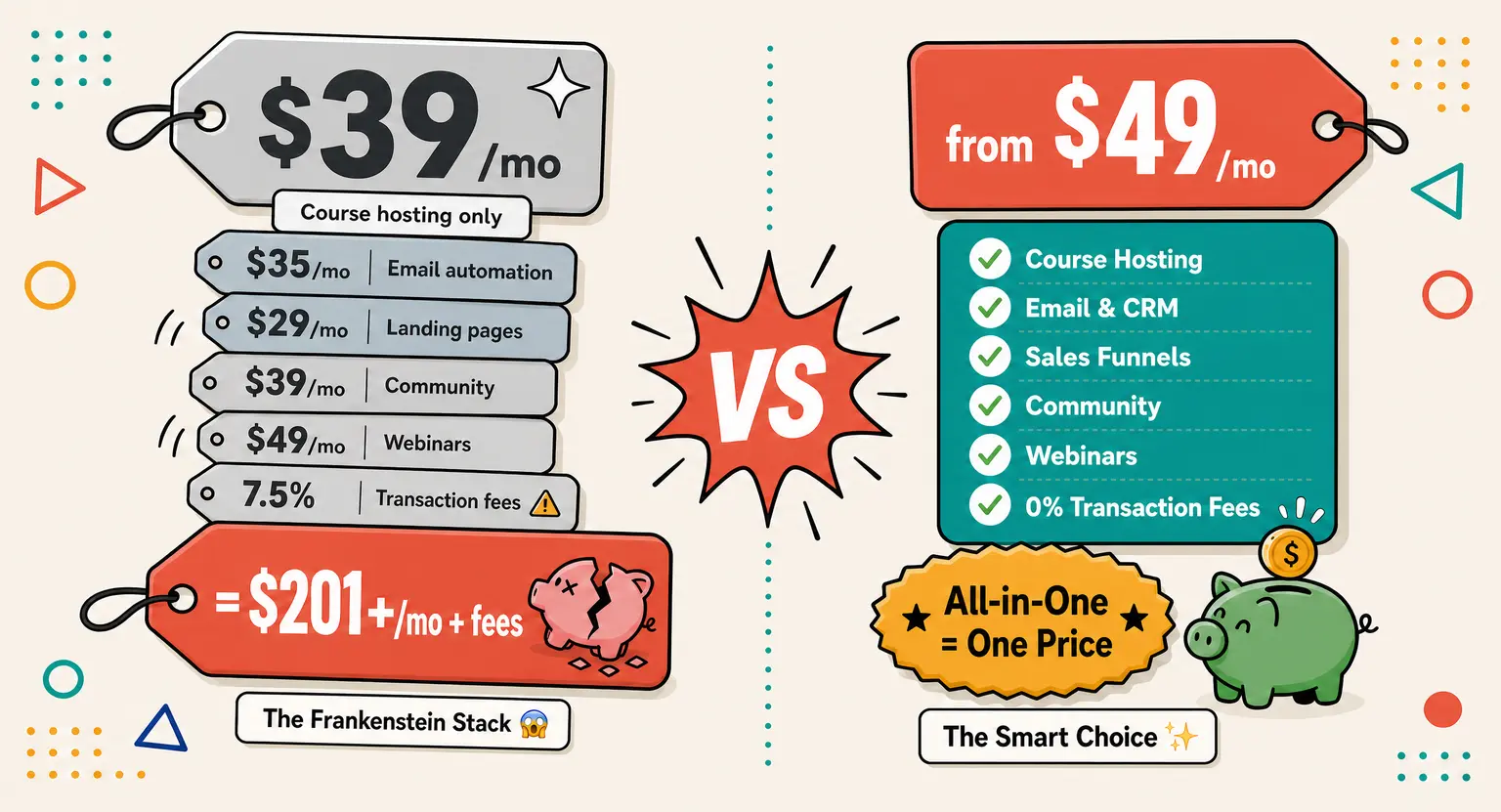
Looking for a complete all-in-one platform to automate student enrollments, drip content releases, and manage course access timelines? Explore our all-in-one platform features on LearnyBox to scale your digital knowledge business effortlessly.
Frequently Asked Questions
What is the ideal course access window for a self-paced program?
For most self-paced video courses that take 4 to 6 weeks of effort, a 6-month to 12-month access window hits the sweet spot.
It provides enough breathing room for busy adults without letting the material turn into digital clutter that they postpone indefinitely.
How should I handle angry students who missed the expiration deadline?
Offer a one-time 14-day complimentary courtesy pass if they reached out promptly, or invite them to join an affordable alumni renewal pass.
Treating them with empathy while maintaining your operational boundaries turns frustrated students into loyal repeat buyers.
Should downloadable assets expire alongside video portal access?
Allow students to keep downloadable PDFs, cheat sheets, spreadsheet templates, and audio files permanently.
Expiring only the hosted video modules, community channels, and interactive quiz elements preserves great goodwill while maintaining urgency for interactive work.
Can I legally add an expiration date to a course I previously sold as lifetime access?
No, you must grandfather existing lifetime buyers into perpetual access. Apply new expiration terms only to fresh cohorts or future purchases, clearly stating the access duration on your sales page and checkout terms.




 How to Create a Course Refund Policy (Templates & Best Practices for 2026)
 How to Run a Beta Version of an Online Course (2026 Guide)
 How to Create a Cohort-Based Online Course (2026 Guide)
 How to Sell an Online Course With a Quiz Funnel (2026 Guide)
 How to Sell an Online Course Through a Sales Call (2026 Guide)