







How to Use LearnyBox: A Step-by-Step Guide for Creators (2026)
How to Use LearnyBox : 2026 Expert Guide
Key Takeaways
-
Discover the core setup process in this comprehensive LearnyBox tutorial.
-
Consolidate your tools by replacing separate page builders, email services, and checkouts with one account.
-
Launch risk-free by starting with the LearnyBox free plan to test everything before upgrading.
-
Maintain full control of your customer relationships with native community spaces and transactional tools.
Let's face it. Trying to run an online business feels like spinning plates while riding a unicycle.
One day you are trying to make your email provider talk to your landing page builder, the next day, your payment gateway randomly disconnects from your student portal, and then you are stuck troubleshooting API keys at two in the morning.
It is a massive headache that wastes time you should be spending on your actual content and students.
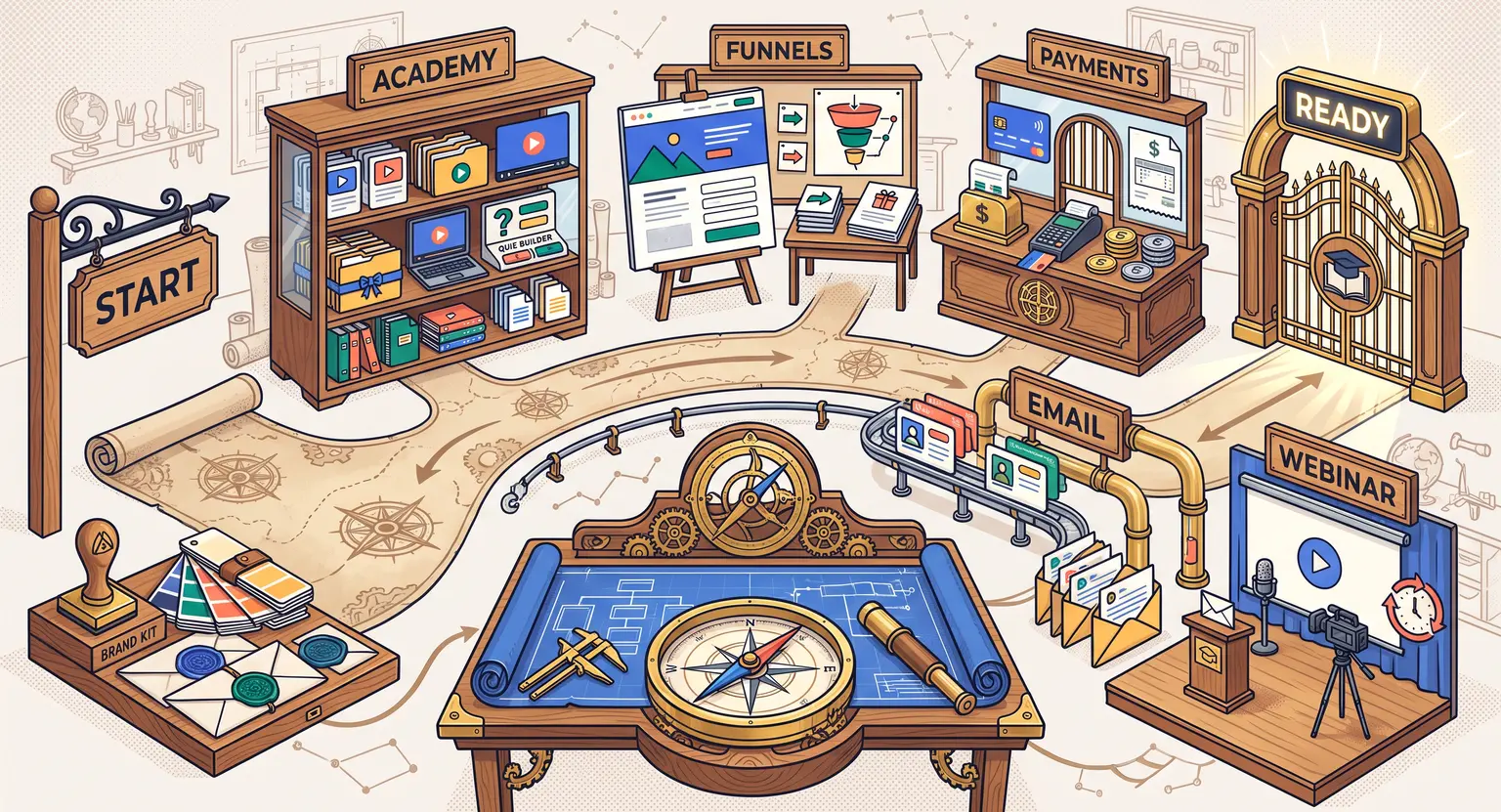
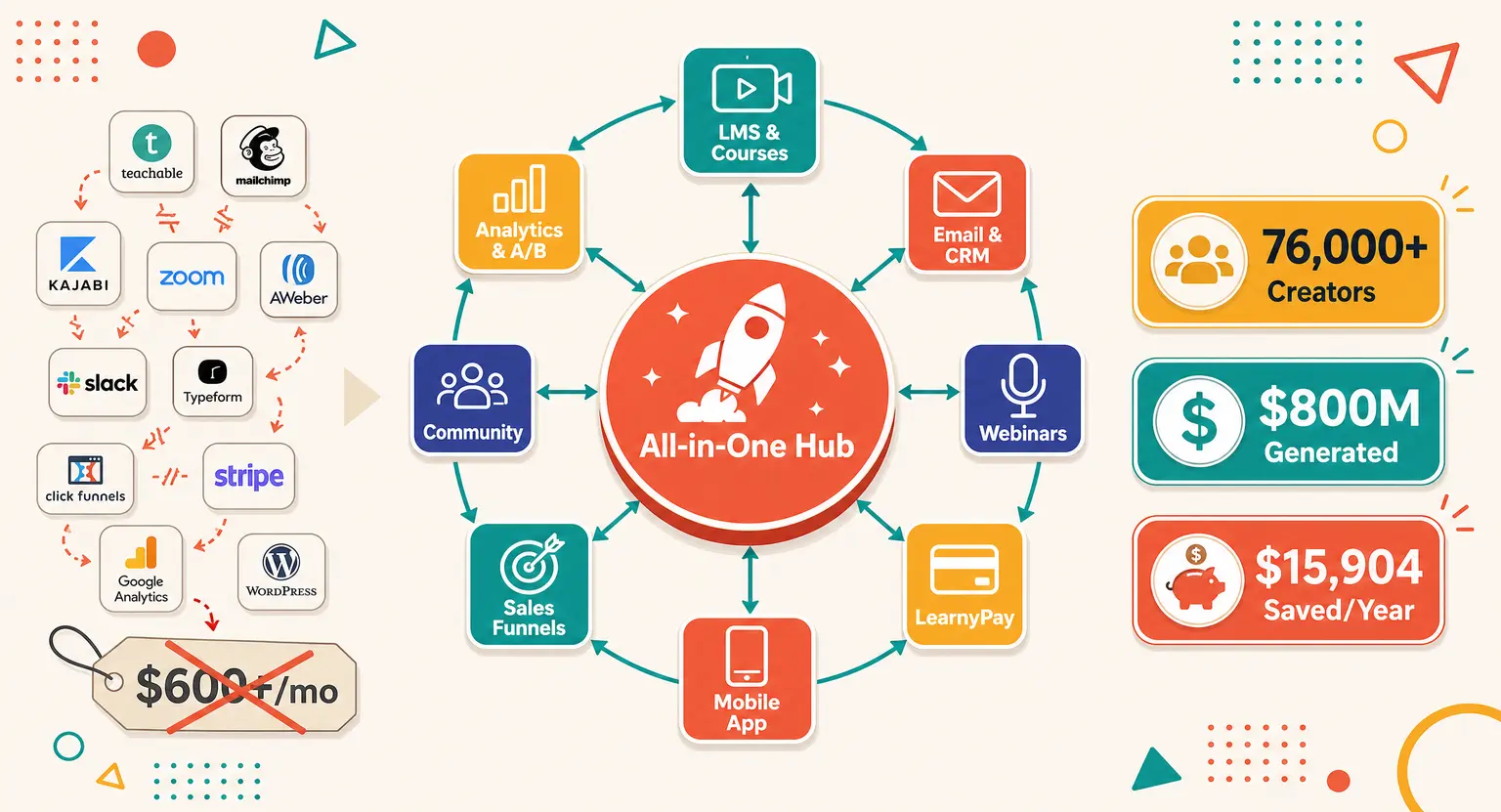
That is where this platform completely changes the landscape. Instead of forcing you to build a fragile digital Frankenstein out of ten different tools, it packages your school, marketing, emails, checkouts, and events into one single, logical dashboard.
If you are wondering what LearnyBox is and how it actually operates under the hood, you are in the right spot.
Let's look at how to get this powerful ecosystem up and running for your business.
Setting Up Your Core Workspace and Brand Customization
Your first move when stepping inside is establishing your digital headquarters. When you log in, you will be greeted by a central dashboard that acts as command control.
Before you start uploading videos or designing flashy graphics, you need to configure your basic settings so everything carries your unique stamp.
Go to your account settings to configure your domain. Running your academy on a generic subdomain is fine to start with, but shifting to a custom domain makes your brand look highly professional instantly.
You can easily map your existing domain registrar to your workspace. At the same time, take ten minutes to configure your DKIM and SPF protocols (paid plans).
It sounds dry and overly technical, but it guarantees that the newsletters and system updates you send do not end up rotting in your contacts' spam folders.
Next, set up your global branding. You can upload your primary logo, choose your brand colors, and pick fonts that will be automatically applied across your course portals, emails, and checkout systems.
Taking care of this configuration early saves you from manually tweaking colors on dozens of individual pages later on.
Structuring and Designing Your Online Academy
Once the foundation is set, you can build your learning hub. If you want to sell online courses successfully, the interface of your school should make your students feel like they have stepped into a premium digital university, not a chaotic file sharing folder.
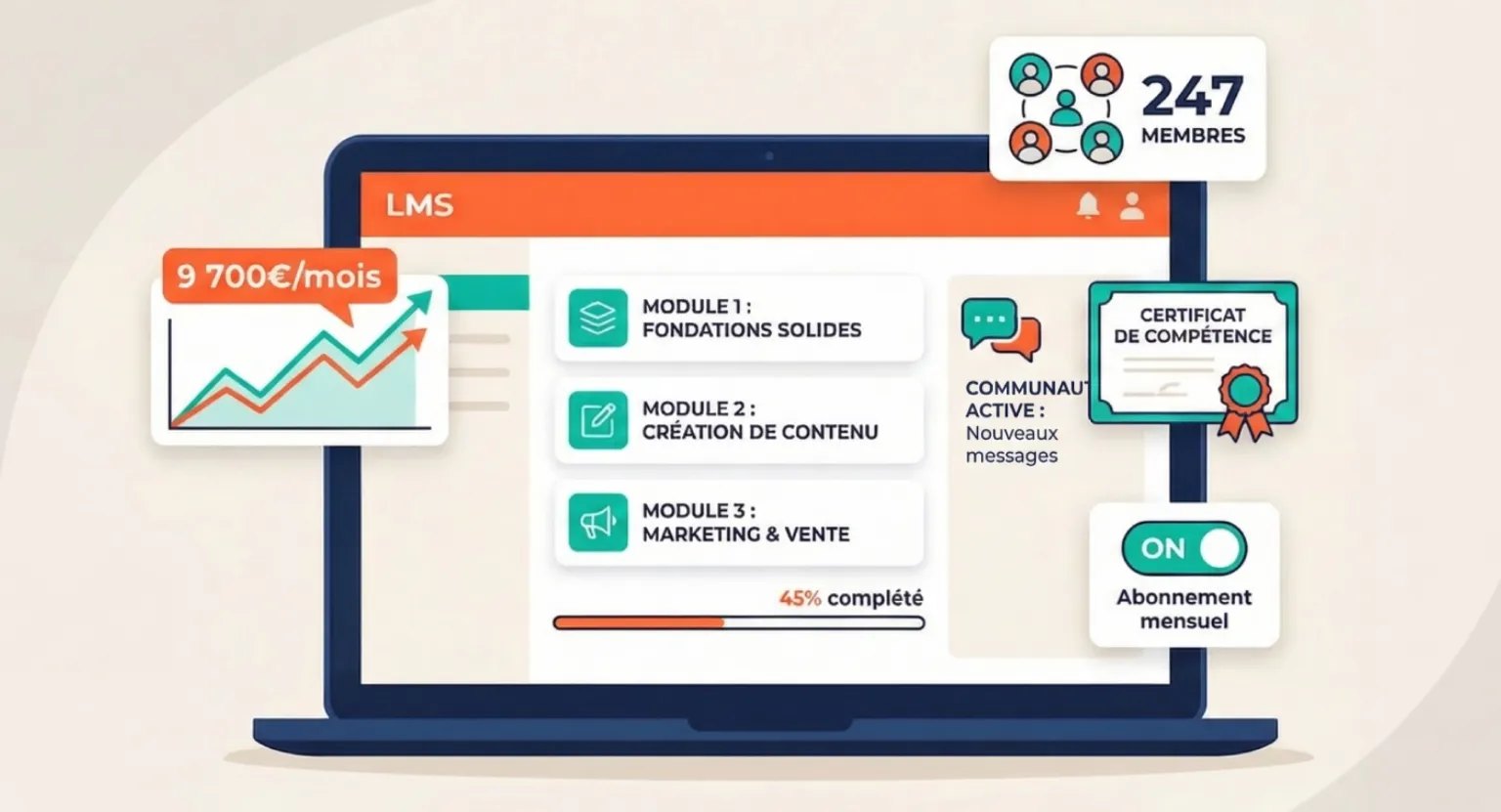
Inside the portal setup, you will create your primary academy. This acts as the secure, password-protected library where all your digital programs live.
To create a program, click on the creation tool and give your course a title. From there, you will organize your curriculum using a clean folder-style hierarchy :
-
Modules : these act as your broad thematic chapters. Keep them focused and digestible.
-
Chapters/Lessons : the actual pages where your learning materials live. You can upload videos directly, add audio files, embed text blocks, or link directly to downloadable workbooks.
-
Resources : handy secondary files, checklists, or cheat sheets placed at the bottom of lessons for fast access.
The system lets you choose how students progress. You can open all lessons immediately, or use the drip-feed option to release modules sequentially over time.
You can also make progression conditional on students passing a quiz at the end of each module, ensuring they actually digest your material before moving forward.
Constructing High-Converting Sales Pipelines
You can build the most spectacular curriculum on the planet, but it will not do any good if no one ever sees it.
Marketing is where this setup shines by replacing standalone landing page engines with automated, integrated flows.
To start, access the sales funnel builder. You do not need to be a designer or understand code to make this work.
The platform features an extensive gallery of conversion-tested layout templates tailored to different goals, including lead generation, paid workshops, or core digital programs.
Select a template that aligns with your strategy and use the intuitive visual builder to swap out headlines, drop in your pitch video, and configure your email capture forms.
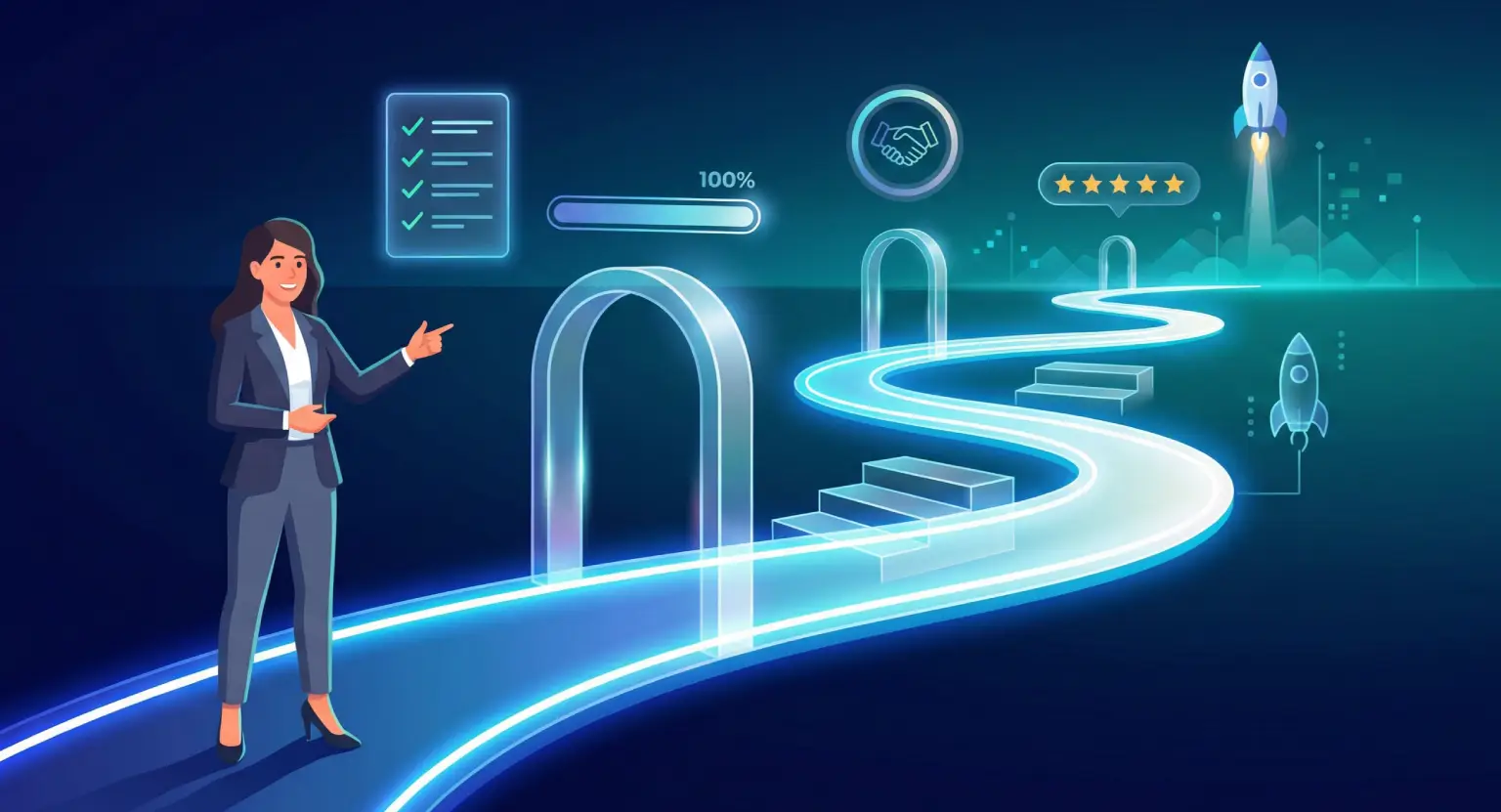
Your sequence should flow smoothly from page to page. A standard setup involves a registration page, a checkout page with order bumps, a thank-you page, and a secure login link sent directly to your customer's inbox.
Since everything is connected natively, you will not have to mess around with manual webhooks or external automation bridges to connect your marketing pages to your customer directory.
Configuring Your Payment Processing System
Let's talk about money. Getting paid should be easy and entirely painless, both for you and your clients. The built-in checkout systems remove the friction of setting up complicated merchant integrations.
By using LearnyPay secure payments, you get an integrated processing pipeline that handles transactions securely right out of the box.
You can configure your checkout pages to accept standard credit cards, SEPA bank transfers, and common digital wallets, letting you cater to audiences across different regions effortlessly.
When you build an offer, you have a ton of pricing flexibility. You can set up straightforward single-payment purchases, recurring subscription plans, or multi-payment installments for high-ticket coaching programs.
You can also configure order bumps to suggest related materials right at checkout, or design simple one-click upsells on your purchase confirmations to boost your average order value instantly.
Automating Email Sequences and Contact Management
Your subscriber list is the lifeblood of your online business. Instead of paying extra for separate autoresponders, you can use the built-in mailing tools to handle all of your communications easily.
Start by heading over to the integrated email marketing platform to build your mailing lists. You can easily import your existing contacts via CSV or capture new leads natively through your landing pages.
Once your contacts are in the CRM, you can segment them using targeted tags based on how they interact with your business. For instance, you can apply distinct tags to trial members, active students, or prospects who abandoned their shopping carts halfway through checkout.
After segmenting your list, set up your automated workflows. You can build welcome sequences that trigger the moment someone signs up for your lead magnet, or schedule promotional campaign broadcasts to run on specific dates.
Best of all, because the email engine lives inside the same ecosystem as your course portal, you can automatically trigger specific email reminders when a student stalls inside your academy, encouraging them to jump back in and finish their training.
Running Interactive and Evergreen Webinars
If you want to showcase your expertise, build trust quickly, and drive massive sales, running live online events is one of your absolute best options. The built-in webinar engine handles everything without forcing you to deal with complicated external video tools.
When you schedule a webinar, the system automatically builds all the essential marketing elements you need. It creates registration pages to collect viewer info, thank-you pages with calendar reminders, and automated email confirmation sequences to keep registrants engaged.
When it is time to go live, you can speak directly to your audience, share your slides, run live polls, and drop checkout buttons right onto the screen to drive instant sales.
If you do not want to present live every single week, you can convert your recorded presentations into evergreen, automated webinars. These events simulate a live broadcast feel for new signups at scheduled times, letting you generate consistent sales and build your email list completely on autopilot.
Comprehensive Configuration Map
To help you structure your deployment timeline, here is a functional breakdown of the different tools and how to roll them out in your business :
| Workspace feature | Primary business focus | Setup difficulty | Expected configuration time | Key business value |
|---|---|---|---|---|
|
Workspace setup |
Workspace customization & domain mapping. |
Low. |
15 to 30 minutes. |
Establishes consistent brand authority and optimizes email delivery. |
|
Course academy |
Curriculum creation & video hosting. |
Medium. |
2 to 4 hours. |
Delivers a premium, controlled learning portal for your students. |
|
Marketing funnels |
High-converting lead generation pages. |
Medium. |
1 to 2 hours. |
Guides prospects from initial discovery to purchase smoothly. |
|
LearnyPay portal |
Secure checkout forms & payment processing. |
Low. |
20 to 40 minutes. |
Maximizes your sales conversion rates with frictionless checkout layouts. |
|
Email marketing |
Automatic follow-up series & CRM tagging. |
Medium. |
1 to 3 hours. |
Nurtures leads on autopilot and drives passive recurring sales. |
Five Expert Tips for Seamless Implementation
Before you dive deep into setting up your new online system, keep these highly practical human recommendations in mind to save yourself a ton of wasted time and effort :
-
Keep your curriculum layout simple : do not overwhelm your new students on day one. Organize your initial launch using clear, bite-sized modules rather than massive multi-hour video blocks. Keep your structure clean and easy to navigate.
-
Map out your marketing flow on paper first : it is incredibly easy to get lost in page templates and editing options.
Spend ten minutes sketching out your visitor's path — from their initial landing page signup, through checkout, to their welcome email — before you build your first live pages in the system.
-
Run testing cycles on all checkouts : always trigger a few test sales using sandbox credits or a minor discount coupon before you drive main traffic to your site.
This verifies that your student portal, automated email sequences, and billing engines are executing exactly as intended.
-
Host your video materials directly : forget about paying extra for separate professional video hosts.
Take advantage of the built-in, secure streaming tools to protect your high-value courses from unauthorized sharing or downloading.
-
Clean up your list tags regularly : use targeted, automated tagging on checkout forms and opt-in pages from the very start.
Managing your database cleanly from day one makes running highly accurate, targeted email promotions incredibly easy as your business scales.
Explore Further
-
Review the platform's robust suite of tools : LearnyBox features.
-
Find the perfect setup plan for your business size : LearnyBox pricing.
-
Discover why independent course creators love our ecosystem : LearnyBox for course creators.
-
See how we compare against alternative options : LearnyBox vs competitors.
-
Go from zero to launch with our comprehensive walkthrough : how to launch an online course.
At the end of the day, building a digital business is about making an impact and reclaiming your time, not fighting with complicated software systems.
Embracing a unified framework lets you stop worrying about background technical glitches and focus entirely on creating incredible resources, building interactive communities, and growing your personal brand.
Sign up, configure your workspace, launch your first core program, and start enjoying a simple, streamlined approach to your online business today.
Frequently Asked Questions
Can I really replace all my other software tools with LearnyBox?
Yes. LearnyBox natively replaces LMS platforms, email providers, landing page builders, checkout portals, CRM managers, and webinar software in a single cohesive dashboard, cutting down system complexity.
Is it possible to migrate from other platforms easily?
Absolutely. You can import contacts via CSV and rebuild your curriculum structure with the drag-and-drop tool. For enterprises, LearnyBox offers migration assistance for courses and user bases.
Do I need coding skills to use the web builder or funnels?
No coding is required. The platform features an intuitive, 100% no-code visual builder where you drag sections, configure forms, upload files, and publish with click-and-play ease.
How does the LearnyPay system manage international sales?
LearnyPay manages secure payments internationally, handling multi-currency purchases, installment plans, subscriptions, and automated EU VAT or global tax invoicing effortlessly on autopilot.





 How to Create a Course Refund Policy (Templates & Best Practices for 2026)
 How to Run a Beta Version of an Online Course (2026 Guide)
 How to Create a Cohort-Based Online Course (2026 Guide)
 How to Sell an Online Course With a Quiz Funnel (2026 Guide)
 How to Sell an Online Course Through a Sales Call (2026 Guide)