








Is LearnyBox Worth It? Honest 2026 Analysis for Creators
Is LearnyBox Worth It? Let's Find out Together
If you have been working actively in the digital education space for more than five minutes, you know the drill…
You start with a great course idea,
Then you buy a platform to host it,
Then you realize you need a high-converting sales funnel, so you buy another tool,
And then you need an email marketing platform, a checkout processor, and a community space.
Before you know it, you are drowning in software subscriptions,
You are spending more time fixing broken integrations than actually teaching your students.
It is a massive creator trap - And honestly, by 2026, we should be past this manual tape.
This brings us to the big question : is LearnyBox worth your hard-earned money, or is it just another suite that promises the world but delivers a headache?
Let's take an honest look at what this all-in-one platform brings to the table and see if it fits.
Key Takeaways
-
The integrated solution : LearnyBox naturally bundles course hosting, funnel building, automated emails, live webinars, and student communities into one dashboard.
-
The financial math : shifting to this system can save you over €1,100 per year compared to paying for separate platforms.
-
Zero risk testing : you can start with a free account to test the builder and launch your first portal completely free.
-
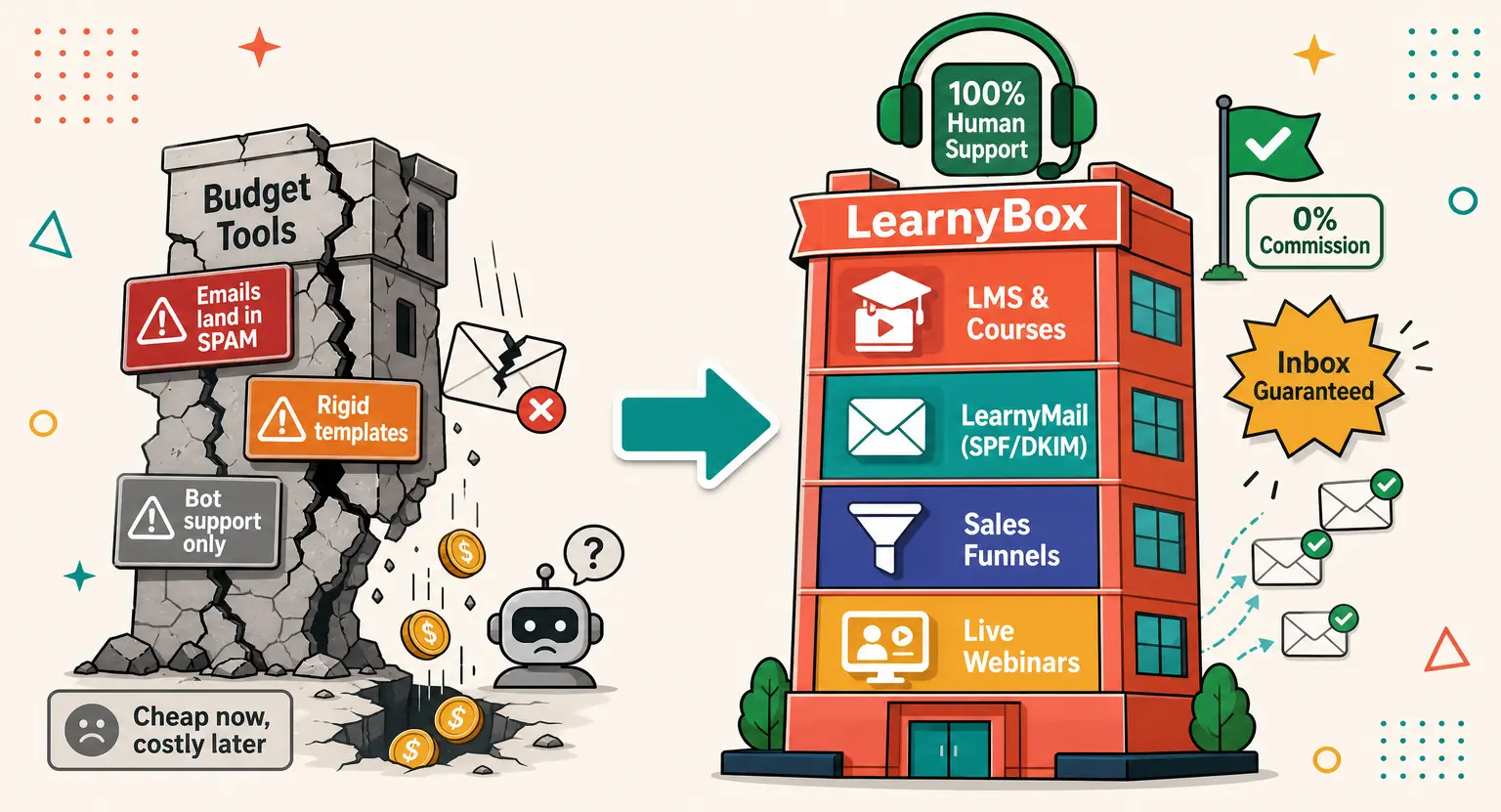
Dedicated support : unlike global software giants using automated bots, LearnyBox provides hands-on, high-touch support to help you scale your business.
If you want a comprehensive analysis of experiences, read our detailed LearnyBox review to explore client opinions.
What is LearnyBox and Who is it For?
Before we explore the dashboard interfaces, we should clarify what LearnyBox actually is.
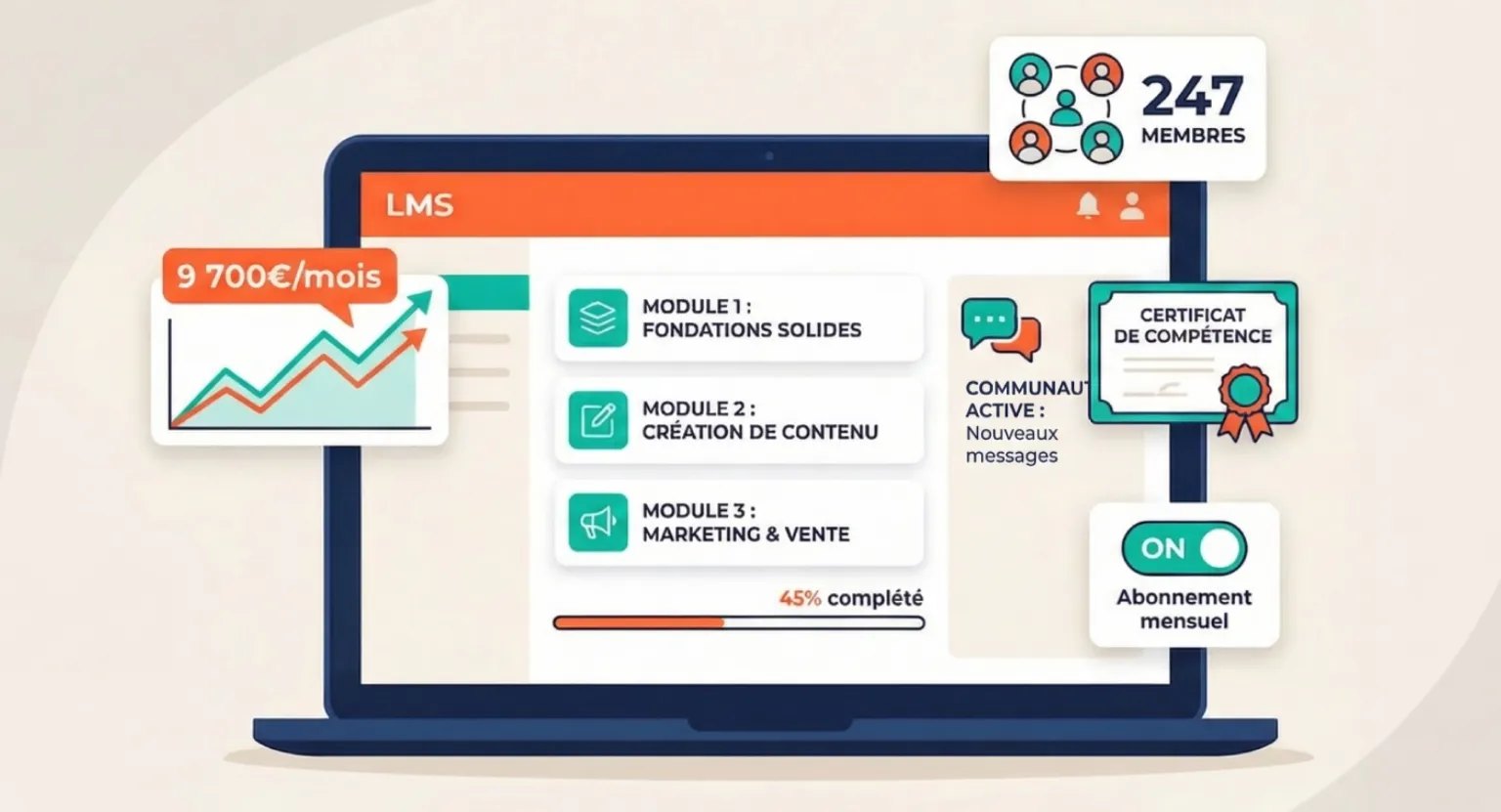
It is a fully integrated, zero-code environment designed to let you build, market, and distribute your knowledge from a single centralized space.
Instead of forcing separate plugins to talk to each other, everything works natively right out of the box. But who is this ecosystem built for?
Let's break down the groups of users who see the most benefits.
Instead of spending your valuable energy trying to configure custom SMTP servers or debug pixel tracking codes, you get a clean canvas. It means your sales pages, checkout forms, automated email sequences, and student portals exist in perfect harmony, updating simultaneously.
For independent creators, it offers a single dashboard to sell online assets and manage relationships. You do not need developer skills.
For certified training organizations, it acts as a robust learning management system that handles complex documentation, progress monitoring, and compliance without administrative headaches.
And for growing companies, it serves as a highly scalable onboarding hub for training new hires, keeping teams aligned, and educating partners without paying for expensive enterprise learning setups.
The Power Features : What is Inside the Box?
To evaluate if this suite justifies its costs, we need to inspect what you actually get inside the framework. No fluff, just the functional tools that drive business growth.
First is the main LMS academy engine. If you want to sell online courses natively, you need a training portal that is completely intuitive for students.
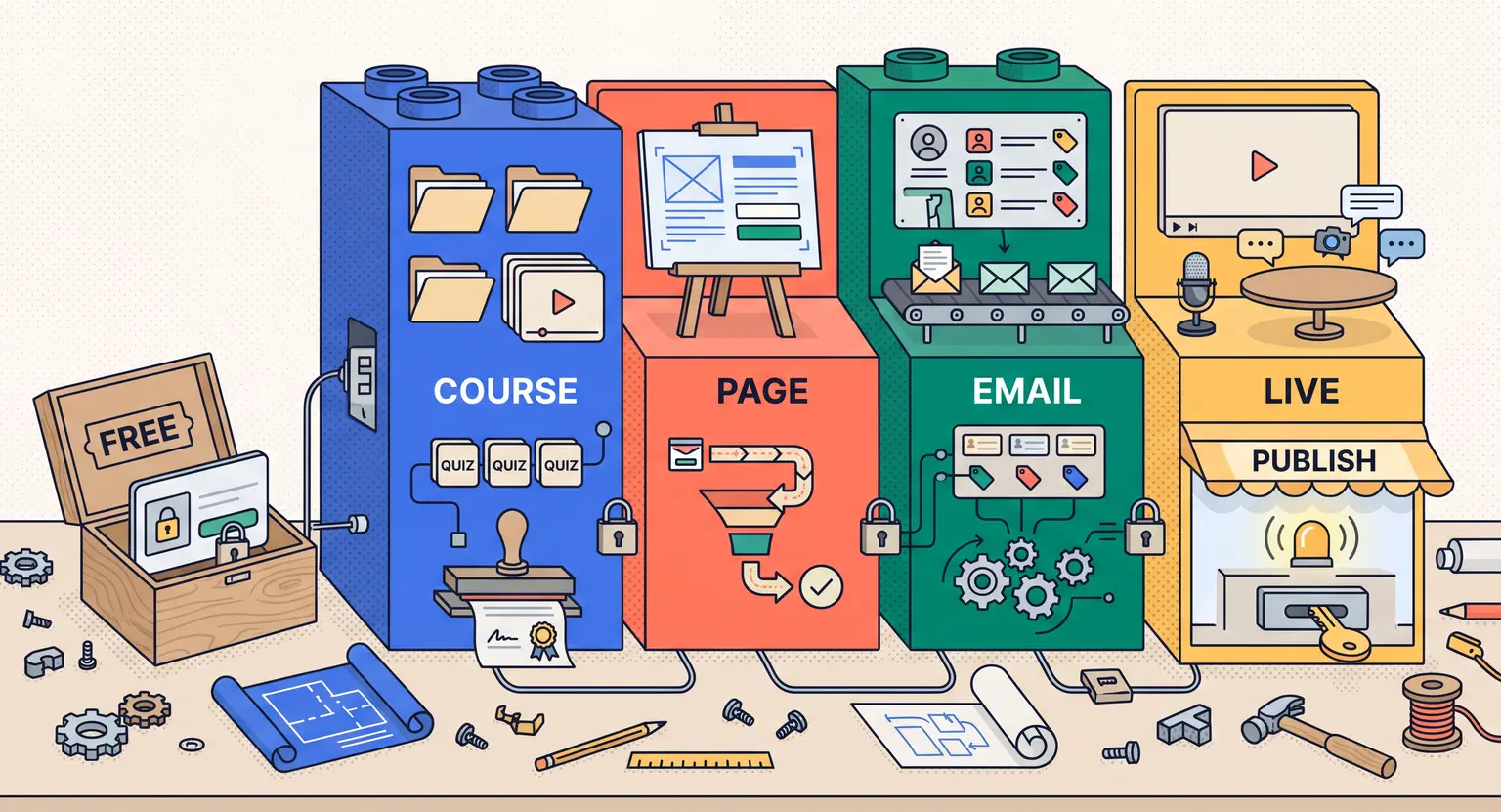
The drag-and-drop course designer allows you to structure lesson plans, upload high-definition video, embed documents, and set up evaluation quizzes in minutes.
You can choose custom progression paths, letting users advance freely or lock modules until they pass specific criteria.
Next is the integrated marketing suite. A great course is useless if nobody finds your landing page.
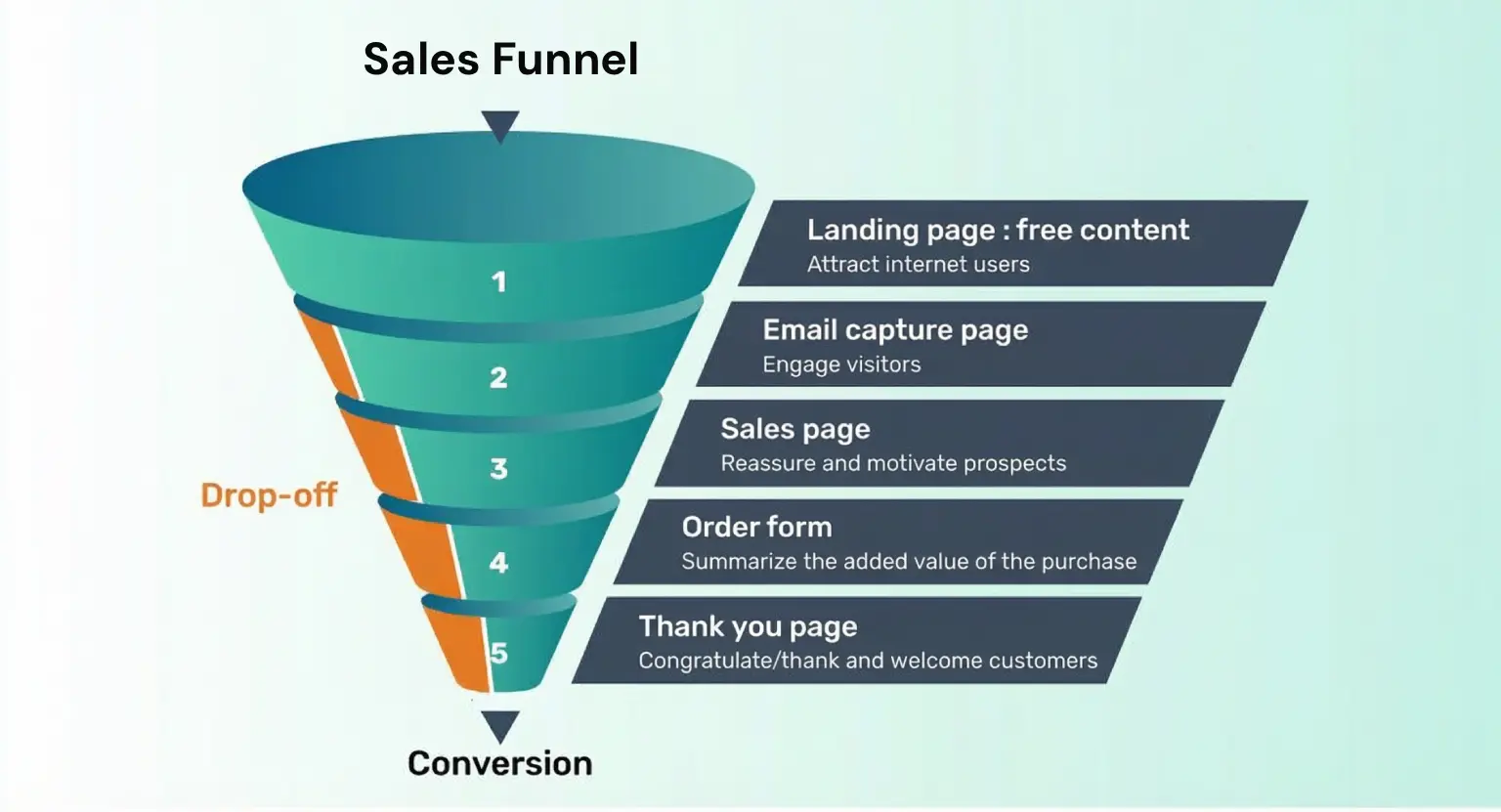
LearnyBox replaces standalone marketing systems by letting you build responsive sales pages and launch multi-step capture funnels.
You can examine our LearnyBox features guide for a deep look at the specialized tools, which include visual site templates, blogging modules, and automated sequences.
These tools ensure your marketing actively runs even while you are teaching.
Finally, we have payments and community spaces. Setting up checkouts is usually a massive chore involving complex webhooks.
With the native LearnyPay setup alongside standard global gateway integrations, you can collect recurring memberships, offer payment plans, and trigger targeted post-checkout upsells effortlessly.
Beyond checkout, you can run active communities right alongside your lessons, keeping users engaged without relying on distracting social media forums.
Structural Comparisons : LearnyBox vs. Modular Tools
Let's look at how the integrated architecture compares to buying separate tools.
This overview highlights the standard systems you can completely replace when you move to a single dashboard.
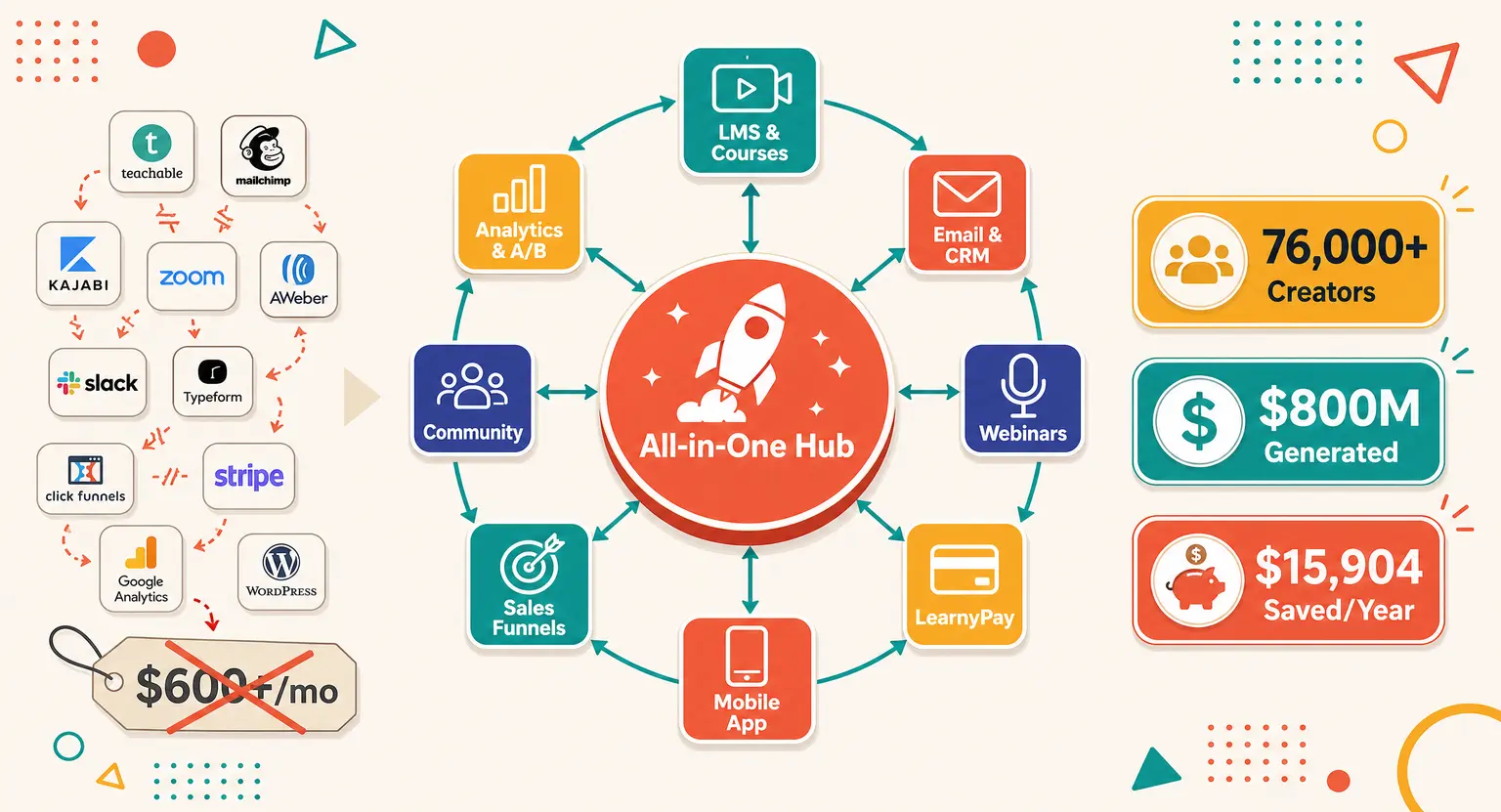
| System area | What LearnyBox provides | What it completely replaces |
|---|---|---|
|
LMS academies |
Structured course paths, certificates, gamification, and interactive student quizzes. |
Teachable, Thinkific, or standard WordPress plugins. |
|
CRM & email |
Native automated email marketing sequences, newsletters, and visual contact tags. |
Mailchimp, ActiveCampaign, or Brevo. |
|
Funnels & sites |
No-code website builders, conversion-focused landing pages, and blogging tools. |
ClickFunnels, Wix, or custom page editors. |
|
Checkout systems |
Secure LearnyPay checkout pages, flexible recurring billing, and automated invoice creation. |
Standalone checkout software and manual billing apps. |
How Does it Stack Up Against Competitors?
If you are exploring your digital options, you are probably curious how it stacks against rivals that have traditionally dominated the online training space. Let's look at how things stack up in the current market landscape.
When you read a direct Kajabi versus LearnyBox comparison, the primary difference immediately boils down to running costs and support accessibility.
While both platforms are incredibly robust, Kajabi can feel extremely expensive for emerging educators. LearnyBox offers a much more accessible ladder of plans without shaving off essential marketing power.
But if you want to scan other options, researching a wider range of Kajabi alternatives reveals that many alternative systems split their dashboards, forcing you to buy external email systems anyway.
LearnyBox keeps everything consolidated under one roof, including transactional and marketing emails.
Navigating the Budget : LearnyBox Pricing
Let's look at the financial plans. To find detailed plan comparisons, read our LearnyBox pricing breakdown, but here is a clear summary of the major tiers available.
Selecting the right subscription path is all about matching your tool limits to your current student load and active funnel volume :
-
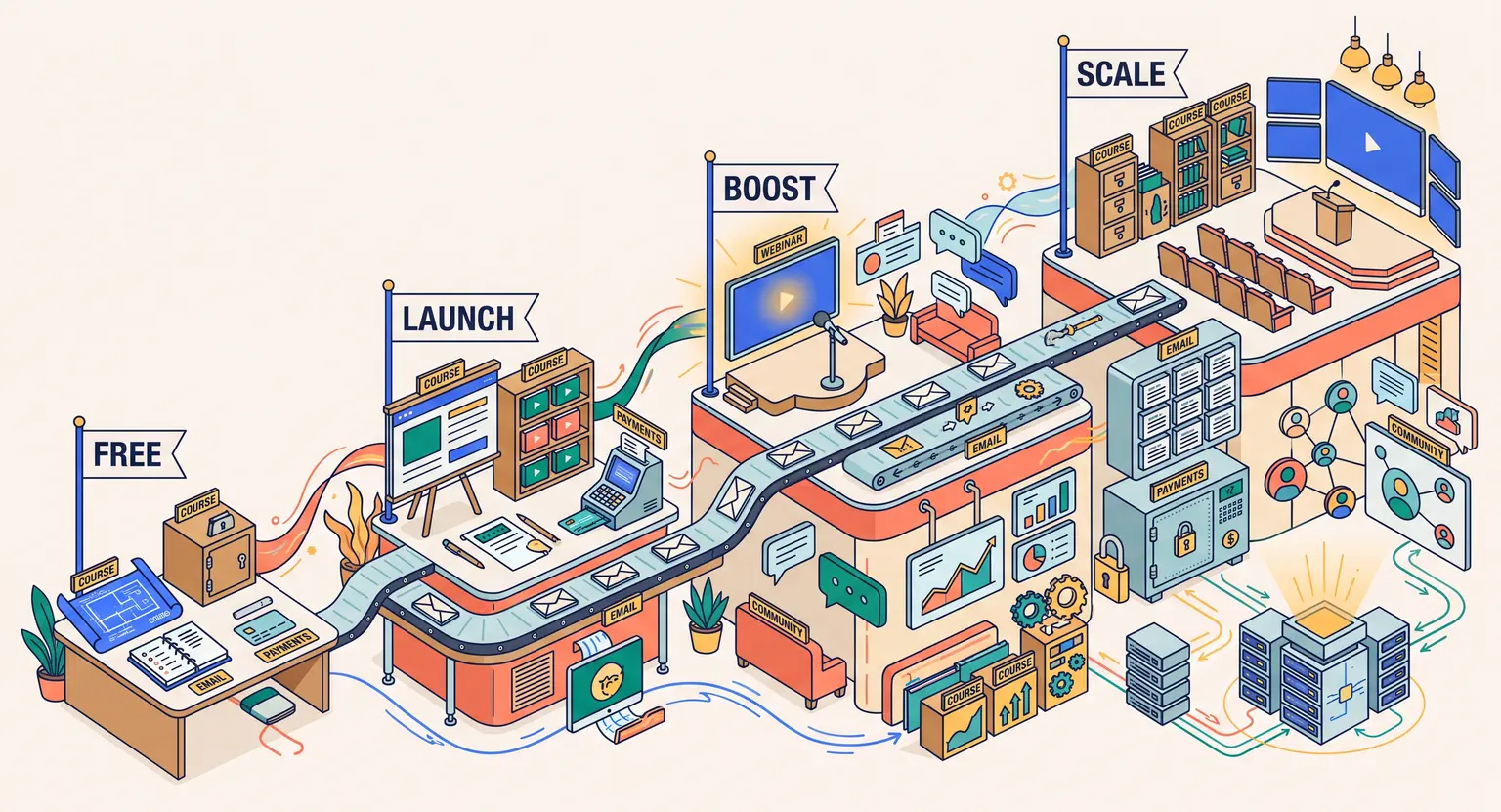
The Free Plan : the LearnyBox free plan is highly generous. You can build your first course, host up to 20 students, construct a fully functional funnel, and send 4,000 automated emails monthly. It requires zero credit card details to start.
-
Launch Plan ($49/month) : perfect for launching your first business. It offers up to 10 courses, 100 students, 10 visual funnels, 75,000 monthly emails, and live webinars for up to 100 people.
-
Boost Plan ($99/month) : designed for scaling brands. This tier includes unlimited courses, unlimited students, 15,000 CRM contacts, 180,000 emails, and up to 3 live webinars.
-
Scale Plan ($179/month) : intended for massive training centers or active agencies. It unlocks 40,000 contacts, 600,000 monthly emails, and large capacity webinars for up to 500 live attendees.
The Financial Calculations : Direct Savings
Let's do some actual business math. If you purchase separate tools for email marketing, course hosting, webinar rooms, and sales page builders, your monthly bills can climb rapidly. It is not uncommon for creators to pay $400 or more each month just to keep their systems online.
Beyond the direct hardware cost, you have to factor in the hours you waste wrestling with API connections and troubleshooting broken triggers.
By bringing everything under one system, you save an average of €1,176 annually and reclaim up to 10 hours of manual tech administration every week. That is real time you can spend refining your lessons, recording content, or scaling your marketing campaigns.
Explore Further
To help you structure your digital business, feel free to read more on our fully featured home platform page.
If you are preparing to build out your modules, you can follow our guide on how to launch an online course successfully. This guide covers lesson planning, recording tips, and optimal pricing frameworks.
Making the Final Decision
The best way to make a final decision is to jump in. By taking advantage of the generous free account, you can build your first modules and see if the dashboard fits your workflow.
Frequently Asked Questions
Can I test LearnyBox completely risk-free?
Yes. The platform provides a completely free tier that requires no credit card. You can create one active course, manage up to 20 students, and send 4,000 emails a month to test the ecosystem at your own pace.
Does LearnyBox charge transaction fees on sales?
No. On our paid plans (Launch, Boost, and Scale), the platform does not charge transactional percentages on your hard-earned revenue.
You only pay standard merchant processor fees depending on whether you use LearnyPay, Stripe, or PayPal.
Is the customer support team helpful for beginners?
Yes, the active support team is exceptionally helpful and pedagogical.
Based in France, they deal with tickets rapidly, with premium tiers receiving priority responses in less than four business hours to resolve any blockages.
Can I migrate my existing content and members?
Absolutely. You can import your contact database in bulk via standard CSV structures.
If you are upgrading from another platform, our dedicated team can assist you in migrating your existing courses and files safely.





 How to Create a Course Refund Policy (Templates & Best Practices for 2026)
 How to Run a Beta Version of an Online Course (2026 Guide)
 How to Create a Cohort-Based Online Course (2026 Guide)
 How to Sell an Online Course With a Quiz Funnel (2026 Guide)
 How to Sell an Online Course Through a Sales Call (2026 Guide)