







How to Create a Membership Site (Step-by-Step 2026 Guide)
How to Create a Membership Site
Imagine waking up to see your bank account grow while you slept, not from a one-off stroke of luck, but because hundreds of members happily pay you every single month. That is the magic of a membership site.
But let's be totally honest here : building one from scratch is not just about locking some files behind a login page... It's about creating a thriving digital neighborhood where people actually want to hang out, learn, and grow.
In 2026, the landscape of subscription programs has shifted away from massive, overwhelming content dumps. Today's audiences crave curated experiences, fast wins, and genuine connection.
If you have been wondering how to transform your expertise into a sustainable recurring revenue stream, you are in the perfect place. We are going to break down the entire process into real, actionable steps that bypass the technical headache and get you straight to launching.
Key Takeaways :
-
Understand your members first. You need to validate an online course idea or membership concept before writing a single line of copy.
-
Tech should be simple. Choose the best all-in-one course platform rather than stitching together fragile WordPress plugins.
-
Value over volume. Successful modern platforms focus on structured action plans rather than burying subscribers in hundreds of video hours.
-
Think long term. Cultivating a sticky community is the only way to combat membership churn month after month.
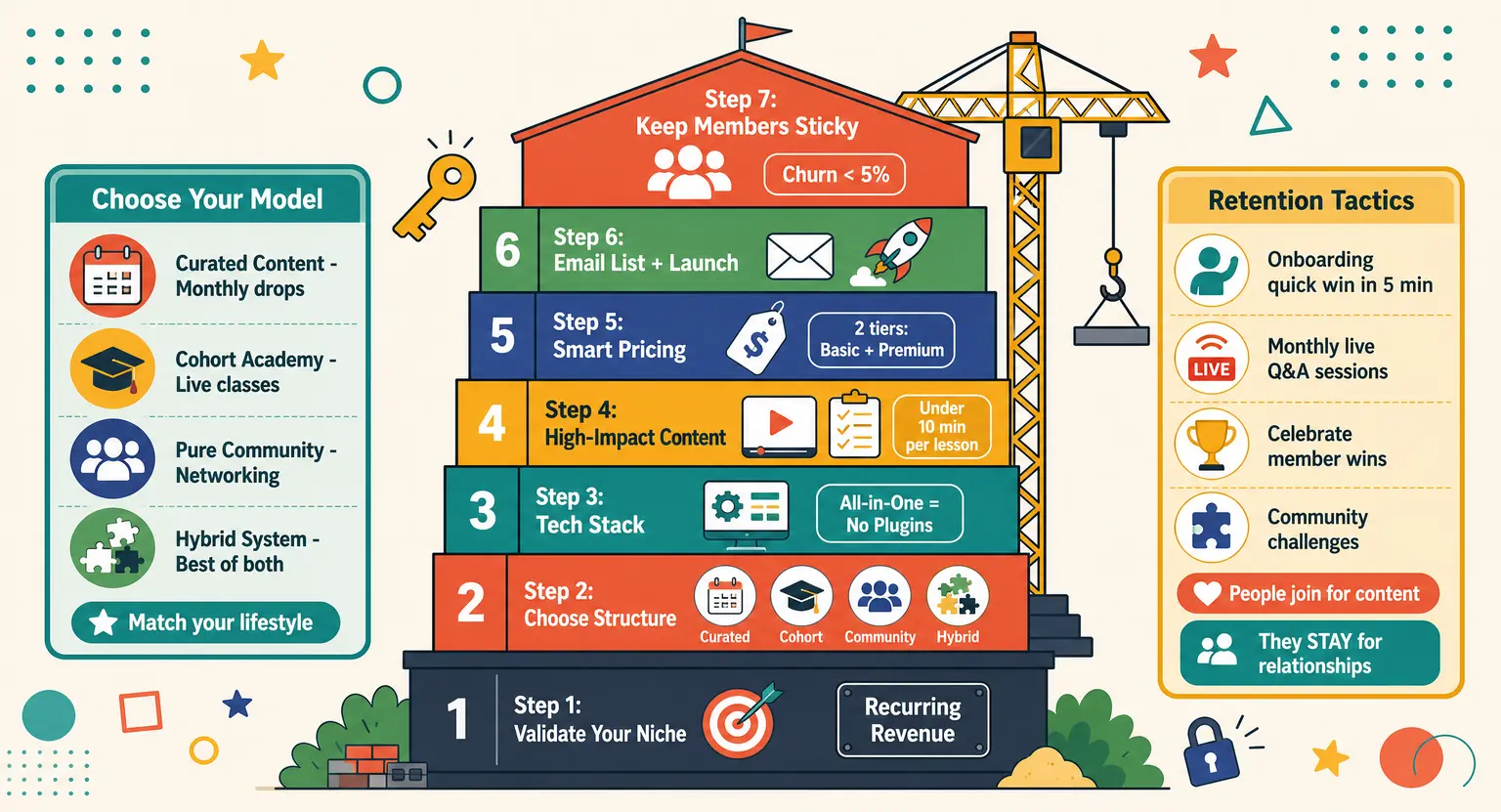
Step 1 : Find and Validate Your Niche
You cannot build a community for everyone. If you try to speak to everyone, you end up speaking to nobody, and your subscriber count will show it.
Instead, you need a laser-focused niche.
Think about the specific problem you solve. Are you teaching busy corporate moms how to prep healthy plant-based meals in under twenty minutes? Or maybe you are helping freelance video editors master advanced 3D motion graphics?
The more specific you get, the easier it is to attract die-hard fans who feel like your page was built specifically for them.
So, how do you verify if people will actually open their wallets for this? Go where your target audience hangs out online !
Read their Reddit threads, join their Facebook groups, and look closely at the questions they ask repeatedly. If you spot a painful problem that is consistently left unanswered, you have hit absolute gold.
But do not stop there. The absolute best validation is cold, hard cash : Try pre-selling your launch before you build anything complex.
Create a basic sales page outline, share it with your existing network, and offer a founding-member discount to the first twenty people who sign up. If they pull out their credit cards, you know you have a real winner on your hands.
Step 2 : Choose Your Membership Structure
Once you know who your audience is, you have to decide how you will deliver your expertise. Not all memberships are created equal, and copying someone else's model can lead to massive burnout if it does not fit your lifestyle.
Let's look at the main blueprints that dominate the web today :
-
The Curated Content Model : perfect for experts who want to release fresh tutorials, templates, or resources every month. Members pay for continuous, bite-sized value.
-
The Cohort-Based Academy : this merges structured learning with real-time support. You run live weekly classes and keep everyone moving through the curriculum together.
-
The Pure Community Model : members subscribe entirely to network with peers, share resources, and attend virtual meetups. You act primarily as the facilitator.
-
The Hybrid System : this blends structured training with community spaces. You can host your core lessons on a specialized portal and build a dedicated forum underneath it.
Choose the structure that matches your personal schedule. If you hate the idea of creating new content every single week, the community or course-hybrid route will save your sanity.
Step 3 : Select the Right Tech Stack
Choosing your software is where many creators get completely stuck. They spend months trying to connect five different plugins, a payment gateway, and an email tool, only for everything to break on launch day… Save yourself the gray hair.
In 2026, you absolutely do not need to be a developer to launch a professional site.
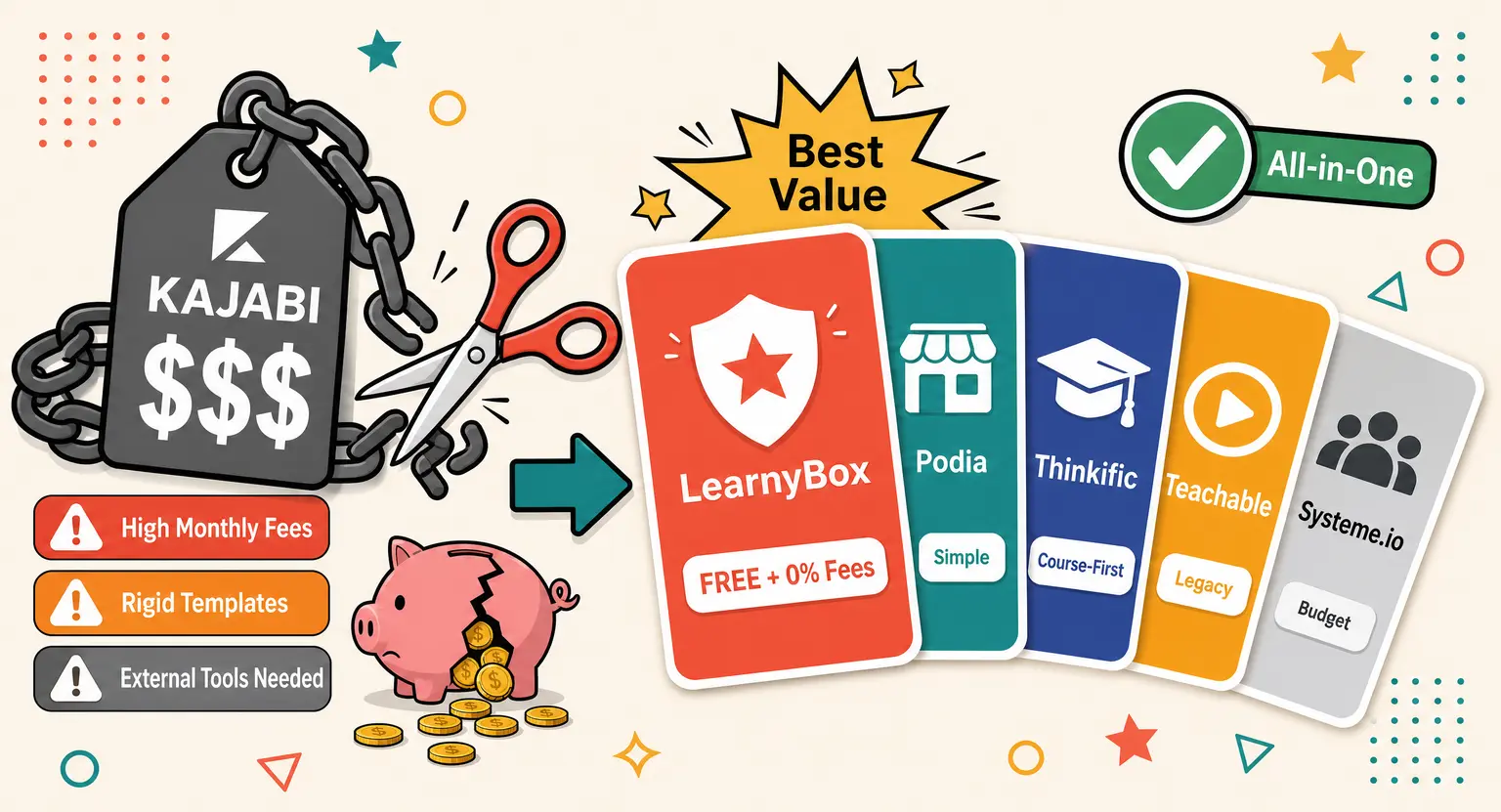
The industry has moved toward integrated solutions that handle your content, marketing, and checkout under one digital roof. When looking at best online course platforms, you want to ensure the tech supports custom branding, seamless checkouts, and clean portal layouts.
And if you want a platform that grows with you, looking at a comprehensive option like LearnyBox is a smart move.
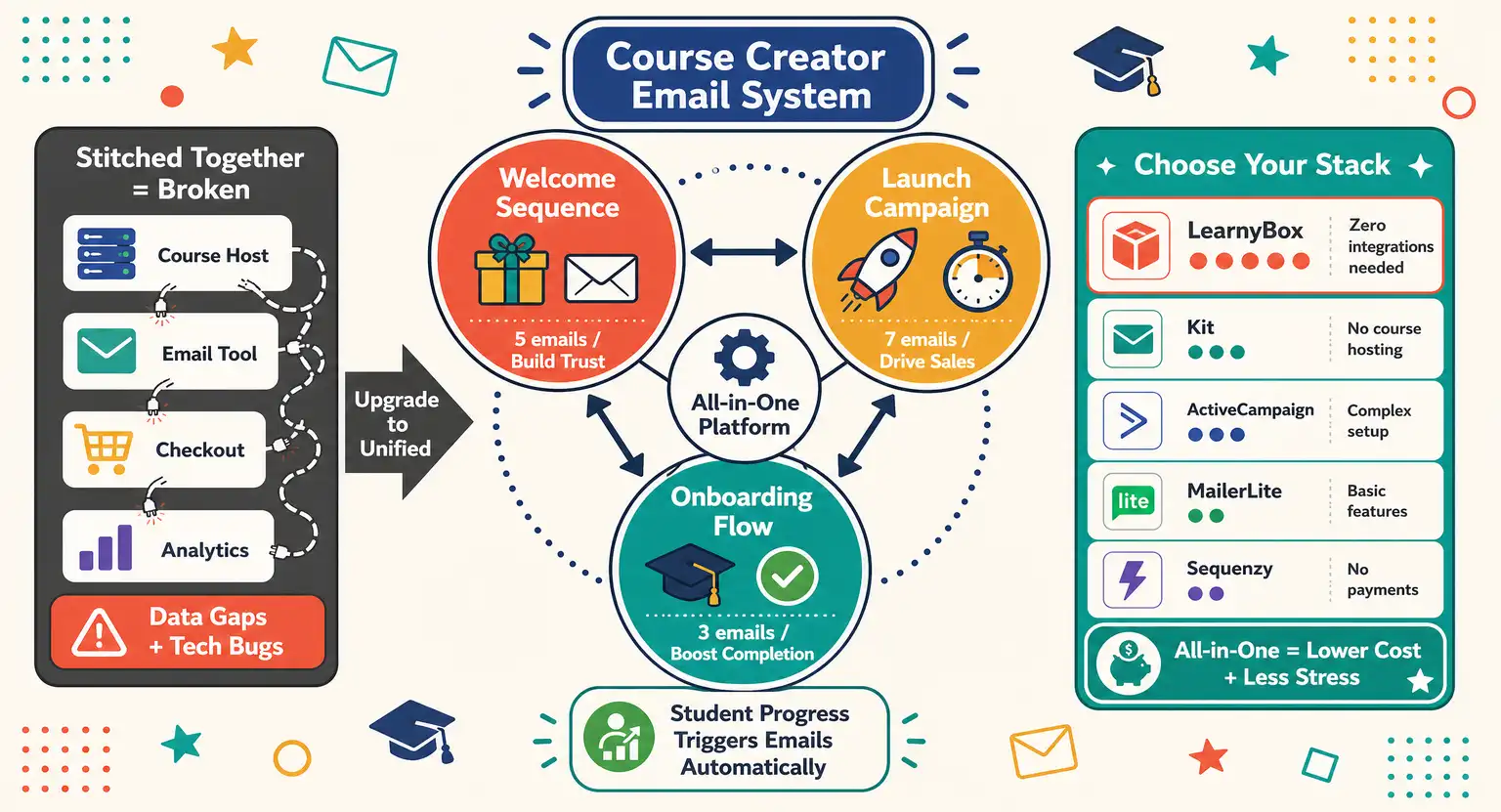
Using an all in one platform sell online courses and memberships avoids the headache of zapier integrations and disjointed member logins. Your payments, landing pages, email marketing, and community are kept securely in one dashboard.
Comparing Membership Tech Options
| Platform type | Key advantages | Potential drawbacks | Best for |
|---|---|---|---|
|
All-in-one systems |
Zero coding required, unified data, built-in email systems. |
Slightly less custom database control. |
Creators prioritizing quick launches, security, and ease. |
|
WordPress plugins |
Highly customizable, full control over hosting. |
Prone to plugin conflicts, complex setup, security risks. |
Tech-savvy developers comfortable with maintenance. |
|
Dedicated forums |
Highly interactive, focuses heavily on user discussions. |
Weak content hosting, poor course structures. |
Pure community builders and networking hubs. |
Step 4 : Create High-Impact Content
Your members log in because they want a result, not because they want to watch fifteen hours of talking-head videos. Focus on structuring content that helps them achieve small, consecutive milestones.
Start by recording short video lessons. When structuring visual media, following video lessons best practices keeps your lessons engaging and clean.
Keep each recording under ten minutes. Provide downloadable resources, cheat sheets, or customized spreadsheets alongside each video so members can implement your instructions immediately.
But do not stop at videos. Keep members engaged with interactive tools.
If you create quizzes for online courses or modules, you establish natural feedback loops that encourage students to keep active. This interactive element transforms a boring lecture hall into a gamified, hands-on masterclass.
Remember, content fatigue is the number one reason people cancel their memberships.
If they feel like they are falling behind, they will unsubscribe just to relieve the pressure.
Less is often more, as long as it gets them results.
Step 5 : Set Up a Smart Pricing Strategy
Pricing is where most creators lose sleep. Charge too much, and no one signs up; charge too little, and you are working yourself to the bone for pocket change.
Finding that sweet spot requires looking at the actual value you are delivering.
But you have options. Will you charge a monthly recurring fee, an annual pass, or a quarterly subscription?
A monthly plan is highly accessible and lowers the barrier to entry, but it can suffer from higher churn rates...
On the flip side, offering an annual discount secures cash flow upfront and gives you twelve months to build a deep relationship with your members.
To dive deeper into this math, explore our comprehensive guide on online course pricing strategy. It breaks down how to balance premium access with affordability.
If you want to maximize profits, consider offering tiered pricing : a basic tier for content access, and a premium tier that includes live monthly Q&A sessions with you.
Step 6 : Build Your Email List and Launch Plan
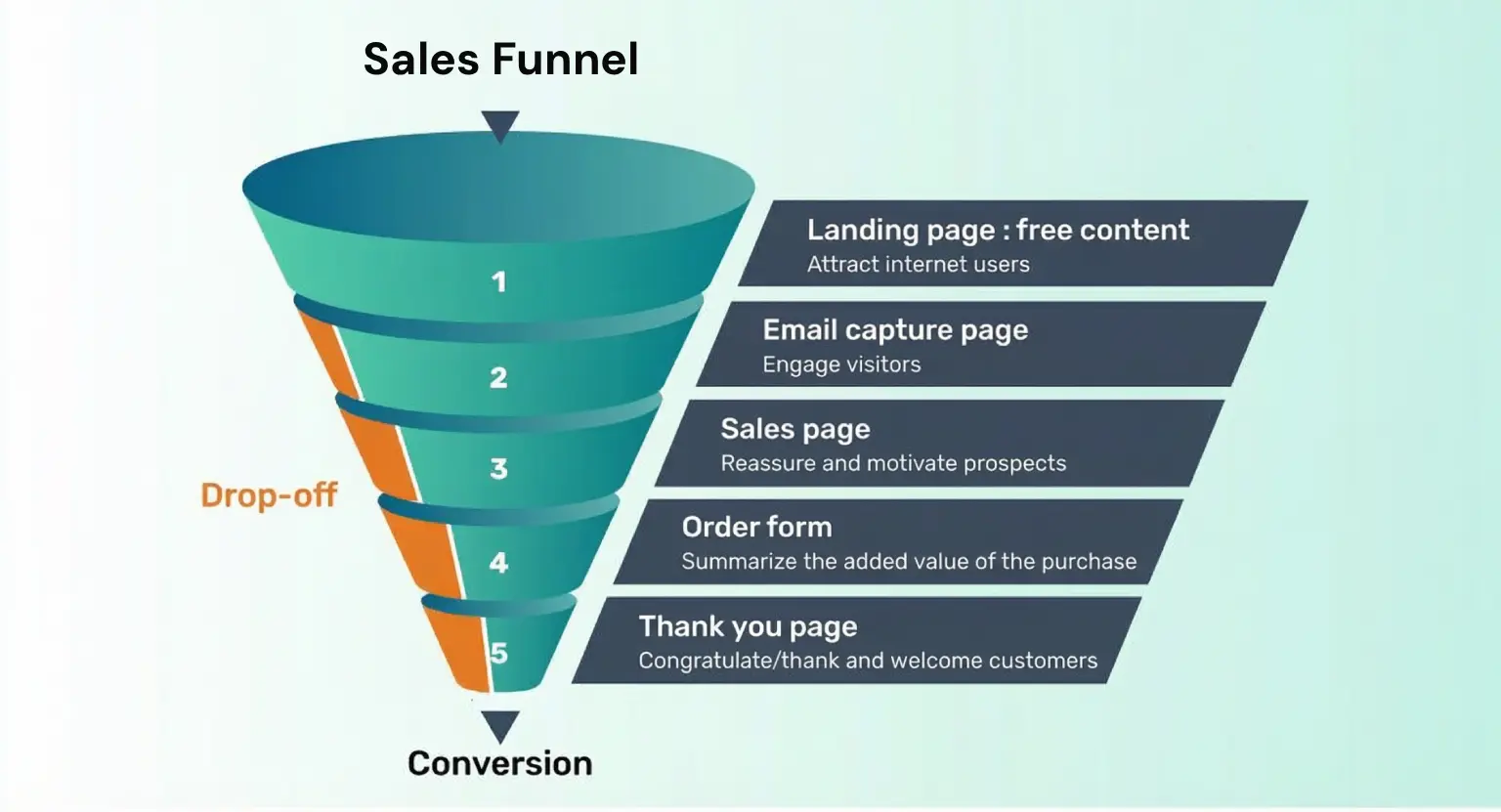
You can build the most incredible membership site in the world, but if nobody knows it exists, your dashboard will remain a ghost town. Successful launches are never accidental. They are built on email lists.
But how do you gather an audience before opening your doors? You must learn how to build an email list from scratch.
Offer a high-value lead magnet — like a free checklist, template, or exclusive mini-course — in exchange for their contact info. This warm audience is far more likely to buy than random social media followers.
When you are ready to open the doors, avoid a silent, slow launch. Create a structured event, perhaps using webinars to walk prospects through your core framework.
If you use the best webinar software, you can engage hundreds of potential members live.
Follow that up with a dedicated sequence, sending them a high-converting webinar follow up email sequence over the next five days to build urgency before registration closes.
And if you want a complete roadmap for this entire process, study our step-by-step framework on how to launch an online course or membership. Having a clear checklist prevents you from missing crucial steps under launch-day pressure.
Step 7 : Keep Your Members Sticky
Getting someone to join is only half the battle. Keeping them month after month is where the real passive income compounding happens.
Churn is the silent killer of subscription businesses, so you need a plan to prevent it.
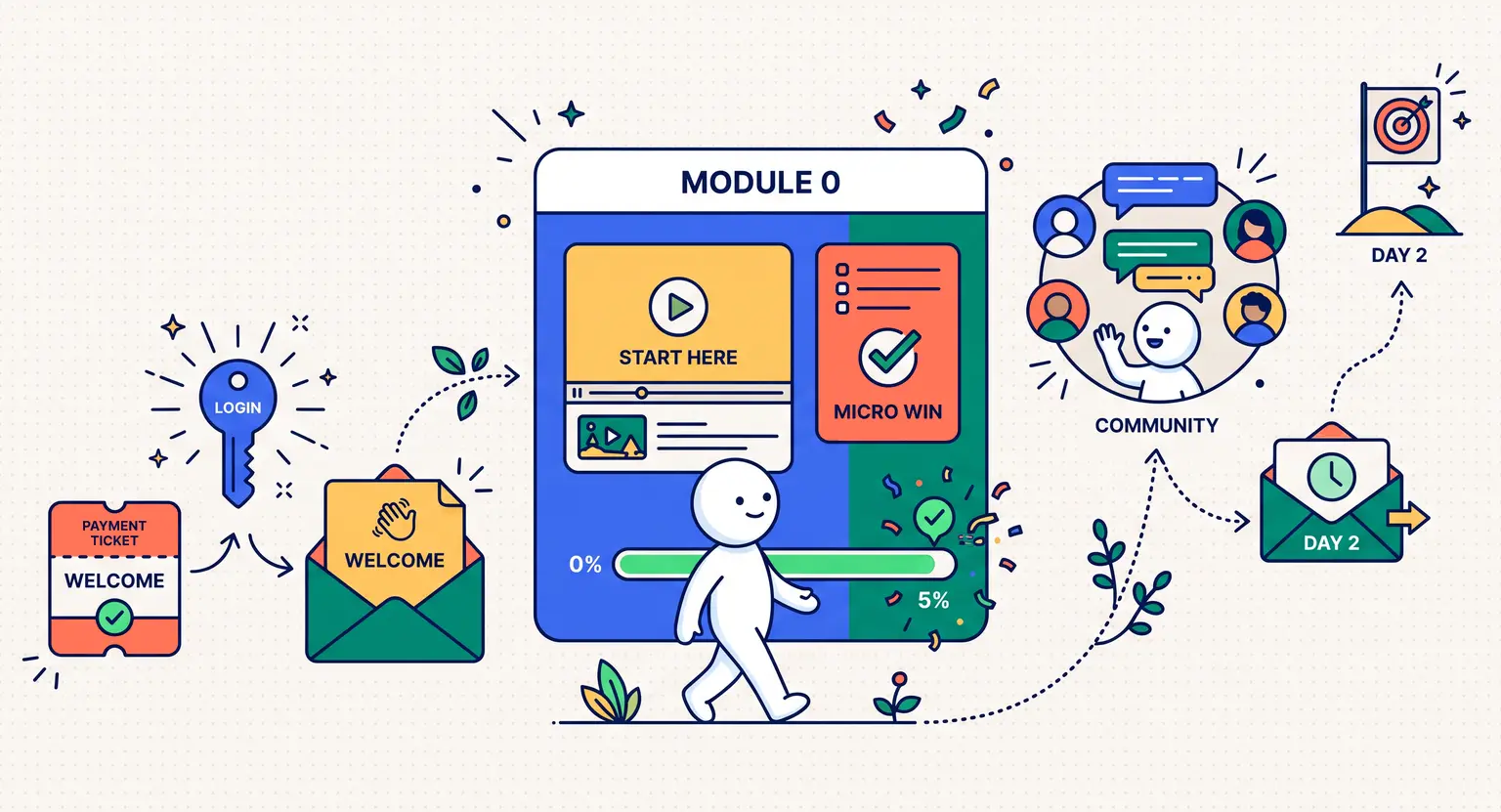
Make your onboarding process delightful. Send a personal welcome video, guide them to their first quick win within five minutes, and introduce them to the community forum.
When newbies feel welcomed immediately, they are far more likely to stick around.
But do not stop there. Host regular touchpoints. Throwing a monthly live coaching session, organizing community challenges, or celebrating member wins publicly builds a strong tribal identity.
People join for the content, but they stay because of the relationships.
Frequently Asked Questions
How much content do I need before launching my membership site?
You need surprisingly little. Aim for a quick-start guide, one core masterclass, and a couple of templates that solve an immediate pain point.
Launching with too much content actually overwhelms new members, leading to higher cancelations. Build the rest collaboratively with your founding members.
What is the average churn rate for membership platforms?
For most online membership programs, a healthy monthly churn rate hovers between five and nine percent.
Anything below five percent is phenomenal, while rates above ten percent signal that your onboarding process, content quality, or community engagement needs immediate refinement.
Should I use WordPress or an all-in-one platform?
If you love coding, dealing with constant security patches, and troubleshooting plugin conflicts, go with WordPress.
But if you want to focus entirely on teaching and marketing, choose an all-in-one system like LearnyBox. It saves massive amounts of time and technical stress.
Can I run a membership site without showing my face?
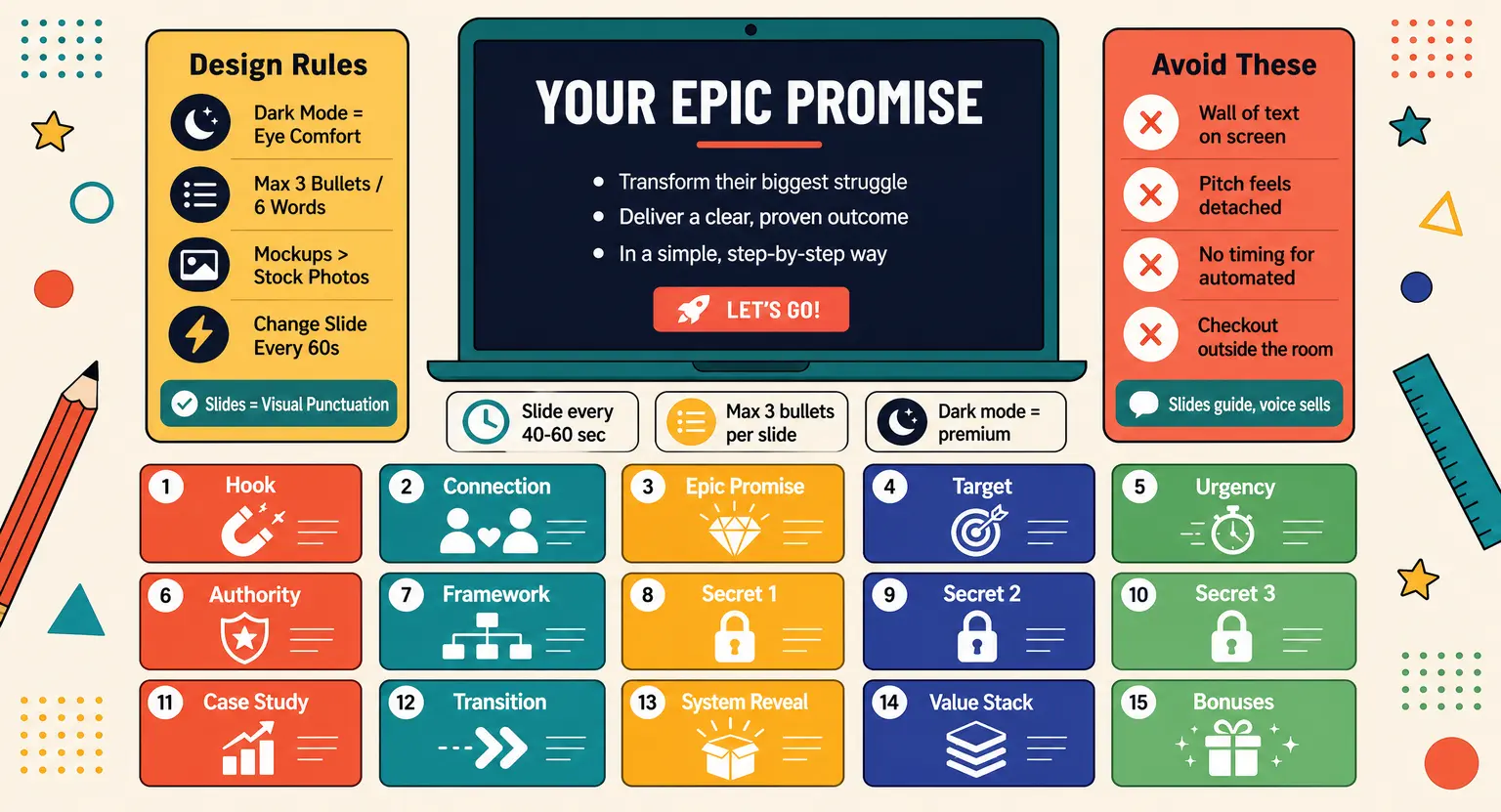
Absolutely. You can deliver immense value through presentation slides with voiceovers, written guides, downloadable templates, curation of tools, code repositories, or by hosting guest experts.
Your community will subscribe for the results you facilitate, not your camera presence.





 How to Create a Course Refund Policy (Templates & Best Practices for 2026)
 How to Run a Beta Version of an Online Course (2026 Guide)
 How to Create a Cohort-Based Online Course (2026 Guide)
 How to Sell an Online Course With a Quiz Funnel (2026 Guide)
 How to Sell an Online Course Through a Sales Call (2026 Guide)