







How to Create Verifiable Credentials for an Online Course (2026)
How to Create Verifiable Credentials for an Online Course
Key Takeaways for Course Creators
-
Static PDF certificates carry little credibility in modern hiring pipelines because they lack cryptographic proof.
-
Verifiable credentials embed cryptographic signatures, granular skill criteria, and issuer identity directly into the badge or token payload.
-
Adopting open frameworks like Open Badges 3.0 guarantees interoperability across digital wallets and corporate hiring engines.
-
Explore how modern delivery ecosystems compare in our guide on online course certificates vs digital credentials.
For years, course creators handed out flat PDF certificates at the end of their programs. You know the ones : pretty script fonts, a gold seal graphic in the corner, and a student's name pasted over a white background.
They looked nice on a refrigerator, but in today's digital talent marketplace, flat images are practically useless. Anyone with a basic photo editor can forge a completion certificate in less than five minutes. Employers know this, which is why they routinely ignore unverified claims on resumes and LinkedIn profiles.
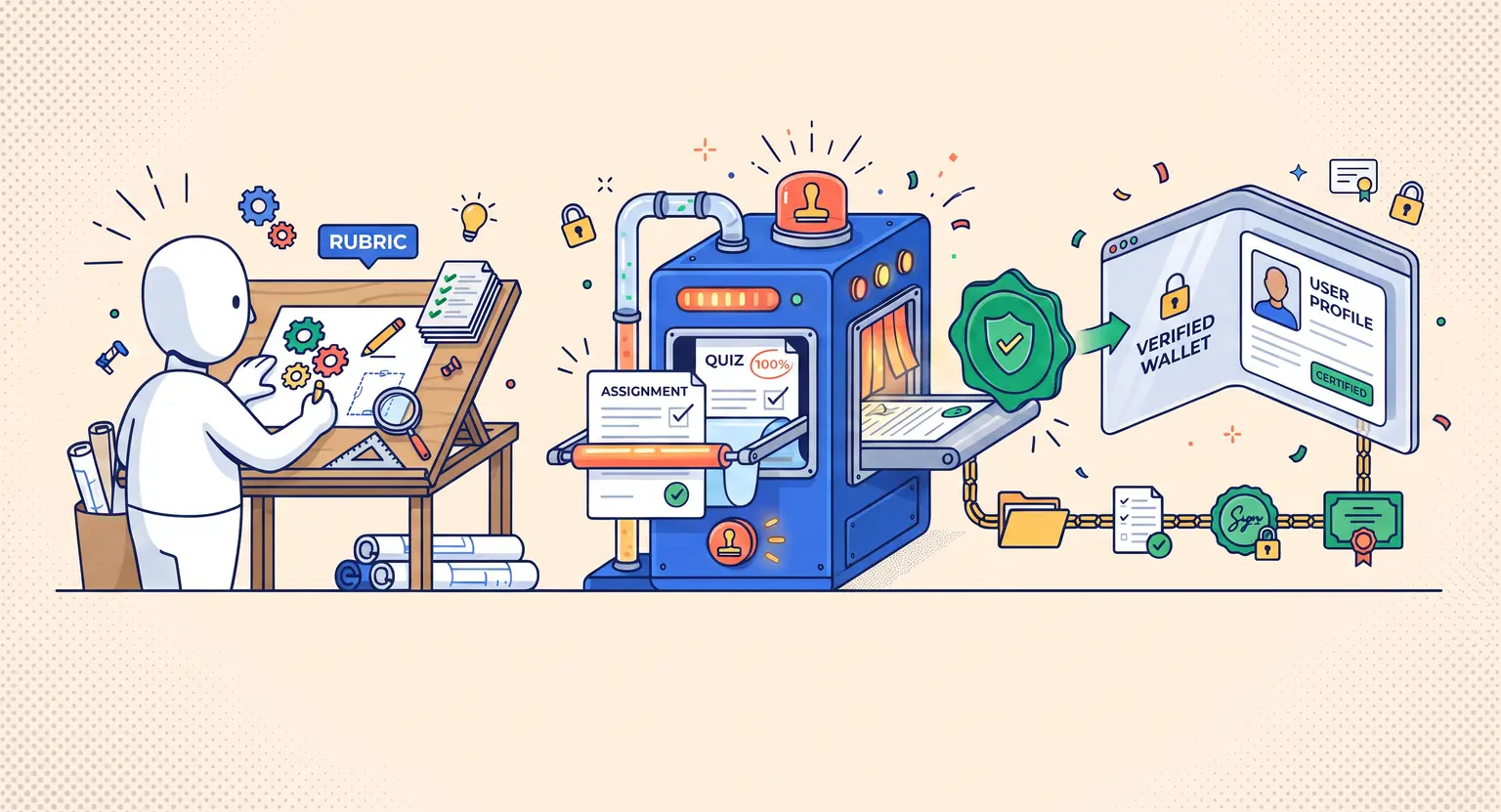
If you run a serious training academy or professional workshop, you need something stronger. You need credentials that carry mathematical proof of authenticity, detail exact competency rubrics, and live natively inside digital wallets.
Building this infrastructure sounds intimidating, but it is actually straightforward once you understand how the underlying verification standards fit together.
What Makes a Credential Genuinely Verifiable?
A verifiable credential is not just an image file hosted on a web server. Instead, it is a cryptographically signed data object that ties three distinct pieces of information together forever.
First, it identifies the issuer through a verified public key or recognized domain. Second, it identifies the recipient without leaking sensitive personal identity records. Third, it packages the exact criteria, grading outcomes, and issue date into an immutable metadata payload.
Whenever a recruiter, university, or client clicks on that credential, their software performs an automated cryptographic handshake. The system confirms that your academy issued the record, that nobody altered the text after issuance, and that the credential has not been revoked.
This technical shift gives your courses instant authority. Students are far more willing to invest in high-ticket training when they know the resulting certification can withstand intense scrutiny during job applications and promotion cycles.
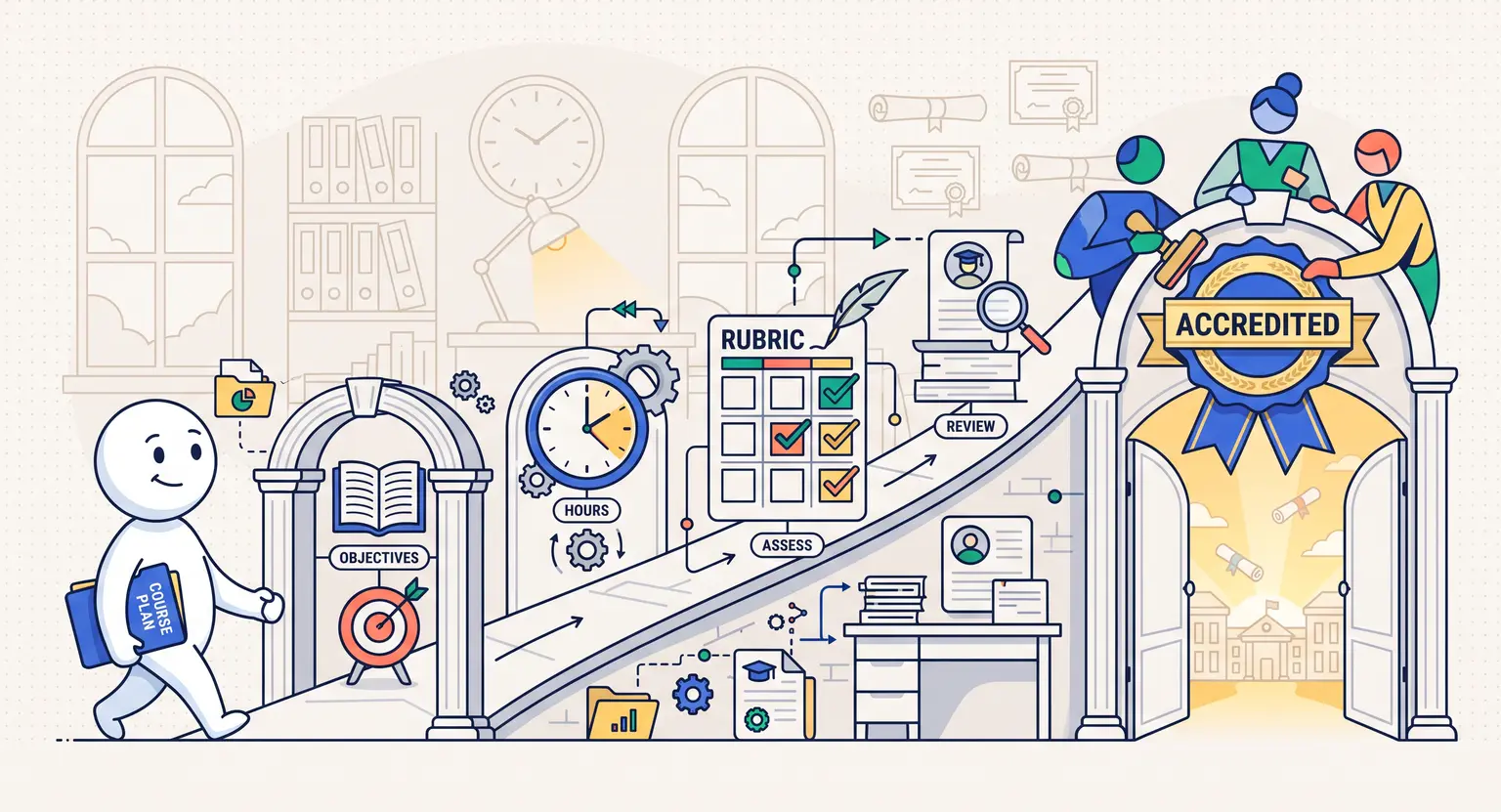
Step 1 : Define Competency Rubrics and Evidence Frameworks
Before touching any software or code, you must determine what the credential actually proves. Trust in a credential begins with the clarity of its earning criteria.
Vague badges that merely state "Finished Module 4" fail to impress hiring managers. Instead, articulate concrete capabilities that match real-world workplace tasks :
-
Specific technical tasks completed during the curriculum.
-
Measurable score thresholds achieved on final exams.
-
Practical portfolio projects audited and approved by instructors.
-
Compliance standards or hours of live instruction fulfilled.
Document these requirements publicly on an accessible syllabus page. When your credential points to transparent evaluation criteria, anyone inspecting the student's achievement understands the exact rigor behind the badge.
Step 2 : Choose Your Credentialing Standard Architecture
You do not need to reinvent data schemas from scratch. The edtech ecosystem has coalesced around standardized, open protocols that prevent vendor lock-in and make records portable.
Two primary architectures dominate the industry today :
-
Open Badges 3.0 : maintained by 1EdTech, this standard merges traditional micro-credentialing with modern data packaging. It stores cryptographic proof inside JSON-LD structures that can be rendered as visual badges or imported into digital student wallets.
-
W3C Verifiable Credentials (VC) : a broader web standard developed by the World Wide Web Consortium. It uses decentralized identifiers (DIDs) to grant learners sovereign ownership of their career records across decentralized systems.
For most commercial online course academies, Open Badges 3.0 provides the sweet spot. It offers total cryptographic security while remaining compatible with LinkedIn, portfolio apps, and corporate learning management engines.
Step 3 : Integrate Assessment Triggers Inside Your LMS
Manual certificate generation kills operational efficiency. If you have to generate badges by hand every time a cohort finishes, your team will drown in administrative overhead.
Modern course creators link credentialing tools directly to their course progression triggers. When building out your testing flow, configure robust evaluation logic so badges only trigger when actual mastery is verified. You can streamline evaluation checkpoints using how to create quizzes for online courses to guarantee rigorous assessment data.
Here is how a seamless automated issuance workflow operates behind the scenes :
-
The student completes the capstone project or final evaluation within the learning platform.
-
The LMS logs the passing grade and fires a secure webhook to your credential engine.
-
The credential engine hashes the student's unique identifier, signs the data payload with your academy's private key, and generates a permanent assertion URL.
-
An automated email delivers the verification link and wallet claim token to the student immediately.
This automated loop ensures students experience instant gratification right at the moment of completion, driving immediate social sharing.
Comparing Credential Types for Digital Courses
Understanding where verifiable credentials sit relative to older formats helps clarify why the upgrade matters for your brand reputation.
| Credential model | Tamper resistance | Verification mechanism | Portability & sharing |
|---|---|---|---|
|
Static PDF / image |
Zero (easily forged). |
Manual email/phone contact with school. |
Static file attachment or printout. |
|
Hosted web certificate |
Moderate (relies on server uptime). |
Landing page on issuer's website. |
Direct URL link. |
|
Open Badges 3.0 / W3C VC |
Cryptographically absolute. |
Instant mathematical signature check. |
Digital wallets, LinkedIn, universal profiles. |
Step 4 : Design Visual Assets That Command Respect
While the cryptographic metadata does the heavy lifting under the hood, human perception still matters. A well-designed visual badge encourages students to broadcast their achievements across their professional networks.
Keep your visual credential designs professional and structured :
-
Use distinct color palettes or geometric shapes to indicate progressive skill tiers (e.g., Associate, Professional, Master).
-
Display your official academy insignia cleanly without unnecessary visual clutter.
-
Ensure badge graphics render crisply at smaller sizes, particularly in social feeds and mobile wallet displays.
-
Avoid using fake ribbon graphics or pseudo-official government emblems that dilute credibility.
When students take pride in the appearance of their badge, they become active brand ambassadors, circulating your course brand directly into the feeds of their colleagues and peers.
Best Practices for Driving Student and Employer Adoption
Issuing technically perfect credentials is only half the battle. You must educate your learners on how to use them to unlock career opportunities.
Include a brief, interactive onboarding guide on your course completion screen. Walk students through claiming their digital credential, pushing the verified achievement to LinkedIn with a single click, and embedding the verification badge onto their personal websites or digital resumes.
So what happens if a credential needs to be invalidated due to academic dishonesty or policy violations? Make sure your system supports real-time revocation registries. A robust revocation mechanism signals to industry partners that your certifications maintain uncompromising standards over time.
By pairing verifiable proof with high-quality teaching, you transform your online course from a simple video playlist into a recognized professional credentialing institution.
Explore Strategic Guides on Digital Credentialing
-
Discover the formal landscape in our analysis of credentials & professional education.
-
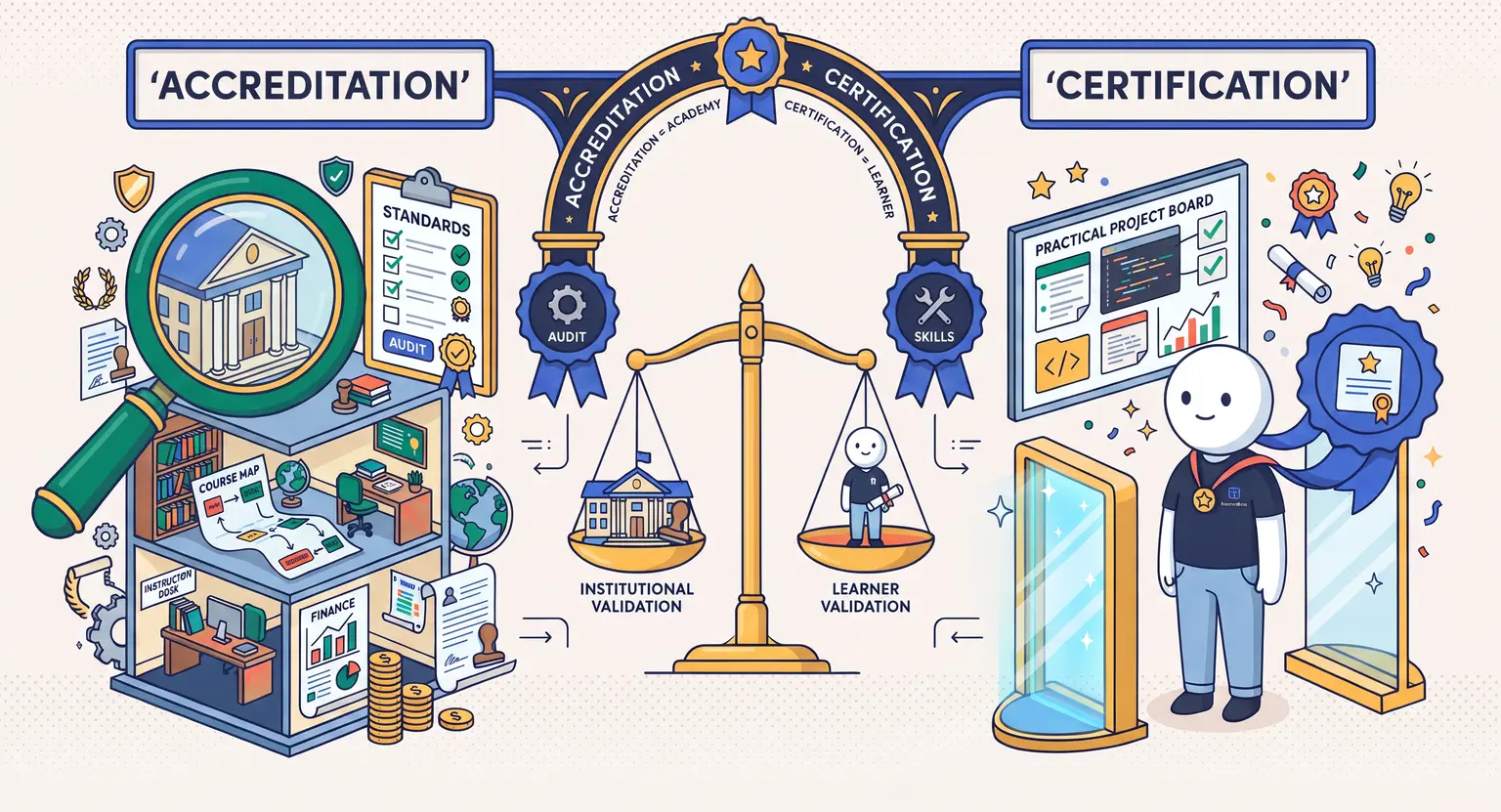
Understand institutional recognition rules with online course accreditation vs certification.
-
Choose the right infrastructure using our guide to the best online course platforms.
-
Scale organizational training programs with our dedicated enterprise LMS elearning platform.
-
Organize your production workflow step-by-step with the course creation checklist.
-
Power your complete business using an all-in-one platform to sell online courses.
Frequently Asked Questions
What is the primary difference between a digital certificate and a verifiable credential?
A standard digital certificate is usually a static graphic or PDF that can be easily forged or altered in graphic software. A verifiable credential contains cryptographically signed metadata linked directly to the issuer's public key or decentralized identifier, allowing third parties to instantly verify its authenticity with zero manual checks.
Do I need a blockchain infrastructure to issue verifiable credentials?
No. While some systems anchor cryptographic hashes to public or consortium ledgers, most modern verifiable credentials rely on standard public-key cryptography (such as W3C Verifiable Credentials or Open Badges 3.0 hosted on secure web endpoints), making expensive blockchain gas fees completely unnecessary.
Can students add these verifiable credentials directly to LinkedIn?
Yes. When you generate a credential that complies with 1EdTech or W3C standards, students receive an issuance link or token that integrates directly into the LinkedIn Licenses and Certifications section with an active verification URL.
How do automated assessments trigger credential issuance?
You can connect your LMS testing module or graded assignments to your credential engine via webhooks or native API triggers. Once a student reaches the required passing score and completes all prerequisite lessons, the credential engine signs the payload and emails the student instantly.




 How to Build a Customer Education Program With Online Courses (2026)
 How to Create Online Compliance Training for Employees (2026 Guide)
 How to Turn an Online Course Into a Mobile App (2026 Guide)
 How to Create Team-Based Access for Online Courses (2026 Guide)
 How to Sell Bulk Online Course Access to Companies (2026 Guide)