







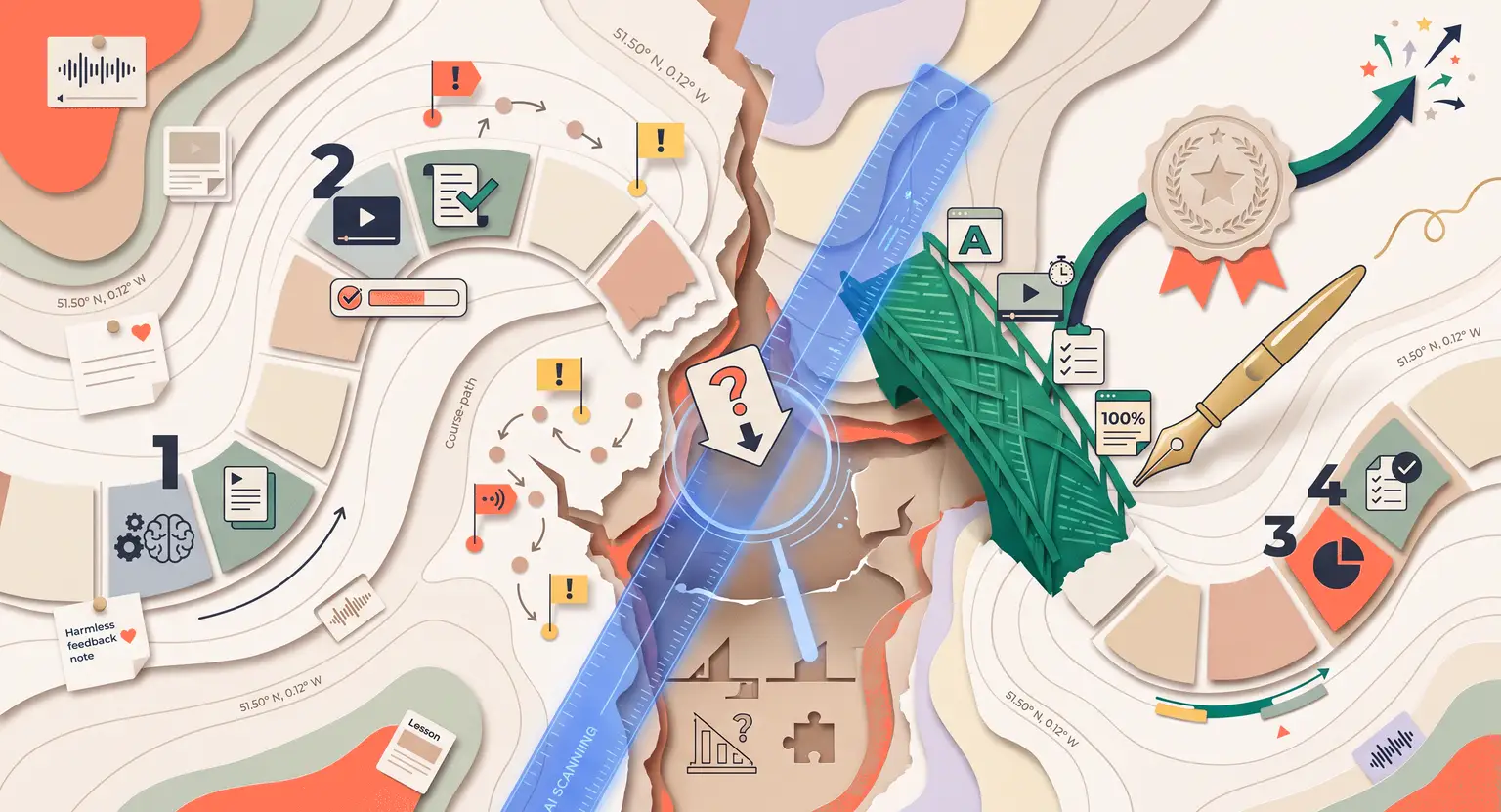
How to Use AI to Identify Gaps in Your Online Course (2026 Guide)
How to Use AI to Identify Gaps in Your Online Course
Key Takeaways
-
Automated learning tools find structural logical gaps inside complex curriculum files.
-
Meticulously evaluating student drop-off data exposes hidden course blockades and friction points.
-
Real-time feedback mapping helps you improve your existing course content with AI.
-
Combining all these features in an integrated platform boosts student completion rates enormously.
You poured your heart and soul into building an online program. The video lessons look professional and the slide decks are sleek.
But after a few weeks of launching, you notice something unsettling. Students suddenly lose interest around module three, quizzes are left half-finished, and support requests pile up.
No digital academy starts perfectly. Spotting structural gaps, however, usually feels like searching for a tiny needle in a dark haystack. Typically, you must squint at completion metrics and guess why people withdraw.
And today, smart software steps in as an expert assistant. These automated systems do the heavy structural lifting, examining syllabus texts and highlighting exactly where material drops off.
Here is how you can use these automatic helpers to fix your classes easily and protect your growing earnings.
Checking Your Logical Curriculum Flow
Sometimes, the biggest gap in your course is not what you taught, but the essential context you accidentally skipped. Imagine teaching advanced marketing campaigns without explaining list segmenting. Novices get stuck, while experts feel underwhelmed.
And AI excels at spotting these missing logical links in your content.
To start, try feeding your text transcripts into a processor. Ask it to map the cognitive progression of your lessons.
This logical search targets sudden cognitive leaps that trigger student dropout rates. Ask the tool to act as a complete beginner and call out unexplained industry terms.
This helps ensure that you teach the basic framework completely. You do not want students having to pause the recording to look up basic definitions elsewhere.
If your flow seems disconnected, review how you structure your online program to quickly restore flow. Correcting these early structural issues always stops bad reviews. By using software logic, you prevent the typical pitfalls to avoid when building digital classes.
So, you establish solid scaffolding before students log in. It acts like an automated editor checking your rough learning notes and outlines.
This simple editing step keeps your program strong, and naturally keeps student satisfaction high across all modules as they actively and continually progress.
Sifting Through Student Feedback
If you have taught this course to a small group of active learners, you already possess feedback. But combing manually through support files, chat archives, and reviews is tiring.
Most creators glance at ratings, read a couple of angry complaints, and completely ignore the rest because it feels too overwhelming to handle.
This is where smart AI-driven algorithms shine brightly. You can gather your text questions, chat records, and comments into one document. Then, ask an analytical tool to search for recurring themes and hidden patterns.
It targets emotional pain points and instances where students mentioned getting stuck. When you analyze student feedback using artificial intelligence, you quickly spot logical trends.
For example, the software might find that 40 % of help desk tickets relate directly to a single video clip. That is a clear mathematical signal pointing to a specific student struggle.
Instead of spending your valuable weekend scanning support emails, you obtain a structured list of actionable curriculum tasks in just two minutes.
AI can also review positive comments to discover which precise lecture sections are working well. This lets you replicate successful formats elsewhere.
If students love your checklist sheets, build a comprehensive course creation checklist for other training blocks too. This keeps updates aligned with actual user difficulties.
To make things clear, let's look at how manual gap detection stacks up against automated AI audits across several core digital course management areas.
| Gap analysis area | Manual method | AI-driven approach | Key benefit |
|---|---|---|---|
|
Drop-off spots |
Track student watch times manually and guess why users stopped. |
Run transcripts through semantic processors to pinpoint exact timestamps. |
Fast visual lesson fixes. |
|
Quiz failures |
Compare quiz grades manually across dozens of spreadsheets. |
Incorporate smart algorithms to highlight confusing questions. |
Instant better quiz design. |
|
Ticket analysis |
Read through each inbox email sequentially to find complaints. |
Sort hundreds of support interactions into categorized clusters. |
Fast robust course updates. |
|
Student reviews |
Collect student survey sheets and estimate general sentiment. |
Analyze text sentiment metrics using linguistic software. |
Data-backed student updates. |
Automating Quiz and Assessment Diagnostics
Quizzes are not just there to check student knowledge. They are tools to analyze if you teach effectively. If half of your group fails question five, they are not the issue. Your lesson material is the actual problem.
And you can process test answers using software scanners. Ask the system to locate anomalies. Look for specific assignments that students regularly miss or fail completely.
When you create interactive quizzes for online courses, you must design them carefully. If a platform highlight indicates a steep failure rate, cross-verify that specific topic with your spoken recordings.
Did you teach that specific theme clearly, or did you skim past it?
Typically, instructors introduce complex topics inside tests that they barely mentioned in slides. Scans catch these inconsistencies instantly, protecting student motivation. But quiz monitoring is only one piece of the puzzle.
Dropouts tell a broader story. If people quit right before tests, you have a programmatic gap.
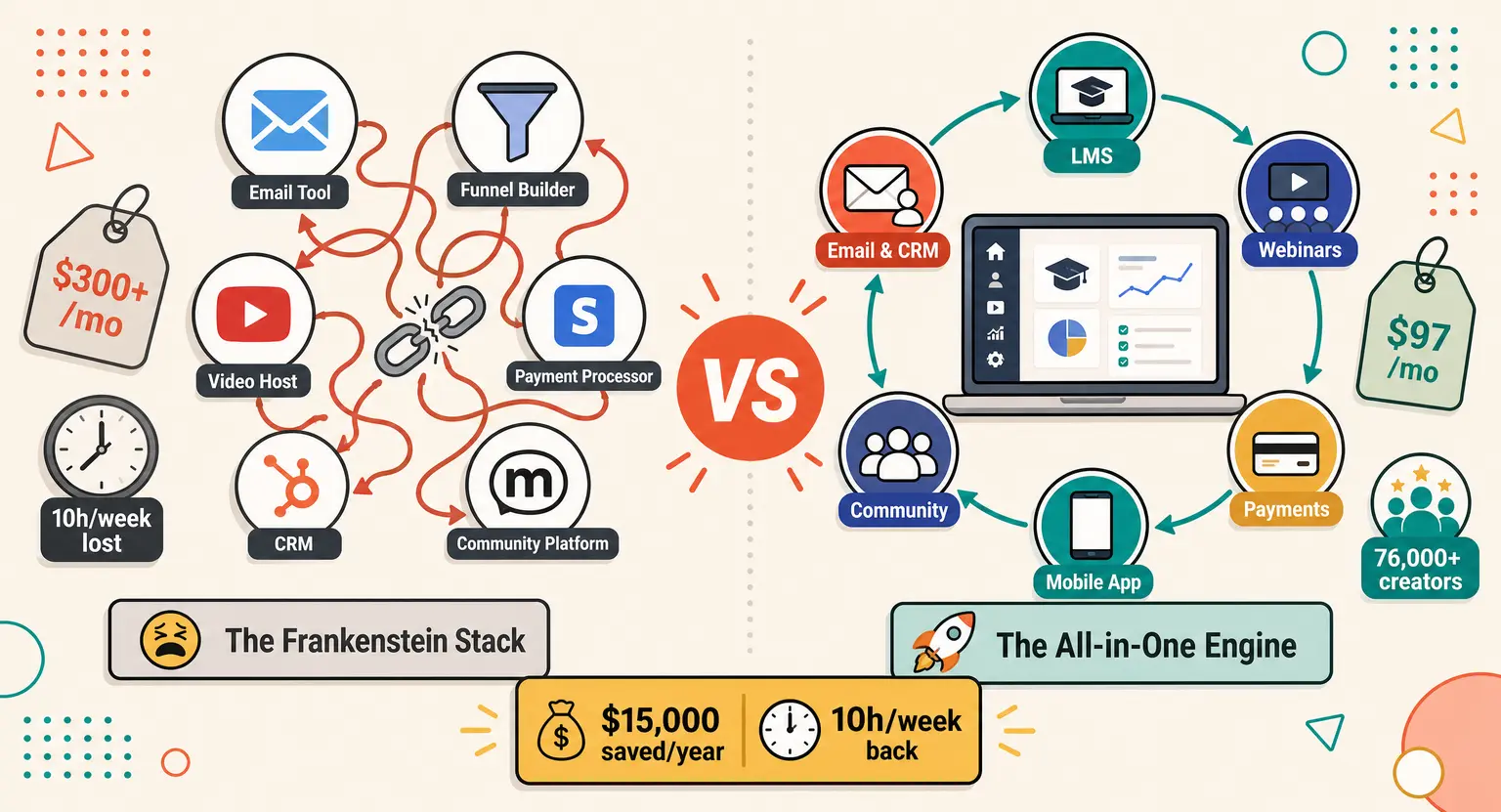
To fix this, utilize a comprehensive all-in-one platform to sell online courses to keep student actions and files in one visual hub.
This alignment makes it simple to act before dropouts occur in your classes. After all, supporting their early progress guarantees they stay and enroll in future paid offerings.
Keeping Content Punchy and Interactive
The days of record-and-forget academies are over. Classroom student standards are much higher today than ever before… If your lessons drag on for hours, learners will look for quicker online guides. Today's modern students demand immediate answers.
They want modular, highly digestible blocks of knowledge instead of long video monologues that take half a day.
To avoid this, audit your materials regularly. Using automated translation and speech transcribers, you can see where you repeat yourself. Smart AI programs scan spoken text to suggest locations where structured workbooks keep students focused.
Adding progress paths keeps files accessible for multiple learning preferences. If you want high completion numbers, you must create engaging course content that feels punchy.
So, actively swap out heavy blocks of writing for sleek checklists, interactive visuals, and exercises. And you should absolutely not be afraid to restructure.
Use systems to save time when auditing these structural voids. Student success always follows naturally when your educational program feels fresh, dynamic, and genuinely helpful.
Frequently Asked Questions
How does AI detect student frustration?
Algorithms track specific student patterns such as course video pause times, recurring quiz failure spikes, and incoming help desk inquiries.
By identifying precisely where students stop watching or fail tests, the system automatically flags these structural coordinates.
This lets you actively patch weak course materials without spending hours interviewing confused students or reading through hundreds of support tickets manually.
Can AI rewrite my course text?
Yes, AI can absolutely suggest editing corrections, split long paragraphs, and create helpful supporting workbooks and study templates for you.
But you must retain your authentic unique human voice and experience.
Use automation tools strictly to restructure confusing areas, simplify complex explanations, and suggest modern checklists while keeping your unique training style and stories intact to build massive brand credibility.
What data should I scan first?
Always start with student drop-off metrics since they show where learners abandon your classes entirely.
When people quit, your digital sales drop quickly. Next, process your intermediate test questions to ensure you are explaining complex concepts clearly. Finally, paste your raw support inbox receipts to locate repeating questions.
Focusing on these high-impact zones ensures your updates yield instant results, boosting course completion and encouraging positive word-of-mouth student reviews for your entire brand.






 How to Create a Course Refund Policy (Templates & Best Practices for 2026)
 How to Run a Beta Version of an Online Course (2026 Guide)
 How to Create a Cohort-Based Online Course (2026 Guide)
 How to Sell an Online Course With a Quiz Funnel (2026 Guide)
 How to Sell an Online Course Through a Sales Call (2026 Guide)